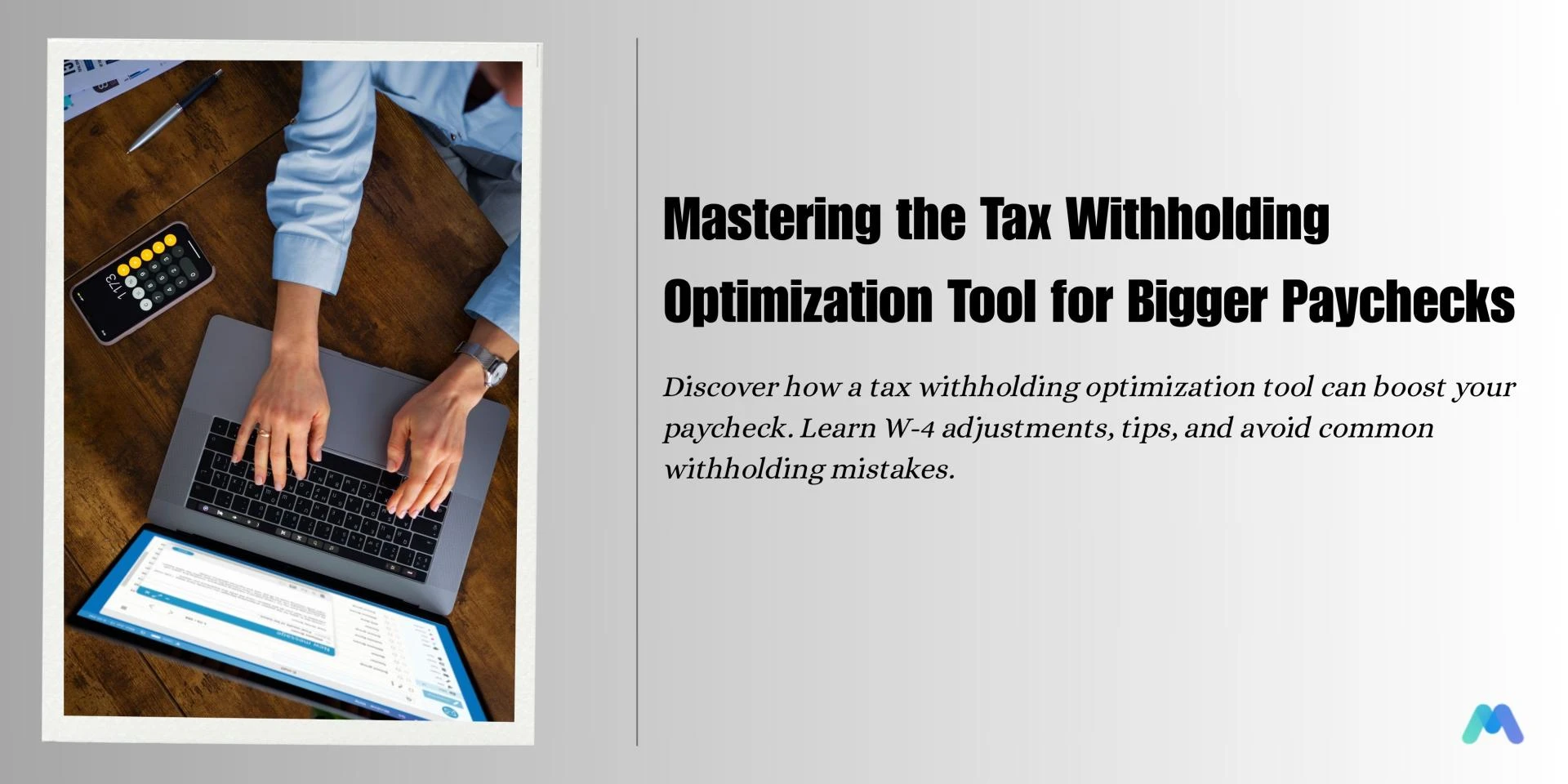

Taxes are an unavoidable part of life, but how much you pay—and when you pay it—is something you can control far more than most people realize. For millions of employees and business owners, tax season brings either a sigh of relief when a refund hits or a wave of stress when the IRS expects a payment. What many don’t understand is that both outcomes often come down to one critical decision: how much tax you have withheld from each paycheck.
The tax withholding optimization tool is designed to take the guesswork out of that decision. This tool uses your income, filing status, deductions, and credits to calculate the perfect balance between overpaying and underpaying your taxes. Instead of waiting for a refund that represents months of over-withholding or scrambling to find money because you’ve underpaid, you can set your withholding just right to match your actual tax liability.
But this is not just about filling in a few boxes on a form. When you combine a tax withholding optimization tool with resources like a tax withholding calculator online and the IRS tax withholding estimator, you put yourself in control of your financial flow all year long. In this guide, we’ll explore how to optimize tax withholding step-by-step, why adjusting your W-4 matters, tips for employees, and the common mistakes that can sabotage your efforts.
Understanding Tax Withholding and Its Impact on Your Finances
Before diving into optimization, it’s essential to understand what tax withholding actually is. Tax withholding refers to the portion of your earnings that your employer deducts from each paycheck to cover your federal—and sometimes state—income tax obligations. This money is sent directly to the IRS on your behalf, essentially prepaying your taxes so that you aren’t stuck with a lump sum bill when you file your return.
If you’ve ever received a large refund check in the spring, that means you had too much tax withheld during the year. While it might feel like a bonus, in reality, it’s your own money being returned to you after the government held it—without paying you interest. On the flip side, if you owe money when you file, that means you didn’t have enough withheld and you now need to catch up.
This is where the tax withholding optimization tool proves its worth. By entering accurate, current information into the tool, you can fine-tune your withholding to keep more of your paycheck now while avoiding a year-end tax surprise. Learning how to optimize tax withholding can significantly improve your monthly budget and long-term financial stability.
The Role of the Tax Withholding Optimization Tool
So, what exactly does a tax withholding optimization tool do, and how is it different from the calculators you might find online? While a basic tax withholding calculator online can give you a general idea of whether you are overpaying or underpaying, an optimization tool goes several steps further.
It factors in the latest IRS tax tables, considers your full financial picture, and allows you to model different scenarios. For example, if you’re considering increasing your 401(k) contributions, the tool can estimate how that will reduce your taxable income and adjust your withholding recommendation accordingly. If you take on a side hustle, it can help you project the additional income and adjust your withholding so you don’t end up owing taxes on that extra money.
The primary benefit here is precision. Instead of a rough guess, you get a tailored recommendation that reflects your real-life circumstances. This is why many financial advisors encourage clients to use both the tax withholding optimization tool and the IRS tax withholding estimator—the combination ensures accuracy and compliance.
How to Optimize Tax Withholding Without Guesswork
Optimizing your tax withholding is not something you do once and forget about. It’s an ongoing process that should be revisited at least once a year, and more often if your financial situation changes.
The first step in how to optimize tax withholding is gathering your financial documents. You’ll need your most recent pay stubs, your last tax return, and an estimate of any upcoming income changes. Once you have that information, enter it into a tax withholding calculator online or directly into the IRS tax withholding estimator.
These tools will walk you through a series of questions, such as whether you have dependents, whether you plan to itemize deductions, and whether you have multiple jobs. If you are married, you’ll also need to consider your spouse’s income and withholding. The results will tell you whether your current withholding is on target, too high, or too low.
If adjustments are needed, the next step is to update your W-4 form. Knowing how to adjust W-4 withholding for tax savings is critical. The W-4 form is what tells your employer exactly how much federal income tax to withhold from your paycheck. By adjusting it, you can either increase your take-home pay or ensure you’re not underpaying.
For example, if you’ve historically received a $3,000 refund, that means you’ve been overpaying by about $250 per month. By reducing your withholding, you could keep that $250 in each paycheck, using it to pay down debt, invest, or build an emergency fund.
Why the IRS Tax Withholding Estimator Matters
While many private companies offer calculators and optimization tools, the IRS tax withholding estimator holds a unique advantage: it’s the official source. The IRS updates it annually to reflect the latest tax laws, deduction thresholds, and bracket changes. Using it ensures that your calculations are based on the same rules the IRS will apply when processing your return.
The estimator also handles complex situations better than many generic tools. If you have multiple income streams, seasonal work, or fluctuating commission-based pay, the IRS tool can adjust for those variables more accurately. For best results, use the IRS estimator first, then verify your results with a tax withholding optimization tool for a second opinion.
Tax Withholding Tips for Employees
For employees, regular attention to withholding can mean the difference between financial stress and financial security. One of the best tax withholding tips for employees is to check your withholding at least twice a year — once early in the year and once mid-year. This ensures you have time to make adjustments before the year ends.
Another tip is to factor in any bonuses, overtime, or commissions. These can push you into a higher tax bracket temporarily, increasing the amount owed if not accounted for in your withholding. By using a tax withholding optimization tool after receiving additional income, you can immediately see whether changes are necessary.
Employees should also be proactive about life changes. Marriage, divorce, having a child, or purchasing a home can all affect your tax liability. Whenever one of these events occurs, update your W-4 and run your numbers through the IRS tax withholding estimator to make sure you remain on track.
Tax Withholding Mistakes to Avoid
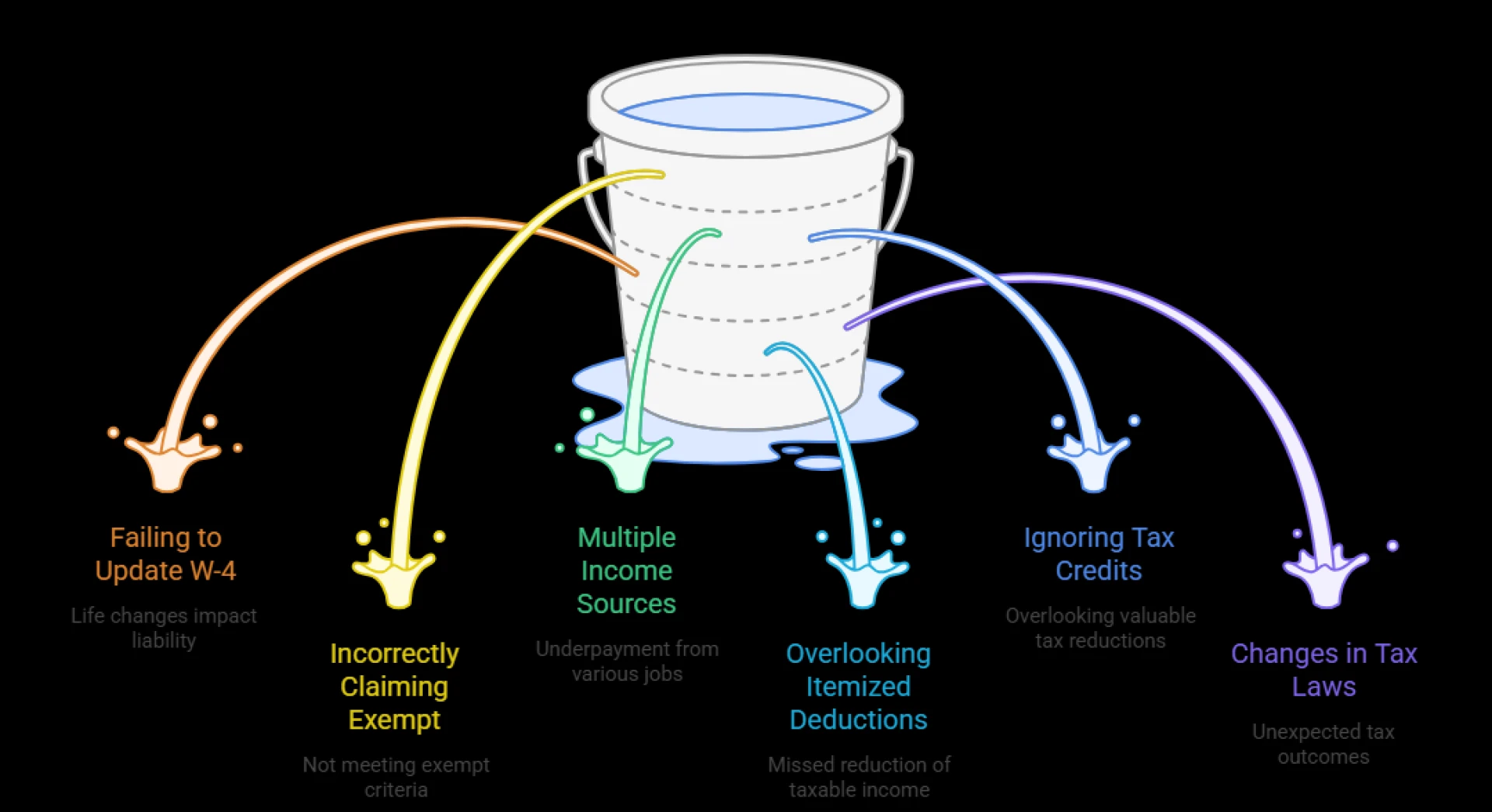
Even with great tools at your disposal, there are common tax withholding mistakes to avoid. One of the most frequent is ignoring your withholding altogether, assuming it will “work itself out” at tax time. Another is making a one-time adjustment and never revisiting it, even when your life circumstances change.
Over-withholding is also a mistake. Many people treat their tax refund as a forced savings plan, but in reality, you’re just giving the government an interest-free loan. That money could be working for you throughout the year instead.
Finally, under-withholding can create financial stress. If you regularly owe money at tax time, it’s a sign that your withholding is too low. Not only can this result in a large lump-sum payment, but it can also trigger underpayment penalties from the IRS.
Integrating Withholding Optimization into Payroll Planning
For businesses, encouraging employees to use a tax withholding optimization tool is a win-win. Employees benefit from predictable tax outcomes and healthier cash flow, while employers reduce the risk of payroll-related disputes or errors.
Payroll platforms like CheckBoost make it easy to integrate withholding calculations directly into the payroll process. This ensures that every paycheck reflects accurate, up-to-date withholding figures, reducing surprises for both employees and the company.
By building withholding optimization into your payroll strategy, you can help employees maximize their take-home pay while staying fully compliant with IRS requirements.
Conclusion: Take Control of Your Paycheck Today
Tax withholding doesn’t have to be a mystery or a source of stress. By understanding the process, using the right tools, and making timely adjustments, you can take full control of how much tax is withheld from your paycheck.
The tax withholding optimization tool, combined with a tax withholding calculator online and the IRS tax withholding estimator, provides the clarity you need to make informed decisions. Learning how to optimize tax withholding and how to adjust W-4 withholding for tax savings is an investment in your financial well-being.
Don’t wait for tax season to find out where you stand—take action today and keep more of your hard-earned money in your pocket where it belongs.





























Sign in to leave a comment.