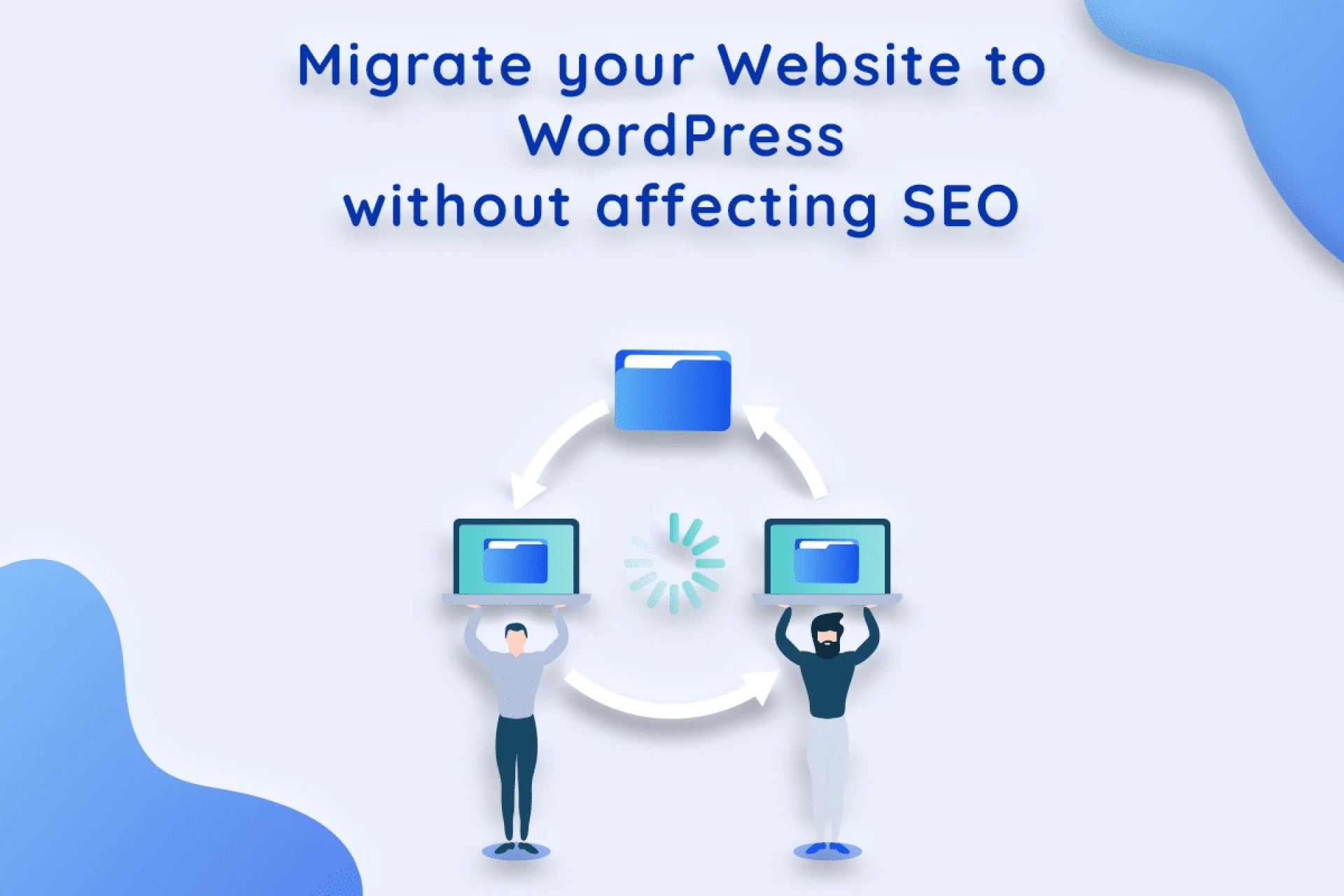

Do you want to migrate your website to WordPress? I understand your concern about losing your website's SEO ranking. I'm sure you must have worked extremely hard over a long period of time to earn such a high ranking.
Not to worry, you are not alone in thinking this. The procedure of moving a website should be carried out with extreme care.
Why Should You Move Your Website to WordPress?
WordPress is the most widely used website building platform on the planet. It's extremely adaptable and customizable. Numerous global brands rely on WordPress to run their websites.
WordPress is simple to manage and requires no coding or programming skills. Additionally, it includes a slew of built-in capabilities, making it an excellent choice for both beginners and developers.
Let's look at some of the main reasons why people choose WordPress over other platforms.
SEO-Friendly-
Whatever your website is, WordPress makes it easy to optimize it for search engines. Create a custom SEO-friendly permalink structure in seconds. Without having to hard code meta description, meta title, and other SEO information into your website, you may use an SEO plugin.
Easily Customizable-
The Gutenberg editor and WordPress Customizer make using WordPress a joy. No need to preview the page, just make changes and see them instantly on your dashboard.
Note: This course assumes you already have a dynamic CMS-based website or have a static/HTML website, you should consider hiring an expert developer to convert it to WordPress.
Therefore, in this article, I'll show the proper technique for migrating your website to WordPress without affecting its SEO.
Here are the 6 steps that we'll cover to help you migrate your website to WordPress:
1. Prepare for SEO Transfer (301 Redirect)-
Permanent 301 redirects are essential for a smooth transition from one Website to another. Without this, search engines and people will have difficulty locating your new site when they land on a piece of content. Worse yet, your bounce rate will increase, which is detrimental to your SEO.
If you've done everything correctly, you and everyone else will be sent to the new site automatically. If you are not redirected, double-check that you pasted the code correctly.
2. Setup your New WordPress Site-
Following the purchase of your new hosting plan, WordPress must be installed and configured. Once signed into the WordPress admin area, it's a good idea to configure your WordPress permalinks. The address of each blog post is determined by its permalink settings.
For example, instead of publishing a blog post to:
www.yourblog.com/2017/10/blog-post-title
You can publish it to:
www.yourblog.com/blog-post-title.
3. Choose a theme after installing WordPress-
WordPress is the world's most popular website builder. It's extremely adaptable and customizable. Numerous global brands rely on WordPress to run their websites. WordPress is simple to manage and requires no coding or programming skills. Additionally, it includes a slew of built-in capabilities, making it an excellent choice for both beginners and developers.
4. Export your CMS based Website-
It's simple to export a current or source website from a content management system (CMS). In the admin section of your site, you'll find an option to export an XML file including all of your site's content, media, and database. During the migration, you'll need to keep this file on your computer.
5. Import your CMS Based Website into WordPress-
The first step in importing a CMS-based site into WordPress is to install and activate the WP All Import plugin.
6. After Migration: What to Do-
The next step after a successful WordPress conversion is to fully utilize WordPress's capabilities.
On the market, there are thousands of free and premium WordPress plugins. With only a few clicks, these plugins will help you improve the operation of your website. You should also take a look at our list of essential WordPress plugins.
0
0
0
0
0
0
0
0







Sign in to leave a comment.