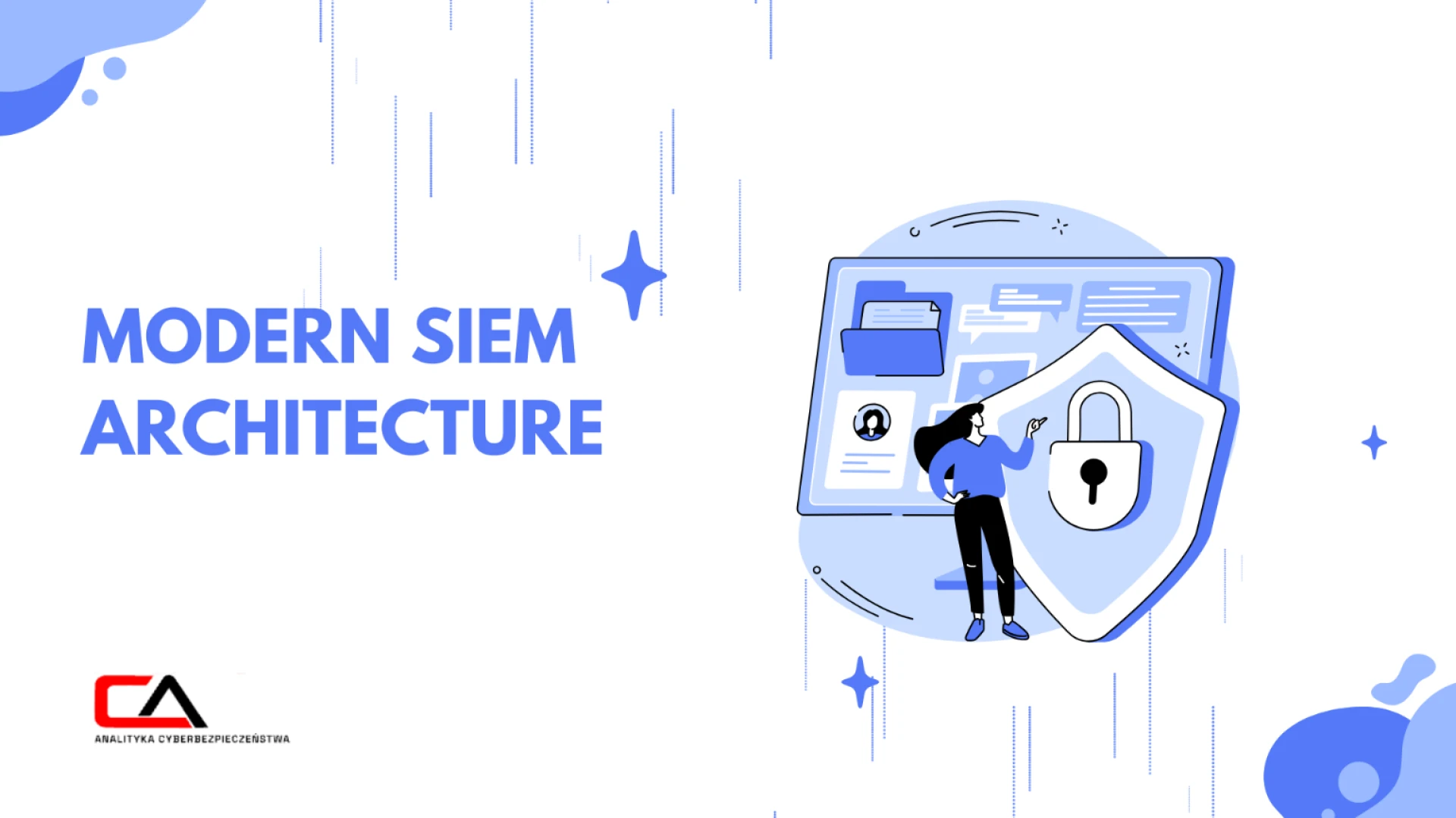

Security Information and Event Management, or SIEM, cybersecurity might sound overly technical or too complex to dive into, but strip away the jargon, and it’s simply about keeping watch.
A SIEM system essentially monitors activity across everything — from your networks and systems to applications — looking for unusual behaviour, so that it can notify your security team. Its main role is to help teams spot risks early and respond before real damage occurs.
To understand how it works, it’s useful to understand how security data flows through its architecture.
How does security flow within your SIEM architecture?
Here’s how data flows in your SIEM cybersecurity system, from the moment it spots an event all the way to reporting:
Event generated
If a security-relevant action (such as a suspicious file download) happens somewhere in your environment, the device or application that spotted it records it locally as a log entry.
Log forwarding
The firewall sends this event to your SIEM, forwarding the log in real-time using Syslog or through an installed agent.
Log parsing and normalisation
When your SIEM cybersecurity system gets the log, it reads and converts it into a structured format. Key details such as IP address and timestamp are defined and ready for analysis.
Data storage
Your SIEM architecture stores the normalised log in its database so that your security teams can retrieve historical data later for investigations or audits.
Correlation engine analysis
The correlation engine reviews the event against existing rules and recent activity, and if it notices the same IP address failing to access multiple servers within a short period, it flags the behaviour as “suspicious.”
Alert generation
Based on this pattern, your SIEM creates an alert indicating a possible brute-force attempt. The notification reaches the security team so they can respond quickly.
Dashboards and reports
The alert appears on dashboards and in reports, so your analysts can see them right away. From there, they can investigate the incident and take appropriate action.
Is your SIEM reliable enough?
Cybersecurity Analytics can strengthen your SIEM cybersecurity through its Security Operations Centre services. Along with round-the-clock security event monitoring and SIEM support, the team also provides risk analysis and security awareness training as part of a complete cybersecurity offering. To learn more, visit their website or contact their team by calling +48 886 282 803 or using their contact form.
About the Author
CA Cybersecurity Analytics is a team of experts with over a decade of experience protecting companies’ data, infrastructure, and reputation. We help organisations of all sizes build robust Information Security Management Systems (ISMS) using risk strategies, AI/Generative AI, and streamlined cybersecurity tools tailored to each business.
Sign in to leave a comment.