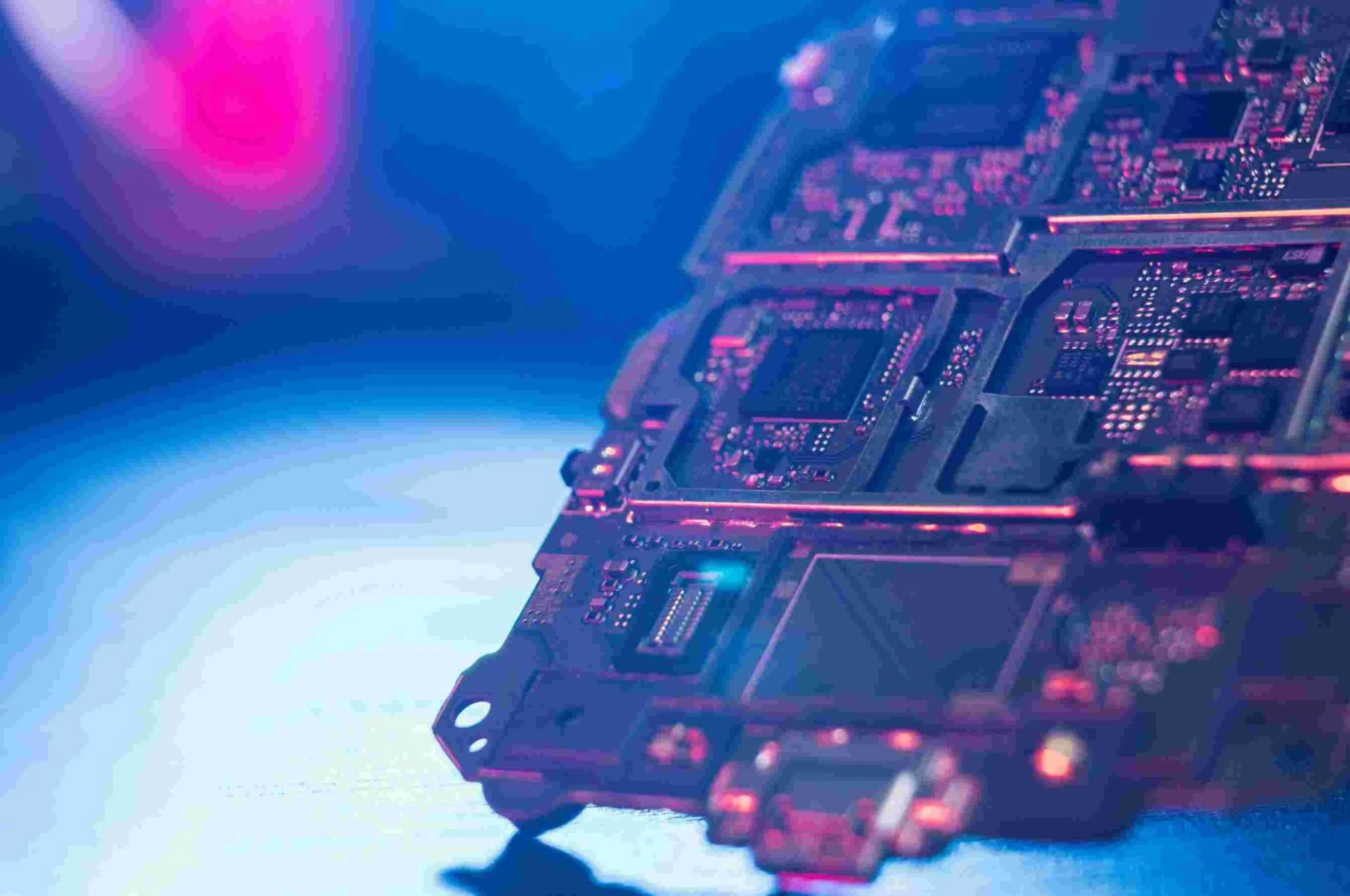

In the heart of every computer lies an essential component, the motherboard. It's the foundation that holds together all the complex pieces of our technology puzzle. Computer motherboards are the essential backbone of every computer system. If you’re looking to buy a motherboard to enhance the performance of your computer, Direct Macro is worth giving a shot.
What if you want more from your computer? More power, more speed? That's where motherboard overclocking comes into play. Here's everything you need to know about this process and how it can take your computer's performance to the next level.
Understanding the Basics of Motherboard Overclocking
Motherboard overclocking is the process of configuring the computer motherboard, along with other hardware components, to run at speeds beyond their official specifications. In simpler terms, it's like revving up your computer’s engine for a more dynamic performance. However, it isn't as simple as pushing a button. Overclocking involves adjusting various settings in your computer's BIOS (Basic Input/Output System), a pre-installed software on the motherboard that controls all hardware components.
Why Overclock Your Motherboard?
The most apparent benefit of motherboard overclocking is increased performance. Overclocking can deliver improved speed and power for gaming, graphic design, video editing, and other demanding tasks. It lets you get the most out of your computer without having to invest in new, more expensive hardware.
Risks and Considerations
While the benefits of overclocking are clear, it's important to note the potential risks involved. Overclocking generates additional heat, which could harm your hardware if not managed properly. Therefore, efficient cooling systems are vital when overclocking to prevent overheating and potential damage.
Additionally, pushing your hardware to its limits can also shorten its lifespan. Overclocking should be considered a tool for those who require additional power for specific, intensive tasks, not necessarily for everyday use.
Getting Started with Overclocking
If you've decided to proceed with overclocking, here are some general steps to get started:
Understand Your Hardware: Knowing the specifications and limitations of your motherboard and other components is vital before starting the overclocking process.
Research: Find reliable guides specific to your motherboard model. Remember, the process may vary based on the specific hardware.
Backup: Backup your data as overclocking has the potential to cause system instability, and you don’t want to risk losing important information.
Adjust Settings Gradually: Overclocking is not a rush job. Make small adjustments, monitor the effects, and proceed accordingly.
Monitor Temperature: Keep a close eye on your hardware’s temperature during the process to prevent overheating.
Finding the Right Motherboard for Overclocking
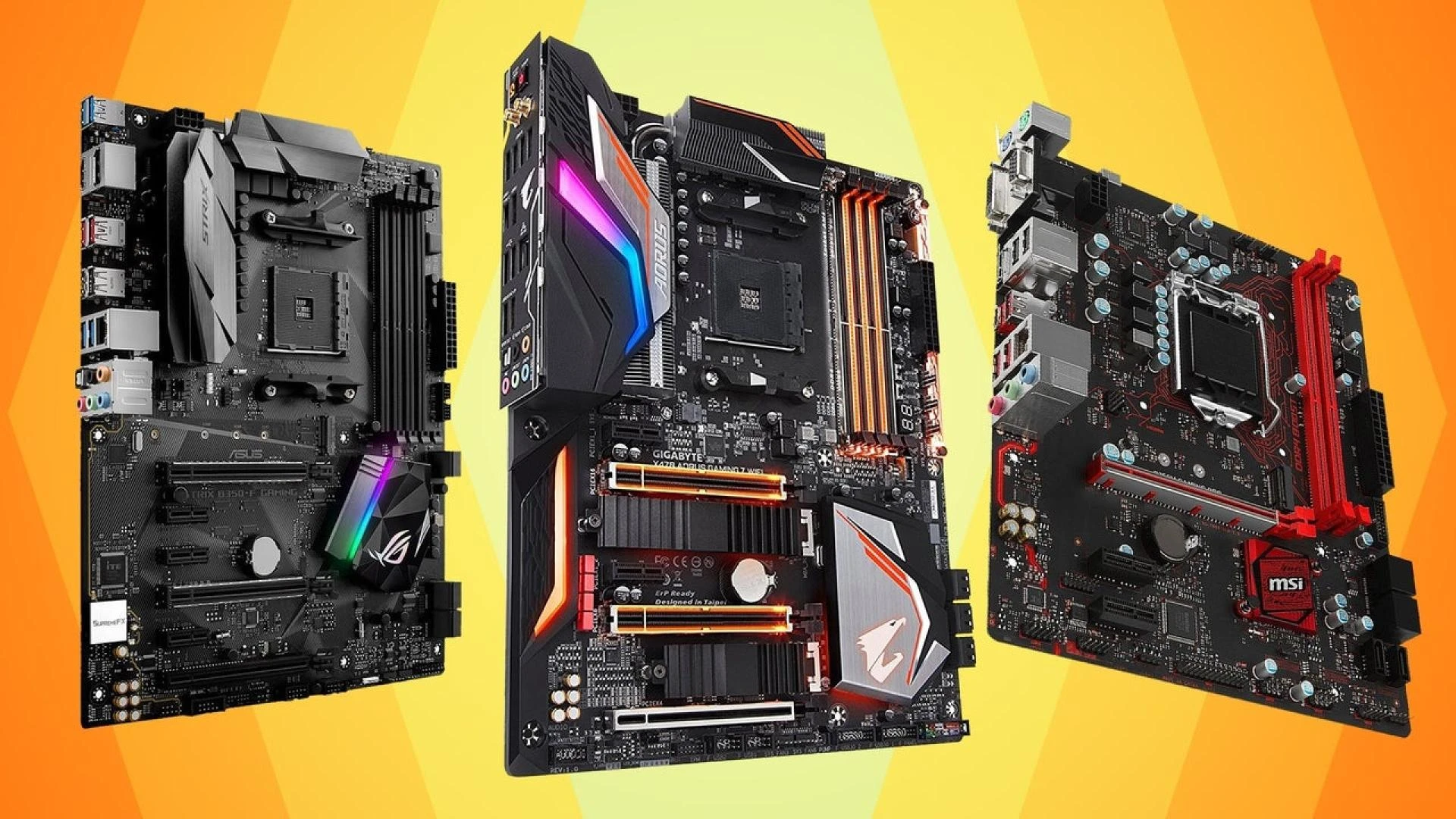
Not all motherboards are created equal, especially when it comes to overclocking. If you're looking to buy a motherboard that will give you the best overclocking results, you want to ensure it has the right features. High-quality capacitors, power phases, and cooling solutions are all crucial for overclocking.
Whether you're a pro gamer, a graphic designer, or simply a tech enthusiast looking to squeeze every bit of performance from your computer, Direct Macro has a vast selection of computer motherboards suitable for overclocking. Their products are backed by quality assurance and a team of experts who are always ready to help you choose the right motherboard for your needs.
FAQs about Motherboard Overclocking
Q: Is overclocking dangerous?
A: If not done properly, overclocking can lead to overheating and potential damage to your hardware. That's why it's important to research, understand your hardware, and monitor temperatures throughout the process.
Q: Does overclocking shorten lifespan?
A: Yes, pushing your hardware to its limits consistently can shorten its lifespan. However, with proper care and cooling, the effect can be minimized.
Q: What type of motherboard is best for overclocking?
A: A motherboard with high-quality capacitors, power phases, and an efficient cooling solution is ideal for overclocking. It should also support manual adjustments of the BIOS settings.
Q: Where can I buy a suitable motherboard for overclocking?
A: Direct Macro offers an extensive range of computer motherboards suitable for overclocking. They assure quality and have a team of experts ready to assist you in making the right choice.
Q: Is overclocking only for gamers?
A: No, overclocking can benefit anyone needing more power for tasks such as graphic design, video editing, and other demanding processes. However, it is not recommended for everyday computing needs due to the additional stress it puts on your hardware.
Long story short
Motherboard overclocking is a powerful tool that can significantly enhance your computer's performance. While it might seem daunting, with a comprehensive understanding of your hardware, proper preparation, and continuous monitoring, you can safely push your system's capabilities beyond its standard limits. Whether you're a professional requiring that extra boost or a hobbyist exploring the potentials of their PC, overclocking provides an accessible avenue for hardware optimization.
As you consider overclocking, remember the importance of using a suitable motherboard, and Direct Macro offers a wide range of options that meet your needs.





Sign in to leave a comment.