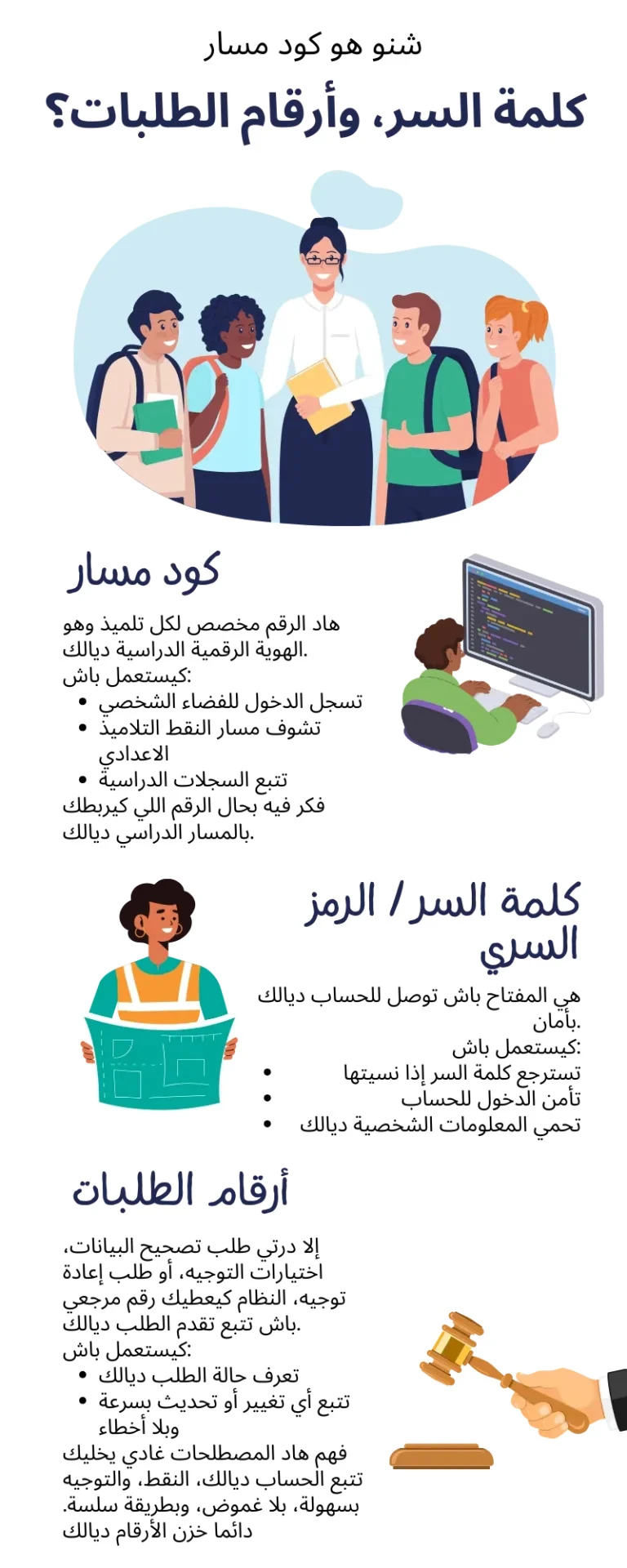

For many students and parents in Morocco, school life today is no longer limited to classrooms, notebooks, and report cards handed out at the end of the term. Everything has gradually moved online. Marks, absences, exam results, school transfers, and academic follow-ups are now handled digitally. At the center of this transformation are Massar Service and Moutamadris.
If you are a student, a parent, or even a teacher, chances are you have already heard the word Massar many times. Some people find it helpful, others find it confusing at first. This article explains what Moutamadris Massar Service is, how it works, how to log in, and how to use it correctly, without technical jargon or complicated explanations.
What Is Massar Service?
Massar Service is the official digital education platform launched by the Moroccan Ministry of National Education. Its main purpose is to centralize all academic information related to students in public education institutions.
Through Massar, schools manage:
- Student academic records
- Grades and exam results
- Attendance and absences
- School orientation and progression
- Administrative information
In simple words, Massar is the backbone of Morocco’s digital school system. It is mainly used by schools and teachers, but students and parents interact with it through a dedicated interface called Moutamadris.
What Is Moutamadris?
Moutamadris is the student-facing portal of Massar Service. While Massar is used internally by schools and administrators, Moutamadris is designed specifically for students and their families.
Through Moutamadris, students can:
- Check their grades and exam results
- View continuous assessment marks
- Monitor absences and delays
- Access school information
- Follow their academic progress throughout the year
This separation makes sense: Massar manages the data, Moutamadris shows it to students in a simple way.
The Relationship Between Massar Service and Moutamadris
Many people think Massar and Moutamadris are two different systems. In reality, they are part of the same ecosystem.
- Massar Service → Used by schools, teachers, and administration
- Moutamadris → Used by students and parents
You cannot use Moutamadris without Massar, and Moutamadris data comes directly from Massar. This ensures accuracy, transparency, and official validity of all academic information.
Why Massar and Moutamadris Are Important
Before digital platforms, students had to wait weeks to know their results. Parents depended on paper reports or school visits. Errors were common, and follow-up was difficult.
With Massar Service and Moutamadris, the education system became:
- More transparent – marks are visible online
- More organized – centralized academic records
- More accessible – information available anytime
- More reliable – official data from the Ministry
This shift has reduced confusion and improved communication between schools, students, and families.
How to Access Moutamadris (Login Process)
To use Moutamadris, you need valid login credentials provided by your school.
Step-by-Step Login Guide
- Visit the official Moutamadris portal
- Enter your Massar login ID (usually provided by the school)
- Enter your password
- Complete any required security verification
- Click Login
Once logged in, you can access all available academic information linked to your Massar profile.
Common Login Problems and Solutions
Many users face issues during login. These are usually simple and easy to fix.
1. Forgot Password
This is the most common problem. Students should contact their school administration to reset their Massar or Moutamadris password.
2. Incorrect Login ID
Massar login IDs follow a specific format. Even a small typo can block access. Always copy the ID carefully.
3. Website Not Loading
During exam result periods, the platform may experience heavy traffic. Waiting and trying again later usually solves the issue.
4. Account Not Activated
Some accounts need initial activation by the school. If login fails repeatedly, contact the school office.
Features Available on Moutamadris
Once logged in, Moutamadris offers several useful features.
Academic Results
Students can view:
- Continuous assessment marks
- Exam scores
- Final results
These are updated by teachers through Massar Service.
Attendance Tracking
Absences and delays recorded by the school appear on the student’s profile. This helps parents stay informed.
Academic Progress
Moutamadris allows students to track performance over time, identify weak subjects, and improve accordingly.
Official and Secure Data
All information comes directly from Massar Service, making it official and trustworthy.
Role of Parents in Using Moutamadris
Although Moutamadris is designed for students, parents play a key role.
Parents can:
- Monitor their child’s progress
- Detect academic issues early
- Communicate with schools when necessary
- Encourage responsibility and improvement
Many schools encourage parents to regularly check Moutamadris instead of waiting for end-of-term reports.
Data Accuracy and Updates
One important thing to understand is that Moutamadris only displays what schools enter into Massar Service.
If a grade is missing or incorrect:
- The issue is usually at the school level
- Teachers or administrators need to update Massar
- Moutamadris will reflect the change automatically
This means students should always verify concerns directly with their school.
Is Massar Service Safe and Official?
Yes. Massar Service and Moutamadris are official platforms managed by the Moroccan Ministry of Education.
They follow:
- Data protection policies
- Secure access protocols
- Official academic procedures
Students should never share their login details with others to avoid misuse.
Tips for Using Moutamadris Effectively
- Check your account regularly, not only during exams
- Report errors early to school administration
- Keep login credentials safe
- Use the platform as a learning tool, not just a results checker


























Sign in to leave a comment.