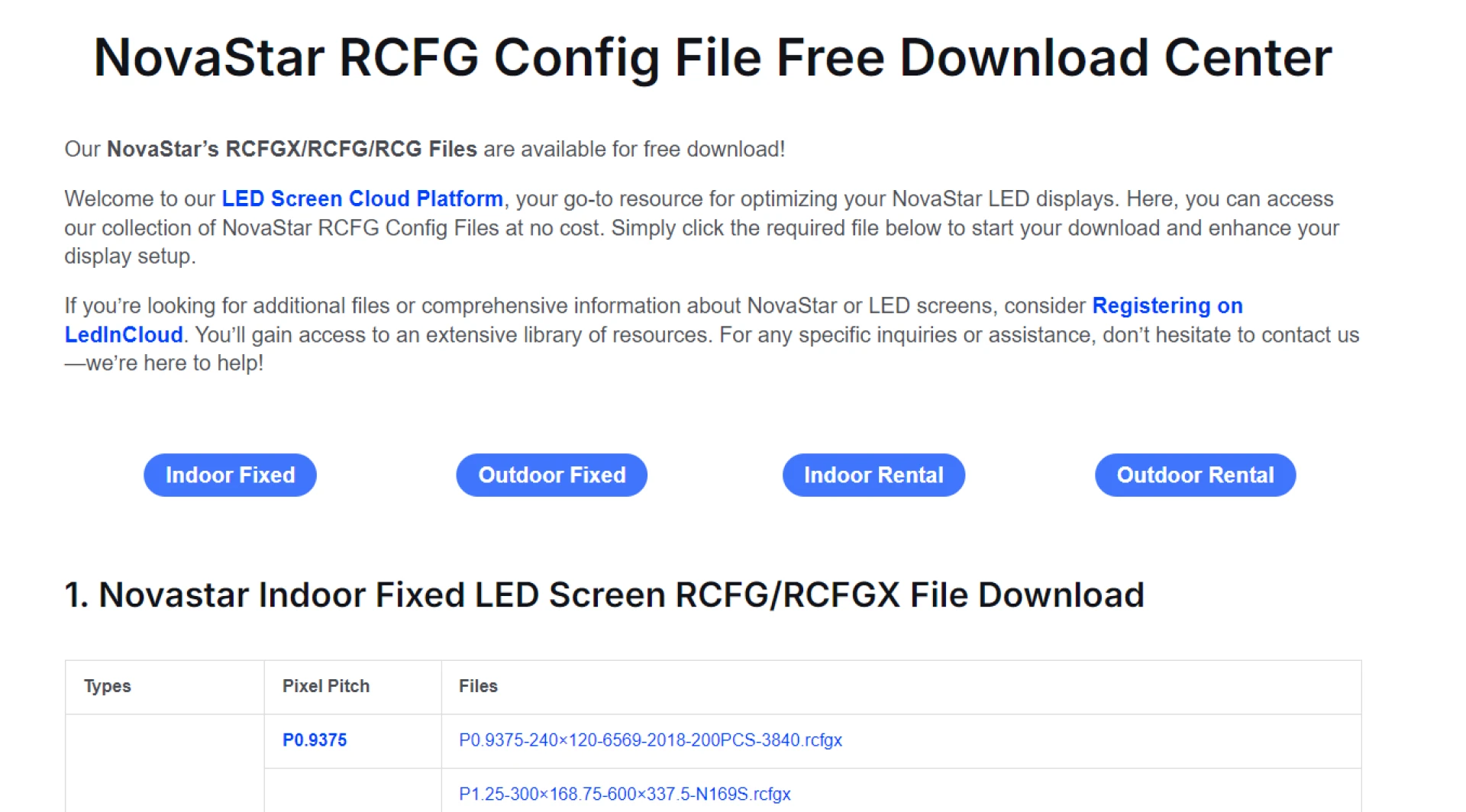

For LED display users, precise configuration is key to achieving optimal performance. NovaStar’s RCFG config files streamline this process, offering pre-configured settings for seamless operation.
1. What is an RCFG Config File?
RCFG files are NovaStar’s proprietary configuration files used for LED display controllers. These files contain essential parameters such as screen resolution, refresh rates, and brightness settings, tailored to specific LED display models and setups.
2. Benefits of Using NovaStar RCFG Files
Ease of Use: Simplify the configuration process with pre-set parameters.
Improved Accuracy: Avoid manual errors during screen setup.
Compatibility: Ensure optimal performance with NovaStar controllers and systems.
Quick Setup: Save time by loading configurations directly into your system.
3. Free Download Options
LedInCloud provides a library of NovaStar RCFG files for free download, ensuring users have access to the right configuration for their LED displays. These files are categorized by screen type and controller model for ease of use.
4. How to Download and Use RCFG Files
Visit the LedInCloud Website: Navigate to the RCFG Config File download section.
Locate Your File: Search by screen model or NovaStar controller type.
Download and Save: Click the download link to save the file to your device.
Upload to Controller: Use NovaStar software to upload the file and configure your LED display.
Download your RCFG config file today and unlock the full potential of your NovaStar-powered LED display. Visit LedInCloud website for more resources and support.









Sign in to leave a comment.