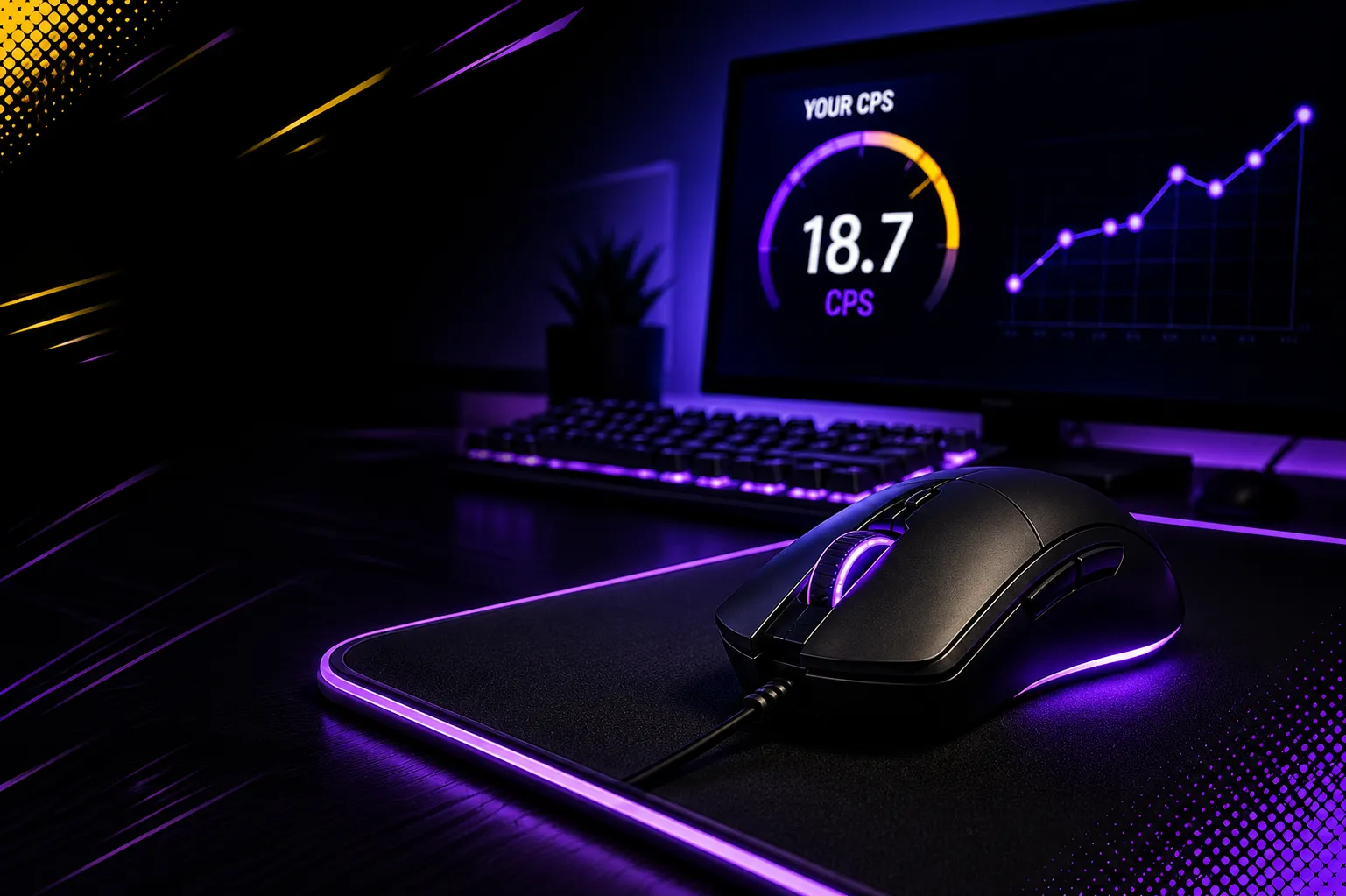

CPS Test, or Clicks Per Second test, measures how fast a person can click a mouse button within a set time. It is a simple online test that counts clicks and gives a CPS score. It is popular among gamers who want to check their clicking speed and practice different techniques.
Most tests include a timer and click counter, with options such as 1, 5, 10, 30, 60, and 100 seconds. A 10-second test is a common choice for checking speed and consistency. Your CPS score can also depend on your mouse, technique, practice, hand position, and focus.
How Does A CPS Test Work?
A click per second counts the number of clicks a person makes during a fixed amount of time. The result is then calculated as clicks per second. To take a click speed test, click the test area to start the timer. Once the timer begins, click the mouse button as quickly as you can. When the timer reaches zero, the test stops and your clicks are counted.
For example, if you make 70 clicks in 10 seconds, your CPS score would be:
70 clicks ÷ 10 seconds = 7 CPS
Most online CPS tools show your total clicks and final CPS score. Some tools may also show other information, such as the test time and your best score. You can repeat the test to see if your score improves. This makes the clicking Tester useful for practice. You can also try different test times to find which one works best for you.
What Is A Good CPS Score?
There is no single CPS score that is perfect for everyone. Your score depends on your clicking method, mouse, experience, and practice. For normal clicking, many users can reach around 6–7 CPS. With regular practice, some users may reach 8–10 CPS or more. Skilled players who use special clicking methods may reach even higher scores.
Here is a simple guide:
- 1–4 CPS: Beginner level
- 5–7 CPS: Average clicking speed
- 8–10 CPS: Good clicking speed
- 11–14 CPS: Fast clicking speed
- 15+ CPS: Very fast clicking speed
These ranges are only general examples. Different users may get different results depending on their mouse and clicking technique.
How To Improve Your CPS Score?
Improving your CPS score takes practice, patience, and good clicking habits. Start at a comfortable speed and slowly work on becoming faster.
1. Practice Regularly- Practice for a few minutes each day. Keep your hand relaxed and try to improve your score step by step. Take short breaks to avoid tiredness.
2. Focus on Speed- Try to click faster while keeping good control. Use a light and steady touch instead of pressing the mouse button too hard. Take short tests and compare your scores.
3. Use the Right Clicking Technique- Different techniques can help improve CPS. Regular clicking uses one finger, while jitter clicking uses quick hand movements. Butterfly clicking uses two fingers, and drag clicking moves a finger across the button. Results depend on your mouse and practice.
4. Use a Comfortable Mouse- Choose a mouse that fits your hand well and has responsive buttons. A comfortable mouse can make clicking easier.
5. Keep Your Hand Relaxed- Keep your fingers and wrist relaxed while clicking. Take a break if your hand feels tired.
6. Warm Up and Stay Focused- Start with a few slow clicks before testing. Remove distractions and focus on the clicking area to maintain a steady speed.
Popular CPS Clicking Techniques
There are several clicking methods that players use to increase their CPS score.
Regular Clicking
Regular clicking is the easiest technique. You use one finger to press the mouse button repeatedly. It is simple to learn and works well for everyday tasks.
Jitter Clicking
Jitter clicking involves making quick movements with your hand and finger while pressing the mouse button. It can produce a higher CPS score than normal clicking, but it may take time to learn.
Butterfly Clicking
Butterfly clicking uses two fingers to press the same mouse button one after another. This can create many clicks in a short time and is popular among some gamers.
Drag Clicking
Drag clicking involves moving your finger across the mouse button while applying light pressure. Some mice can register many clicks during this movement. The results depend on the mouse and its click settings.
What Factors Affect Your CPS Score?
Your CPS score can change for many reasons. The most common factors include:
- Mouse type: Different mice have different buttons and click response.
- Clicking method: Some techniques can create more clicks than regular clicking.
- Practice: More practice can help you become faster and more consistent.
- Hand position: A comfortable position can make clicking easier.
- Test duration: Short and long tests may produce different results.
- Focus: Distractions can reduce your clicking speed.
- Comfort: Hand or finger tiredness can affect your performance.
Because of these factors, your CPS score may not be the same every time you take the test.
Why Is CPS Test Popular Among Gamers?
The Click test is especially popular in gaming communities. Some games require players to click quickly when attacking, building, or performing other actions. For example, fast clicking can be useful in Minecraft PvP and other games where quick mouse input matters.
Players often use click tests to practice before playing. However, clicking speed is only one part of gaming. Good players also need control, timing, movement, game knowledge, and strategy.
FAQs
How Does Age Affect CPS Score?
Age can affect clicking speed because hand movement and control may change over time. However, CPS scores are different for every person. Practice, experience, mouse type, and clicking method can also affect the result.
What Is The Highest CPS Score Ever Recorded?
There is no single highest CPS score for every clicking tester. Different websites, test lengths, mice, and clicking methods can produce different results. Some skilled users have reported very high CPS scores.
How Accurate Is A Clicking Speed?
A click test can give a useful measure of clicking speed, but it does not measure overall gaming ability. The score can change based on the mouse, clicking method, test duration, and user experience.
What Is The Best CPS Test Time?
A 10-second click test is a popular choice because it gives enough time to check both clicking speed and consistency. However, shorter tests such as 1 or 5 seconds can also be useful for quick practice.
Conclusion
In conclusion, the CPS test is a simple and fun way to measure clicking speed. It counts how many times you can click during a set time and gives the result as clicks per second. A CPS score can be affected by many factors, including your mouse, clicking technique, practice, focus, and hand position. A higher score shows faster clicking, but it does not measure every gaming skill.
Whether you are a gamer or simply want to test your clicking speed, this type of clicking test can help you understand your current performance. With regular practice, a comfortable mouse, and a good clicking technique, you can work toward a higher CPS score while keeping your clicking comfortable and controlled.

















Sign in to leave a comment.