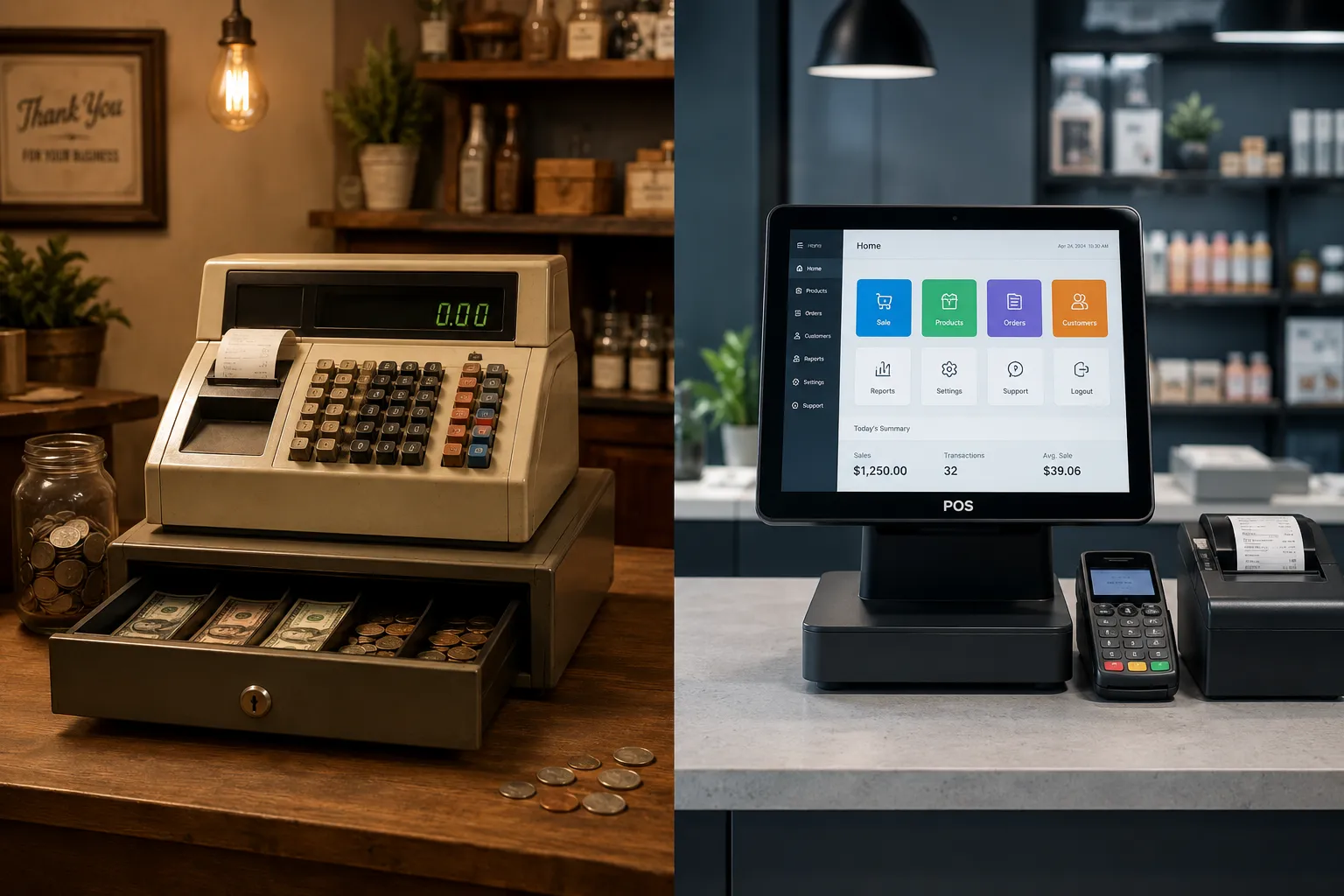

A cash register works fine if you run a small, cash-heavy business with simple, steady sales. A POS system is the better choice if you take cards, want to track inventory, or plan to grow, since it handles payments, reporting, and customer data in one place. Most small businesses that accept cards end up choosing a POS system.
If you're setting up a new store or replacing old equipment, you've probably landed on this question more than once. Both a POS system and a cash register can ring up a sale, but that's where the similarity ends. One is built to just handle cash and print receipts. The other runs your entire checkout, tracks what's selling, and connects to your payment processing. Here's how to figure out which one actually fits your business.
What Is the Difference Between a POS System and a Cash Register?
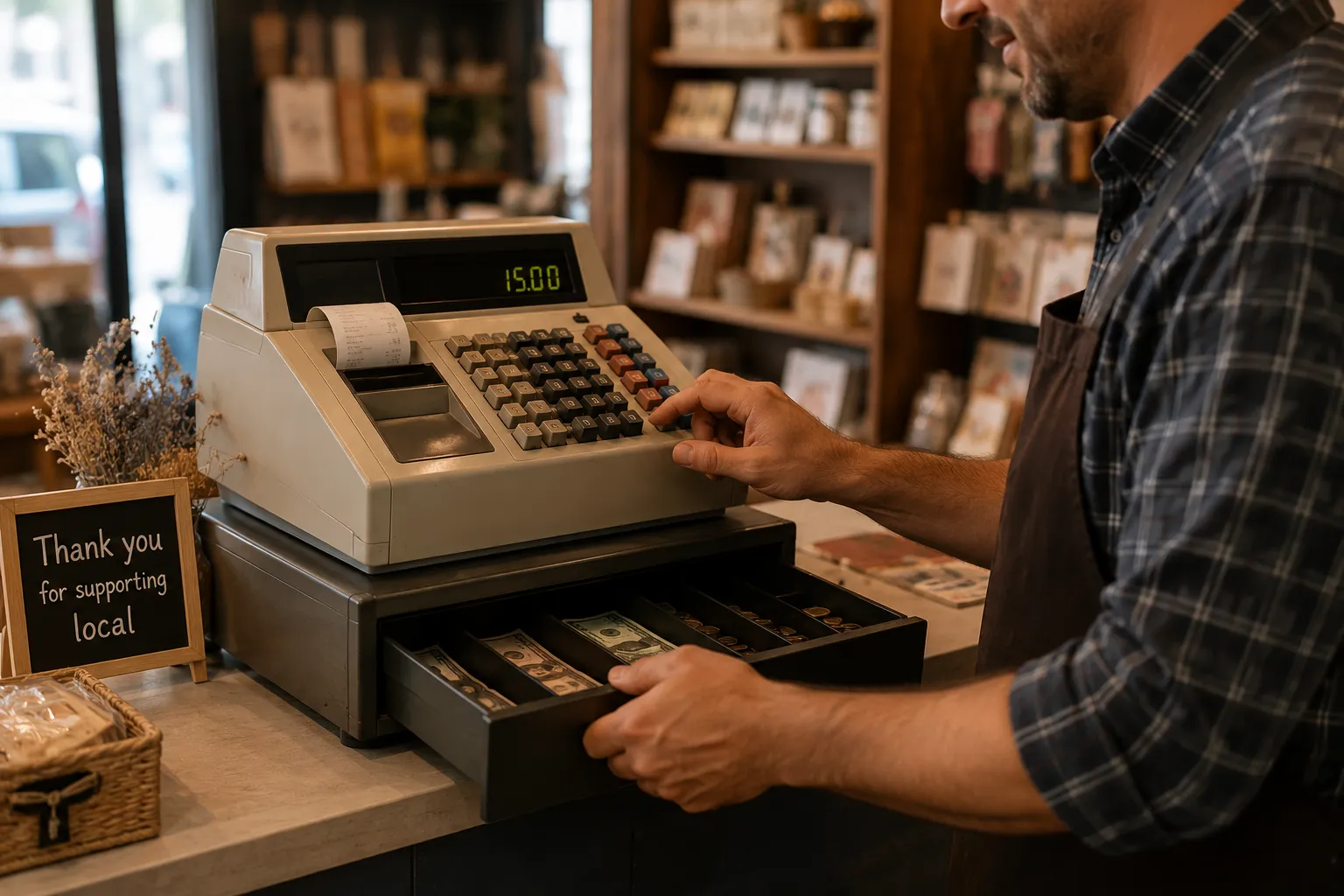
A cash register is a standalone machine that opens a cash drawer, calculates totals, and prints a receipt. A POS system pairs software with hardware to process payments, track inventory, and generate sales reports in real time.
Cash registers have been around for over a century, and the basic version hasn't changed much. You ring up an item, the drawer opens, you hand back change. Some modern electronic cash registers (ECRs) can connect to a card reader or scan barcodes, but they're still built around that one core job.
A POS system flips the setup. The software is the brain, and it runs on a touchscreen, tablet, or smartphone. It connects to your payment gateway or terminal, tracks every item you sell, and can sync your online and in-store sales in one dashboard.
How Much Does Each Option Cost?
A basic electronic cash register runs anywhere from $100 to $900 depending on features and durability. A POS system usually has a lower upfront hardware cost but adds monthly software fees, typically $0 to $150 a month depending on the plan.
Here's a side-by-side look at where the money actually goes:
| Cost Factor | Cash Register | POS System |
| Upfront hardware | $100-$900 (one-time) | $0-$1,200 (varies by provider) |
| Monthly software fee | None | $0-$150+ |
| Card processing | Requires separate terminal | Built in |
| Inventory tracking | Limited or none | Included |
| Multi-location support | Not supported | Standard on most plans |
The gap has narrowed in recent years. Some POS providers now offer free software if you process payments through them, which can make a POS system cheaper over time than buying and maintaining a standalone register.
Who Should Use a Cash Register?

A cash register makes sense for small, cash-only businesses with steady inventory and no plans to expand. Think farmers market stalls, pop-up shops, small laundromats, or a coffee cart that doesn't take cards.
You're a good fit for a cash register if:
- You accept mostly or only cash
- Your product mix rarely changes
- You run one register at one counter
- You want to avoid monthly software fees
- You don't need sales data beyond a daily total
A cash register also works without WiFi or a power backup plan for internet outages, which matters if you're at a market or event with unreliable connectivity.
Who Should Use a POS System?

A POS system makes sense the moment you accept cards, which covers most small businesses today. Federal Reserve research shows cards remain the top way U.S. consumers pay, with cash now mostly serving as a backup option rather than a first choice.
You're a good fit for a POS system if:
- You accept credit or debit cards
- You carry inventory you need to track
- You want sales reports to guide restocking or staffing
- You sell online and in-store and want it synced
- You plan to add locations or staff
Beyond payments, a POS system gives you visibility you just can't get from a register. You can see your best-selling items, spot slow inventory before it ties up cash, and set role-based access so employees only see what they need.
What Features Should You Compare Before Buying?
Before you buy either option, compare payment flexibility, inventory tools, reporting depth, and how the system handles security.
Payment flexibility. A cash register usually needs a bolt-on card terminal, which means two separate systems to manage. A POS system built for in-person payments accepts cards, mobile wallets, and contactless taps out of the box.
Inventory and reporting. Cash registers can do basic daily totals at best. POS software tracks stock levels, flags low inventory, and shows you sales trends by product, day, or employee.
Security. Card transactions carry fraud risk that cash doesn't. A POS system with built-in fraud protection uses tools like tokenization and real-time risk scoring, something a standalone cash register can't offer on its own.
Growth path. If you're opening a second location or adding online ordering, a POS system scales with you. A cash register doesn't grow past its counter.
Making the Switch From a Cash Register to a POS System
If you've outgrown your cash register, the switch is more straightforward than most owners expect. Start by mapping your current inventory into the new software, then test the hardware during a slow shift before going all in.
A good POS system should let you keep your existing cash drawer if it still works, so you're not paying for equipment you don't need. Pair it with reliable payment processing solutions and you get one system that handles cash, cards, and everything in between.
Frequently Asked Questions
Can a cash register accept credit cards?
Some electronic cash registers can connect to a separate card terminal, but the two systems don't talk to each other. You'll get a receipt from the register and a separate one from the card terminal, with no combined sales report.
Is a POS system worth it for a very small business?
If you accept cards or expect to grow past one counter, yes. Many providers now offer free or low-cost software plans, so the entry cost is often close to what you'd pay for a decent cash register anyway.
Do POS systems work without internet?
Most cloud-based POS systems have an offline mode that stores transactions locally and syncs once you're back online. Coverage varies by provider, so check this before you buy if your location has spotty WiFi.
How long does it take to switch from a cash register to a POS system?
Most small businesses are fully set up within a day or two, including loading products and training staff. The exact timeline depends on how much inventory you need to enter.
Can I use a POS system and a cash register together?
Yes, many small businesses keep a physical cash drawer attached to their POS system for cash transactions, while the POS handles cards, reporting, and inventory. This gives you one unified system instead of two separate ones.
The Bottom Line
A cash register is cheap, simple, and works fine for small, cash-only operations that don't plan to grow. A POS system costs more upfront and month to month, but it pays for itself through card acceptance, inventory tracking, and sales data you can actually use.
If your business takes cards, tracks stock, or has any plans to expand, a POS system is worth the investment. For businesses running purely on cash with no growth plans, a cash register still gets the job done.
Ready to simplify your checkout and payments in one system? Talk to a Rapid Payments expert today and find the right setup for your business.
























Sign in to leave a comment.