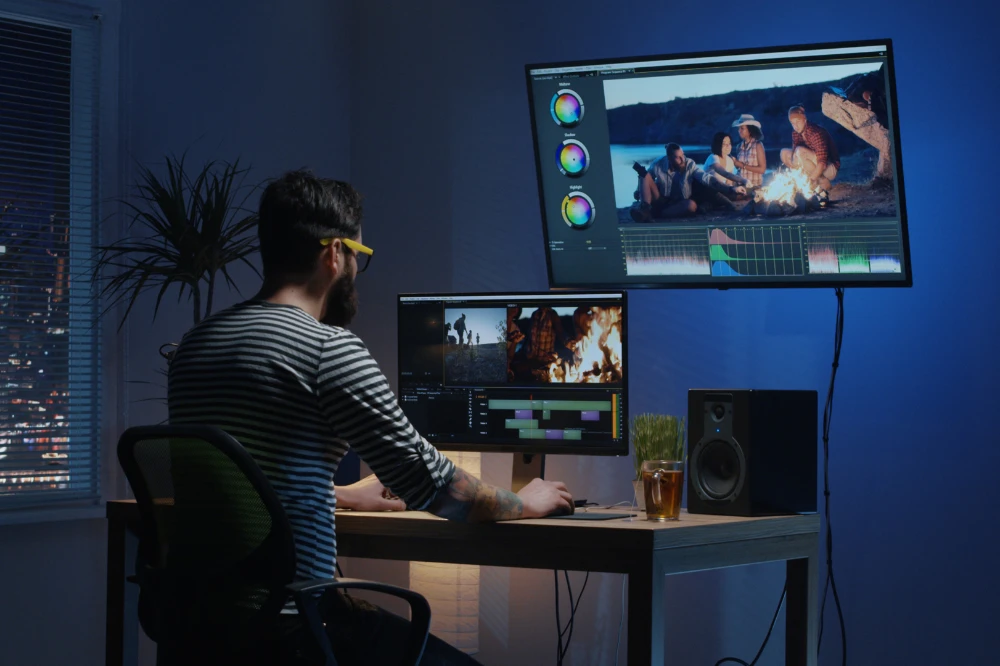
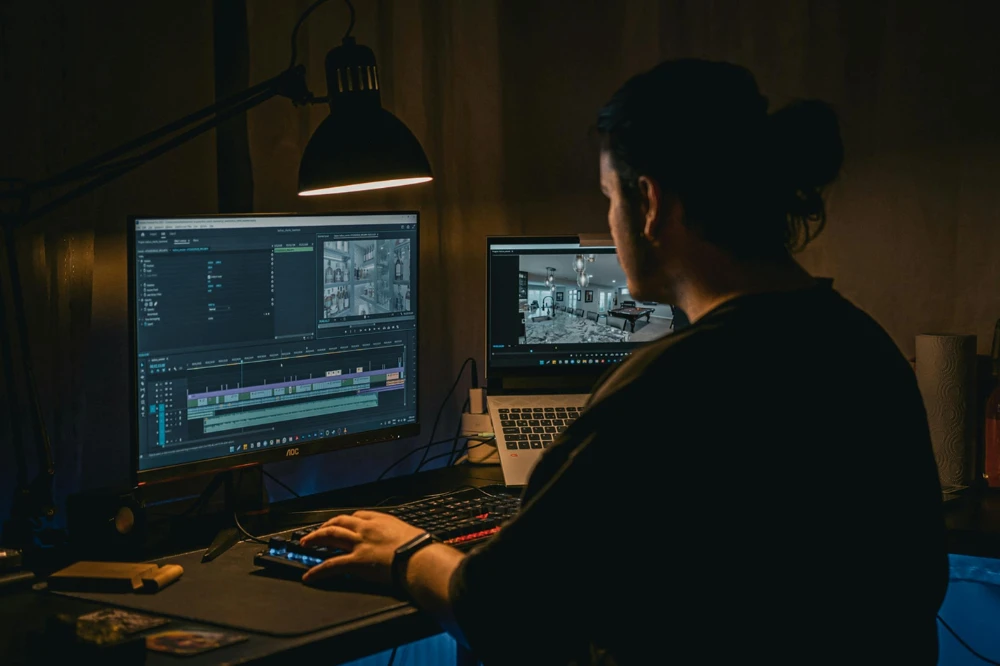
Short-form video has transformed the digital landscape, becoming the most engaging content format across platforms. TikTok popularized it, Instagram Reels embraced it, and YouTube Shorts brought it to long-form creators. But one thing separates amateur clips from content that performs at scale: professional video editing.
Editing for short-form success isn’t just about flashy effects—it’s about crafting compelling stories within seconds, designing visuals that retain attention, and aligning each piece of content with platform-specific expectations.
In this article, we’ll break down the core principles and advanced techniques behind pro-level editing for TikTok, Reels, and YouTube Shorts—helping you create short videos that get views, earn shares, and drive growth.
Why Professional Editing Matters
With audiences scrolling at lightning speed, you only have 1–3 seconds to capture attention. High-quality editing isn’t just about aesthetics—it’s about performance.
Great editing helps you:
- Hook your audience immediately
- Maintain retention through pacing and visuals
- Clarify your message with text and sound
- Increase rewatch value
- Boost algorithmic performance through viewer interaction
In short-form content, editing becomes the storytelling engine. A polished edit often makes the difference between a forgettable scroll and a viral hit.
Understanding the Platforms
Each platform has its own quirks, audience behaviors, and algorithm signals. Pro editors adapt their approach based on where the content will be published.
TikTok
- Content focus: Trends, storytelling, entertainment
- Length: 15s–60s (but longer is now allowed)
- Key signals: Completion rate, replays, shares, saves
Instagram Reels
- Content focus: Visual polish, lifestyle, educational
- Length: Up to 90s
- Key signals: Retention, interactions, trending audio use
YouTube Shorts
- Content focus: Informative, funny, niche communities
- Length: Up to 60s
- Key signals: Watch duration, click-through rate from homepage
A pro editing strategy considers where the video will be posted and how people engage with content there.
Pro Editing Principles for All Platforms
Regardless of platform, several universal editing principles apply to short-form video editing.
1. Hook Within 1–2 Seconds
Your opening matters more than anything. Start with a bold visual, intriguing line, surprising moment, or emotionally charged action.
Techniques to hook quickly:
- Use a jump cut to the middle of the action
- Show the end result before the how
- Ask a question or make a bold statement
- Add on-screen text immediately
2. Cut for Retention
Professional editors are ruthless with time. Every second of your video must move the story forward or build anticipation.
Best practices:
- Remove filler words and pauses
- Trim to the beat of background audio
- Use fast-paced cuts, especially for talking-heads
- Jump-cut between camera angles or zoom levels to maintain visual motion
3. Text and Captions
On-screen text boosts clarity, accessibility, and retention. Most viewers watch without sound—so captions aren't optional anymore.
Tips:
- Use bold, large, and legible fonts
- Stick to 2–3 lines of text max
- Animate text to highlight emotion or timing
- Place text where it won’t be hidden by UI (safe zone)
4. Audio Syncing
Matching visual cuts to the beat of music or the rhythm of speech can dramatically improve flow.
Pro tools like CapCut, Premiere Pro, and Final Cut Pro offer beat detection features. Use these to time cuts, transitions, and text appearance.
5. Strategic Transitions
Too many transitions can feel gimmicky. Use transitions intentionally to create momentum or highlight changes.
Effective transitions:
- Whip pans (simulate fast movement)
- Match cuts (cut between similar visuals)
- Mask transitions (one object covers the screen to reveal the next)
- Speed ramps (slow down or speed up clips to emphasize motion)
Pro Tools for Short-Form Editing
Your tool of choice depends on your editing style and experience level. Here’s how professionals leverage different platforms:
1. CapCut (Mobile/Desktop)
- Great for quick edits with trendy templates
- Auto captions, transitions, beat syncing
- Ideal for TikTok-style content
2. Adobe Premiere Pro
- Professional timeline control
- High-end color grading (Lumetri)
- Advanced keyframing, multi-layer editing
- Best for YouTube Shorts and branded content
3. Final Cut Pro (Mac)
- Fast rendering and magnetic timeline
- Advanced transitions and plugin support
- Great for cinematic or educational Shorts
4. DaVinci Resolve
- Free and professional-grade
- Excellent for color grading
- More complex workflow, ideal for editors with experience
Each tool has its strengths, but mastering any one of them can elevate your content above the average creator.
Workflow for Pro Editing
Here’s a simplified workflow used by creators and editors producing high-performing short videos:
Step 1: Plan the Concept
- Define the hook
- Write a mini-script (even just 3–5 lines)
- Choose the visual format (talking-head, B-roll, screen recording, etc.)
Step 2: Capture Smart
- Shoot vertically (9:16)
- Use natural lighting or LED lighting for clarity
- Record clean audio with an external mic if possible
- Keep your subject in center-safe zones
Step 3: Edit the Rough Cut
- Trim your clips tightly
- Remove anything that drags or confuses the viewer
- Add jump cuts or zooms to keep pace energetic
Step 4: Add Visual Layers
- Insert text and callouts
- Add cutaways or B-roll to break up visuals
- Include emojis, GIFs, or overlays—when appropriate to tone
Step 5: Sync With Sound
- Choose platform-native music (TikTok/Reels)
- Align visuals to beats or vocal peaks
- Add SFX (clicks, pops, whooshes) for impact
Step 6: Color and Polish
- Adjust brightness, contrast, and color temp
- Apply a subtle LUT or style filter
- Add a logo watermark if you're branding content
Step 7: Export and Optimize
- Export in 1080x1920 resolution
- Check for platform UI interference (text too high or low)
- Upload at high bitrate for best clarity
- Optimize title, caption, and hashtags based on platform
Pro-Level Tips for Going Viral
- Loop Your Content
- End your video in a way that makes the beginning replayable. This boosts watch time and signals quality to the algorithm.
- Hide Easter Eggs
- Add subtle details viewers may miss the first time. This encourages rewatches and builds fan engagement.
- Show, Don’t Tell
- Use visuals to explain ideas rather than over-relying on narration. Especially effective on Reels and Shorts.
- Edit for Mobile
- Preview all edits on a phone before publishing. A desktop-perfect cut might not translate well to mobile.
Final Thoughts
Creating high-performing short-form content isn't just about what you film—it's about how you edit. Pro-level editing for TikTok, Reels, and YouTube Shorts comes down to speed, storytelling, and strategy. With the right tools, workflow, and mindset, you can transform raw footage into content that grabs attention, drives interaction, and grows your presence.
So cut tight, layer intentionally, and sync with rhythm. Every frame counts—and in the world of short video, polished editing is your competitive edge.


























Sign in to leave a comment.