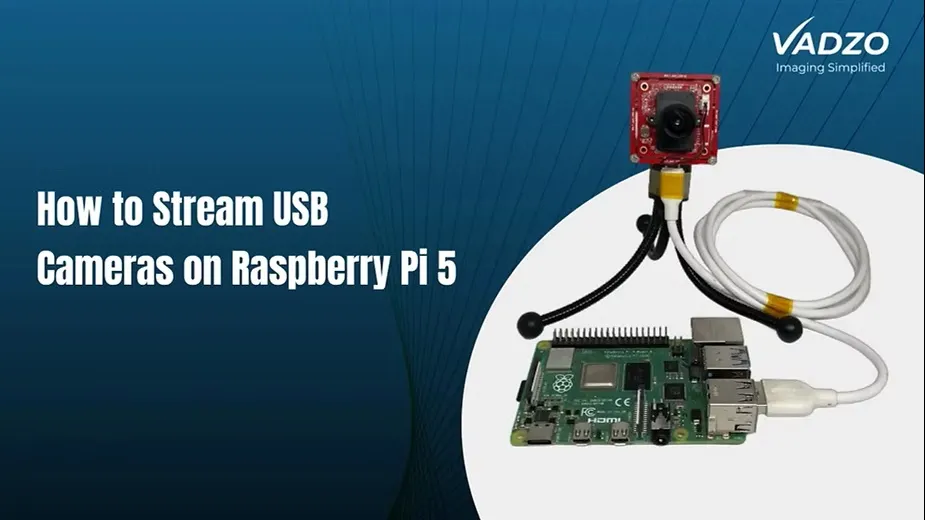

What Is a Raspberry Pi USB Camera?
A Raspberry Pi USB camera is a camera that connects to a Raspberry Pi computer through a USB port. It allows the device to capture images and videos for projects such as smart monitoring, robotics, object detection, and machine vision.
Unlike a camera that connects through the Raspberry Pi's dedicated CSI camera port, a USB camera uses a standard USB connection. This can make installation easier, especially when the camera supports the USB Video Class (UVC) standard.
For developers and businesses building embedded vision products, the right camera depends on image quality, connection type, lighting conditions, and software compatibility.

Why Choose a USB Camera for Raspberry Pi?
A USB camera can be a practical choice for projects that need a simple connection and flexible setup.
Easy integration: Many UVC-compatible USB cameras work with standard Linux video tools without requiring a separate proprietary driver.
Flexible camera placement: A USB cable can make it easier to position the camera away from the Raspberry Pi, within the supported cable length and signal limits.
Different resolution options: Depending on the model, you can choose a camera for basic monitoring, detailed image capture, or industrial inspection.
Support for computer vision: USB cameras can supply image data to applications that use Python, OpenCV, and AI-based vision software.
Before choosing a model, confirm its compatibility with your Raspberry Pi board, operating system, USB port, and required resolution.
How to Choose the Right Raspberry Pi USB Camera
Not every USB camera suits every project. Consider these key factors before making a decision.
1. Image resolution
Resolution determines how much detail a camera can capture. A 2MP camera may be enough for basic monitoring, while an 8MP or higher-resolution camera may suit applications that need to inspect small details or capture high-resolution images.
Remember that resolution alone does not guarantee better image quality. Lens quality, lighting, sensor performance, and image processing also matter.
2. Global shutter or rolling shutter
A rolling shutter captures an image line by line. It can work well for stationary scenes, but fast-moving objects may appear distorted.
A global shutter captures the entire frame at the same time. This makes it useful for robotics, conveyor inspection, and applications where accurate motion capture matters.
3. USB interface and software support
Check whether the camera uses USB 2.0 or USB 3.0, and whether the connection provides enough bandwidth for your chosen resolution and frame rate. UVC support can simplify setup on Linux-based systems.
4. Lighting and environment
For outdoor monitoring or industrial inspection, consider low-light performance, dynamic range, lens options, and operating temperature. The camera should suit the actual conditions in which it will be used.

Where Are Raspberry Pi USB Cameras Used?
A Raspberry Pi USB camera can support many practical applications, including:
- Robotics: Helping robots identify objects and navigate their surroundings.
- Machine vision: Checking products for defects or measuring visible features.
- Smart monitoring: Capturing images for security and remote observation.
- Document scanning: Recording text, labels, and printed information.
- AI vision projects: Supplying image data for object detection and classification.
The best camera depends on the level of detail, speed, and reliability each application requires.
Explore Raspberry Pi USB Cameras from Vadzo Imaging
Vadzo Imaging develops camera modules for embedded vision and machine vision applications. Its Falcon series includes USB camera options designed for integration with computers and single-board systems.
For example, the Falcon-821CRH uses the onsemi AR0821 sensor and offers 8MP imaging. The company also lists other USB models with different resolutions and sensor options.
Explore the Vadzo Imaging camera modules to compare available interfaces and specifications. If you need a high-resolution setup, review the 4K camera options for Raspberry Pi and confirm the exact model's interface and compatibility before purchasing.
How to Get Started
Connect your compatible USB camera to the Raspberry Pi, start the operating system, and check whether the camera appears as a video device. You can use Linux video tools to test capture and then connect the camera to your application.
For a reliable setup, verify the camera's supported resolutions, frame rates, power requirements, and software compatibility first.
Choosing the right Raspberry Pi USB camera helps you build a system that meets your project's imaging needs without unnecessary complexity.
















Sign in to leave a comment.