

What Is SaaS Product Design?
SaaS product design is the practice of shaping how subscription-based software looks, works, and feels so people can finish their tasks without confusion. It connects interface design, user experience, and workflow planning around one question: what does the person using this product need to get done?
Effective SaaS product design rests on nine principles, covered below. Because people use SaaS products repeatedly, small points of friction add up and affect product adoption and user retention.
9 Principles of Effective SaaS Product Design
1. Start With Real User Problems
Before sketching screens, find out what users are trying to do and where they get stuck. Interviews, support tickets, and session recordings reveal customer pain points. Turn those findings into user personas and user flows so the whole team shares one picture of who the product serves.
For example, if most users of an invoicing tool open it to check which invoices are overdue, that need should shape the first screen they see.
2. Keep Navigation Simple and Predictable
Users should be able to guess where a feature lives. Use labels that match customers’ own words, group related functions through a clear information architecture, and keep primary navigation in the same place on every screen.
3. Make Complex Workflows Easier
B2B SaaS product design often involves tasks with many fields and dependencies, such as connecting an integration or setting up permissions. Break these tasks into clear steps, show progress, and ask only for what is needed at each point.
Offer sensible defaults, reveal advanced options on request, and test a wireframe of the flow before investing in visual polish.
4. Design Dashboards Around User Goals
SaaS dashboard design works best when it starts from the decisions a user makes every day. Put the most relevant information at the top, label numbers in plain language, and pair each key figure with an action the user can take.
A chart nobody uses to make a decision is clutter. Visual hierarchy tells the reader what to look at first.
5. Build a Consistent Design System
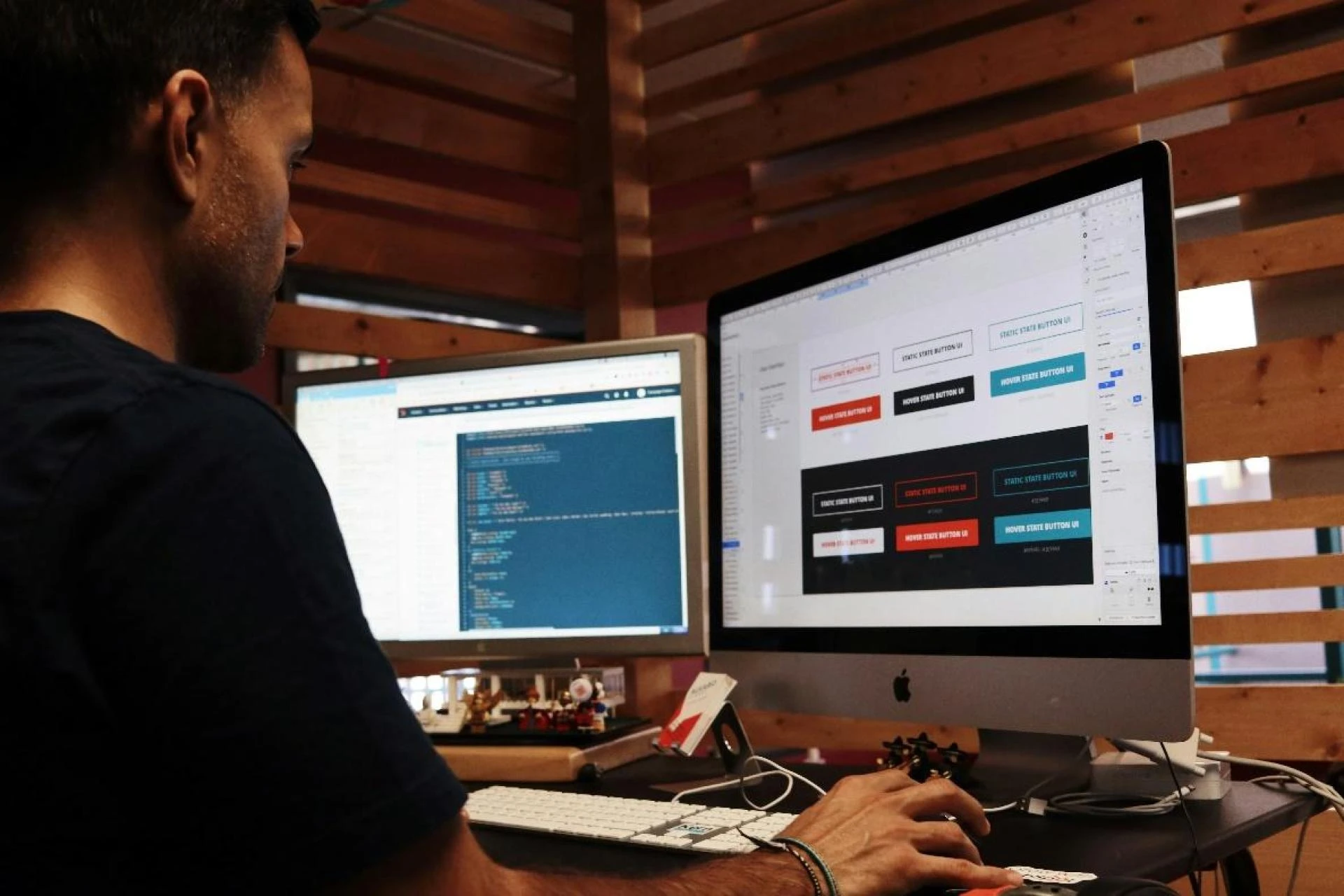
A design system is a shared library of components, typography, spacing, colors, and interaction rules. When a button behaves the same way everywhere, users learn the product once instead of relearning it on every screen.
Consistency also speeds up development, because teams reuse tested components. Start with buttons, form fields, and tables.
6. Make Onboarding Useful and Clear
SaaS onboarding UX should help a new user reach a first meaningful result quickly, such as importing a contact list, creating a first project, or sending a first invoice. Show the next useful step.
Leave advanced features for later. A short checklist and clear empty states give direction without a lengthy tour.
7. Design for Accessibility and Different Screens
Accessibility means people with different abilities can use the product. Text needs enough contrast, and the Web Content Accessibility Guidelines set a minimum ratio of 4.5:1 for normal-size text (W3C, WCAG 2.2, Success Criterion 1.4.3). Every action should also work with a keyboard, and a clear focus state should show users where they are on the page.
A responsive layout adapts to different screen sizes, but it does not make a product accessible on its own.
8. Provide Clear Feedback and Error Recovery
Software should always show what is happening and what the user can do next, a point also made in Nielsen Norman Group’s usability heuristics (NN/g, 10 Usability Heuristics). Show a loading state when something takes time, a confirmation when an action succeeds, and a specific message when it fails.
“Invalid input” helps no one, while “Enter the date as DD/MM/YYYY” does. Empty states should explain what will appear.
9. Test, Learn, and Improve
Design decisions should be checked against evidence, not personal preference. Run usability testing with a small group of representative users, watch where they hesitate, and fix the issues that block tasks.
After release, combine product analytics with user feedback to see where people drop off and why.
How to Improve Your SaaS Product Design Process
List the usability problems you already know about from support requests, analytics, and interviews. Rank them by how many users they affect and how badly they block a task.
Build an interactive prototype of each proposed change and test it with real users before development begins. After release, review feedback and usage data to confirm the problem is solved.
SaaS product design succeeds when decisions start from how people work, not from what looks impressive. Pick one workflow in your product this week, watch someone use it, and fix the first thing that slows them down. Readers interested in her design services can find more on Sanju Kumari’s Upwork profile.
Author bio
Sanju Kumari is a UI/UX Designer, SaaS Product Designer, Landing Page Designer, and AI Product Designer. View her Upwork profile to learn more about her design services and professional work.
















Sign in to leave a comment.