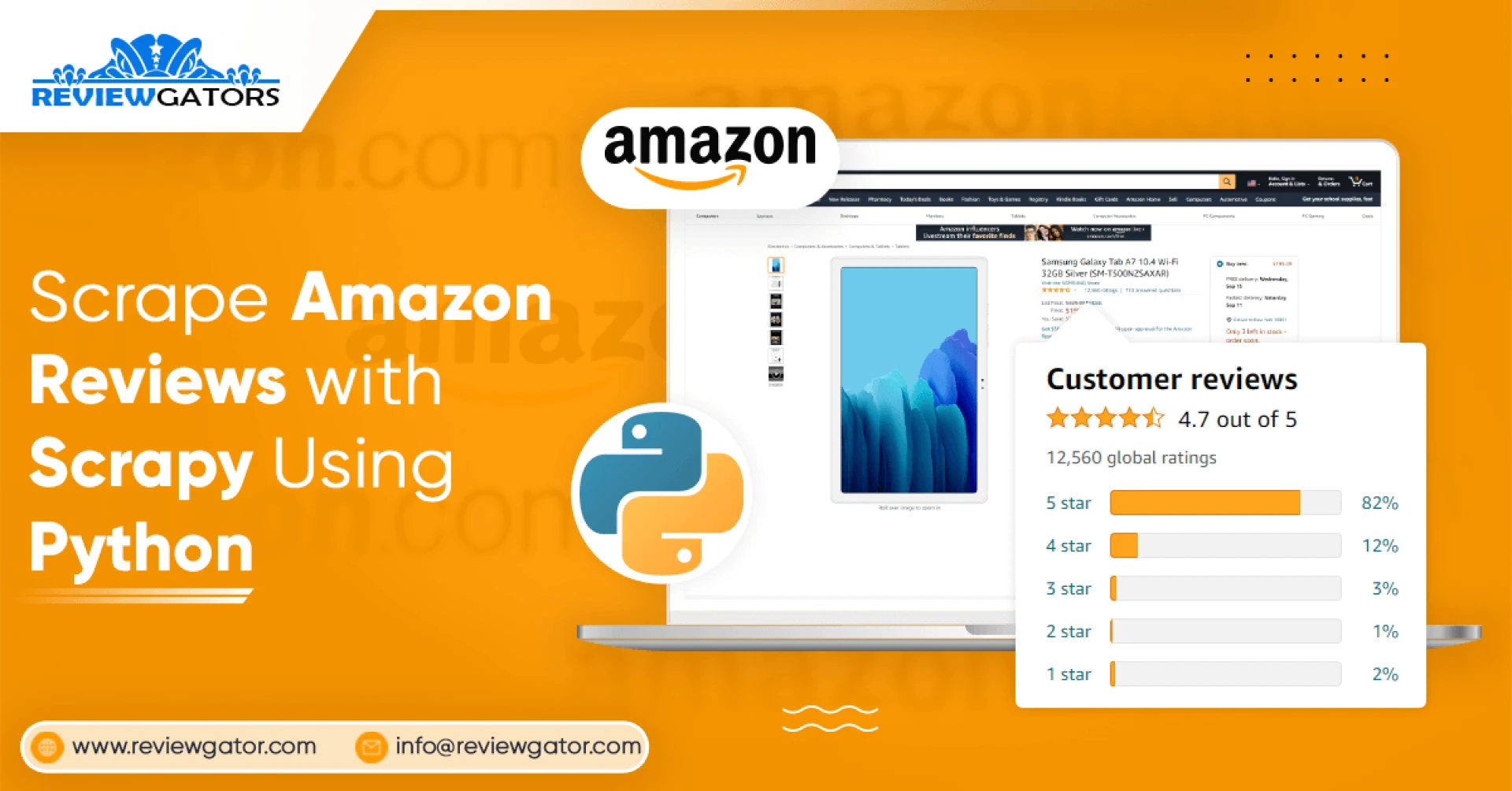

We search many things on the internet daily to purchase something, for comparing one product with another, how to decide that a specific product is superior to another? – We straight away check the reviews as well as see how many stars or positive feedbacks have been provided to the products.
Here, we will extract reviews from amazon.com with how many stars it has got, who had posted the reviews, etc.
We would be saving the data in CSV or an excel spreadsheet. The data fields we will scrape include:
Review’s TitleRatingsReviewer’s NameReview’s Description or ContentUseful CountsNow, let’s start.
We choose Scrapy – a Python framework used for big-scale web data scraping. Together with it, a few other packages would be needed to extract Amazon products data.
Requests – for sending a request of the URLPandas – for exporting CSVPymy SQL – for connecting My SQL server as well as storing data thereMath – for implementing mathematical operationsYou may always install these packages like given below using conda or pip.
pip install scrapyrorrconda intall -c conda-forge scrapyLet’s describe Start URL for scraping sellers’ links
Let’s initially observe what it’s like for scraping Amazon reviews for a single product.
We have taken URL: https://www.amazon.com/dp/B07N9255CG
This will be shown in the below image.
When we go to the reviews section, it’ll appear like an image given below. This might have a few different names within reviews.
However, in case, you carefully review those requests while loading a page as well as play a bit with the previous as well as next page of the reviews, you may have noticed that there’s the post request loading having all the content on a page.
Now, we’ll look at the required payloads and headers for any successful reply. In case, you have properly inspected the pages, then you’ll understand the differences between shifting a page as well as how that reflects on requests passed that.
NEXT PAGE --- PAGE 2rrhttps://www.amazon.com/hz/reviews-render/ajax/reviews/get/ref=cm_cr_arp_d_paging_btm_rnext_2rrHeaders:rraccept: text/html,*/*rraccept-encoding: gzip, deflate, brrraccept-language: en-US,en;q=0.9rrcontent-type: application/x-www-form-urlencoded;charset=UTF-8rrorigin: https://www.amazon.comrrreferer: https://www.amazon.com/Moto-Alexa-Hands-Free-camera-included/productreviews/B07N9255CG?ie=UTF8&reviewerType=all_reviewsrruser-agent: Mozilla/5.0 (Windows NT 10.0; Win64; x64) AppleWebKit/537.36 (KHTML, like Gecko)rrChrome/81.0.4044.113 Safari/537.36rrx-requested-with: XMLHttpRequestrrPayload:rrreviewerType: all_reviewsrrpageNumber: 2rrshouldAppend: undefinedrrreftag: cm_cr_arp_d_paging_btm_next_2rrpageSize: 10rrasin: B07N9255CGrPREVIOUS PAGE --- PAGE 1rrhttps://www.amazon.com/hz/reviewsrender/ajax/reviews/get/ref=cm_cr_getr_d_paging_btm_prevr_1rrHeaders:rraccept: text/html,*/*rraccept-encoding: gzip, deflate, brrraccept-language: en-US,en;q=0.9rrcontent-type: application/x-www-form-urlencoded;charset=UTF-8rrorigin: https://www.amazon.comrrreferer: https://www.amazon.com/Moto-Alexa-Hands-Free-camera-included/rproductreviews/B07N9255CG/rref=cm_cr_arp_d_paging_btm_next_2?rrie=UTF8&reviewerType=all_reviews& pageNumber=2rruser-agent: Mozilla/5.0 (Windows NT 10.0; Win64; x64)rAppleWebKit/537.36 (KHTML, like Gecko) Chrome/81.0.4044.113 Safari/537.36rrx-requested-with: XMLHttpRequestrrPayload:rrreviewerType: all_reviewsrrpageNumber: 2rrshouldAppend: undefinedrrreftag: cm_cr_arp_d_paging_btm_next_2rrpageSize: 10rrasin: B07N9255CGrrThe Important Part: CODE or Script
There are a couple of different ways of making the script:
Make a complete Scrapy projectJust make the collection of files to narrow down a project sizeDuring the previous tutorial, we had shown you the whole Scrapy project and information to create and also modify that. We have selected the most pointed way possible this time. We will use a collection of files and all the Amazon reviews will be available there!!
Because we use Scrapy & Python for extracting all the reviews, it’s easier to take the road of the xpath.
A most substantial part of the xpath is catching the pattern. As for copying related xpaths from the Google review window and also paste that, it’s extremely easy but pretty old school as well as also not efficient each time.
That’s what we will do here. We’ll observe the xpath for similar field, so let’s indicate “Review Title” as well as observe how that makes a pattern or something like that to narrow down the xpath.
There are a couple of examples of the similar xpath given here.
Here, you can see that there are parallel attributes to a tag that has data about the “Review Title”.
Therefore, resulting xpath the for Review Titles would be,
//a[contains(@class,"review-title-content")]/span/text()Just like that we’ve provided all the xpaths for different fields that we will scrape.
Review Title: //a[contains(@class,"review-title-content")]/span/text()Ratings: //a[contains(@title,"out of 5 stars")]/@titleReviewer’s Name: //div[@id="cm_cr-review_list"]//span[@class="a-profile-name"]/text()Review Description/Content: //span[contains(@class,"review-text-content")]/span/text()Helpful Counts: /span[contains(@class,"cr-vote-text")]/text()Clearly, some joining and stripping to end results with some xpath is important to get ideal data. In addition, don’t overlook to remove additional white spaces.
As we have already seen how to go through the pages as well as also about how to scrape data from them, it is time to collect those!!
Here is the entire code is given for scraping all the reviews for a single product!!!
Points to Consider While Extracting Amazon Reviews
The entire procedure looks extremely easy to use but there could be some problems while scraping that like response issues, captcha issues, and more. To avoid the same, you need to keep a few VPNs or proxies handy to make the process much smoother.
In addition, there are many times when a website changes its structure. In case, the scraping is going to be a long run, then, you need to always keep the error logs within your script, or error alerts would also help and you could be well aware of it the moment when structure gets changed.
Conclusion
All types of review scraping are much more helpful.
To observe product views by the customers in case, you are the seller on the same website.
Also for monitoring, new party sellers
For creating a dataset that is utilized for research for the academic or business objective?
Contact ReviewGators for more information or ask for a free quote!



Sign in to leave a comment.