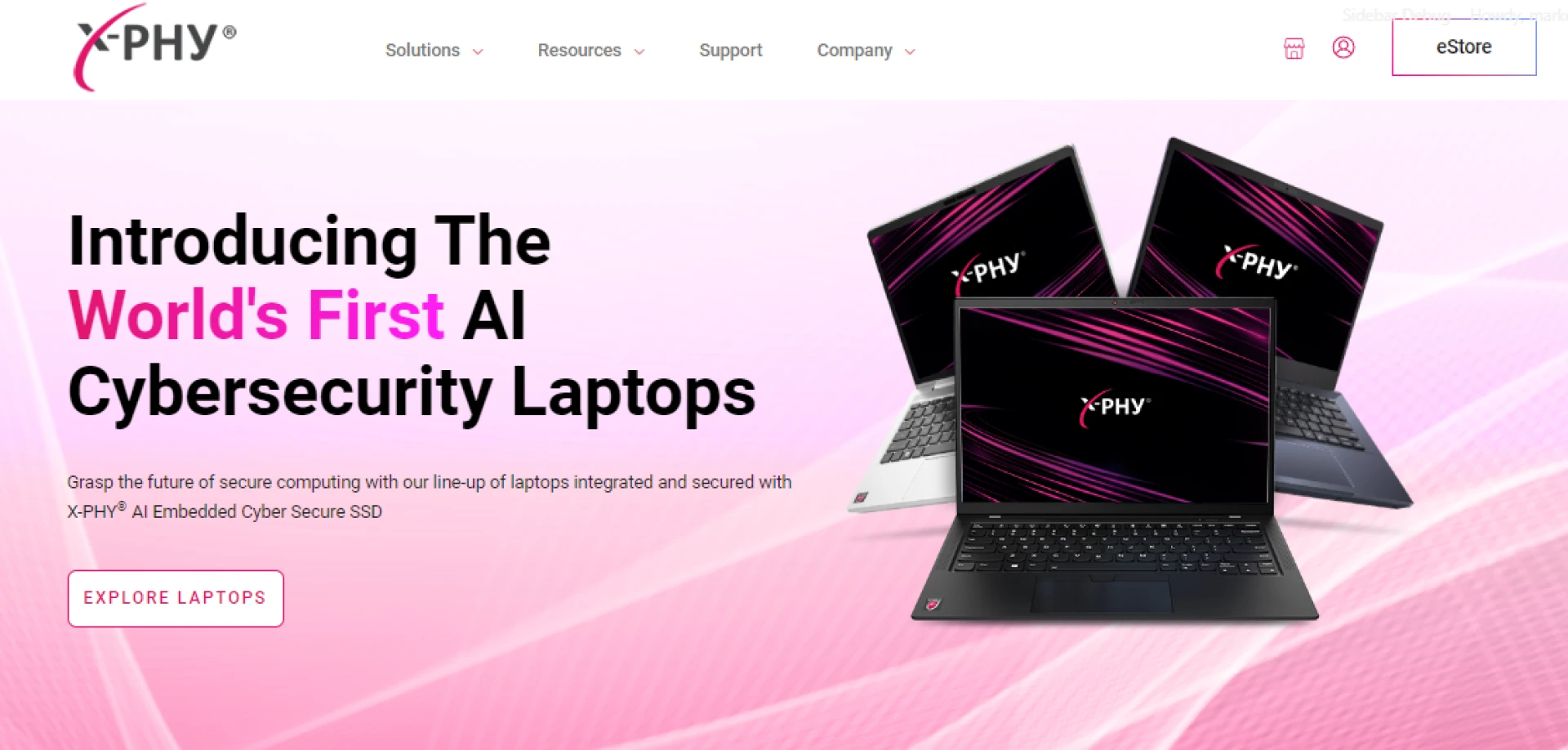

In today\'s digital age, cybersecurity has become a paramount concern for individuals and businesses alike. With the increasing prevalence of cyber threats, ensuring the security of laptops has never been more critical. In this article, we will delve into the importance of secure laptops in safeguarding against cyberattacks and explore the features and best practices to enhance laptop security.
Introduction to Cybersecurity and the Importance of Secure Laptops
Cybersecurity encompasses measures taken to protect computer systems and networks from unauthorized access, data breaches, and malicious attacks. Laptops, being portable and often used in various environments, are particularly vulnerable to cyber threats. Secure laptops play a crucial role in mitigating these risks and safeguarding sensitive information.
Common Cybersecurity Threats Facing Laptops
Malware and Viruses
Malware, including viruses, worms, and ransomware, pose significant risks to Secure laptop security. These malicious programs can infect systems, compromise data integrity, and disrupt normal operations.
Phishing Attacks
Phishing attacks involve tricking users into divulging sensitive information through fraudulent emails, websites, or messages. Laptops are frequent targets for phishing attempts, making it essential to exercise caution when interacting with online content.
Data Breaches
Data breaches occur when unauthorized parties gain access to confidential information stored on laptops. These breaches can lead to financial loss, reputational damage, and legal repercussions for individuals and organizations.
Features of Secure Laptops
Secure laptops are equipped with advanced features designed to enhance security and protect against cyber threats. Some key features include:
End-to-End Encryption
End-to-end encryption ensures that data remains encrypted throughout transmission and storage, preventing unauthorized access even if intercepted by malicious actors.
Biometric Authentication
Biometric authentication mechanisms, such as fingerprint scanners or facial recognition technology, provide an additional layer of security beyond traditional password-based systems.
Secure Boot Process
Secure laptops employ a secure boot process to verify the integrity of the operating system and detect any unauthorized modifications or tampering.
Choosing the Right Secure Laptop for Cybersecurity Needs
Selecting the right secure laptop requires careful consideration of various factors, including:
Research and Comparison
Thorough research and comparison of different laptop models are essential to identify those with robust security features and reliable performance.
Compatibility with Security Software
Ensuring compatibility with leading security software solutions is crucial for maximizing protection against evolving cyber threats.
Warranty and Customer Support
Opting for laptops with comprehensive warranties and responsive customer support services can provide added peace of mind and assistance in case of security-related issues.
Best Practices for Securing Laptops Against Cyberattacks
Implementing effective security measures is paramount to safeguarding laptops against cyberattacks. Some best practices include:
Regular Software Updates
Frequent software updates help patch vulnerabilities and address security weaknesses, reducing the risk of exploitation by malicious entities.
Strong Passwords and Multi-Factor Authentication
Enforcing strong passwords and implementing multi-factor authentication mechanisms can significantly enhance access control and prevent unauthorized account access.
Secure Wi-Fi Connections
Connecting to secure Wi-Fi networks and avoiding public or unsecured connections minimize the risk of eavesdropping and data interception.
Importance of Employee Training in Cybersecurity Measures
Employee training plays a pivotal role in strengthening cybersecurity defenses and fostering a culture of security awareness within organizations. Key aspects of employee training include:
Recognizing Suspicious Activity
Educating employees on identifying and reporting suspicious activity, such as phishing attempts or malware infections, empowers them to take proactive measures to mitigate risks.
Reporting Security Incidents
Establishing clear protocols for reporting security incidents ensures timely response and resolution, minimizing the impact of potential breaches on organizational operations.
Cybersecurity Awareness Programs
Conducting regular cybersecurity awareness programs educates employees on emerging threats, best practices, and their role in maintaining a secure computing environment.
The Role of Secure Laptops in Remote Work Environments
With the rise of remote work arrangements, secure laptops have become indispensable tools for ensuring productivity and protecting sensitive data. Key considerations for remote work environments include:
VPN Usage
Utilizing virtual private networks (VPNs) enables secure access to corporate networks and resources while maintaining data confidentiality and integrity.
Remote Desktop Access
Remote desktop access solutions facilitate seamless collaboration and remote management of laptops while maintaining stringent security controls and access restrictions.
Mobile Device Management Solutions
Implementing mobile device management (MDM) solutions allows organizations to enforce security policies, remotely monitor devices, and mitigate security risks associated with remote work.
Conclusion
Secure laptops are indispensable assets in safeguarding against cyber threats and protecting sensitive information in today\'s digital landscape. By implementing robust security features, adhering to best practices, and fostering a culture of cybersecurity awareness, individuals and organizations can fortify their defenses and mitigate the risk of cyberattacks.
Unique FAQs
1. How do secure laptops differ from regular laptops?
Secure laptops typically incorporate advanced security features, such as encryption, biometric authentication, and secure boot processes, to enhance protection against cyber threats.
2. Can secure laptops prevent all types of cyberattacks?
While secure laptops offer heightened security measures, no system is entirely immune to cyber threats. However, implementing best practices and staying vigilant can significantly reduce the risk of successful attacks.
3. Are secure laptops suitable for personal use?
Secure laptops are suitable for both personal and professional use, providing peace of mind and enhanced protection against cyber threats for individuals and organizations alike.
4. How often should I update my laptop\'s security software?
It is recommended to update security software regularly, ideally as soon as updates become available, to ensure optimal protection against emerging threats and vulnerabilities.
5. What should I do if I suspect my laptop has been compromised?
If you suspect your laptop has been compromised or exposed to a security threat, promptly disconnect it from the internet, run antivirus scans, and seek assistance from IT support or cybersecurity professionals for further assessment and remediation.




Sign in to leave a comment.