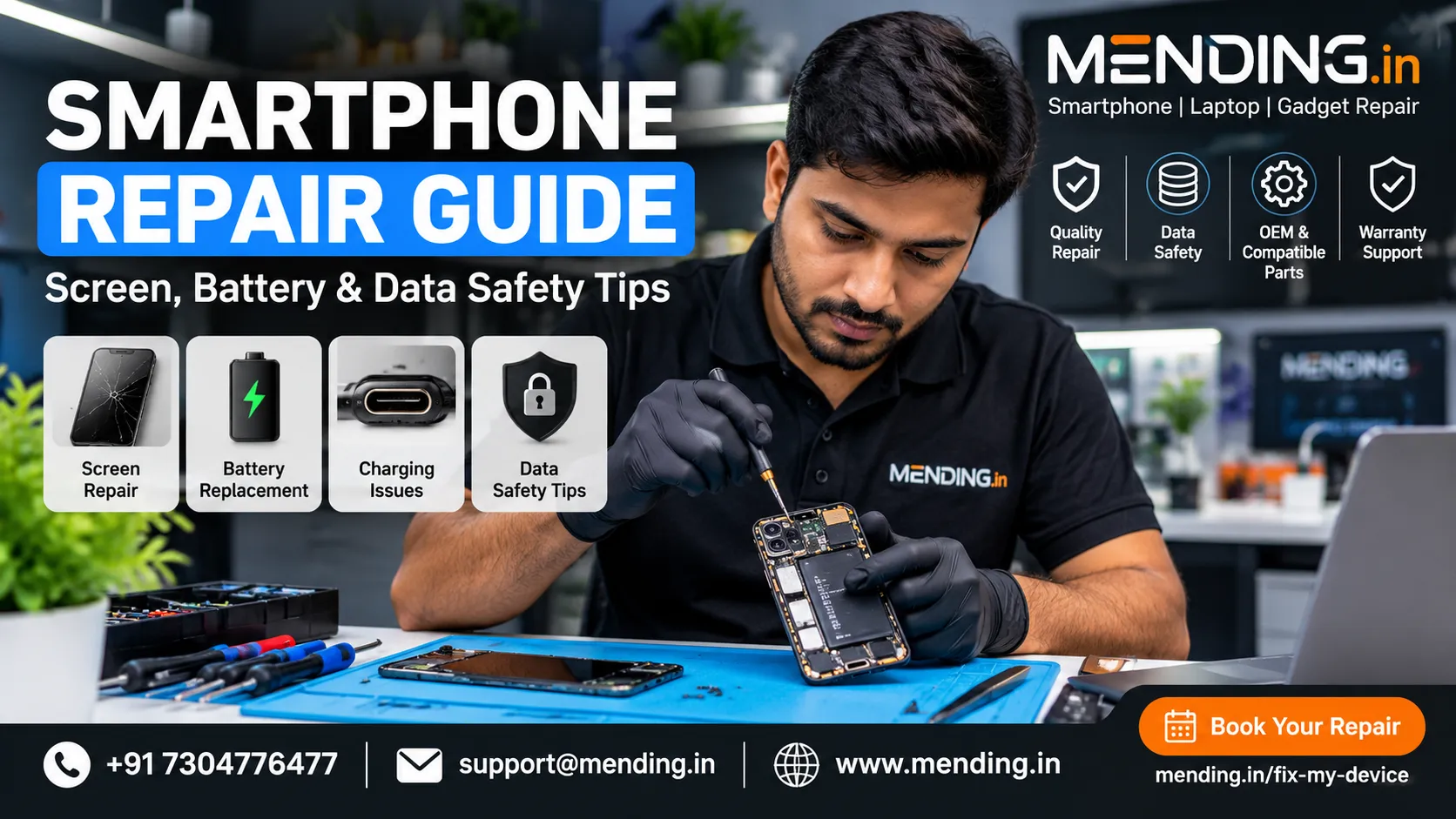

Smartphone Repair Guide: Screen, Battery & Data Safety Tips
Smartphones have become essential for communication, work, payments, photography, and everyday activities. When a phone develops a cracked screen, weak battery, charging problem, or unexpected shutdown, understanding the possible causes can help you make a better repair decision.
This guide explains common smartphone problems, practical troubleshooting steps, repair considerations, and ways to protect your personal data before handing over a device for servicing.
Common Smartphone Problems and Their Causes
1. Cracked or Damaged Screen
A phone screen can crack after an accidental drop or impact. Other symptoms include flickering, black patches, touch problems, lines across the display, or an unresponsive screen.
If the glass is cracked, avoid pressing damaged areas. Back up your data if the phone remains usable, and seek a professional assessment if the display or touch function is affected.
The appropriate repair depends on the device model, display construction, extent of damage, and availability of compatible replacement parts.
2. Battery Draining Quickly
Battery performance can decline over time. High screen brightness, demanding applications, background activity, poor network reception, and battery ageing can also contribute to rapid discharge.
Try reducing screen brightness, checking battery usage in Settings, updating your software, and closing unnecessary background applications.
If the phone repeatedly shuts down, overheats, or has a swollen battery, stop using or charging it and arrange a professional inspection. Never puncture or attempt to remove a swollen battery yourself.
3. Charging Port Problems
A phone may charge intermittently because of a damaged cable, faulty adapter, debris in the port, moisture, or an internal hardware fault.
Test a known-compatible cable and adapter. If moisture is detected, disconnect the charger and let the device dry according to the manufacturer's instructions. Do not insert metal objects into the charging port.
Persistent charging problems may require a technician to inspect the port, charging circuitry, or other internal components.
4. Water or Liquid Damage
Liquid exposure can cause corrosion and electrical faults, even when a device initially appears to work.
Disconnect the charger, switch off the phone if safe to do so, and avoid heating it with a hair dryer. Do not put the device in rice or continue charging it to test whether it works.
Arrange a professional assessment as soon as practical. Water resistance varies by model and can change with age, wear, and previous repairs.
Should You Repair Your Phone or Replace It?
Before choosing between repair and replacement, consider:
- Repair cost: Compare a written repair estimate with the cost of a suitable replacement phone.
- Device age: An older phone may have limited software support or other ageing components.
- Nature of damage: A single damaged component may be repairable, while extensive damage can make replacement more practical.
- Data and functionality: Consider whether the phone can be safely restored to reliable working condition.
- Warranty and service terms: Check the applicable warranty, replacement-part options, and repair conditions.
Ask for a diagnosis before approving major repairs. The lowest quoted price is not necessarily the best choice if the scope of work, part quality, or warranty terms are unclear.
How to Protect Your Data Before a Repair
Your smartphone may contain personal photographs, messages, banking applications, business documents, and saved account information.
Take these precautions before handing it over:
1. Back up important data to a trusted location.
2. Confirm that you can access your important accounts and recovery methods.
3. Remove the SIM card and memory card if they are not required for testing.
4. Ask the service provider what diagnostic tests are necessary.
5. Avoid sharing banking passwords, OTPs, or unrelated account credentials.
6. Follow the manufacturer's guidance for repair mode, device access, or disabling security features when applicable.
7. Ask how your data and device will be handled during the repair process.
Some repairs require functional testing, but access to personal information should be limited to what is genuinely necessary.
How to Choose a Smartphone Repair Service
Before selecting a repair provider, ask these questions:
- Does the technician have experience with your particular device model?
- Will the repair scope and total charges be explained before work begins?
- Are original, OEM, or compatible parts available, and what are their differences?
- What warranty, if any, applies to the repair and replacement part?
- Will your data remain on the device, and what precautions should you take?
- Will you receive a receipt and clear information about the completed work?
Part descriptions and warranty conditions should be confirmed in writing instead of relying on general advertising claims.
Finding Smartphone Repair Information in Mumbai
Customers looking for phone repair services in Mumbai, Navi Mumbai, and Thane should compare service availability, diagnostic procedures, repair estimates, and applicable warranty terms before booking.
For information about mobile phone and gadget repair services, visit "MENDING.in" (https://www.mending.in). Review the available service details and confirm whether your device model and repair requirement are supported.
You can also check the booking options at https://mending.in/fix-my-device before arranging a repair.
Final Thoughts
A cracked screen, battery problem, charging fault, or liquid-damage incident does not always mean that you need a new phone. Identifying the cause, protecting your data, comparing repair costs, and understanding the service terms can help you make a more informed decision.
Choose a repair provider based on relevant experience, clear communication, suitable replacement parts, and transparent repair conditions. Taking these steps can help you care for your device and avoid unnecessary repairs or expenses.
Disclaimer: Repair availability, costs, parts, and warranty terms vary by device model and service provider. Confirm the applicable details before authorising any repair.



















Sign in to leave a comment.