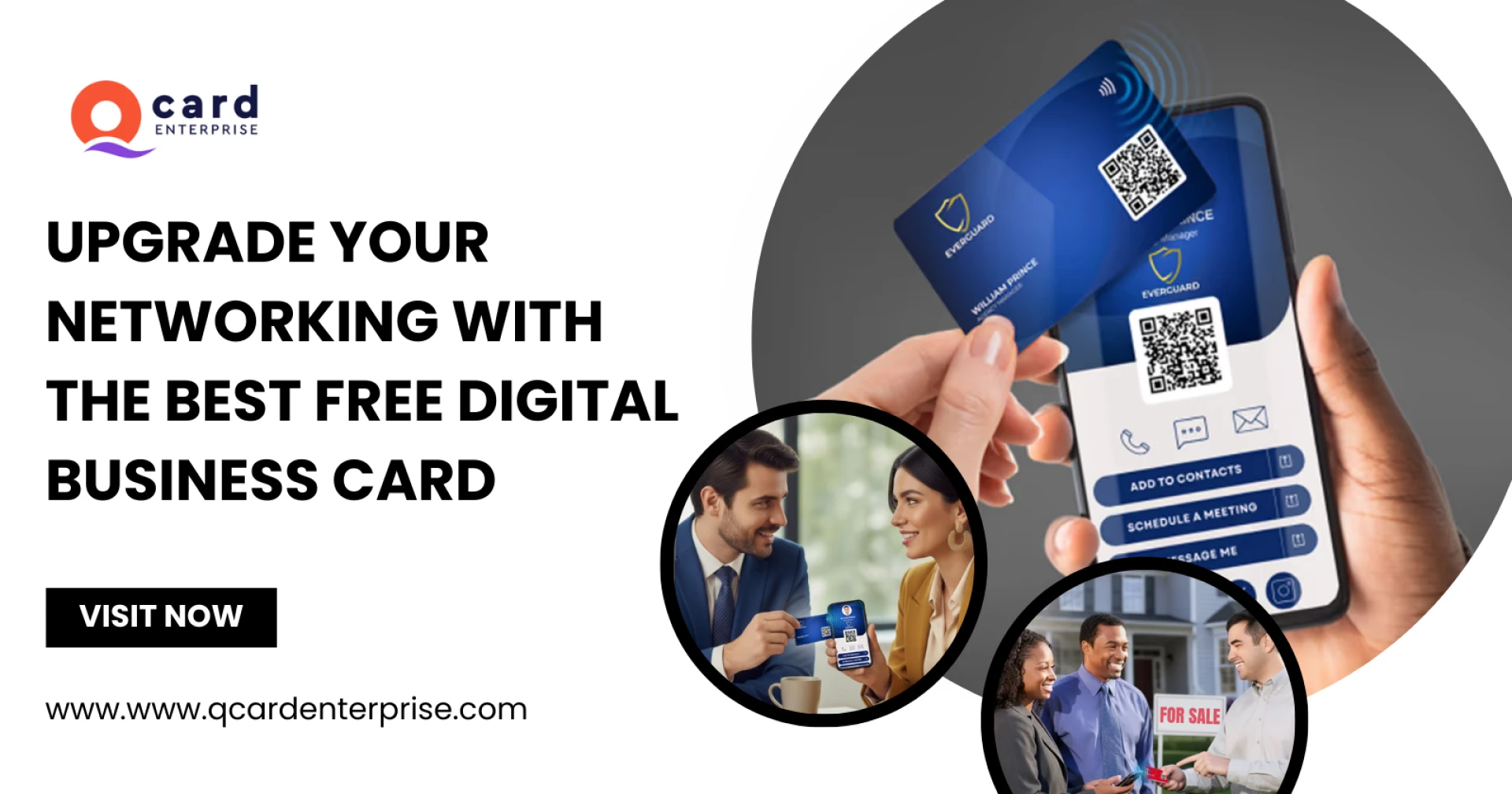

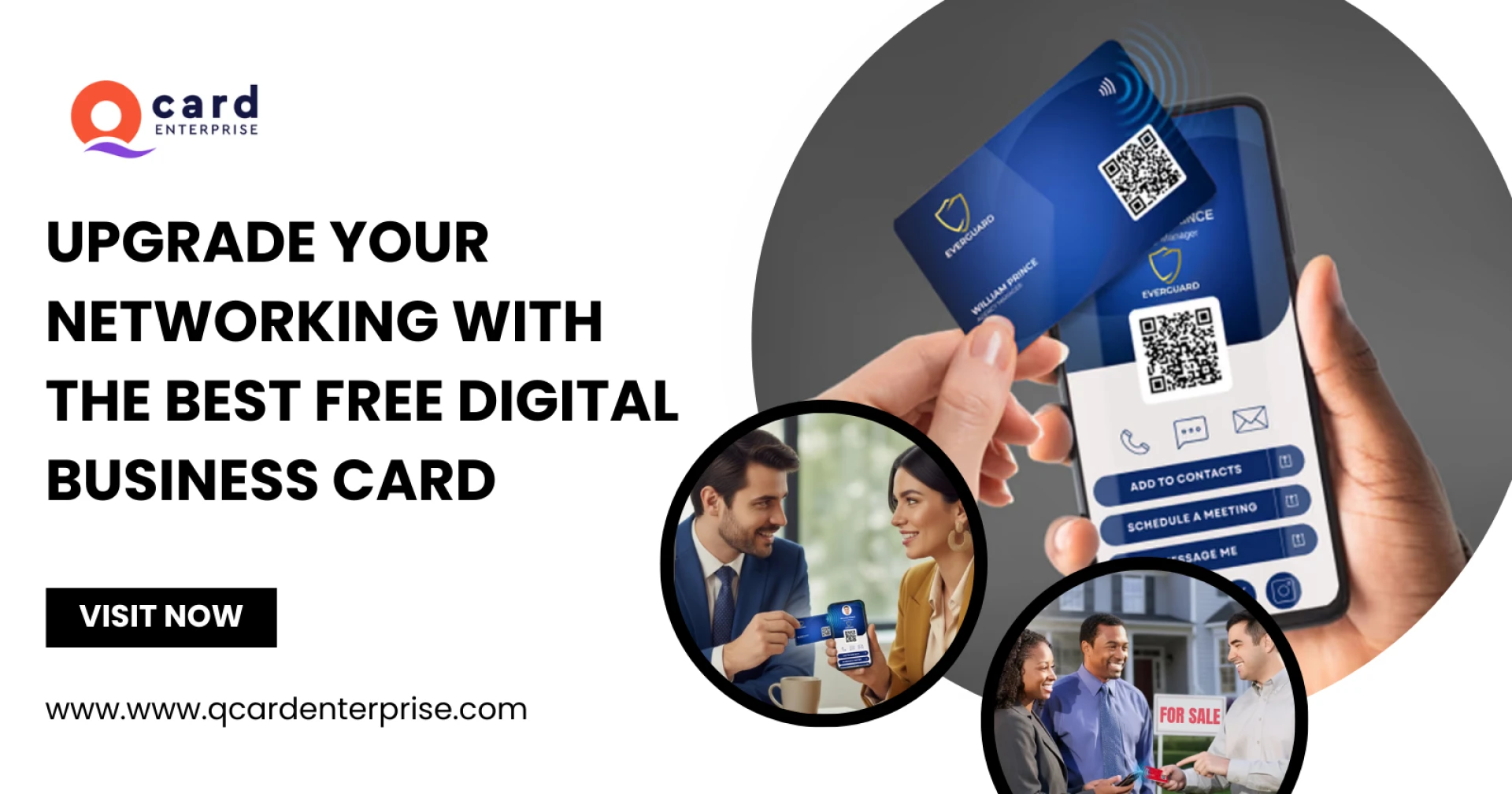
In today’s fast-moving digital world, professionals are shifting away from traditional paper cards and adopting smarter networking tools. One of the most effective solutions is using QR codes to instantly share your contact information. If you want a modern and professional way to connect with clients, learning how to create QR codes for business cards for free is an excellent place to start.
A QR-enabled digital card allows people to scan a code and instantly access your profile, contact details, website, and social media links. Platforms like QCard make it possible to create a fully functional digital business card in less than a minute, helping professionals leave a lasting impression without printing thousands of paper cards.
In this guide, you’ll learn step-by-step how to create a QR code for your business card for free and why it’s becoming an essential networking tool for professionals across industries.
Why QR Code Business Cards Are Becoming Popular
Traditional business cards often get lost, thrown away, or forgotten in drawers. A QR-based digital card solves these problems by providing instant access to your contact information.
When someone scans your QR code, they can immediately view your digital profile and save your details directly to their phone. This makes networking faster, more efficient, and more memorable.
A free QR code business card also allows professionals to:
- Share contact details instantly
- Update information anytime without reprinting cards
- Add social links, websites, and portfolios
- Create a professional digital presence
- Track engagement through analytics
Professionals such as consultants, lawyers, real estate agents, and financial advisors are increasingly switching to digital cards because they simplify networking and improve follow-up opportunities.
What Is a QR Code Business Card?
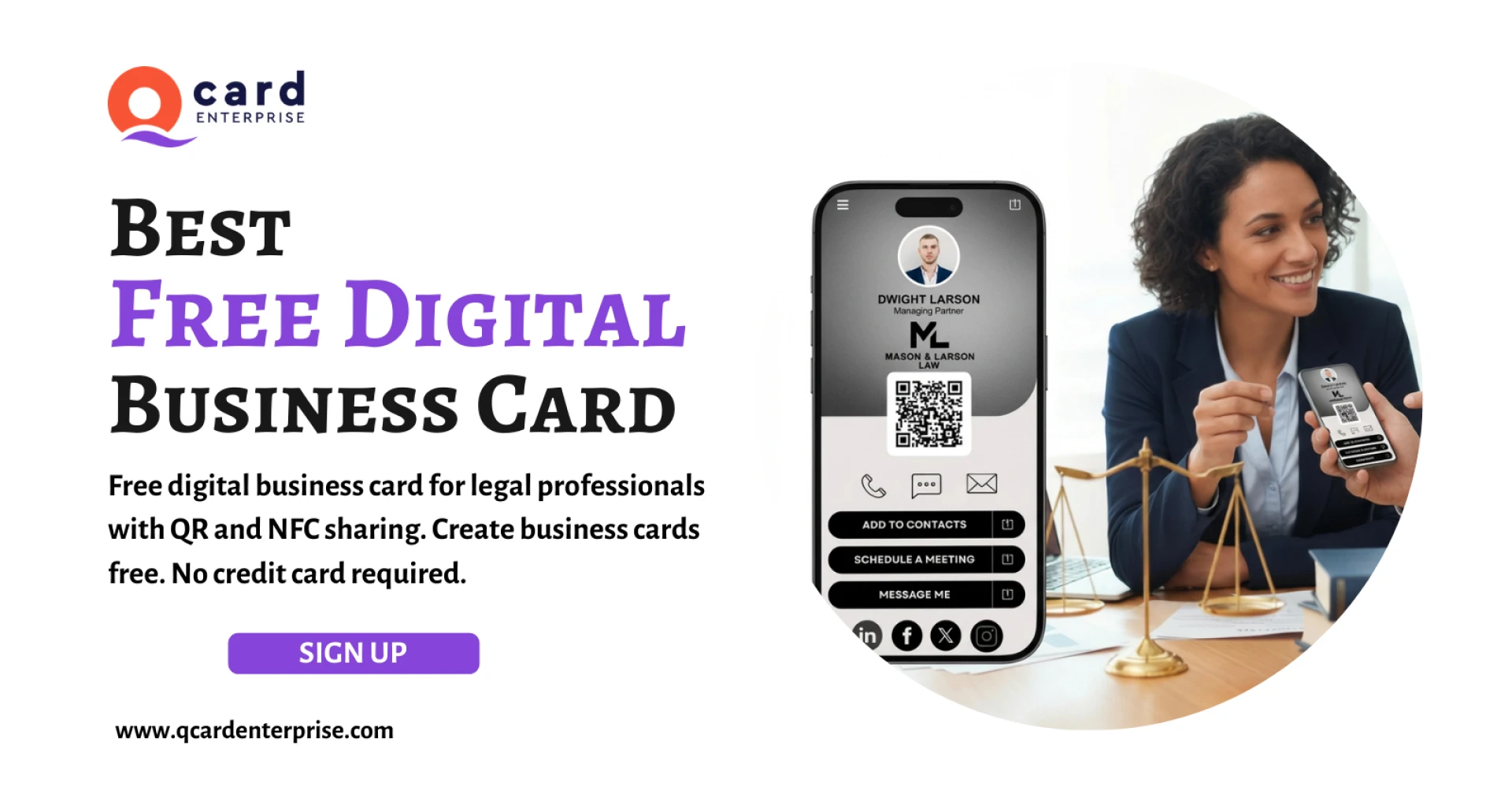
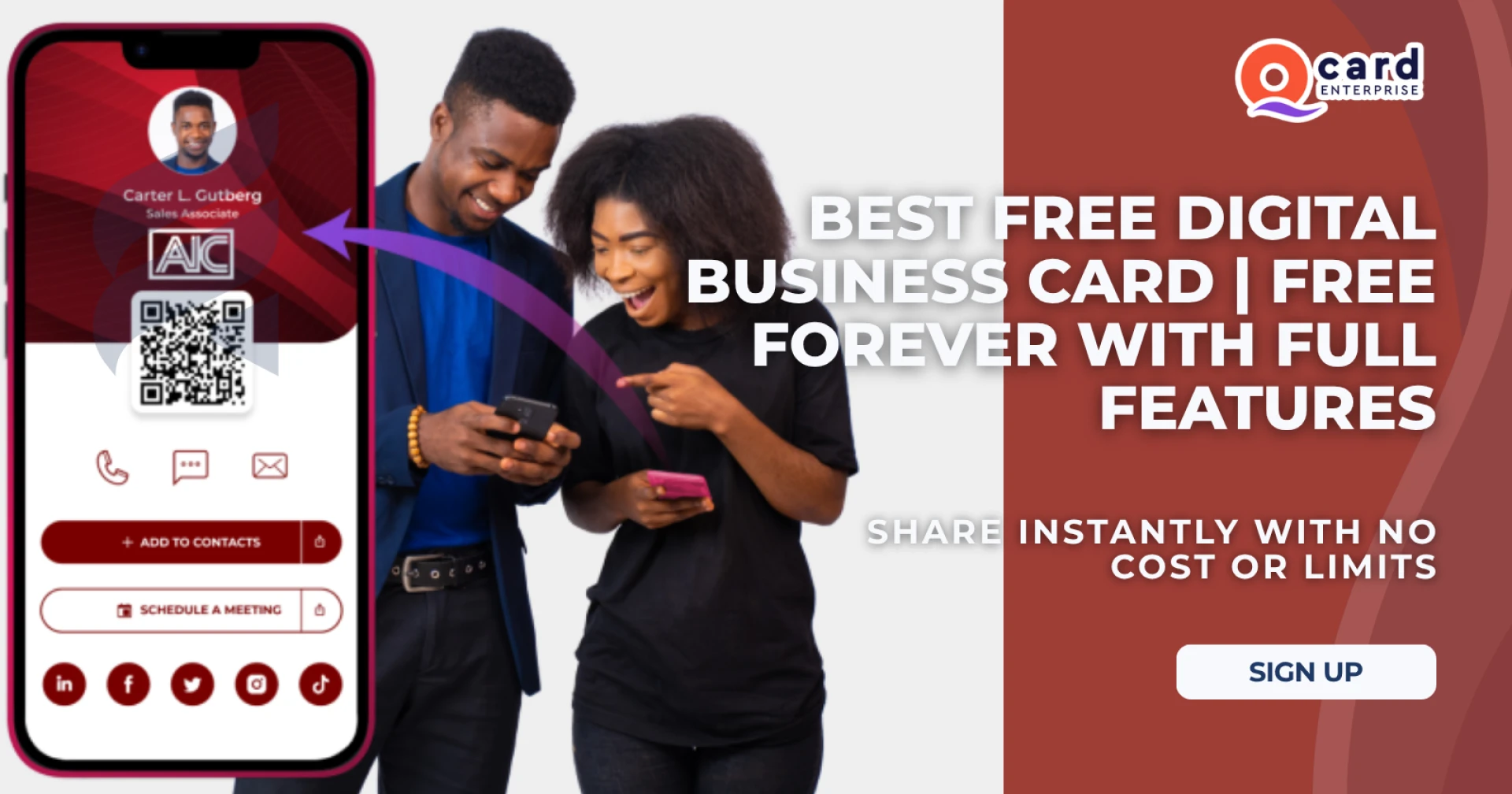
A QR code business card is a digital card that contains a scannable QR code linked to your professional profile. Instead of handing out paper cards, you simply share a QR code that leads people to your contact page.
Your digital profile can include:
- Profile photo
- Job title and company
- Phone number and email
- Website and social media links
- Professional bio
- Call-to-action buttons
Using a digital platform like Qcard Enterprise allows you to build a professional digital card that works anywhere and can be shared via QR code, link, or text.
Step-by-Step Guide to Create QR Codes for Business Cards for Free
Creating a QR code business card is simple and takes less than a minute. Follow these steps to get started.
Step 1: Choose a Digital Business Card Platform
The first step is selecting a reliable platform that allows you to create and share digital business cards. A platform like QCard offers a free QR code business card with all essential features, making it easy for professionals to create their digital presence.
Look for features such as:
- QR code sharing
- Contact saving
- Custom profile links
- Social media integration
- Analytics tracking
These features ensure your digital card works efficiently in networking situations.
Step 2: Create Your Free Account
Once you select a platform, sign up for a free account. The registration process usually takes just a few seconds and doesn’t require a credit card.
After signing up, you’ll be able to access your personal dashboard where you can customize your digital profile.
Step 3: Add Your Professional Details
Now it’s time to build your digital identity. Fill in your professional details to make your card informative and engaging.
Important information to include:
- Full name
- Professional title
- Company name
- Phone number
- Email address
- Website link
- Social media profiles
Adding a professional photo and short bio can significantly improve your credibility, especially if you’re creating a digital business card for financial advisors, consultants, or legal professionals.
Step 4: Customize Your Digital Profile
A digital business card is more than just contact information. It’s a professional landing page that represents your brand.
You can customize your profile by adding:
- Call-to-action buttons
- Portfolio links
- Booking links
- Videos or presentations
- Social media links
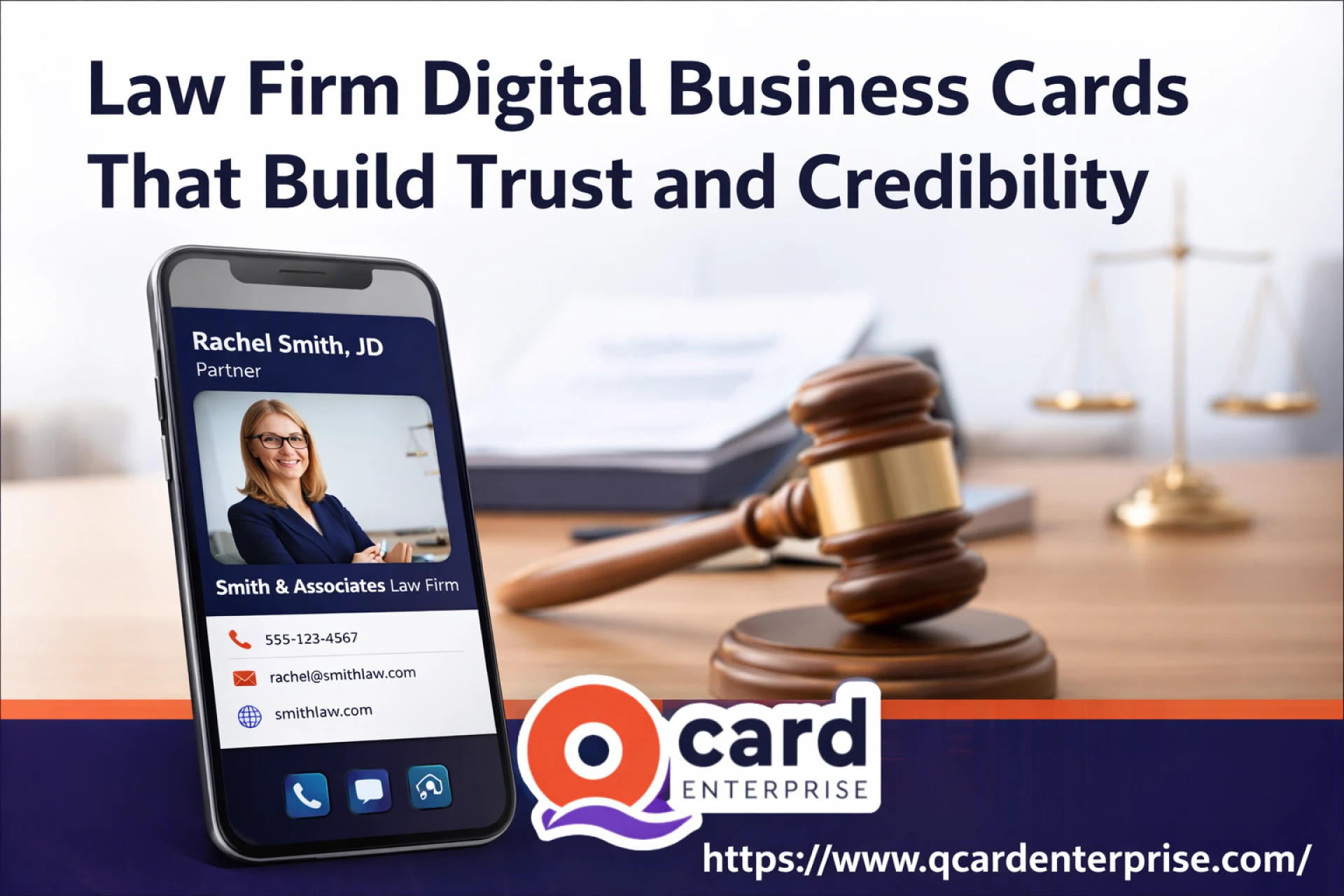
For example, professionals in real estate can create a digital business card for realtor services that includes property listings and contact buttons. Similarly, legal professionals can use a law firm digital business card to present their services and credentials.
Step 5: Generate Your QR Code
Once your profile is complete, the platform automatically generates a QR code linked to your digital card.
This QR code becomes your networking tool. Anyone who scans it can instantly access your profile and save your contact information.
You can place this QR code on:
- Printed business cards
- Email signatures
- Social media profiles
- Websites
- Presentation slides
- Marketing materials
This makes a contactless business card perfect for both online and offline networking.
Step 6: Share Your Digital Card Anywhere
Your QR code business card works everywhere. You can share it during meetings, conferences, networking events, or even through digital channels.
Professionals often use it in:
- Email footers
- LinkedIn profiles
- WhatsApp messages
- Video meeting backgrounds
- Marketing brochures
Whether you are an advisor, lawyer, consultant, or accountant, a digital card helps you share your contact details quickly and professionally.
For instance:
- A digital business card for advisors can simplify client onboarding.
- A digital contact card for consultant can showcase expertise and services.
- A virtual accounting business card can help accountants share their professional profile instantly.
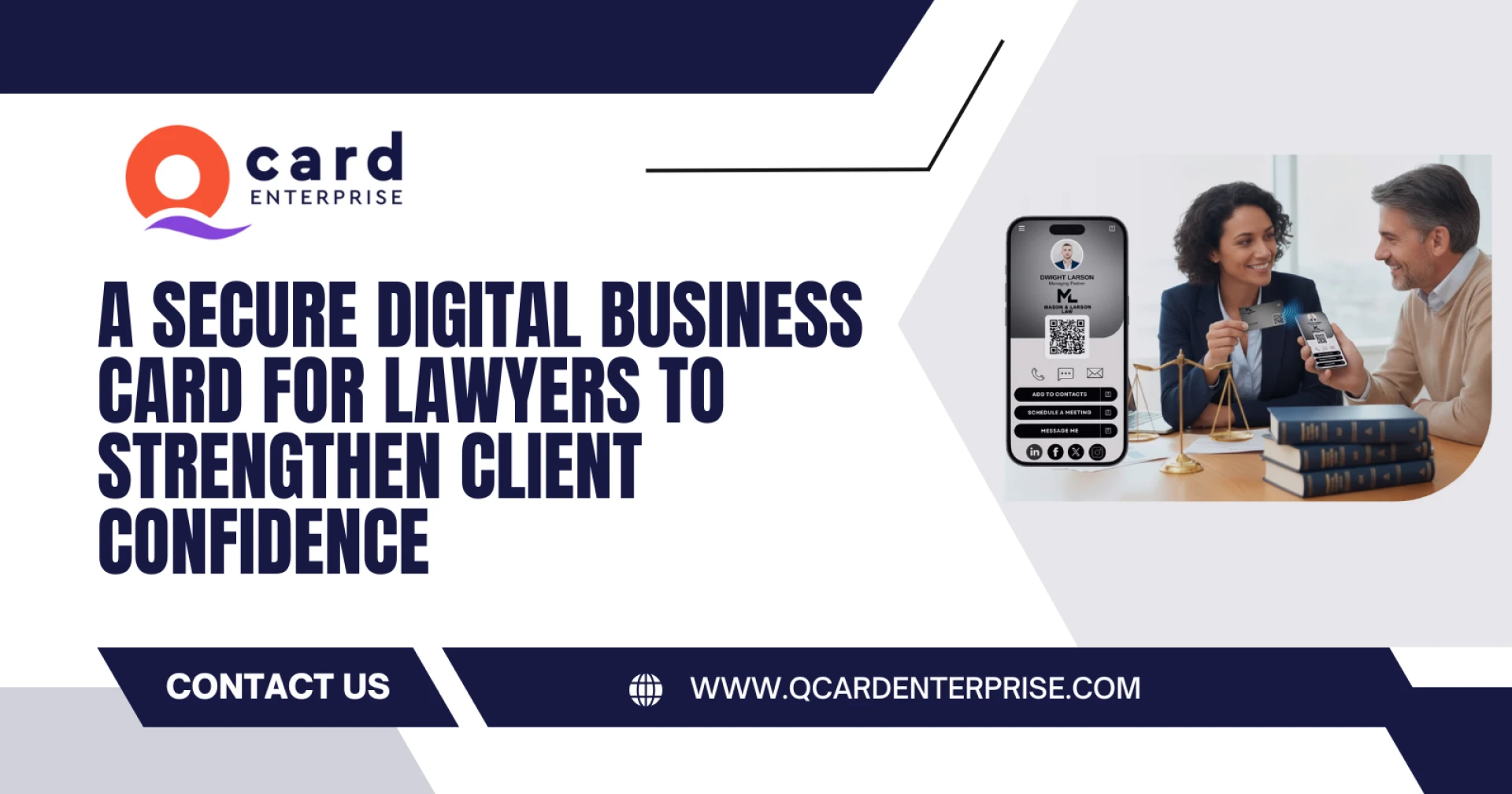
- A digital business card for lawyers can provide clients quick access to legal services.
Benefits of Using Digital QR Code Business Cards
Switching to a digital business card offers several advantages compared to traditional paper cards.
1. Instant Contact Saving
People can save your details directly to their phone with one tap, eliminating manual data entry.
2. Always Updated Information
If your phone number, company, or website changes, you can update it instantly without reprinting cards.
3. Professional First Impression
A digital profile looks modern and professional, helping you stand out during meetings and networking events.
4. Eco-Friendly Networking
Using a contactless real estate card or digital profile reduces paper waste and supports environmentally friendly business practices.
5. Works Across Industries
Digital cards are widely used by professionals including:
- Realtors
- Consultants
- Financial advisors
- Lawyers
- Insurance agents
- Accountants
For example, a virtual insurance agent card allows agents to instantly share their services and contact information with potential clients.
Why Professionals Are Switching to Digital Business Cards
Modern networking is about speed and convenience. Traditional cards are easy to lose and difficult to update. Digital cards solve these problems by providing a centralized professional profile that can be shared instantly.
With the rise of NFC Smart Business Card technology and QR-based networking, professionals are adopting contactless solutions that make introductions smoother and more impactful.
Platforms like Qcard Enterprise make it simple to create and share digital cards with features like QR code sharing, contact saving, and rich profile customization.
Final Thoughts
Learning how to create QR codes for business cards for free is one of the smartest networking upgrades you can make today. A digital business card allows you to share your professional profile instantly, improve follow-ups, and create stronger connections.
Instead of handing out paper cards that may be forgotten, you can offer a modern, interactive contact experience that people can save in seconds.
If you want to build a polished and professional digital identity, start by creating your free digital business card today and experience the benefits of smarter networking.























Sign in to leave a comment.