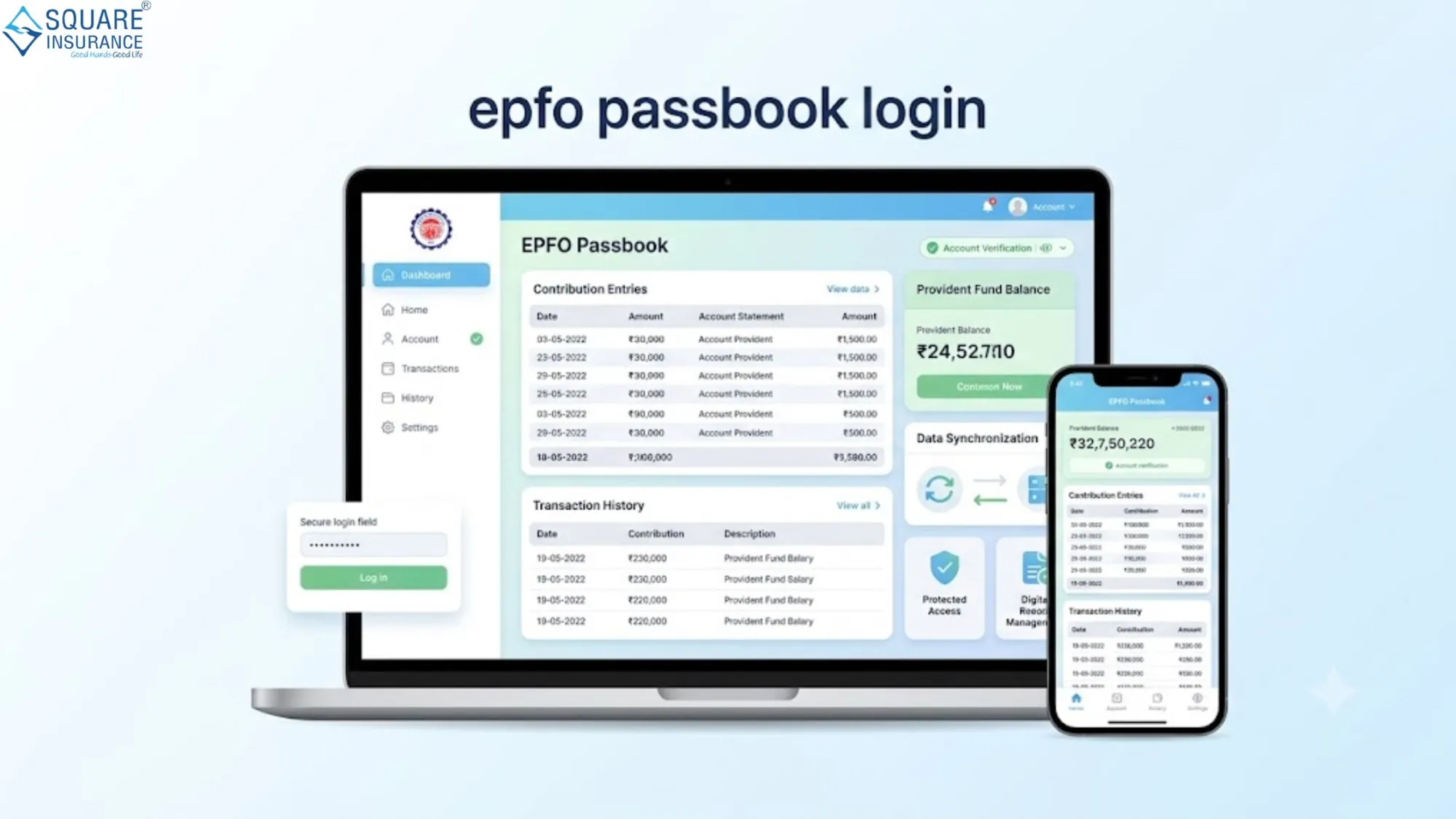

The Employees’ Provident Fund system in India plays a crucial role in securing the financial future of salaried employees, and understanding the epfo passbook login process is essential for every EPF account holder. Through the online passbook facility, employees can easily track contributions made by both employer and employee, monitor interest updates, and verify their overall PF balance in real time.
The digital transformation of the EPF services provided by Employees' Provident Fund Organisation has made it much easier for members to access their account details without visiting any physical office. This guide explains the complete step-by-step process of epfo passbook login, along with key benefits, common issues, and solutions.
What is EPFO Passbook?
EPFO Passbook is an online statement that records all transactions related to your Provident Fund account. It includes monthly contributions, employer share, employee share, and interest credited.
The passbook acts as a financial record that helps employees stay informed about their retirement savings and ensures transparency in fund management. It is updated periodically and can be accessed anytime through the official EPFO portal using UAN credentials.
Importance of EPFO Passbook Login Access
The epfo passbook login facility is important for several reasons:
- It helps track monthly PF contributions
- It ensures transparency in employer deposits
- It allows employees to verify interest credits
- It helps in financial planning for retirement
- It reduces dependency on HR or EPFO offices
With digital access, employees can manage their provident fund account independently and efficiently.
Step-by-Step Guide to EPFO Passbook Login
To access your EPFO passbook online, follow these detailed steps:
Step 1: Keep Your UAN Ready
Before starting, ensure that your Universal Account Number (UAN) is activated and linked with your mobile number. UAN is mandatory for login access.
Step 2: Visit EPFO Member Portal
Open the official EPFO member portal on your browser. This is the primary platform for accessing passbook services.
Step 3: Enter UAN Credentials
On the login page, enter your UAN number, password, and captcha code. Make sure the details are correct to avoid login errors.
Step 4: Navigate to Passbook Section
After successful login, locate the “Passbook” option on the dashboard. Click on it to proceed further.
Step 5: Select Member ID
If you have multiple PF accounts linked with your UAN, select the relevant Member ID to view the specific passbook.
Step 6: View and Download Passbook
Your EPF passbook details will be displayed on the screen. You can view monthly transactions or download the passbook for future reference.
Key Features of EPFO Passbook Portal
The EPFO passbook system provides several useful features for employees:
- Real-time PF balance tracking
- Detailed monthly contribution records
- Interest credit updates
- Multi-account access under single UAN
- Downloadable statements for financial use
These features make the system highly user-friendly and transparent.
Common Issues in EPFO Passbook Login
Many users face issues while accessing their passbook. Some common problems include:
Incorrect Password
If the password is incorrect, reset it using the “Forgot Password” option linked with your registered mobile number.
UAN Not Activated
Without UAN activation, passbook login is not possible. Ensure activation through employer or EPFO portal.
Server Issues
Sometimes, the EPFO portal may be slow or under maintenance. Try accessing it after some time.
Invalid Member ID
If multiple PF accounts exist, ensure you are selecting the correct Member ID linked to your UAN.
Benefits of Using EPFO Passbook Online
The digital passbook system offers several advantages:
- Easy access from anywhere
- No need for physical paperwork
- Better financial transparency
- Quick verification of contributions
- Time-saving and convenient process
These benefits ensure that employees have complete control over their retirement savings.
Security Tips for EPFO Passbook Login
To ensure safe access, follow these security practices:
- Never share your UAN password with anyone
- Always log in from a secure device
- Change password regularly
- Avoid using public Wi-Fi for login
- Log out after every session
Security is crucial when dealing with financial information.
Frequently Asked Questions (FAQs)
Q1 What is epfo passbook login?
It is an online facility that allows EPF members to access and view their provident fund transaction details using UAN credentials.
Q2 Can I access EPFO passbook without UAN?
No, UAN activation is mandatory for accessing the EPFO passbook online.
Q3 How often is the EPFO passbook updated?
The passbook is updated periodically after contributions and interest postings are processed by EPFO.
Q4 What should I do if I forget my EPFO password?
You can reset your password using the “Forgot Password” option by verifying your registered mobile number.
Q5 Can I download my EPFO passbook?
Yes, users can download and save the passbook for personal financial records and future reference.
Conclusion
The epfo passbook login system simplifies the process of tracking provident fund savings and ensures complete transparency for employees. With just a few clicks, users can access their contribution history, monitor interest credits, and manage their retirement planning effectively. This digital approach strengthens financial awareness and reduces dependency on offline processes.
Square Insurance offers a streamlined way to understand and manage financial services efficiently, helping users stay informed and prepared for their future needs.























Sign in to leave a comment.