

Today, an online portfolio is not just a trend, but a real necessity. If you are a designer, photographer, illustrator, copywriter or even a marketer, showing your work online is more important than having a beautiful resume in PDF. People want to see examples of your projects in person: how the design looks, how the text works, what photos you take. And that is exactly what you need your own website for.
The good news is that now you don’t have to learn to code or hire a developer. There are website builders that allow you to create a professional portfolio literally in an evening. But which one to choose? I’m sharing a few of the best options.
1. Weblium
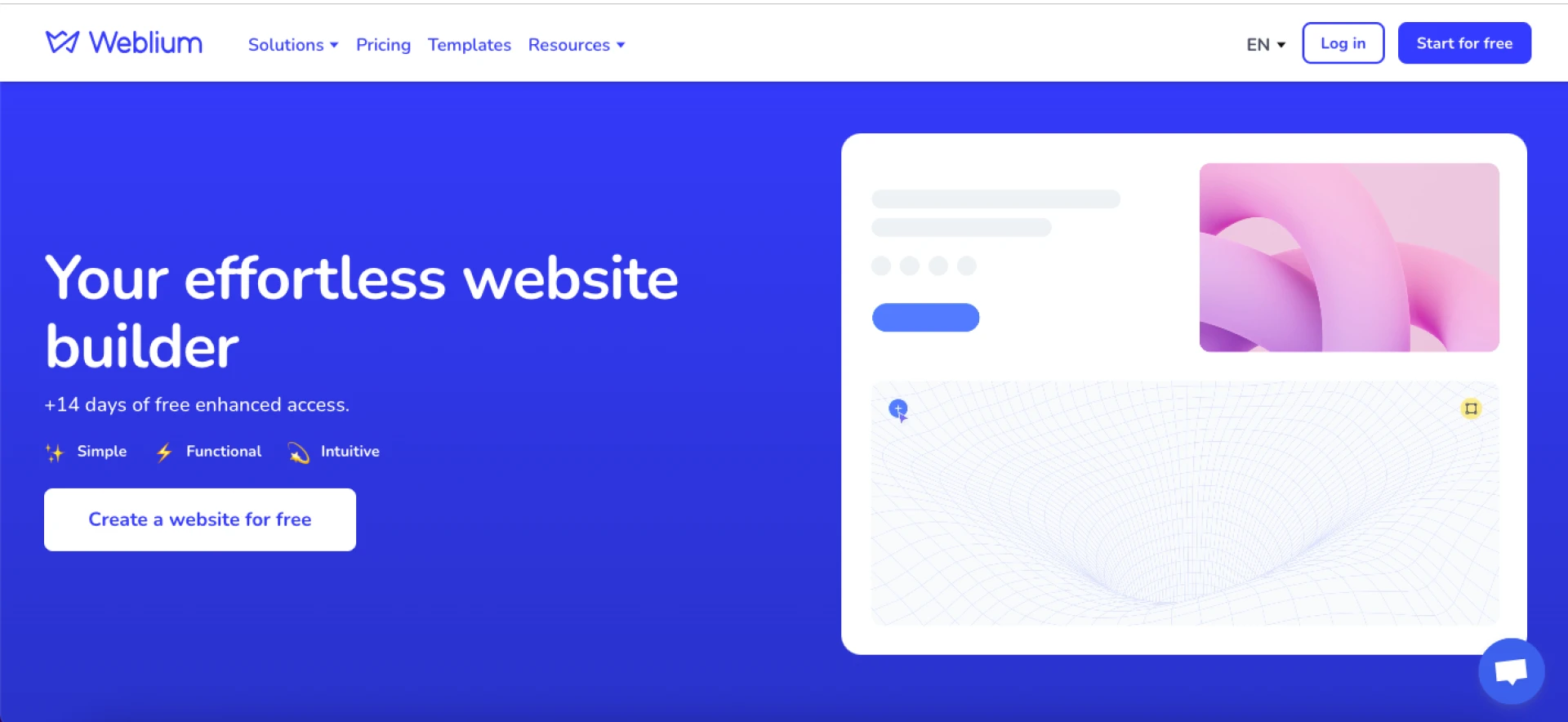
This is a website builder that many people like for its simplicity. You choose a ready-made portfolio template (there are actually a lot of them for different professions), edit the texts, add your photos or projects - and the site is ready.
Pros: modern design, adaptability (your site will look equally good on both a phone and a laptop), simple SEO settings.
Who is it for: freelancers and creative professionals who want to quickly launch a stylish site without technical hassles.
2. Wix
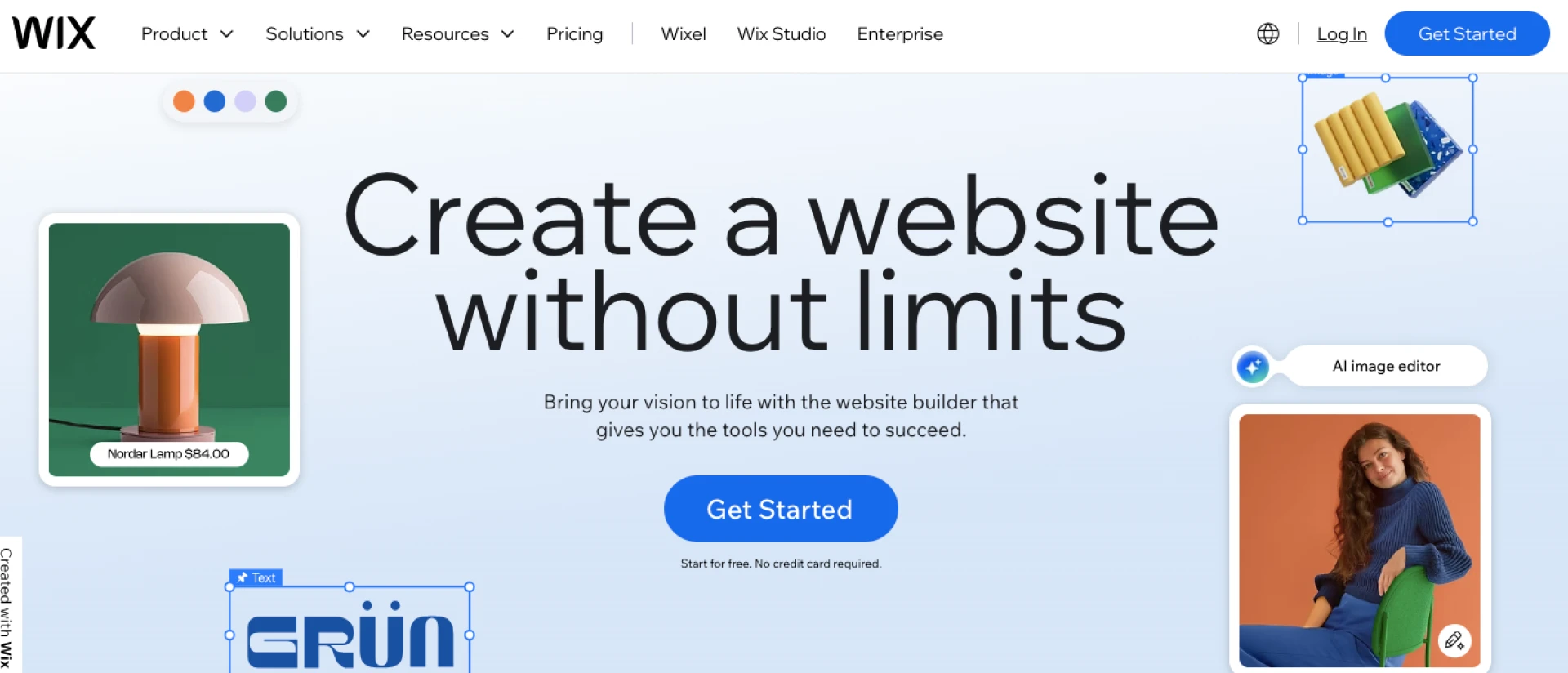
Probably one of the most famous designers in the world. Its main feature is a huge number of templates. If you like to have a choice of hundreds of options, this is your option.
Pros: freedom of design, integration, the ability to create more complex sites.
Cons: the interface can be a bit confusing, and sometimes even overloaded.
3. Squarespace
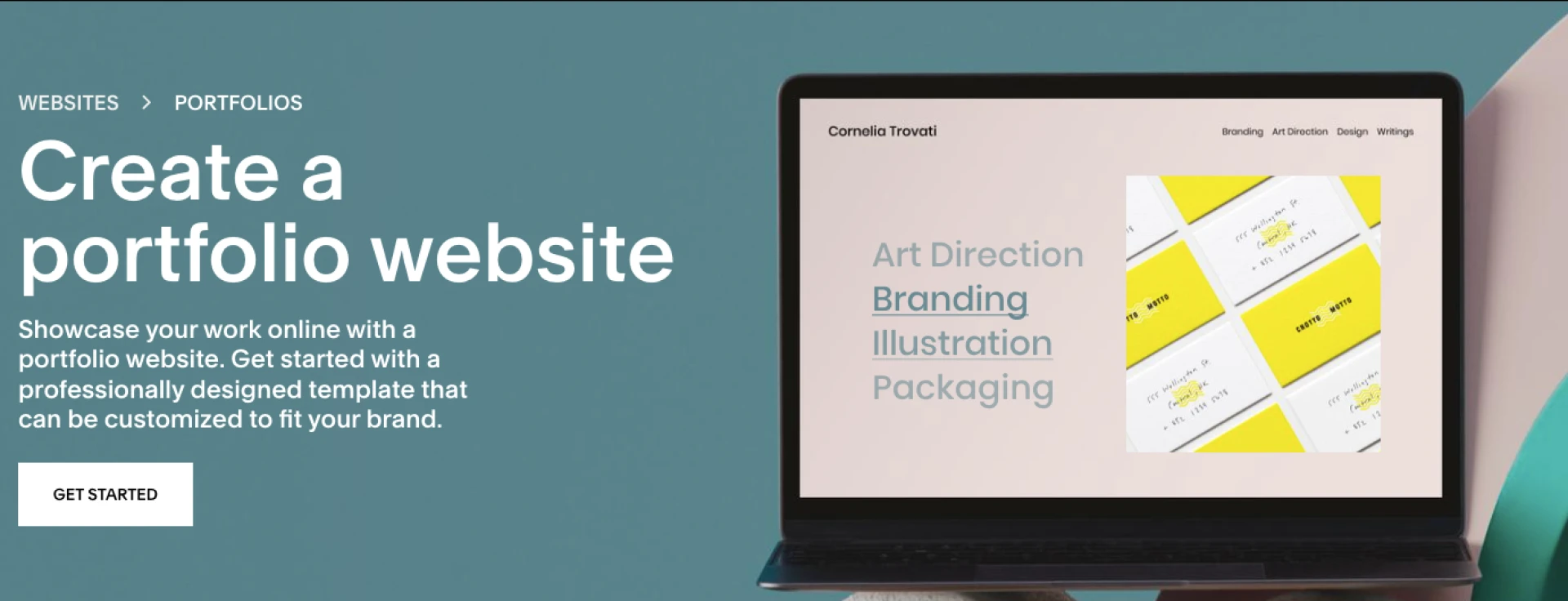
This service is loved by photographers and designers. Why? Because their templates look as stylish and minimalist as possible. If you want your site to look like a modern art magazine, this is the one for you.
Pros: cool typography, visual clarity, modern vibe.
Cons: less freedom in customization than Wix.
4. WordPress.com
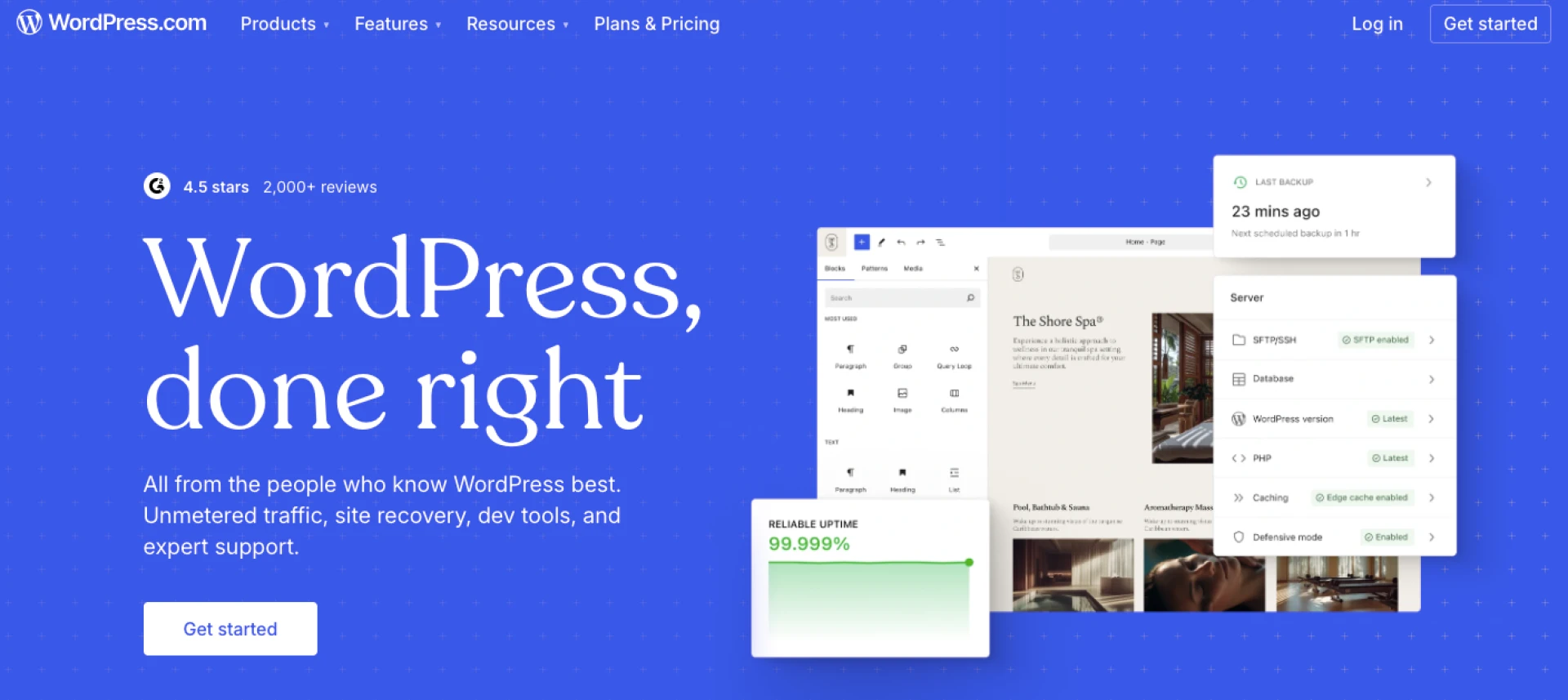
A classic of the genre. WordPress is a universal option that is suitable for those who want more control over their site. There are a lot of free and paid themes, plugins, SEO opportunities.
Pros: huge flexibility.
Cons: you will have to learn a little, because the interface is not as simple as in "drag & drop" designers.
5. Adobe Portfolio
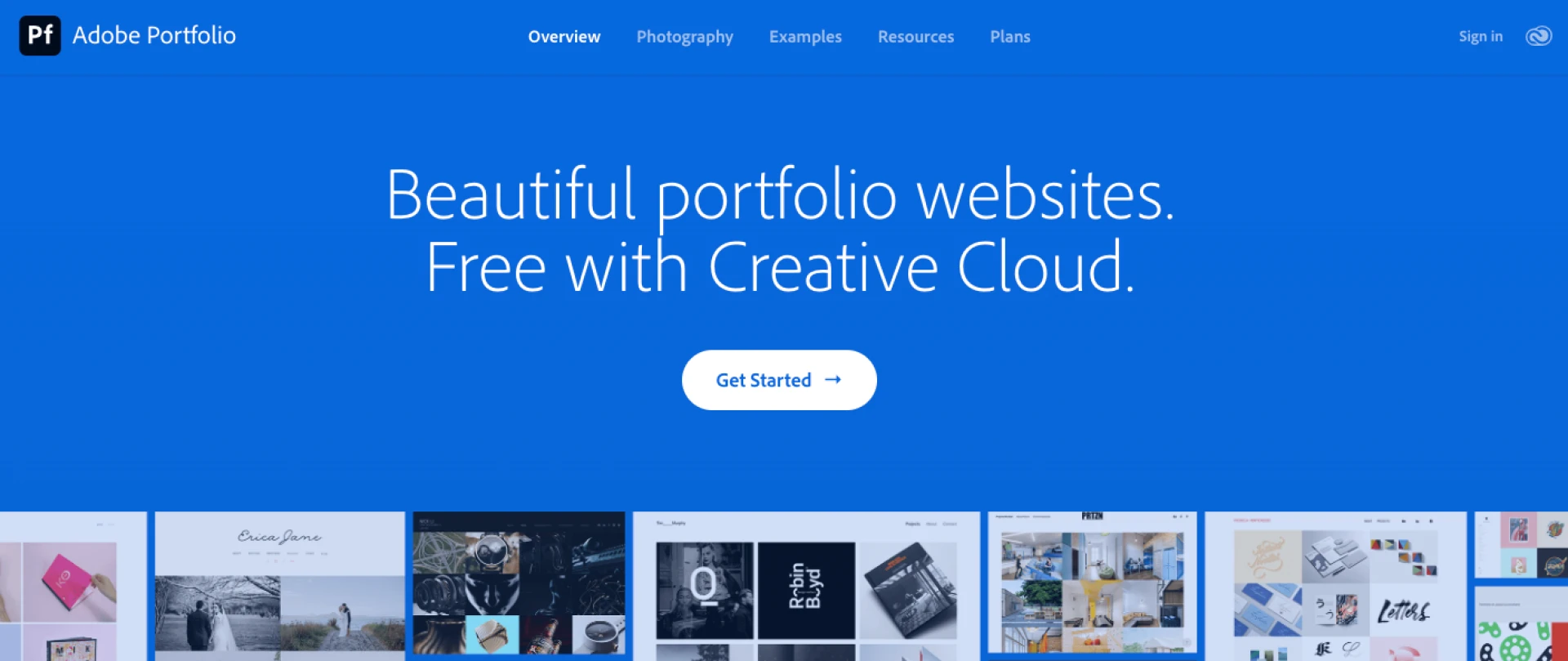
If you use Creative Cloud, then this option is generally ideal. Everything integrates with Behance, Lightroom, Photoshop. Adding your work is a matter of minutes.
Pros: convenient for creative professionals who already work with Adobe.
Cons: there is no point in using it if you are not in the Adobe ecosystem.
Which website builder to choose?
It all depends on your style and goals. If speed and simplicity are important to you - Weblium or Wix will cover all your needs. If you want stylish solutions "like from a magazine" - choose Squarespace. For those who like to have maximum control - WordPress is suitable. And if you are a designer or photographer in the Adobe ecosystem, then without a doubt, take Adobe Portfolio.
In any case, the main thing is not to postpone. Because a perfect portfolio that is still lying in a folder on your desktop will not help anyone. It is better to make a simple but live website now than to wait for months.










Sign in to leave a comment.