

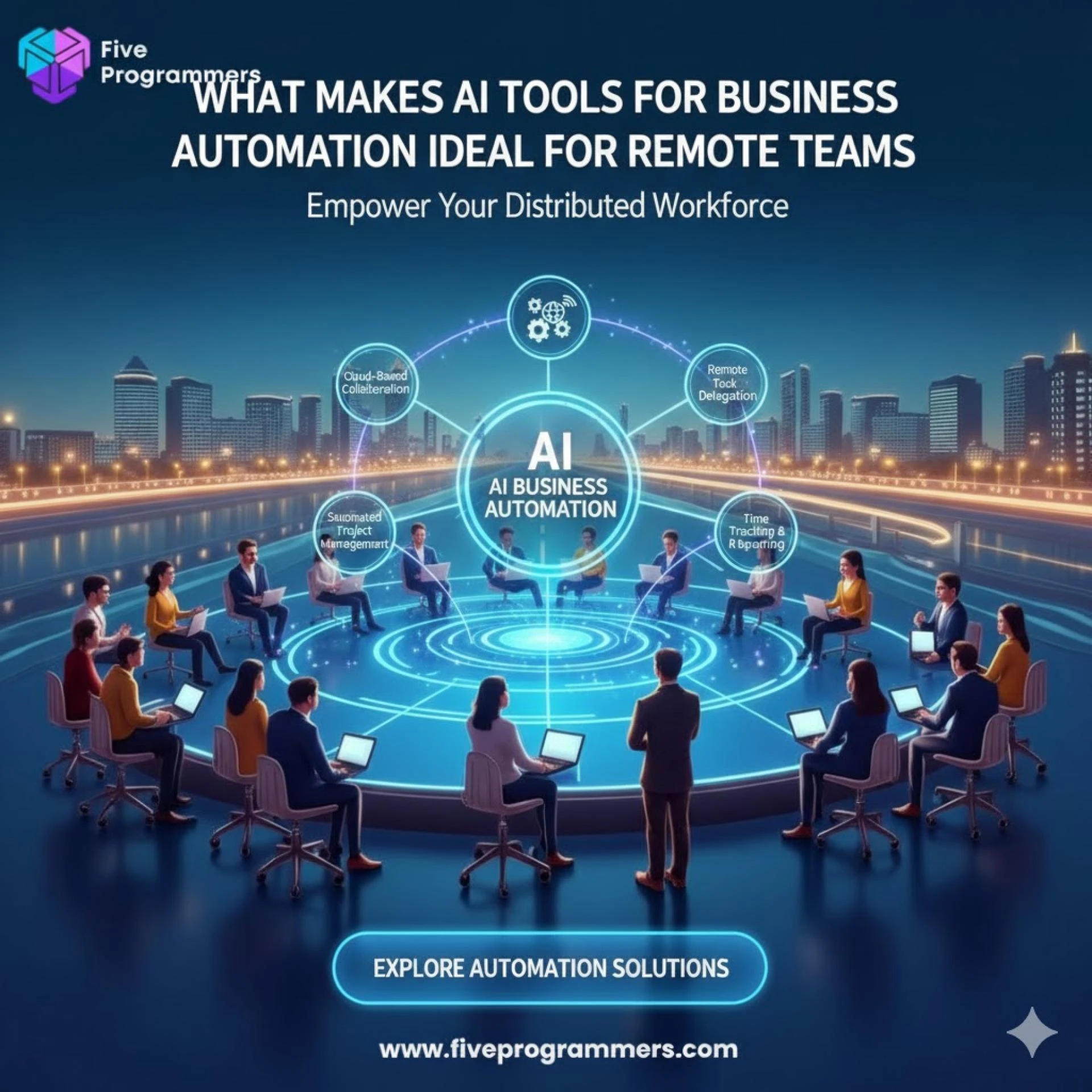
The rise of remote work has reshaped the way businesses operate, but it also comes with unique challenges—communication gaps, productivity dips, and collaboration hurdles. Enter AI automation, a game-changer for remote teams. By leveraging AI tools, businesses can streamline workflows, enhance communication, and foster collaboration, no matter where their teams are located. In this article, we’ll explore how AI automation is revolutionizing remote work and share practical tools to boost efficiency.
1. Streamlining Communication with AI-Powered Tools
Remote teams rely heavily on communication, but miscommunication and information overload can hinder productivity. AI automation can help:
- Chatbots for Instant Support: AI chatbots like Slack’s Slackbot or Microsoft Teams’ AI features can answer FAQs, schedule meetings, and provide instant support.
- Smart Email Management: Tools like SaneBox and Grammarly use AI to prioritize emails, reduce clutter, and improve writing quality.
- Real-Time Language Translation: AI tools like Google Translate or DeepL break down language barriers, enabling seamless communication across global teams.
2. Enhancing Collaboration with AI-Driven Platforms
Collaboration is the backbone of remote work, and AI automation makes it easier than ever:
- Project Management: Platforms like Trello, Asana, and Monday.com use AI to automate task assignments, track progress, and predict project timelines.
- Document Collaboration: AI-powered tools like Google Workspace and Microsoft 365 offer smart suggestions, real-time editing, and version control.
- Virtual Meeting Assistants: Tools like Otter.ai and Fireflies.ai transcribe meetings, highlight action items, and summarize key points, ensuring nothing gets missed.
3. Boosting Productivity with AI Automation
Remote work often comes with distractions, but AI tools can help teams stay focused and productive:
- Time Management: Apps like Clockify and RescueTime use AI to track work hours, analyze productivity patterns, and suggest improvements.
- Task Automation: Tools like Zapier and IFTTT automate repetitive tasks, such as data entry or file sharing, freeing up time for strategic work.
- Personalized Workflows: AI-driven platforms like Notion and Airtable adapt to individual work styles, creating customized workflows for maximum efficiency.
4. Improving Employee Engagement and Well-Being
Remote work can sometimes lead to feelings of isolation. AI automation can help bridge the gap:
- Virtual Assistants: AI assistants like x.ai or Clara can schedule check-ins, remind employees of deadlines, and even suggest breaks.
- Sentiment Analysis: Tools like Humu or Microsoft Viva use AI to gauge employee sentiment and recommend actions to improve morale.
- Learning and Development: AI-powered platforms like Coursera or Udemy offer personalized learning paths to help employees upskill and stay engaged.
5. Ensuring Security and Compliance
With remote work, data security becomes a top priority. AI automation can help:
- Threat Detection: AI tools like Darktrace or CrowdStrike detect and respond to cybersecurity threats in real time.
- Data Privacy: AI-driven compliance platforms like OneTrust ensure that remote work practices adhere to data privacy regulations like GDPR.
- Access Control: AI solutions like Okta use machine learning to manage user access and prevent unauthorized entry.
Final Thoughts
AI automation is no longer a futuristic concept—it’s a practical solution for the challenges of remote work. By integrating AI tools into your workflows, you can enhance communication, boost productivity, and foster collaboration, all while ensuring security and employee well-being.
As remote work continues to evolve, businesses that embrace AI automation will have a competitive edge. Start exploring these tools today and transform the way your remote team operates.








Sign in to leave a comment.