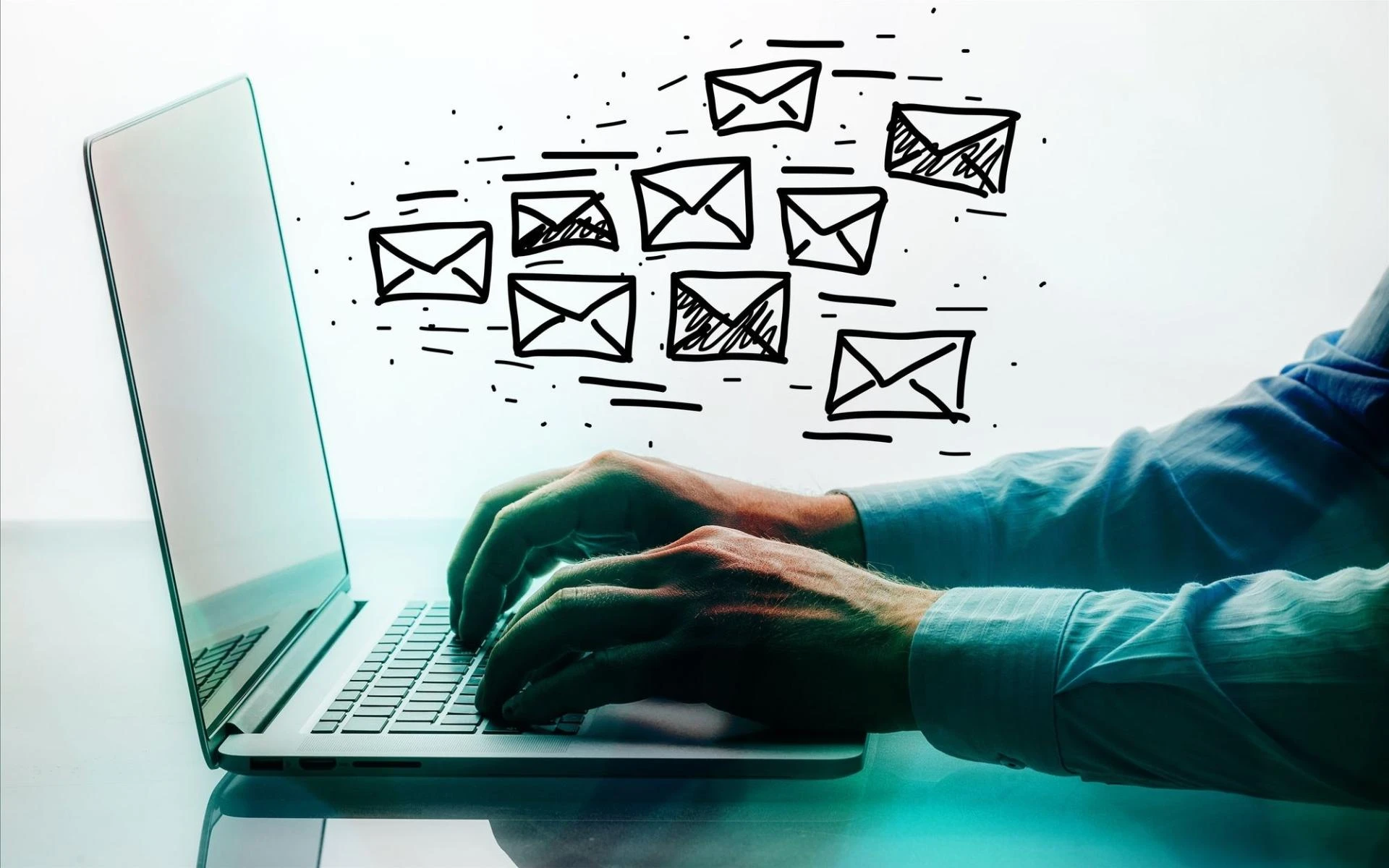

In today's digital age, email has become a cornerstone of communication for businesses of all sizes. With the sheer volume of emails being sent and received daily, effective email management is crucial for maintaining productivity and organization. This is where email management software comes into play, offering a wide range of features designed to streamline the email management process and improve efficiency. In this ultimate guide, we'll explore everything you need to know about choosing the right email management software for your needs.
Introduction to Email Management Software
Email management software is a tool or application designed to help individuals and organizations efficiently manage their email communications. From organizing incoming messages to automating repetitive tasks, these software solutions aim to simplify the email management process and enhance productivity.
Importance of Choosing the Right Email Management Software
Choosing the right email management software is essential for businesses looking to optimize their email workflow. The wrong software can lead to inefficiencies, security risks, and frustration among users. On the other hand, the right software can streamline communication, improve organization, and boost productivity across the organization.
Factors to Consider When Choosing Email Management Software
Integration with Existing Tools
One of the key factors to consider when choosing email management software is its compatibility and integration capabilities with your existing tools and systems. Look for software that seamlessly integrates with your email provider, CRM software, project management tools, and other essential business applications.
Features and Functionality
Different email management software offers a variety of features and functionality. Consider your specific needs and priorities when evaluating software options. Some essential features to look for include email filtering, customizable folders, automated responses, and email tracking.
User-Friendliness
Usability is another crucial factor to consider when choosing email management software. The software should be intuitive and easy to navigate, even for users with minimal technical expertise. Look for software with a clean and user-friendly interface and robust customer support options.
Security and Compliance
Security is paramount when it comes to email management. Ensure that the software you choose offers robust security features such as encryption, two-factor authentication, and secure cloud storage. Additionally, consider whether the software complies with industry regulations and standards, such as GDPR and HIPAA.
Types of Email Management Software
There are several types of email management software available, each with its own unique features and advantages.
Desktop Clients
Desktop email clients, such as Microsoft Outlook and Apple Mail, are standalone applications installed on your computer. These clients offer robust features and offline access but may require manual updates and maintenance.
Web-Based Solutions
Web-based email management solutions, such as Gmail and Outlook.com, are accessed through a web browser. These solutions offer the convenience of access from any device with an internet connection and often come with built-in collaboration tools.
Mobile Apps
Mobile email management apps, such as Gmail Mobile and Outlook Mobile, are designed specifically for use on smartphones and tablets. These apps offer features tailored to the mobile experience, such as swipe gestures and push notifications.
Conclusion
Choosing the right email management software is crucial for businesses looking to optimize their email workflow and improve productivity. By considering factors such as integration capabilities, features and functionality, user-friendliness, and security, businesses can find the perfect software solution to meet their needs and achieve their goals.
FAQs
What are the benefits of using email management software?
Email management software offers numerous benefits, including:
Improved organization
Email management software helps you categorize, label, and prioritize your emails, making it easier to find important messages quickly.
Time savings
With features like automated sorting, scheduling, and responses, email management software reduces the time spent on repetitive tasks, allowing you to focus on more important work.
Enhanced productivity
By streamlining your email workflow and reducing clutter, email management software helps you stay focused and productive throughout the day.
Better communication
With tools for tracking emails, setting reminders, and collaborating with team members, email management software ensures that nothing falls through the cracks, leading to improved communication and collaboration.
Increased security
Many email management software solutions offer robust security features such as encryption, two-factor authentication, and secure cloud storage, helping protect your sensitive information from unauthorized access.
How can email management software help improve productivity?
Email management software improves productivity in several ways:
Automation
By automating repetitive tasks such as sorting, labeling, and responding to emails, email management software frees up valuable time that can be spent on more important tasks.
Organization
With features like customizable folders, tags, and search functionality, email management software helps you keep your inbox organized and clutter-free, making it easier to find important messages quickly.
Prioritization
Email management software allows you to prioritize your emails based on factors such as sender, subject, and urgency, ensuring that you address the most important messages first.
Collaboration
Many email management software solutions offer collaboration tools such as shared folders, comments, and task assignments, allowing you to work more efficiently with team members and clients.
Communication
With features like email tracking, read receipts, and scheduled sending, email management software helps you communicate more effectively with your contacts, ensuring that messages are delivered and received in a timely manner.
Are there any free email management software options available?
Answer: Yes, there are several free email management software options available, including:
Gmail
Google's email service offers robust email management features such as labels, filters, and priority inbox, all available for free with a Google account.
Outlook.com
Microsoft's web-based email service offers features such as categories, rules, and sweep, all available for free with a Microsoft account.
Thunderbird
Mozilla's desktop email client offers features such as customizable folders, tags, and filters, all available for free as an open-source software.
Can email management software integrate with other business applications?
Yes, many email management software solutions offer integration with other business applications, allowing you to streamline your workflow and improve efficiency. Common integrations include:
CRM software
Integration with customer relationship management (CRM) software allows you to sync contacts, emails, and calendar events between your email client and CRM system, ensuring that all customer interactions are tracked and recorded.
Project management tools
Integration with project management tools allows you to create tasks, assign deadlines, and track progress directly from your email client, ensuring that important projects stay on track.
Calendar applications
Integration with calendar applications allows you to sync your email inbox with your calendar, making it easy to schedule meetings, appointments, and reminders directly from your email client.
Collaboration platforms
Integration with collaboration platforms such as Slack or Microsoft Teams allows you to share emails, discuss projects, and collaborate with team members in real-time, improving communication and collaboration.
How can I migrate my existing emails to a new email management software?
Migrating your existing emails to a new email management software can be a straightforward process. Here are the general steps involved:
Backup your emails
Before migrating, it's essential to backup your existing emails to ensure that no data is lost during the migration process. Most email clients offer built-in tools for exporting emails to a file format such as .pst or .mbox.
Choose a migration method
Depending on the email management software you're migrating to, there may be different migration methods available. Some software solutions offer built-in migration tools, while others may require third-party migration services or manual migration using IMAP or POP3.
Follow the migration instructions
Once you've chosen a migration method, follow the instructions provided by the email management software provider to complete the migration process. This may involve importing your backed-up emails into the new software, setting up email forwarding, or syncing your accounts using IMAP or POP3.
Verify the migration
After completing the migration process, it's essential to verify that all your emails have been successfully transferred to the new email management software. Double-check that your folders, tags, and filters are set up correctly, and test sending and receiving emails to ensure that everything is working as expected. If you encounter any issues during the migration process, reach out to the email management software provider for assistance.








Sign in to leave a comment.