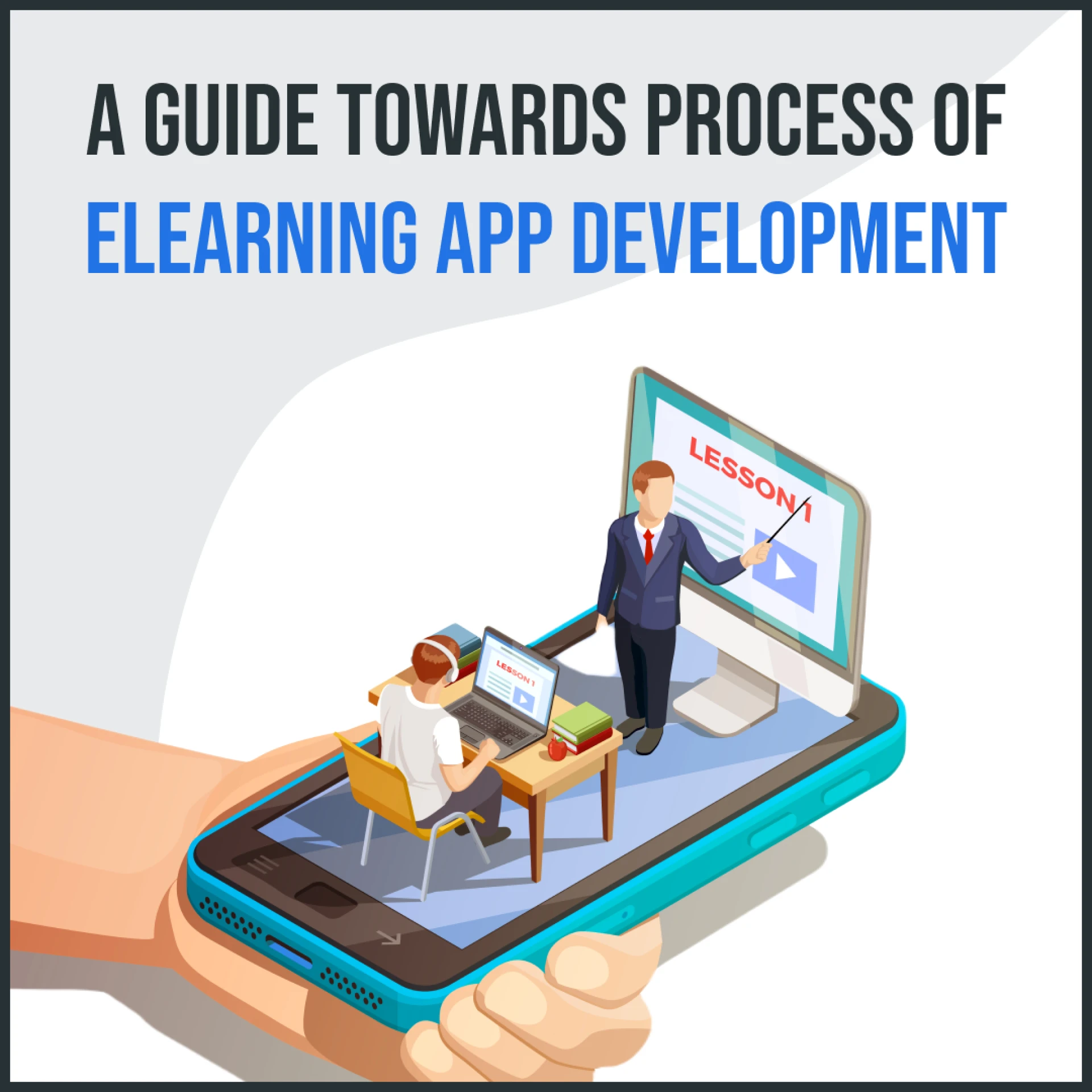

Introduction:
eLearning app development has revolutionized the education sector by providing accessible and convenient learning opportunities. This comprehensive guide aims to assist you in developing a successful eLearning app that meets the needs of your target audience. From understanding the importance of eLearning to incorporating key features and ensuring a seamless user experience, this article covers everything you need to know.
The Importance of eLearning in Today's World:
Bridging the education gap: eLearning offers a flexible and inclusive learning environment, making education accessible to individuals worldwide.Personalized learning experiences: eLearning allows learners to customize their learning paths and pace, fostering better engagement and understanding.Cost-effectiveness: Compared to traditional educational methods, eLearning reduces costs associated with travel, accommodation, and physical learning materials.Key Features of a Successful eLearning App:
Intuitive user interface: A user-friendly interface ensures easy navigation and enhances the overall learning experience.Personalized learning paths: Tailoring the learning journey based on individual preferences and progress promotes effective learning outcomes.Progress tracking: Tracking learners' progress helps them visualize their achievements and identify areas that require further attention.Interactive multimedia content: Engaging multimedia elements such as videos, animations, and interactive quizzes make learning enjoyable and effective.Social learning features: Incorporating discussion forums, peer-to-peer collaboration, and instructor interaction promotes community engagement and knowledge sharing.User Experience and Design Considerations:
Seamless user interface: Designing an intuitive and visually appealing interface enhances user engagement and satisfaction.Responsive design: Ensuring the app's compatibility across different devices and screen sizes allows learners to access content conveniently.Accessibility: Making the app accessible to users with disabilities through features like screen readers and adjustable font sizes promotes inclusivity.Technology Stack for eLearning App Development:
Front-end development: Selecting appropriate frameworks such as React or Angular for interactive and responsive user interfaces.Back-end development: Utilizing server-side technologies like Node.js or Ruby on Rails to handle data storage and application logic.Database systems: Implementing reliable and scalable databases like MySQL or MongoDB for efficient data management.Cloud hosting platforms: Leveraging cloud platforms such as AWS or Azure for reliable app performance, scalability, and data security.Mobile App vs. Web App for eLearning:
Mobile app advantages: Offering offline access, push notifications, and device-specific features for a personalized mobile learning experience.Web app advantages: Providing cross-platform compatibility, easy updates, and cost-effective development for broader accessibility.Security and Data Privacy in eLearning Apps:
Data encryption: Implementing encryption protocols to protect user data and prevent unauthorized access.Secure authentication: Utilizing secure login mechanisms, such as two-factor authentication, to ensure user account security.Compliance with regulations: Adhering to data protection regulations like GDPR or CCPA to maintain user privacy and trust.Gamification and Interactive Elements:
Gamification elements: Incorporating game-like features such as badges, leaderboards, and rewards to enhance learner motivation and engagement.Interactive simulations: Integrating interactive simulations and virtual scenarios to provide hands-on learning experiences.Content Creation and Management in eLearning Apps:
Diverse content formats: Creating content in various formats, including videos, PDFs, quizzes, and interactive modules, to cater to different learning styles.Content management systems: Using robust content management systems to organize and deliver content efficiently.Integrating Assessment and Feedback Systems:
Varied assessment methods: Incorporating quizzes, exams, and assignments to evaluate learners' progress and understanding.Feedback mechanisms: Providing timely and constructive feedback to learners to facilitate improvement and enhance learning outcomes.Monetization Options for eLearning Apps:
Subscription-based models: Offering different subscription tiers with varying access levels and premium features.Freemium approach: Providing basic content for free and offering additional paid content or features.In-app purchases: Allowing users to purchase additional learning materials or access to advanced features.Partnerships with institutions: Collaborating with educational institutions to offer specialized courses or certifications.Marketing and Promoting Your eLearning App:
Online presence: Establishing a strong online presence through a dedicated website, social media channels, and a blog to showcase your app's value.App store optimization: Optimizing the app store listing with relevant keywords, appealing descriptions, and attractive visuals to increase visibility.Targeted advertising: Running targeted advertising campaigns to reach potential learners and drive app downloads.User reviews and referrals: Encouraging users to provide positive reviews and incentivizing referrals to increase app credibility and attract new users.Testing and Quality Assurance in eLearning App Development:
Functional testing: Ensuring all app features and functionalities work as intended.Usability testing: Gathering user feedback to assess the app's user-friendliness and identify areas for improvement.Performance testing: Assessing the app's speed, responsiveness, and scalability under different user loads.Security testing: Conducting rigorous security tests to identify vulnerabilities and ensure user data protection.Continuous Improvement and Updates:
User feedback and analytics: Collecting user feedback and analyzing app usage data to identify areas for improvement and optimize the learning experience.Incorporating emerging technologies: Staying updated with the latest educational trends and integrating relevant technologies to enhance the app's functionality.Regular updates: Providing regular app updates to fix bugs, introduce new features, and address user feedback.Conclusion:
Developing a successful eLearning app requires careful planning, user-centric design, and a focus on delivering engaging and personalized learning experiences. By following the guidelines outlined in this guide, you can create an eLearning app that empowers learners, promotes knowledge acquisition, and contributes to the advancement of education.









Sign in to leave a comment.