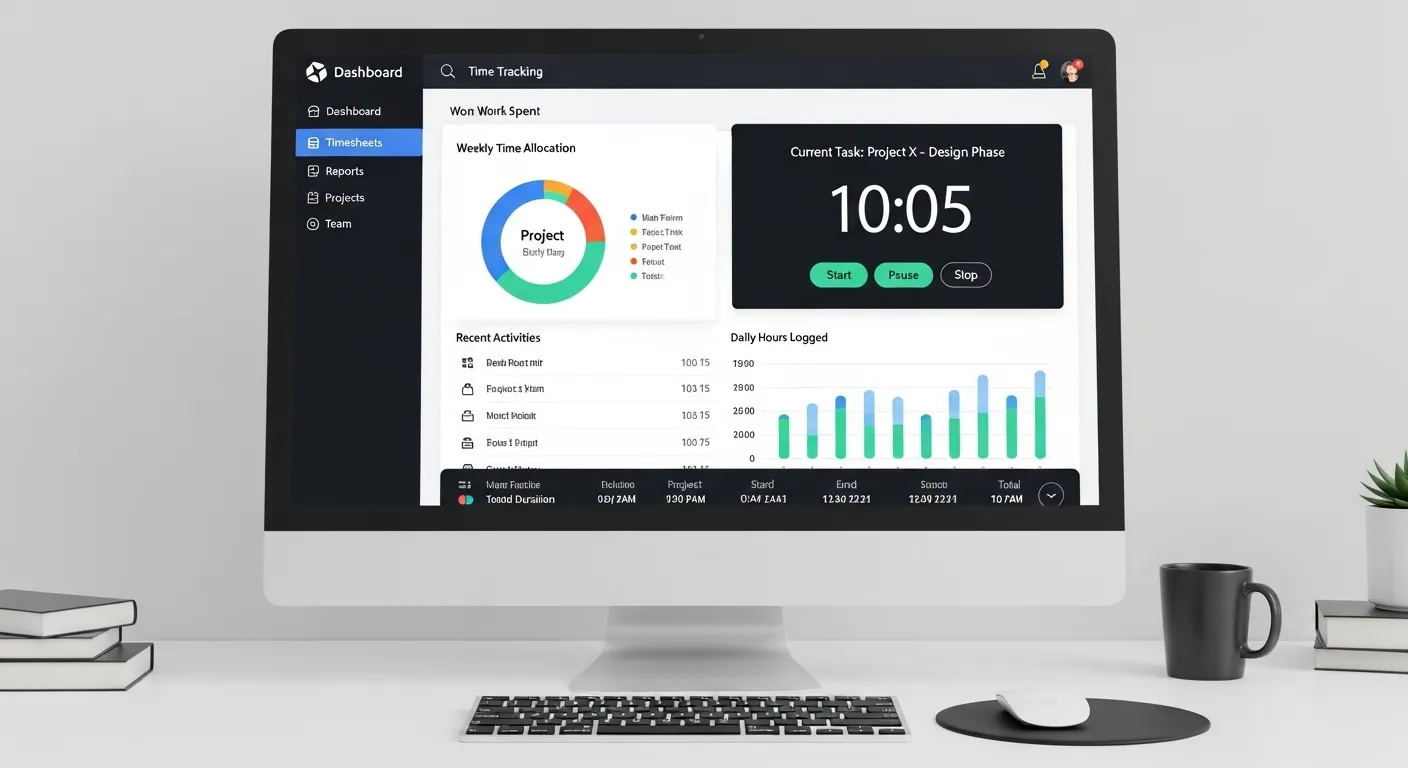

Are you losing productive hours because employees forget to clock in, submit inaccurate timesheets, or spend too much time on non-work tasks? Many businesses face these problems every day. Manual attendance systems and spreadsheets often create payroll errors, lower productivity, and poor accountability.
This is where Time Tracking Software for Employees becomes essential. It helps companies record work hours automatically, monitor productivity, and streamline payroll with accuracy. Whether you manage an office team, hybrid staff, or remote workforce, the right tool can save time and improve performance.
What is Time Tracking Software for Employees?
Time Tracking Software for Employees is a digital solution that records employee work hours, tracks time spent on tasks, and generates attendance reports. Instead of using manual registers or spreadsheets, businesses can automate the entire process.
It allows managers to see when employees start work, take breaks, and complete tasks. This improves transparency and helps reduce time theft or inaccurate reporting.
Why Businesses Need It Today
Modern workplaces need smarter systems because work is no longer limited to one office location. Teams now work remotely, in hybrid models, or across multiple branches.
Businesses need time tracking tools to:
- Improve accountability
- Prevent payroll mistakes
- Monitor remote employee productivity
- Save HR administration time
- Optimize team performance
Key Features of Time Tracking Software
A quality Time Tracking Software should include features that simplify employee management and improve efficiency.
Must-Have Features
- Automatic clock-in and clock-out
- Real-time attendance tracking
- Task and project time logs
- Idle time detection
- Productivity analytics
- Payroll-ready reports
- Mobile access
- Screenshot monitoring (optional)
How Automation Saves Time
Manual tracking often wastes hours every week. HR teams need to verify sheets, correct errors, and calculate overtime manually.
With automated software, reports are created instantly. This can save small businesses 5–10 admin hours weekly depending on team size.
Benefits of Time Tracking Software for Employees
When used correctly, time tracking benefits both employees and management.
For Employees
- Accurate salary calculations
- Transparent overtime records
- Better task prioritization
- Clear work expectations
- Reduced confusion in attendance disputes
For Managers and HR
- Real-time workforce visibility
- Better project planning
- Faster payroll processing
- Performance-based decisions
- Lower operational waste
Businesses that track time effectively often improve productivity because employees become more focused when goals and hours are visible.
Best Time Tracking Software for Small Business
Small businesses need affordable and easy-to-use tools. They usually don’t have large HR departments, so automation becomes even more valuable.
The best Time Tracking Software for Small Business should offer:
- Quick setup
- User-friendly dashboard
- Attendance + payroll support
- Mobile tracking
- Budget-friendly pricing
- Basic analytics
A startup with 10 employees can significantly reduce payroll mistakes and administrative workload by switching from spreadsheets to software.
What Small Businesses Should Avoid
- Complicated software with long training time
- Hidden fees
- Poor support service
- Limited scalability
Is Time Tracking Software Free Worth It?
Many businesses search for time tracking software free options. Free tools can be useful for freelancers, startups, or teams with fewer than five users.
Benefits of Free Versions
- No upfront cost
- Easy to test before buying
- Basic attendance tracking
- Good for solo professionals
Limitations of Free Tools
- Limited users
- Basic reporting only
- No advanced productivity monitoring
- Weak integrations
- Limited customer support
If your team is growing, a paid solution often provides better ROI through automation and time savings.
How Time Tracking Software Improves Employee Productivity
Time visibility changes behavior. When employees understand how time is spent, they naturally improve focus and efficiency.
Productivity Gains Include:
- Less time wasted on distractions
- Faster task completion
- Better scheduling
- Improved accountability
- Balanced workloads
For example, if one employee spends 3 extra hours weekly on low-priority work, managers can identify it and redirect efforts immediately.
Real Business Example
A 20-person company using automated tracking may reduce payroll disputes and improve project completion speed because work hours are accurately measured.
How to Choose the Right Time Tracking Software
Not every tool fits every business. Before choosing software, consider the following:
Checklist
- Team size
- Office, remote, or hybrid workforce
- Budget
- Need for payroll integration
- Security and privacy standards
- Reporting requirements
- Mobile app availability
Red Flags to Avoid
- Slow system performance
- Confusing dashboard
- No customer support
- Poor data accuracy
- Lack of updates
Why DeskTrack is a Smart Choice
DeskTrack is designed for businesses that want complete employee productivity management. It offers:
- Automatic time tracking
- Attendance monitoring
- Website and app usage reports
- Productivity analytics
- Screenshot monitoring
- Easy reporting dashboard
It works well for startups, SMEs, and enterprises looking to improve work hour management efficiently.
Conclusion
Managing employee hours manually is outdated, slow, and error-prone. Time Tracking Software for Employees helps businesses improve attendance accuracy, streamline payroll, and boost team productivity. It also creates transparency between staff and management.




















Sign in to leave a comment.