
Paccar Davie 4 is an essential diagnostic tool for technicians working on Paccar engines, including MX, PX, and Kenworth/Peterbilt vehicles. To maximize its potential and ensure smooth operation, users should be aware of several tips and tricks. Below, we outline some best practices to enhance your experience with Paccar Davie 4 Software.
1. Ensure Proper Installation and Updates
Before using Paccar Davie 4, make sure the software is correctly installed on a compatible Windows system. Keep your Davie 4 software up to date by regularly checking for updates from Paccar. These updates provide crucial bug fixes, new features, and compatibility improvements.
2. Use a Reliable Interface Device
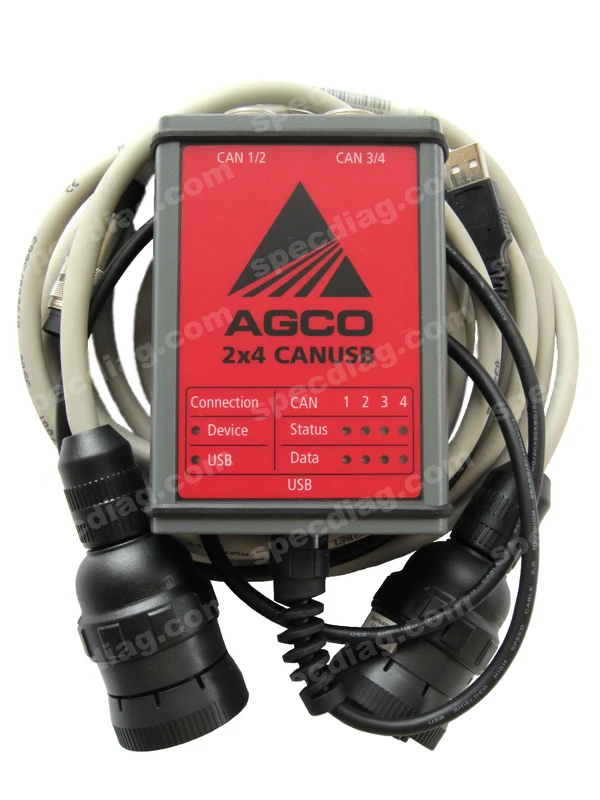
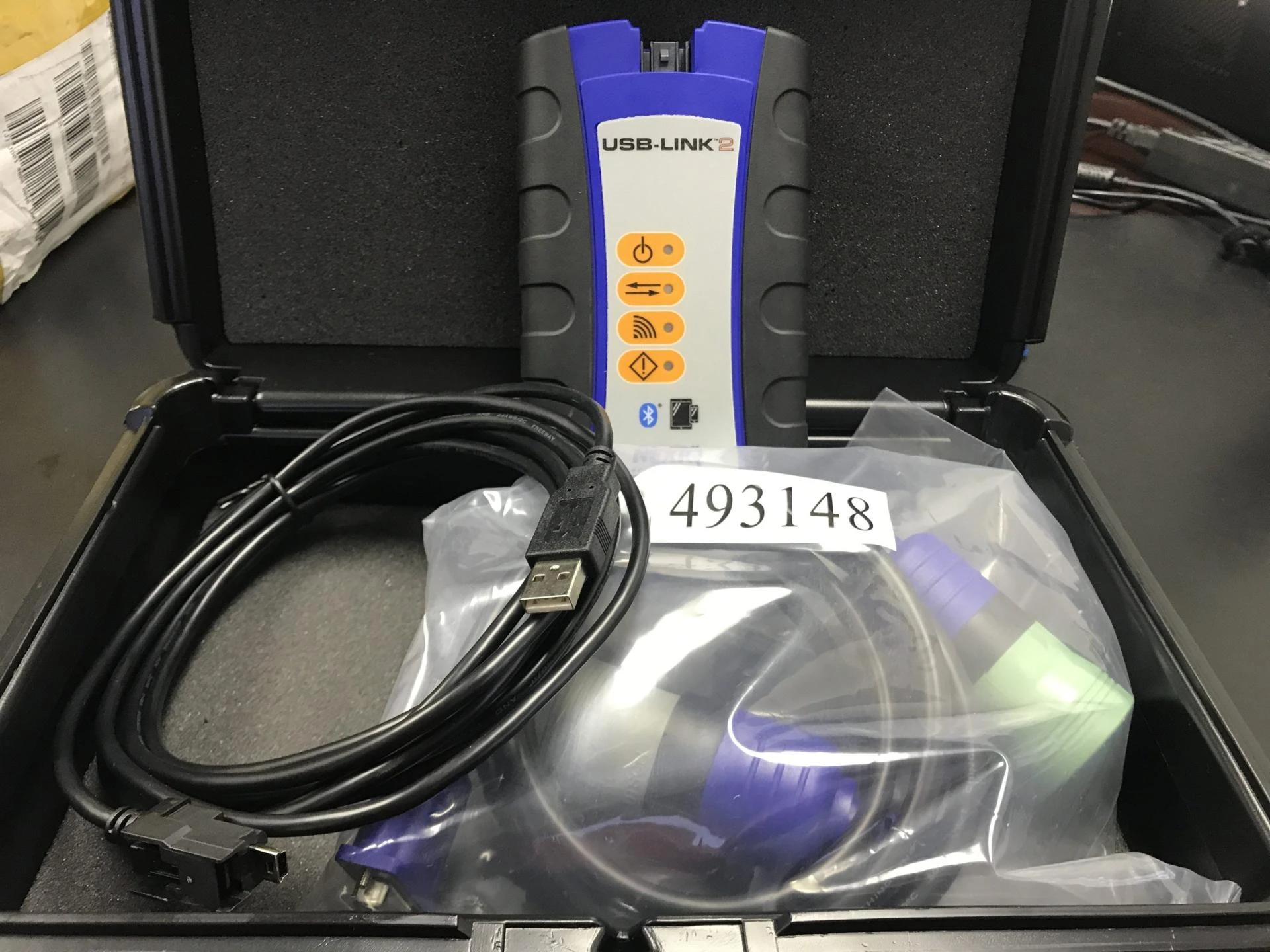
To ensure accurate diagnostics, use an approved Paccar Vehicle Interface Adapter (VIA). The Nexiq USB Link 2 and DG Diagnostics adapters are commonly used and provide stable connectivity. Avoid using counterfeit or unsupported adapters, as they may cause communication errors.
3. Optimize Software Performance
· Close unnecessary applications running in the background to free up system resources.
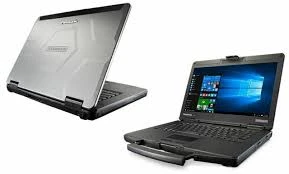
· Use a laptop with a recommended processor and sufficient RAM (at least 8GB) to avoid software lag.
· Maintain adequate storage space to prevent slowdowns, especially when logging diagnostic data.
4. Master the Advanced Features
Paccar Davie 4 offers more than just fault code reading. Users can:
· Perform parameter adjustments, such as engine idle speed and cruise control settings.
· Conduct forced DPF regens to resolve soot accumulation issues.
· Run system tests on injectors, turbochargers, and exhaust aftertreatment.
· Program and calibrate new engine control units (ECUs) when necessary.
5. Utilize Troubleshooting Guides
The software provides built-in troubleshooting procedures and repair guides based on error codes. Follow these instructions to avoid misdiagnosing issues and ensure effective repairs. For additional guidance, refer to The Best Manuals Online for detailed service manuals and wiring diagrams.
6. Backup and Restore Settings
Before making significant adjustments to engine parameters, create a backup of the current settings. This allows you to restore previous configurations if needed, preventing costly mistakes.
7. Maintain Secure Connections
· Always use a high-quality USB or Bluetooth connection for stable communication between the software and the truck’s ECU.
· If the software fails to detect the vehicle, check cable connections and restart both the software and the vehicle.
· Disable power-saving settings on your laptop to prevent connection interruptions.
8. Stay Informed and Trained
Technology and software capabilities evolve constantly. Stay up to date with Paccar Davie 4 by attending training sessions, engaging with online forums, and referring to official Paccar resources. The Best Manuals Online also provides comprehensive guides to help you understand and troubleshoot engine issues effectively.
Final Thoughts
Mastering Paccar Davie 4 Software can significantly enhance your diagnostic and repair efficiency. By following these tips, technicians can ensure accurate diagnostics, maintain vehicle performance, and extend engine life. For additional resources, check out The Best Manuals Online for expert repair manuals and technical documentation.























Sign in to leave a comment.