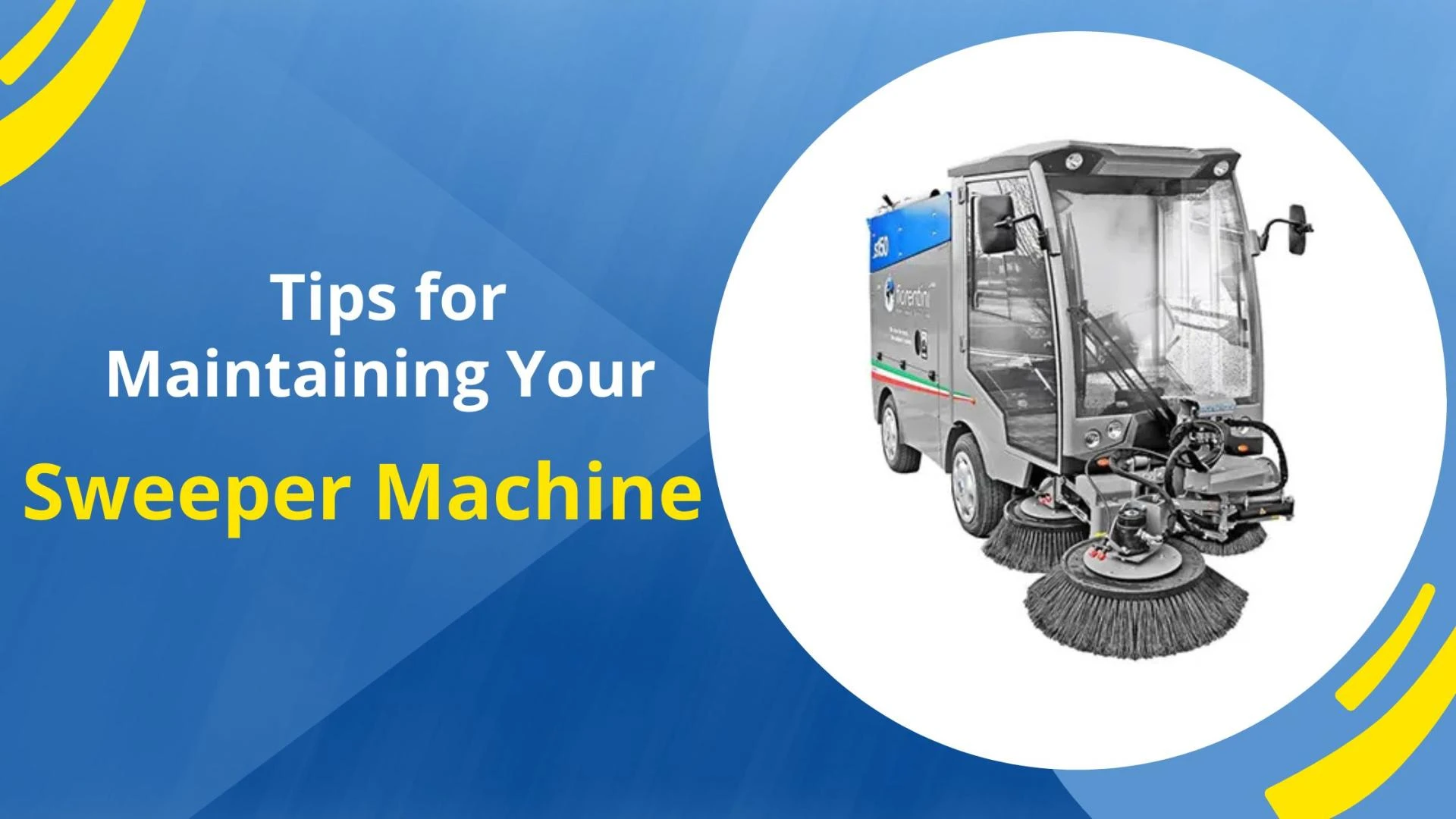

A Sweeper Machine is an essential tool for maintaining clean and safe environments, whether for streets, parking lots, or indoor facilities. Proper maintenance is key to ensuring its long-term functionality, reliability, and performance. Neglecting maintenance can lead to costly repairs and downtime. Here are some helpful tips for maintaining your Sweeper Machine and maximizing its efficiency:
1. Regularly Check and Clean Filters
Sweeper Machines are equipped with filters that trap dust and debris. Over time, these filters can become clogged, reducing the machine's effectiveness. It's essential to regularly inspect and clean or replace the filters as per the manufacturer's guidelines. Keeping the filters clean ensures optimal airflow, reduces strain on the machine's engine, and prevents dust from being released into the air.
2. Monitor and Replace Brushes
The brushes on a Sweeper Machine play a crucial role in collecting debris from surfaces. They can wear down over time due to constant use, which can reduce cleaning efficiency. Regularly inspect the brushes for wear and tear, and replace them if necessary. Additionally, ensure that the brushes are properly aligned to achieve the best cleaning results. Misaligned or damaged brushes can cause uneven cleaning and can also strain the machine's motor.
3. Inspect and Maintain the Batteries
Many Sweeper Machines are powered by batteries, so it's important to keep them in good condition. Check the battery charge regularly and clean the battery terminals to prevent corrosion. If you notice a decrease in battery life or the machine isn't holding a charge as well as it used to, it may be time to replace the battery. Always use the correct battery type as recommended by the manufacturer for optimal performance.
4. Lubricate Moving Parts
A Sweeper Machine has many moving components that require regular lubrication to reduce friction and prevent wear. This includes wheels, rollers, and the sweeper mechanism. Follow the maintenance schedule in the owner’s manual to ensure that all moving parts are properly lubricated. Regular lubrication prevents parts from seizing up and extends the lifespan of the machine.
5. Keep the Sweeper Machine Clean
After each use, it’s crucial to thoroughly clean the Sweeper Machine. This includes removing any debris from the brushes, wheels, and hopper. If dirt and debris are left to accumulate, they can cause blockages and damage the internal components. Use a pressure washer or a hose to clean the machine, but ensure that electrical components and sensitive areas are protected from water exposure.
6. Inspect Tires and Wheels
The tires and wheels are an essential part of the Sweeper Machine, as they ensure smooth operation. Inspect them regularly for any signs of wear, cracks, or damage. If you notice any issues, replace the tires promptly. Keeping the wheels properly inflated and ensuring they are aligned will help in the even distribution of weight, improving the machine’s performance and longevity.
7. Follow the Manufacturer’s Maintenance Schedule
Every Sweeper Machine comes with a detailed user manual that includes recommended maintenance intervals and tasks. It's important to follow these guidelines closely to keep your machine in optimal condition. Regular servicing, including checking the engine, replacing belts, and inspecting hydraulic systems, will prevent major breakdowns and costly repairs.
8. Store the Machine Properly
When not in use, store your Sweeper Machine in a clean, dry area. Exposure to extreme temperatures or harsh weather conditions can cause damage to the machine’s parts. A proper storage area helps maintain the integrity of the machine and protects it from unnecessary wear.
Conclusion
Maintaining your Sweeper Machine is essential for ensuring its long-term performance and avoiding expensive repairs. By following these maintenance tips and adhering to the manufacturer’s guidelines, you can maximize the efficiency and lifespan of your sweeper, keeping your environment clean and safe. Regular care and attention will pay off in the long run, providing reliable service and reducing the need for costly downtime.



























Sign in to leave a comment.