Top 10 CPE Tracking Software Tools for CPAs


Trying to keep track of state board deadlines ethics rules, and a pile of random PDF certificates on a spreadsheet is like an audit headache waiting to happen. Using decent CPE Tracking and Reporting software removes the guess work from license renewal, does the credit math for you, and keeps your certificates in one spot, instead of scattered in folders that you “totally” remember. Here is a kinda fast look at 10 solid tools that help keep your credits organized:
1. Illumeo
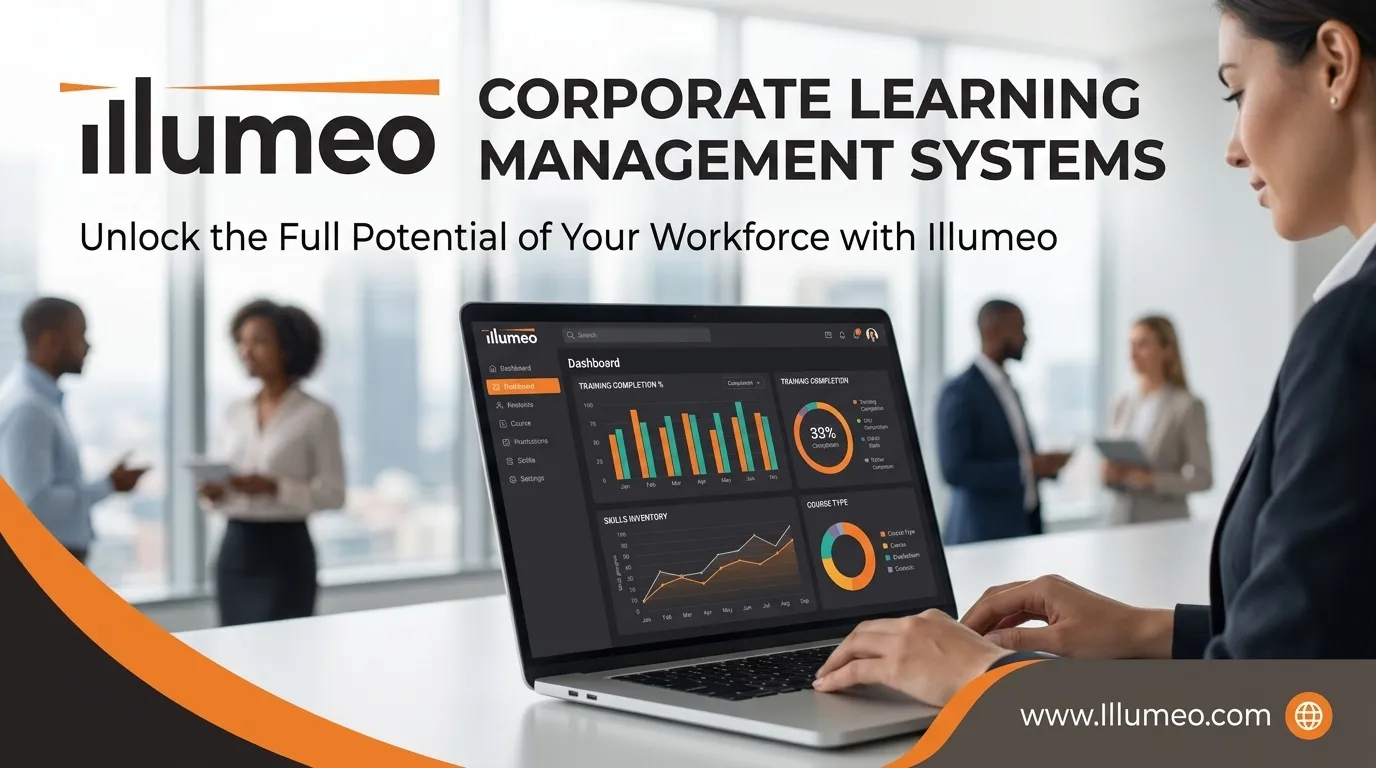
If you want a laid back platform that pairs over 1,600 finance and accounting courses with a clean, stress free dashboard, Illumeo is the best option. It automatically logs your finished courses, lets you toss in certificates from other sites, and it tracks up with your state’s specific rules so you don’t have to crunch the numbers yourself.
2. NASBA CPE Audit Service
Run right out by NASBA, this official site works like a digital vault for your certificates and connects directly to participating state boards so audit verification is quick and, honestly painless.
3. CPA academy
Mostly known for its daily free webinars, CPA academy also has a free personal tracker. It automatically logs the sessions you take on their site and lets you add outside credits manually, when you need to.
4. MYCPE ONE
If you juggle more than one license (like a CPA, CMA, or EA), this platform has an AI powered compliance wallet that reads uploaded certificates and lets one course count toward multiple overlapping certifications at the same time. Kind handy when your requirements overlap.
5. Becker CPE
Becker’s dashboard is great for structured firm training, letting managers assign required ethics courses, upload outside credits, and check on the team’s progress in real time, without hovering.
6. Surgent CPE
Surgent gives you real time, state by state progress bars and firm management tools that break down Nano learning self-study, and live webinar caps so you don’t accidentally go over your state’s limits.
7. LCvista
Made for mid-sized and large CPA firms, LCvista uses bulk certificate scanning plus automated CPE Tracking and Reporting rules to save HR teams from drowning in paperwork, for real.
8. Thomson Reuters Checkpoint Learning
Checkpoint Learning mixes serious compliance tracking with state rule updates and audit reports, so it’s an easy pick for firms already using Thomson Reuter’s tools day to day.
9. Sequoia CPE
Sequoia keeps things simple and clutter free, pairing budget friendly unlimited courses with an easy to read annual log and external credit uploads for solo CPAs.
10. AICPA CPE Monitor
Included with your AICPA membership, this built in tool automatically pulls in credits from AICPA webcasts, conferences, and self-study courses into clean ready to download transcripts.
How to Pick the Right Tracker
Before you settle on a tool, make sure it lets you upload outside PDFs from local events, automatically updates when state rules change (ethics, carryover limits, and the rest), and supports one-click audit exports so you can grab your summary and certificates in seconds.
Common Mistakes to Avoid
Even with great CPE Tracking and Reporting software, waiting until the last week of your reporting cycle to upload outside certificates or double-check your ethics hours is a recipe for stress. Always check that a course sponsor is NASBA-approved before you sign up, and log those outside lunch-and-learns right away so you don't forget about them.
Final Thoughts
Staying on top of your license shouldn’t steal from your billable hours or turn renewal season into a frantic search through old emails. Dropping your manual spreadsheet for a real tracker helps you see where you stand all year long, keeping you audit-ready without the extra hassle and late night panic.





Sign in to leave a comment.