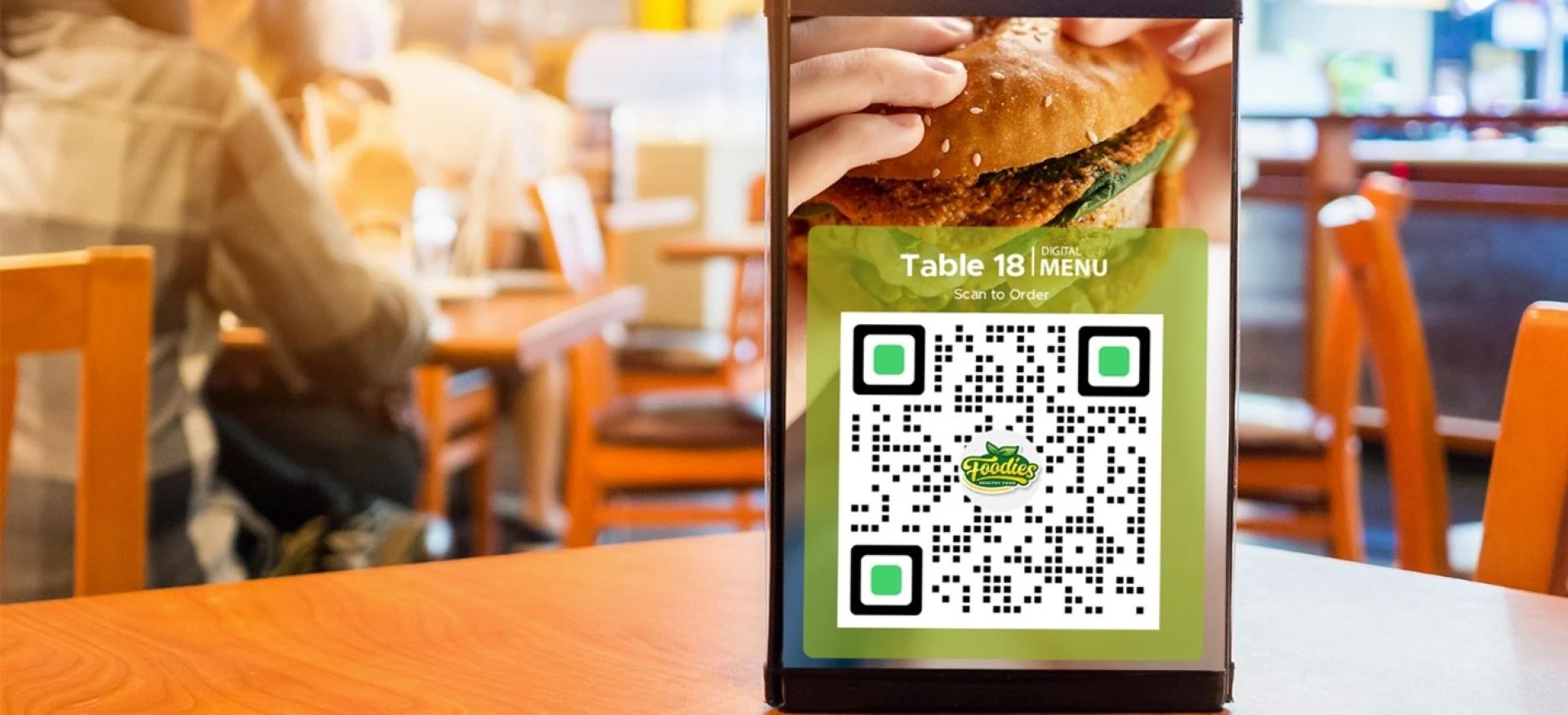

Incorporating a QR code menu is just the initial process for your restaurant operations. If you're implementing a menu QR code, creating a mobile-friendly restaurant website encourages customers to scan with an easy-to-use online ordering page.
When an optimized QR code menu and a mobile responsive website are integrated successfully, they can result in an efficient process, which increases sales performance, quickens the table turnover, and eases payment methods for customers.
The key to a mobile-friendly website is customizing the online ordering page accordingly. After all, most customers are likely to scan the QR code menu using their smartphones, tablets, and other mobile devices.
Here are the best customization practices using a QR code menu for restaurant websites.
Provide product photos and descriptions
A staggering 83% of customers are likely to purchase an item because of photos and descriptions. When customizing your restaurant website, add images and descriptions to encourage more customers to buy your items.
With more customers ordering from the restaurant, the better chances of increasing sales. Better sales performance results in better investment returns, which you can use to develop better menu selections and displays at the restaurant.
The great thing is that most menu QR code generators have a feature where restaurants can quickly add photos and descriptions and update them whenever needed.
Optimize the layout to show bestsellers and new items
When using a menu QR code software, restaurants can optimize the digital menu to show the bestsellers and new item selections. This way, the layout aids in boosting restaurant sales, where you can encourage customers to pick the items that you want.
Using a dynamic QR code menu, restaurants can optimize the layout in real-time! You can show a different menu selection during lunch or dinner according to the ingredients available in the kitchen. This feature also works great for out-of-stock items on the menu.
Featuring your bestsellers and new item selections where customers can easily find them on the ordering page increases visibility and decreases the need for interactions when ordering.
Categorize your menu selections accordingly
To enhance the customer ordering experience, categorize your menu selections. This way, customers can easily find the product they want to order. A quicker selection of orders means shorter time customers spent in the store and more customers served.
Categorizing the menu selections can be daunting, but using a credible QR code menu software makes this process efficient. On top of categorizing menu selections, they may also offer the option to organize discounted meals or with available vouchers.
Add the option to set language and currency
Customers coming to your restaurant may not be all locals and may not be fully versed in the local language. Some customers paying using a debit or credit card may have a different currency than the ones used in the country.
Whenever customers scan a QR code menu, they can select the language or currency they are most comfortable with. This ensures customers have an excellent customer experience and can order the item they want.
Primarily if restaurants are located in touristy areas where there are a lot of foreigners, restaurants must consider this feature, as only a few menu QR code generators offer them.
Test the QR code menu on different devices
Testing the restaurant website from the QR code menu is one of the best ways to know if the system works well! Ensure to test them not only on one device but on different devices like tablets, laptops, and more. It's also nifty if you check them in other operating systems.
Some websites may appear differently in Android or iOS, so consider the layout for these mobile operating systems, too.
0










Sign in to leave a comment.