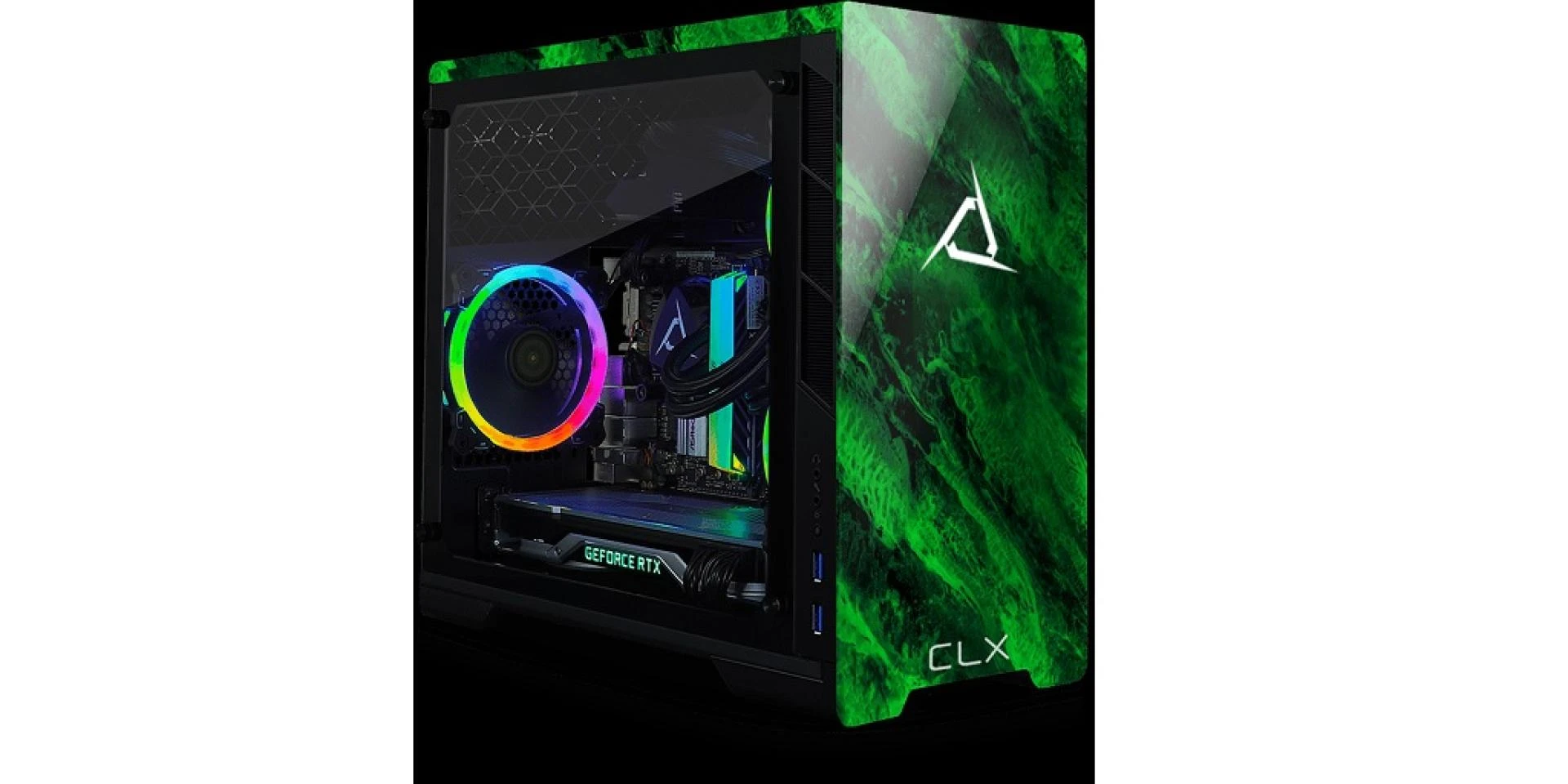

Building your first PC can be an exciting yet intimidating experience. There's nothing quite like the satisfaction of assembling your own machine, tailored perfectly to your needs. However, it's easy to stumble into some common pitfalls that can turn your dream build into a nightmare. Here are the top five mistakes to avoid when building your first PC:
1. Skimping on Research
One of the most crucial steps in building a PC is thorough research. Many first-time builders rush into purchasing components without fully understanding their compatibility and performance. This mistake can lead to major headaches down the line.
Compatibility Issues
Not all components work together. For instance, your chosen motherboard needs to support the type of processor you plan to use. RAM speed and type should be compatible with the motherboard as well. Researching compatibility before purchasing any parts for your PC ensures that they all work together harmoniously.
Performance Mismatch
Each component's performance should complement the others. Pairing a high-end graphics card with an entry-level CPU can bottleneck your system; this means that the CPU will limit the graphics card's performance. To get the most out of your build, ensure that all parts are balanced.
2. Ignoring Power Supply Quality
The power supply unit (PSU) might not be as glamorous as a graphics card or CPU, but it's the backbone of your system. A common mistake is to buy a cheap, low-quality PSU, thinking it won’t impact performance much.
Reliability and Longevity
A high-quality PSU ensures stable power delivery to your components, which is critical for performance and longevity. Cheap PSUs can fail and even damage other components, leading to costly repairs or replacements.
Sufficient Wattage
Ensure your PSU has enough wattage to support all your components, including potential future upgrades. Using online PSU calculators can help you determine the necessary wattage for your build.
3. Poor Cooling Solutions
Effective cooling is essential for maintaining performance and extending the lifespan of your PC components. First-time builders often underestimate the importance of proper cooling.
Airflow Management
Good airflow within your case prevents overheating. Place your fans strategically: intake fans at the front and bottom, exhaust fans at the back and top. This setup creates a smooth flow of air through your case, keeping your precious components cool.
Overclocking Considerations
If you plan on overclocking your CPU or GPU, investing in higher quality cooling solutions, such as aftermarket air coolers or liquid cooling systems, is essential. Stock coolers might not provide sufficient cooling for overclocked components.
4. Static Electricity Neglect
Static electricity can be a silent killer for your delicate PC components. Many first-time builders overlook the risks associated with static discharge.
Grounding Yourself
Always ground yourself before touching any components. Use an anti-static wrist strap or periodically touch a grounded metal object to discharge any static buildup.
Safe Work Environment
Build your PC on a non-conductive surface, like a wooden or plastic table, and avoid working on carpets. This reduces the risk of static discharge damaging your sensitive electronics.
5. Cable Management Disasters
Messy cables are not only an eyesore but can also hinder airflow and complicate troubleshooting. Proper cable management is a skill that greatly enhances your build’s aesthetics and functionality.
Planning and Patience
Take your time to plan out your cable routes before securing them. Use cable ties and routing holes in your case to keep everything neat and organized.
Modularity and Accessibility
Consider using a modular PSU, which allows you to connect only the cables you need. This minimizes clutter and makes it easier to swap out components in the future.
CLX: Your Custom PC Builder
If you’d rather avoid these mistakes altogether and entrust the building of your rig to a professional, then you couldn’t find a better custom PC builder than CLX.
On their website, you’ll find their Ultimate Configurator tool – from there, you can choose all of the components yourself and it will let you know, instantly, if the parts that you’ve selected are compatible with each other or not. After that, CLX’s team of experts will build your PC and test it rigorously to make sure that it performs the way that you expect. Visit the CLX website now to build the rig of your dreams or view their ready-to-ship catalog of PCs!




























Sign in to leave a comment.