
In today’s fast-paced world, keeping track of tasks, ideas, and goals can be overwhelming. A well-organized todo list can make all the difference in managing your daily responsibilities and staying productive. Whether you need a daily checklist, a things to do list, or a tool to organize long-term projects, these five to-do list apps can help streamline your life.
1. List’m – The Ultimate All-in-One Organizer
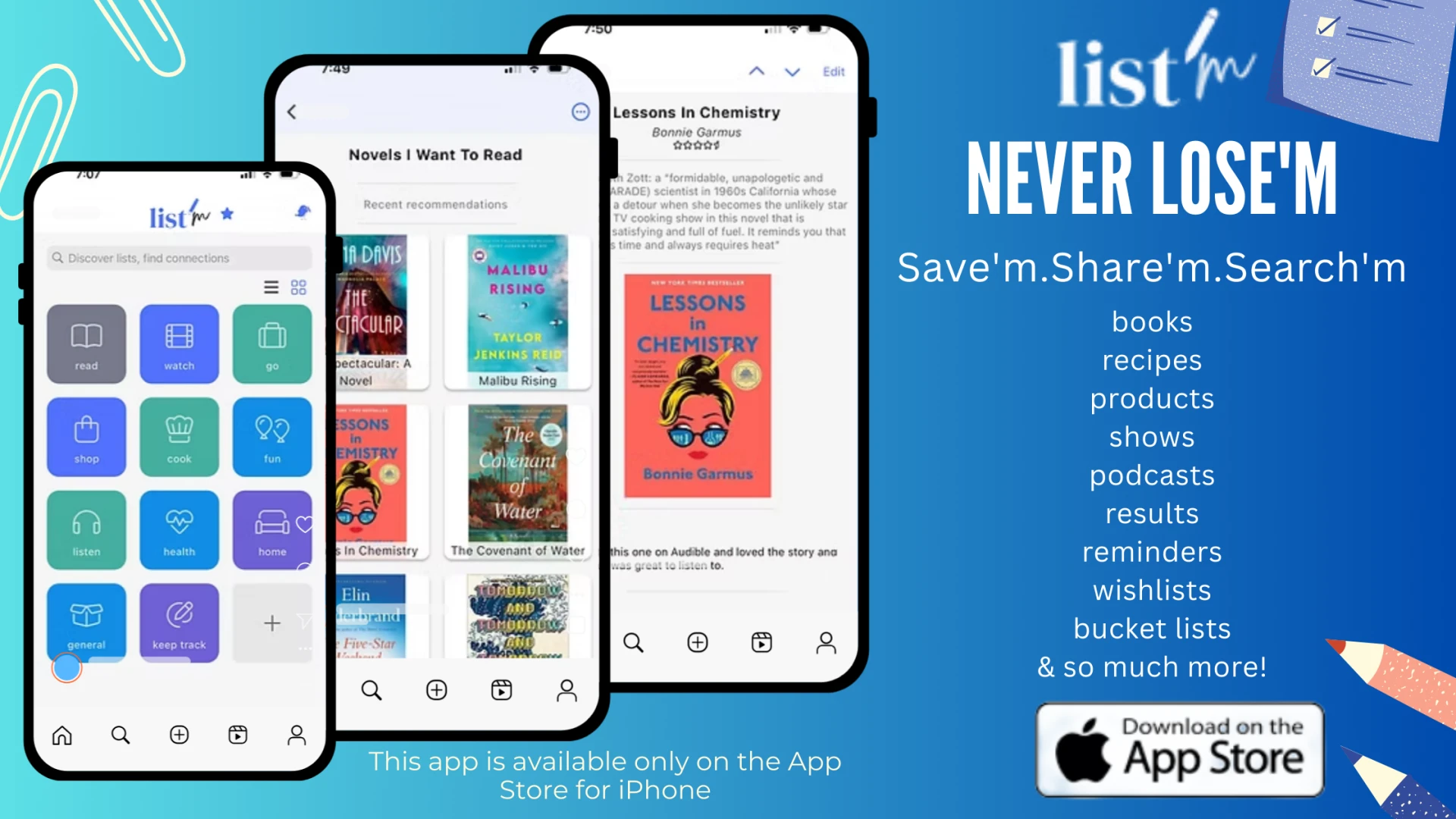
If you’ve ever asked yourself, “Where did I write that down?” then List’m is the perfect solution. Unlike traditional to-do list apps, List’m isn’t just for tasks—it’s a comprehensive organization tool that helps you track everything from books to read and products to buy to bucket list adventures and home improvement ideas.
With List’m, you can:
✔️ Quickly record information with text, images, or links.
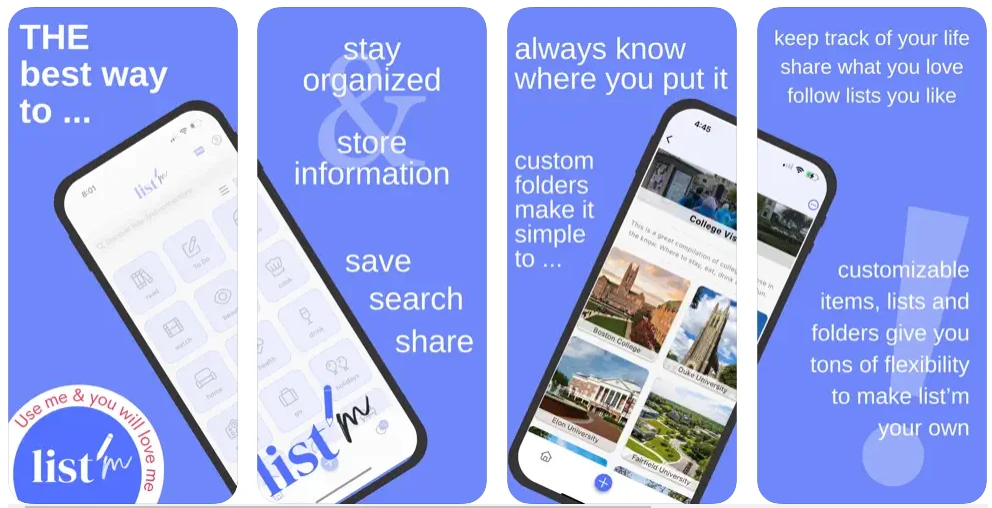
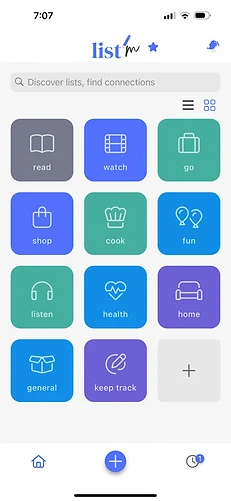
✔️ Organize it into folders for easy retrieval.
✔️ Choose to keep lists private, shared with friends, or public.
✔️ Collaborate on checklists with family, friends, or colleagues.
List’m goes beyond a simple things to do list—it’s a resource center and social connector that keeps your life organized in one place. Never lose an important note again!
2. Todoist – The Classic Task Manager
For those who love structure and simplicity, Todoist is one of the best to-do list apps available. With its intuitive interface, you can:
✔️ Create projects and sub-tasks for better organization.
✔️ Set deadlines and recurring reminders.
✔️ Collaborate with teams and assign tasks.
✔️ Integrate with popular tools like Google Calendar and Slack.
Whether you need a daily checklist or a long-term project planner, Todoist keeps you on track.
3. Microsoft To Do – A Smart Productivity Partner
Formerly Wunderlist, Microsoft To Do is a powerful yet easy-to-use to-do list app that integrates seamlessly with Microsoft Office. Features include:
✔️ Simple task creation with reminders and due dates.
✔️ Smart suggestions for prioritizing tasks.
✔️ Customizable lists for work, personal, and travel plans.
✔️ Cloud syncing across all devices.
Perfect for professionals and students, Microsoft To Do helps you stay organized wherever you are.
4. Google Keep – A Visual Checklist Companion
If you are someone who prefers sticky notes, Google Keep is a great way to manage your things to do list. Key features include:
✔️ Color-coded notes for easy identification.
✔️ Voice-to-text functionality for quick input.
✔️ Syncing across Google services, including Google Docs and Gmail.
✔️ Collaborative sharing with friends and coworkers.
Google Keep is ideal for quick daily checklists and casual note-taking.
5. Trello – The Ultimate Task Board
For visual thinkers, Trello is a game-changer. Instead of a traditional to-do list, Trello uses a Kanban-style board where tasks move through different stages. Features include:
✔️ Drag-and-drop task management.
✔️ Customizable boards and cards for different projects.
✔️ Attachments, checklists, and labels for better organization.
✔️ Integration with apps like Slack, Dropbox, and Evernote.
Trello is a must-have for project managers and creative teams.
Conclusion
No matter how you like to organize your to-do list, there’s an app to suit your style. Whether you need a daily checklist, a collaborative tool, or a place to store all your ideas, these apps will boost your productivity and simplify your life.
Looking for a one-stop solution that combines a to-do list, things to do list, and a resource organizer? Try List’m and experience the easiest way to save, search, and share everything that matters to you!

























Sign in to leave a comment.