


AI image generation has moved far beyond the novelty stage.
A few years ago, generating an image with artificial intelligence often meant accepting strange hands, unreadable text, plastic-looking faces, and results that only vaguely matched the prompt. In 2026, the situation is very different. Modern image generators can create realistic product scenes, illustrations, social media visuals, concept art, advertisements, portraits, backgrounds, posters, and much more from ordinary language.
But that progress has created a different problem.
There are now so many AI image generators that choosing one can be harder than actually creating the image.
Search for an image generator, and you will find tools built around completely different priorities. Some are designed for conversational editing. Others focus on artistic quality. Some are particularly useful when an image contains text. Others make more sense for professional creative workflows, repeatable assets, or commercial production.
That is why I do not think the useful question is simply, “What is the best AI image generator?”
The better question is:
Which AI image generator performs best for the kind of image you actually need?
For this comparison, I looked at the major differences between leading tools and evaluated them around practical image-generation tasks rather than treating every platform as if it solved the same problem. The evaluation also takes current product information into account because AI image tools change quickly. For example, OpenAI introduced ChatGPT Images 2.5 on September 8, 2026, with improvements to detail, speed, editing precision, and multi-turn consistency.
The result is not a single universal winner.
Instead, the strongest tool depends on what you are creating, how much control you need, whether text matters, how frequently you generate images, and how important editing is after the first generation.
The AI Image Generator Race Is No Longer About One Thing
The biggest mistake people make when comparing image generators is judging everything through the same lens. A beautiful image is not automatically a useful image.
A social media manager might want ten attractive campaign concepts in a short session. A product seller might need a convincing product scene with accurate composition. A designer may care more about creative control and editing. A blogger may simply want a realistic hero image. A business may care about commercial usage and a workflow that fits existing creative software.
All five users may search for the best AI image generator, but they do not have the same definition of “best.”
This is why I focused on several practical dimensions:
- How closely the tool follows detailed instructions
- How realistic the generated image feels
- How well it handles visual style
- Whether text inside images is usable
- How well it supports revisions and editing
- Whether the workflow is beginner-friendly
- How much creative control it gives experienced users
- Whether the pricing model makes sense for repeated use
How suitable the platform is for professional or commercial projects
That last point matters more than it did in the early days of AI image creation. Today, generating the first image is often the easy part. Getting the right image is the real challenge.
What I Looked For in a Modern Image Generator
Instead of asking whether a tool can create an image, I considered what happens after you type the first prompt.
Prompt understanding matters more than prompt length
A good AI image generator should understand relationships between objects, their positions, lighting, visual style, mood, camera perspective, and other constraints. A long prompt is not automatically a good prompt.
For example, this request is simple:
A modern coffee shop on a rainy evening. Almost every major generator can produce something reasonable from it.
Now make the instruction more specific:
Create a cinematic editorial photograph of a small modern coffee shop on a rainy evening. Show three wooden tables near a large window, warm pendant lights inside, reflections on the wet pavement, a person reading near the back wall, and a dark green exterior. Keep the composition wide enough to show the full storefront.
This type of request reveals much more about a model.It has to understand the scene as a system rather than simply match keywords.
Editing has become almost as important as generation
A generator that creates one excellent image but makes you start again every time you want a small change can be frustrating.
Modern systems are increasingly moving toward conversational or iterative editing.
OpenAI’s current ChatGPT Images 2.5, for example, emphasizes more precise editing, multi-turn consistency, comment-based changes, templates, and sketch-to-image workflows.
That reflects a broader change in the market.
- The future of AI image creation is not just:
Prompt - Image
- It is increasingly:
Idea - Image - Correction - Refinement - Final asset
That difference changes which tools are actually useful. Six Tasks That Reveal the Difference Between AI Image Generators
Rather than ranking image generators only by how impressive their gallery images look, it is more useful to examine the situations where weaknesses become visible.
Task 1: Create a Photorealistic Scene
Photorealism remains one of the most common reasons people search for an AI image generator.
Typical requests include:
- Product photography
- Lifestyle scenes
- Food photography
- Interior design
- Architecture
- Travel visuals
- Portrait-style images
- Advertising concepts
The challenge is not merely creating something sharp.
A convincing photograph needs realistic proportions, believable lighting, natural materials, coherent shadows, and details that do not look artificially assembled.
This is where different models can produce noticeably different results from the same basic prompt.
Midjourney remains particularly focused on visual presentation and aesthetic output, while platforms such as Leonardo emphasize a mixture of generation, control, refinement, and consistency.
For a user who simply wants something visually striking, aesthetic strength can matter more than complex editing controls.
For someone creating a commercial product campaign, however, the workflow surrounding the image becomes equally important.
Task 2: Follow a Complicated Instruction
This is one of the easiest ways to separate a convincing image generator from a merely entertaining one.
Suppose the prompt says:
Create a square advertising image showing a white smartwatch on a stone table. Put the watch slightly right of center. Use a soft sunrise background, a blurred mountain landscape behind it, warm natural light from the left, a small water bottle in the far background, and enough empty space on the upper left for headline text.
The generator is being asked to understand:
- object identity
- placement
- composition
- background
- depth
- lighting direction
- negative space
- advertising purpose
- aspect ratio
Many image models can produce an attractive image.
The harder task is producing an attractive image while respecting the instructions. This is why prompt adherence deserves its own place in any serious evaluation.
Task 3: Put Words Inside the Image
Text generation is a surprisingly important test.
It matters for:
Posters
- Event graphics
- Social posts
- Advertisements
- Product packaging concepts
- Book covers
- Infographics
- Thumbnail designs
- Simple promotional artwork
Historically, text inside generated images was one of the most obvious weaknesses of image-generation systems.
A model could create an impressive poster while turning the requested headline into distorted symbols.
That is much less acceptable now.
Ideogram has made text rendering one of the central parts of its positioning, and its current Ideogram 4.0 platform is presented around improved visual intelligence and production workflows.
For users who regularly need typography inside the generated image, this can make a major difference. A beautiful image with unusable text is still an unusable design.
Task 4: Change One Thing Without Destroying Everything Else
This is where conversational editing becomes powerful. Suppose you generate a room and like nearly everything about it.
You only want to:
- Change the wall color
- Replace one object
- Remove a person
- Adjust the lighting
- Change the weather
- Modify clothing
- Add a product
Expand the scene
Starting over creates unnecessary variation. The better workflow is to keep the image and modify only what needs to change.
This is one area where the latest generation of AI image tools is becoming much more practical. OpenAI's September 2026 release for ChatGPT Images 2.5 specifically highlights precision editing and consistency across multiple edits.
This also changes how beginners should think about prompting. You do not always need the perfect prompt on your first attempt. A conversational editing workflow lets you move toward the result.
Task 5: Keep a Visual Direction Consistent
Consistency matters when an image is not being used alone.
Think about a campaign containing:
Five social media posts
- Three product images
- A landing-page hero
- Several blog illustrations
- A set of advertisements
If every image looks like it came from a different visual world, the campaign feels disconnected.
Character consistency, style consistency, recurring objects, and predictable visual treatment become more important here.
Leonardo currently emphasizes consistency and control for characters, styles, and visual elements, positioning the platform for creators and marketers who need repeatable output.
Ideogram also highlights character consistency and related generation controls in its current subscription offering.
This is a different problem from simply generating one beautiful picture.
Task 6: Turn the Image Into Part of a Professional Workflow
The sixth test is easy to overlook. An image generator can produce impressive visuals and still be inconvenient for real work.
A professional workflow may involve:
- generating the image;
- editing it;
- resizing it;
- adding typography;
- changing colors;
- combining it with existing assets;
- preparing different versions;
- exporting the final result.
This is one reason Adobe Firefly occupies a different position from image generators that are primarily focused on standalone generation.
Adobe places Firefly within a broader creative ecosystem and describes it as part of workflows involving tools such as Photoshop, Illustrator, Adobe Express, and related services. Adobe also says current Firefly models are trained on licensed and public-domain content and are designed with commercial safety in mind.
That does not automatically make Firefly the “best” image generator. It means its value becomes more obvious when image generation is only one part of the job.The 2026 Image Generator Comparison
The following table is more useful than a simple star ranking because different tools solve different problems.
ChatGPT Images 2.5
- Strongest Area: Conversational creation and editing
- Best Suited To: General creators, marketers, everyday users
- Main Advantage: Strong iterative workflow
- Main Consideration: Access and limits depend on plan/product
Midjourney
- Strongest Area: Visual aesthetics
- Best Suited To: Concept art, creative campaigns, artistic imagery
- Main Advantage: Distinctive visual quality and style
- Main Consideration: Subscription-based workflow
Ideogram
- Strongest Area: Text in images
- Best Suited To: Posters, graphics, typography-heavy visuals
- Main Advantage: Strong focus on text rendering and design
- Main Consideration: Advanced usage can become credit-based
Adobe Firefly
- Strongest Area: Professional creative workflows
- Best Suited To: Designers, marketers, Adobe users
- Main Advantage: Integration and commercial-safety positioning
- Main Consideration: Best value often appears within Adobe ecosystem
Gemini image generation
- Strongest Area: Fast idea exploration
- Best Suited To: Everyday visual creation and experimentation
- Main Advantage: Easy conversational ideation
- Main Consideration: Availability/features vary by account and region
Leonardo
- Strongest Area: Control and consistency
- Best Suited To: Creators, marketers, repeatable visual production
- Main Advantage: Broad creative controls
- Main Consideration: Large feature set can take time to learn
Pricing and feature structures change frequently, so users should verify current plans before subscribing. For example, Midjourney currently lists Basic, Standard, Pro, and Mega subscriptions, while Ideogram offers Free, Plus, Pro, Team, and Enterprise options with different generation limits and features.
ChatGPT Images 2.5: The Conversational Image Creator
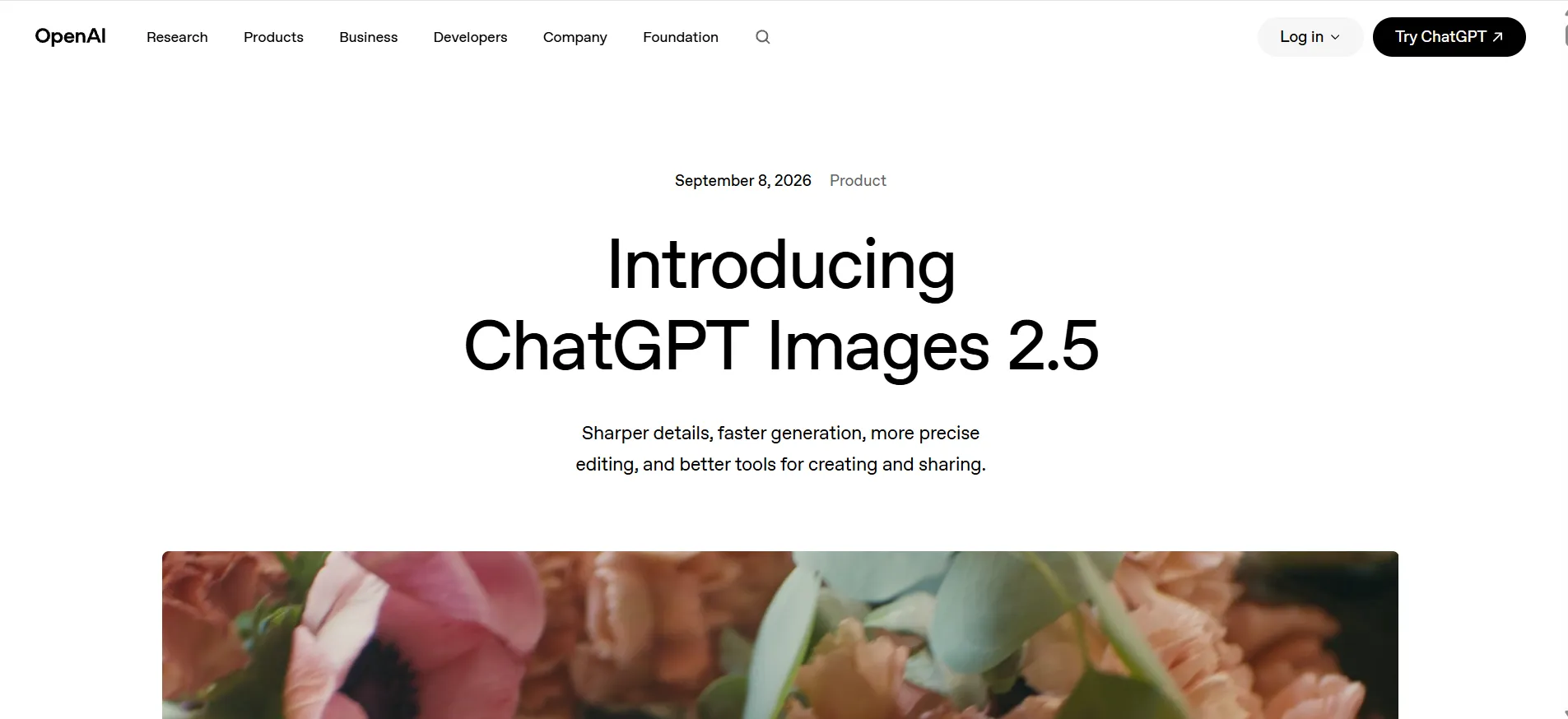
The release of ChatGPT Images 2.5 in September 2026 is significant because it shows how image generation is increasingly becoming part of a broader conversational workflow.
OpenAI describes the current system around several improvements: sharper image detail, faster generation, more precise editing, better consistency across multiple edits, templates, and a sketch-based workflow.
What makes this approach interesting is that you can work toward an image through a conversation. Instead of trying to express every possible detail in one enormous prompt, you can start with the main idea and then refine it.
For example:
Create a clean modern product photo of wireless headphones on a light stone surface.
Then:
Make the background darker.
Then:
Keep the headphones unchanged, but add soft blue ambient lighting.
Then:
Leave more empty space on the right for headline text.
That workflow feels closer to working with a creative assistant than simply submitting isolated prompts.
Where it stands out
ChatGPT Images 2.5 is particularly interesting for people who think in iterations rather than finished prompts.
The same system can also use templates and, on mobile, a sketch workflow in which users draw an idea and describe what they want built from it.
Who should pay attention to it?
Bloggers, marketers, business owners, social-media creators, educators, and general users may benefit most from this kind of workflow because the tool does not require them to understand a complicated visual interface before they start.
The biggest strength is not merely “AI makes pictures.”
It is the ability to move naturally from idea to revision.
Midjourney: The Visual Specialist

Midjourney has built a reputation around artistic and visually distinctive image generation.
It is particularly attractive when the visual quality and overall aesthetic matter more than keeping the workflow extremely simple.
A creative director looking for cinematic concept art may judge an image generator very differently from a blogger who needs a quick article illustration.
That distinction matters.
Midjourney's current plan structure includes Basic, Standard, Pro, and Mega tiers, with unlimited image generation in Relax Mode available on Standard, Pro, and Mega. Stealth Mode is available only on the Pro and Mega plans.
The Midjourney advantage
The platform is especially appealing for:
- Concept art
- Stylized scenes
- Creative campaigns
- Fashion concepts
- Character exploration
- Cinematic imagery
- Mood-heavy visual work
Its strength is often visible before you start discussing technical specifications.
The output simply looks designed.
Where the trade-off appears
Visual quality is not the only requirement for a business.
A user may also need structured editing, predictable production, image privacy, collaboration, or compatibility with another creative application.
That means Midjourney can be an excellent image generator without being the ideal workflow
for every professional team.
Ideogram: The Choice When Text Is Part of the Image
Some AI image tools become much more useful when the image needs to contain readable words.
This is where Ideogram deserves particular attention.
A poster without correct typography is not finished. A product label with gibberish is not usable. A campaign graphic whose headline is misspelled may need to be rebuilt manually.
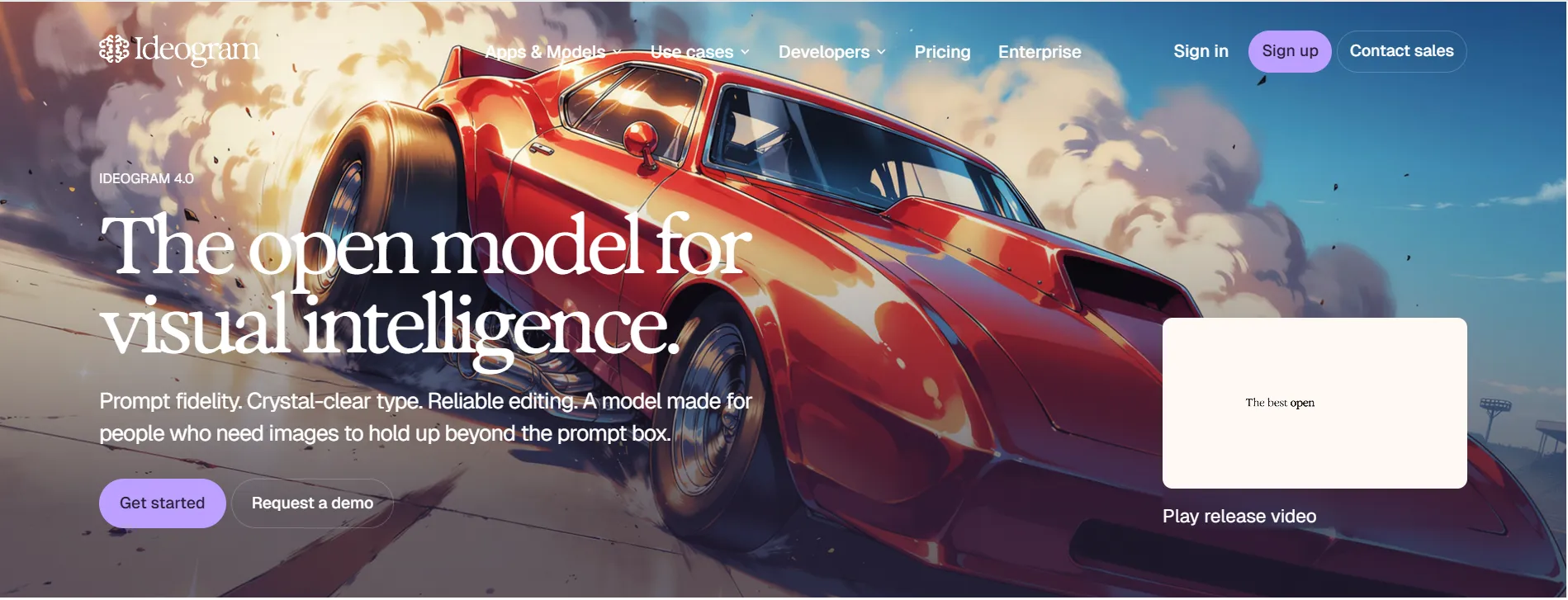
Ideogram has long emphasized image generation involving text, and the company currently positions Ideogram 4.0 as a frontier visual model with strong text rendering, prompt adherence, and production-oriented capabilities.
This changes the prompt equation
Consider:
Design a bold promotional poster for a summer sale. Use the headline “SUMMER SALE 50% OFF” in clean white typography. Make the background tropical and energetic with a bright product-focused composition.
The success of the image depends on both visual design and the words being correctly represented. That gives Ideogram a very specific advantage.
Current pricing is built around credits and generation capacity
Ideogram's current personal plans include a Free tier alongside Plus and Pro options. The pricing page currently lists Plus at $20 monthly or $15/month when billed annually, and Pro at $60 monthly or $42/month when billed annually. It also includes character consistency and other generation-related features at paid levels.
For larger commercial or self-hosted use, Ideogram also offers commercial licensing pathways around its Ideogram 4.0 open-weight release.
The important lesson is simple:
Do not choose an image generator only because its gallery looks impressive. Choose it based on the content you need it to produce.
Adobe Firefly: Where Image Generation Meets Creative Production
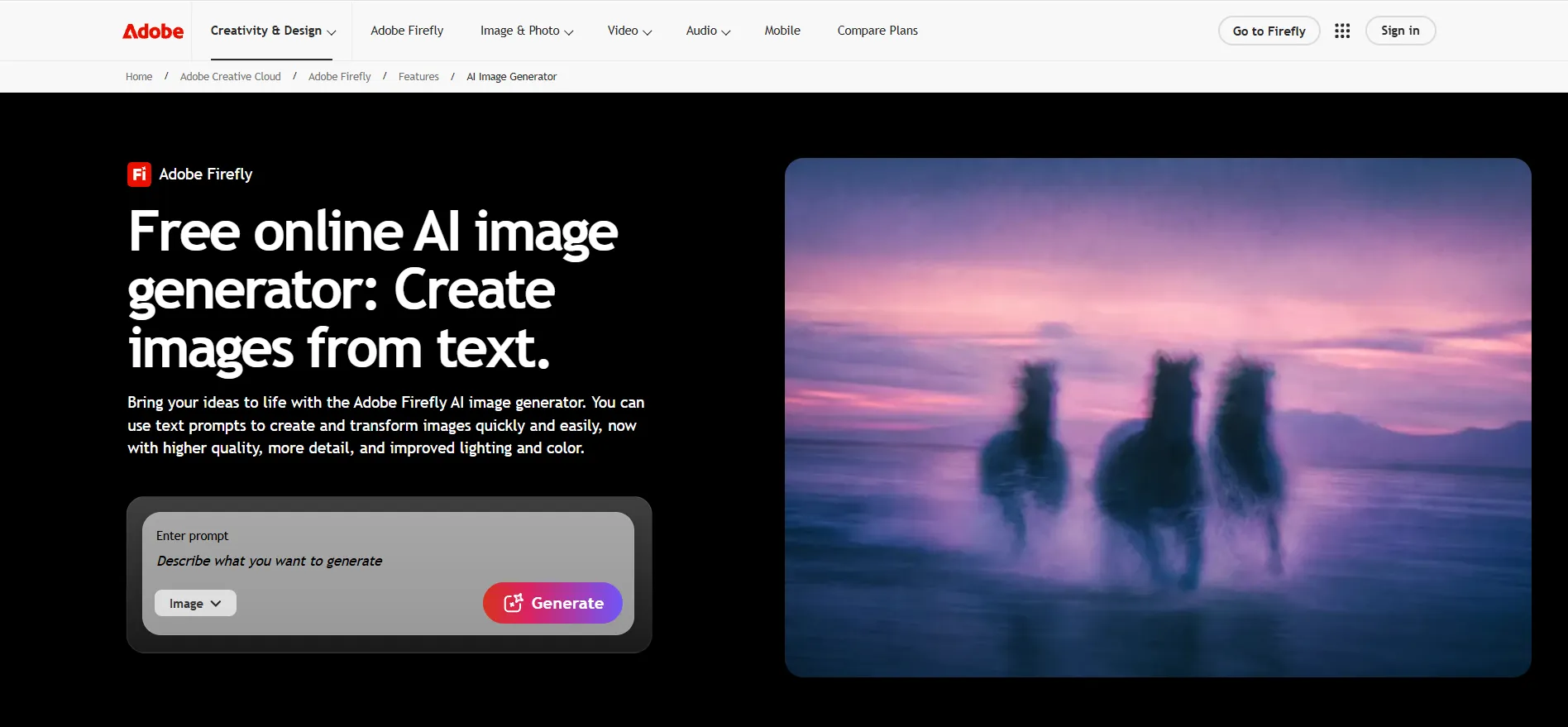
Adobe Firefly is different from a standalone AI image generator because Adobe treats generative AI as one component of a larger creative environment.
That makes its strengths particularly relevant to designers, agencies, marketers, and organizations that already work with Adobe tools.
Adobe says its Firefly generative AI models are trained on licensed content such as Adobe Stock and public-domain content, and that the company does not train Firefly on customers' personal content. Adobe also positions Firefly as designed for commercial safety.
For businesses, this type of information matters.
An image might look excellent, but professional users also need to think about how the content was generated, where it can be used, and what rights or contractual limitations apply.
A practical workflow
Imagine a marketing team preparing a product launch.
They could use generative AI to:
- brainstorm campaign imagery;
- create visual concepts;
- extend backgrounds;
- develop variations;
- combine AI-created assets with existing designs;
- move the result into an established creative workflow.
That is where Firefly's ecosystem becomes important.
It is less about proving that Adobe can generate a pretty image and more about reducing friction between generation and production.
Gemini: A Useful Image Generator for Fast Exploration (Nano Banana)

Google's Gemini ecosystem also illustrates how AI image generation is becoming part of general-purpose assistants rather than existing only in specialized design applications.
Google has continued expanding image-generation capabilities around Gemini and its Nano Banana family. In June 2026, Google described personalized image creation in Gemini, including workflows that can use context from connected Google services for eligible users.
That reflects a broader trend. The image is increasingly becoming part of an assistant conversation.
A person may begin by asking:
Give me five visual concepts for a minimalist home office.
Then move into:
Create the third idea.
Then:
Make it warmer and more realistic.
Then:
Give me a version suitable for a Pinterest-style vertical image.
This is useful for people who want exploration rather than a highly specialized image-production environment.
The important caution is that availability, limits, and capabilities can vary by product, account, and region, so current access should always be checked before building an ongoing workflow around a particular feature.
Leonardo: When Control Starts to Matter
Leonardo takes a slightly different position.
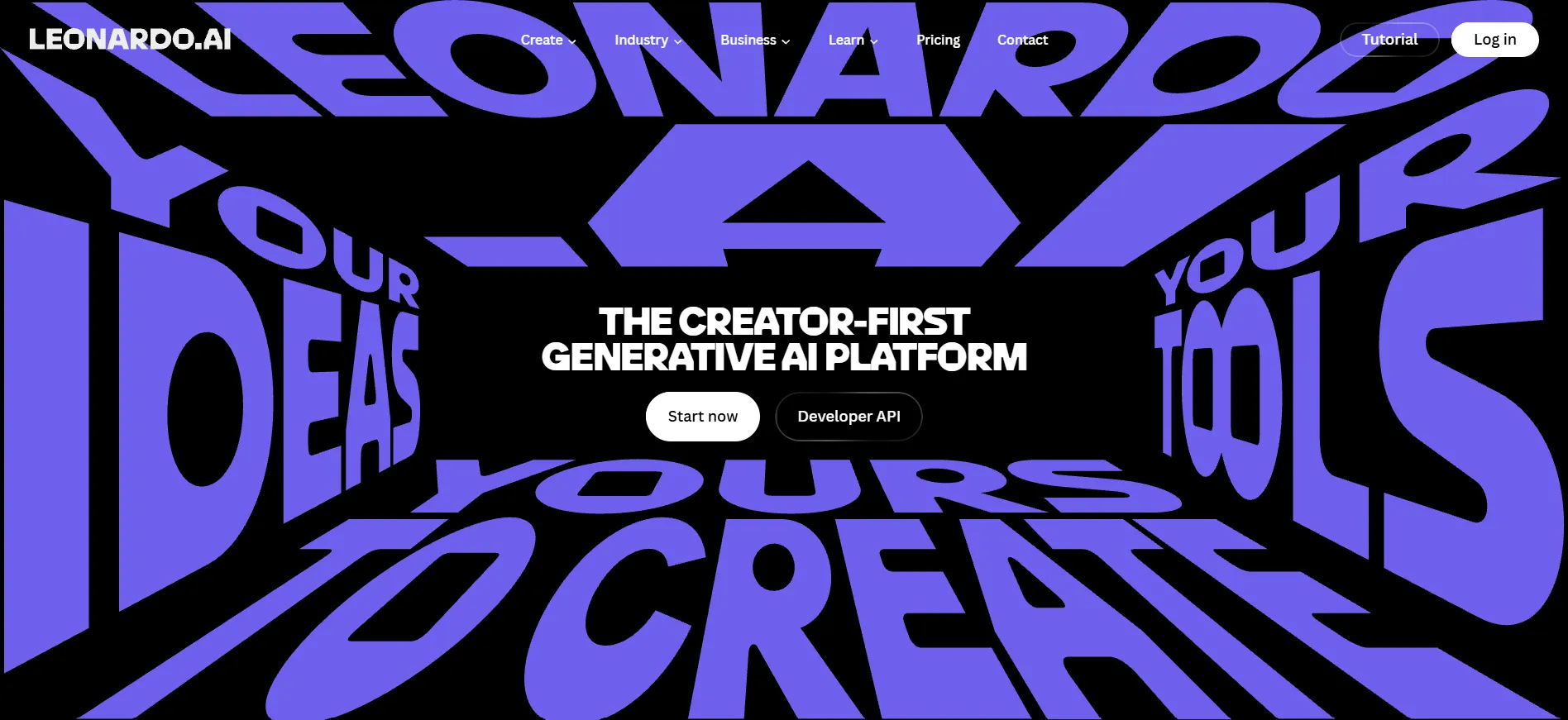
Instead of focusing only on a basic text-to-image prompt, the platform emphasizes creative control, image-to-image workflows, AI Canvas, model selection, consistency, and repeatable visual creation.
That makes it particularly interesting for users who know they will need more than a single generated picture.
A creator might need:
- multiple versions of a character;
- consistent styling;
- iterative image editing;
- concept development;
- product experimentation;
- different visual treatments from a shared direction.
Leonardo's current positioning specifically highlights consistency across characters, styles, and visual elements, which makes it useful for repeatable production rather than purely one-off experiments.
The trade-off is complexity. More control often means more things to learn.
That is not a flaw, but beginners should understand that a feature-rich platform can require more experimentation than a simple conversational image generator.
The Best AI Image Generator Depends on Your Job
A universal ranking hides too much information.
A more useful decision looks like this:
Your Main Goal
- Everyday AI image creation
- Artistic and cinematic visuals
- Posters and text-heavy graphics
- Adobe-centered professional design
- Fast conversational exploration
- More control and visual consistency
Tool Worth Considering
- ChatGPT Images 2.5
- Midjourney
- Ideogram
- Firefly
- Gemini
- Leonardo
This should not be interpreted as a permanent ranking.
- Models change.
- Features change.
- Pricing changes.
A tool that is strongest today may be surpassed tomorrow.
That is one reason articles about AI image generators should be updated rather than treated as permanent buying guides.
Free AI Image Generators: What “Free” Really Means in 2026
The phrase free AI image generator is one of the most searched variations in this category.
And it can be misleading.
“Free” may mean:
- limited generations;
- weekly credits;
- slow-generation access;
- watermarked output;
- public images;
- limited resolution;
- restricted features;
- no commercial rights for specific assets or models;
- free access to basic features but paid advanced tools.
Ideogram, for example, currently has a Free plan with weekly credits for eligible accounts, while paid tiers provide additional priority credits, privacy, queues, and other capabilities.
Midjourney is different because its current image-generation plans are subscription-based.
That means “free AI image generator” should be treated as a workflow question, not just a price question.
Free is excellent for experimentation
A free plan is often enough for:
- learning prompting;
- testing concepts;
- making personal visuals;
- exploring styles;
- brainstorming campaign ideas;
- deciding whether the platform fits your workflow.
Free can become restrictive at scale
Imagine a content creator who needs 40 images a week.
A free tier that looks generous during experimentation may become inconvenient once the user's generation volume increases.That is when cost per usable image becomes more meaningful than the headline word “free.”
Free AI Image Generator vs. Paid Generator
A paid tool does not automatically produce better creative decisions.
The real question is what you receive in exchange for paying.
You may be paying for:
- more generations;
- faster processing;
- better output options;
- private generation;
- advanced editing;
- consistency tools;
- commercial rights;
- higher resolution;
- collaboration;
- larger queues;
- professional integrations.
Midjourney's current plans, for example, differ by fast GPU time, Relax Mode availability, privacy features, and usage rights.
Ideogram's paid plans add features including private generation, increased priority credits, character consistency, larger queues, and batch generation at higher tiers.
So paying makes sense when the feature removes a real bottleneck.
Paying simply because the tool is popular does not.
Prompting Still Matters More Than People Think
Even the strongest AI image generator cannot completely rescue a vague creative brief.
A better prompt does not need to be ridiculously long.It needs to communicate the important visual decisions.
A useful structure is:
Subject + Environment + Composition + Lighting + Style + Important Constraints
For example:
A premium black wireless headphone on a matte concrete pedestal, modern studio environment, centered product composition, soft side lighting, realistic commercial photography, shallow depth of field, dark neutral background, no additional products.
This is usually more useful than filling the prompt with decorative adjectives.
Use Specificity Where It Changes the Image
Compare:
A nice coffee shop.
with:
A small modern coffee shop with oak tables, warm pendant lights, large rain-covered windows, dark green walls, realistic documentary photography, evening atmosphere.
The second prompt gives the model much more information about what should appear.
That does not guarantee perfection. It simply gives the system a clearer target.
Tell the Generator What the Image Is For
Purpose can be useful.
For example:
Create a clean product advertisement suitable for a website hero image.
is different from:
Create an artistic editorial photograph for a fashion magazine.
Both may contain the same product, but the desired visual language changes.
Leave Room for Iteration
Trying to describe every tiny detail in the first prompt can sometimes create unnecessary complexity.
A better workflow is often:
Generate - inspect - identify the problem - revise
For example:
The scene looks good. Keep the composition but make the product 20% larger.
Then:
Keep the product and lighting unchanged. Remove the object in the background.
That method fits especially well with systems built around iterative editing. OpenAI's current
ChatGPT Images 2.5 release explicitly emphasizes this multi-turn editing direction.
Five Prompt Examples You Can Actually Reuse
Product Photography Prompt
Create a premium commercial product photograph of a matte black smartwatch on a light stone surface. Soft directional studio lighting from the upper left, subtle natural shadow underneath, dark neutral background, realistic materials, clean luxury aesthetic, high detail, horizontal composition with empty space on the right for advertising copy.
Social Media Image Prompt
Create a vertical social media image showing a modern healthy breakfast on a light wooden table. Natural morning sunlight, realistic food photography, fresh fruit and coffee, clean minimalist styling, warm atmosphere, enough negative space near the top for a short headline.
Blog Hero Image Prompt
Create a realistic editorial image illustrating artificial intelligence and creativity. Show a designer working at a modern desk with a large screen containing abstract visual concepts, soft daylight, contemporary office, realistic photography, professional technology magazine style, wide horizontal composition.
Poster Prompt
Create a bold promotional poster with the headline “SUMMER SALE 50% OFF”. Use a clean modern retail design, strong typography, energetic tropical background, high contrast, polished commercial composition, vertical format.
Ideogram may be particularly worth considering when the exact words in the image are a central requirement.
Concept Art Prompt
Create a cinematic concept-art scene of a futuristic city built around a massive vertical garden. Flying transport vehicles between towers, atmospheric haze, dramatic sunset, highly detailed architecture, wide-angle composition, epic science-fiction environment.
Midjourney and other visually focused systems can be especially appealing for this style of work.
Where AI Image Generators Still Fail
The technology has improved dramatically, but “better” does not mean “perfect.”
There are still several situations where users should inspect the output carefully.
Hands and small anatomical details
Human figures have become much more convincing, but tiny details can still become strange, especially when the prompt introduces complex interactions.
Small text
Even when a model produces generally good typography, every letter should still be checked before using an image commercially.
Exact product appearance
If you are generating a fictional product concept, AI can be very flexible. If you are representing a real product, the standard is much higher.
A generated image that subtly changes the shape of the actual product may create a misleading advertisement.
Repeated characters
Consistency is improving, but keeping a character visually identical across many scenes remains a specialized problem.
Highly specific layouts
When the image needs exact placement for a professional advertisement or interface-like composition, manual design tools may still be necessary after generation.
This is one of the biggest misunderstandings around AI image generation.
AI is excellent at accelerating visual creation.
That does not mean the first generated image is always the final design.
The Commercial Use Question You Should Not Ignore
A common mistake is:
“I generated this image, so I can automatically use it anywhere.”
That conclusion is too broad.
Commercial use depends on the tool, plan, model, terms, output context, and sometimes the content itself.
Adobe, for example, explicitly describes its Firefly models as commercially safe and states that its initial commercial Firefly models are trained on licensed and public-domain content.
Midjourney's current documentation provides commercial usage terms for subscribers and also includes a specific revenue-related condition requiring companies above a stated revenue threshold to use Pro or Mega.
Ideogram also distinguishes between its hosted products, API, open weights, and different commercial licensing paths. Its current licensing documentation states that commercial use is permitted under applicable terms, while its non-commercial open-weights agreement covers research, evaluation, and personal projects.
The lesson is straightforward:
Check the current terms before using generated images for a major commercial project.
Do not rely on an old blog post that says a platform is “free for commercial use” without checking the provider's current documentation.
Why Copyright Is Still Complicated
AI-generated images exist within a larger creative and legal environment.
The important questions are not only:
- Which AI made this?
They can also include:
- Did the prompt imitate a real person's identity?
- Does the image contain a trademark?
- Does it reproduce a recognizable copyrighted character?
- Does the image imitate a living artist's work too closely?
- Are recognizable people shown in a misleading context?
- Does a business actually have the required rights for its intended use?
These questions become especially important when AI images move from experimentation into advertising or public-facing business materials.
Adobe's current Firefly policy discussions explicitly emphasize creator rights, licensed training data, commercial safety, and safeguards around intellectual property.
That does not remove every legal risk from generative AI. It does show why the tool's policies matter.
A Better Way to Compare AI Image Generators
Instead of creating an enormous spreadsheet of features, I would compare generators in four layers.
Layer One: Can It Make the Image?
This is the basic requirement.
If the model cannot create the subject, style, or composition you need, nothing else matters.
Layer Two: Can It Make the Right Image?
Now look at instruction following.
Does the generator respect object placement?
Does it understand the scene?
Does it maintain relationships between visual elements?
Layer Three: Can You Fix the Problems?
This is where editing becomes important.
A tool that produces an 85% correct image and allows easy revisions can be more useful than a tool that produces a beautiful first attempt but makes correction difficult.
Layer Four: Can You Use the Result?
At this stage, consider:
- pricing;
- privacy;
- commercial rights;
- resolution;
- export options;
- production workflow;
- team requirements.
This four-layer system is more reliable than simply asking which model has the prettiest demo gallery.
Which Generator Makes the Most Sense for Different Users?
For bloggers
A general conversational image generator can be a strong starting point.
You usually need:
- featured images;
- article illustrations;
- simple concepts;
- realistic scenes;
- several variations.
The key requirement is speed.
For social media managers
Look for tools that make variation easy.
A social campaign rarely needs one image.
It needs a family of related visuals.
Consistency and fast iteration therefore matter.
For designers
Control becomes more important.
You may want to:
- modify composition;
- use references;
- generate variations;
- preserve visual direction;
- move the asset into a larger design workflow.
This is where Leonardo, Midjourney, Firefly, and other professional-oriented systems can become more interesting depending on the workflow.
For businesses
Businesses need to think beyond image quality.
Questions about usage rights, privacy, repeatability, workflow integration, and cost matter.
Firefly can be especially relevant to organizations already using Adobe tools, while Midjourney and Ideogram can appeal to teams prioritizing visual generation and specialized strengths.
For beginners
The best option is often the one you can understand quickly.
A tool with 40 controls may be more powerful but less useful if you have no idea what those controls do. Convenience is a feature.
The Biggest Mistakes People Make With AI Image Generators
Choosing based on hype
A viral tool is not necessarily the right tool for your project.
Assuming every generator works the same way
Different models prioritize different capabilities.
Writing massive prompts without a purpose
More words do not automatically produce better images.
Never refining the first output
The first generation should often be treated as a draft.
Ignoring text quality
Always inspect important words.
Forgetting usage rights
Especially for business work.
Paying before understanding the workflow
Use a free option or trial access where available to understand whether the tool actually matches your needs.
What Makes an AI Image Generator “Professional”?
The word “professional” gets overused.
A professional image generator is not simply a tool that generates high-resolution pictures.
Professional use usually means the system supports a repeatable workflow.
That can include:
- predictable generation;
- strong prompt adherence;
- precise editing;
- useful consistency;
- export flexibility;
- privacy controls;
- commercial usage terms;
- scalable generation;
- collaboration;
- integration with other creative tools.
This is why the “best AI image generator” for an individual hobbyist can be completely different from the best solution for an agency.
A Practical Decision Framework
Here is the simplest way to narrow down the market.
Choose ChatGPT Images 2.5 when your priority is:
Conversational image creation, fast iterations, and editing through natural-language instructions. OpenAI's current release specifically emphasizes precision editing, multi-turn consistency, templates, and sketch-based input.
Choose Midjourney when your priority is:
Highly aesthetic, visually distinctive, artistic, or cinematic imagery and you are comfortable working inside a subscription-based creative platform.
Choose Ideogram when your priority is:
Images containing important text, typography, posters, or design-oriented compositions. Ideogram's current product and model materials continue to emphasize these areas.
Choose Firefly when your priority is:
Professional creative workflows, Adobe integration, and Adobe's commercially safe positioning around its own Firefly models.
Choose Gemini when your priority is:
Fast conversational exploration and general-purpose AI-assisted image creation, with the understanding that features and availability can depend on Google's product and account environment.
Choose Leonardo when your priority is:
Creative control, visual consistency, model flexibility, and repeatable image workflows.
How I Would Build an AI Image Workflow Today
I would not try to use one image generator for everything. That sounds simpler, but it can create unnecessary limitations.
A better approach is to have:
one general-purpose generator for everyday concepts and quick experimentation;
one specialistfor whatever your most important visual requirement is, such as typography or artistic generation;
and one editing/production workflow for taking the strongest generated images and turning them into finished assets.
This approach prevents the common mistake of expecting a single platform to be equally good at everything.
The Image Generator Is Only Half of the Workflow
This may be the most important conclusion from the comparison. The ability to create an image has become increasingly commoditized. The valuable skill is learning what to do with the image afterward.
A business might generate:
- a product scene;
- an advertisement concept;
- a social visual;
- a blog header;
- a campaign background.
But someone still needs to decide:
- Which version is actually useful?
- Does the image accurately represent the product?
- Is the composition suitable for the platform?
- Does the text need editing?
- Are the colors correct?
- Is the image legally appropriate?
- Does it fit the rest of the campaign?
The strongest AI image workflow is therefore not about pressing “generate” once.
It is about generating intelligently, evaluating critically, and refining efficiently.
Frequently Asked Questions
What is an AI image generator?
An AI image generator is a software system that uses artificial intelligence to create or modify images based on text prompts, reference images, sketches, or other inputs.
Modern systems can create photographs, illustrations, concept art, advertisements, backgrounds, product scenes, and many other visual formats.
What is the best AI image generator in 2026?
There is no single best choice for every user.
ChatGPT Images 2.5 is especially notable for conversational creation and editing, Midjourney for aesthetic visual generation, Ideogram for text-heavy imagery, Adobe Firefly for creative workflows, Gemini for general conversational exploration, and Leonardo for control and consistency.
Is there a free AI image generator?
Yes. Several platforms offer free access or limited free generations, although the exact limits differ. For example, Ideogram currently provides a Free tier with weekly credits for eligible accounts.
“Free,” however, does not necessarily mean unlimited.
Can AI generate realistic images?
Yes. Modern image generators can create highly realistic people, products, environments, food, architecture, and lifestyle scenes.
The quality still depends on the model, prompt, subject, and required level of control.
Can AI image generators create text?
Yes, and this has improved considerably. Ideogram is particularly worth considering when readable text is a central requirement of the image. Even so, important promotional or commercial text should always be checked manually.
Can I use AI-generated images commercially?
Sometimes commercial usage depends on the provider's terms, plan, model, and the specific content.
For example, Adobe describes eligible Firefly outputs as commercially usable under its applicable terms and positions Firefly around a commercially safe approach.
Midjourney and Ideogram also provide usage and licensing terms that users should review before commercial deployment.
Is an AI image generator better than a human designer?
Not in every situation.
AI is extremely useful for generating concepts, exploring variations, and accelerating production.
A human designer is still valuable for brand direction, visual hierarchy, accuracy, typography, composition, strategy, and final creative judgment.
The strongest workflow is often human direction combined with AI assistance.
What makes an AI image generator high quality?
Look for several things rather than one impressive image:
- prompt adherence;
- visual quality;
- realistic detail;
- editing capability;
- consistency;
- usable typography;
- workflow efficiency;
- appropriate usage rights.
Which AI image generator is best for beginners?
A conversational tool can often be easier for beginners because the user can describe what they want in normal language instead of learning a complex interface immediately.
The best choice still depends on the type of image being created.
Which AI image generator is best for business use?
There is no universal answer. Businesses should consider image quality alongside licensing, privacy, workflow integration, repeatability, and cost. Adobe Firefly can be especially relevant for Adobe-centered professional environments, while other generators may be stronger for specific visual tasks.
Final Assessment: The Best Generator Is the One That Fits the Job
The AI image-generator market is no longer a simple race to see which platform can produce the prettiest picture.
The important competition is happening across several different categories.
- ChatGPT Images 2.5 is particularly interesting when you want to communicate with the generator naturally and refine images through conversation. OpenAI's latest release puts considerable emphasis on editing precision, speed, consistency, templates, and sketch-based creation.
- Midjourney remains an important option for people who prioritize visual aesthetics, creative exploration, and distinctive imagery, with a current subscription structure built around different levels of generation access and features.
- Ideogram stands out when typography and readable image text are central to the job, while its current product offering also extends into consistency, commercial use, and broader production workflows.
- Adobe Firefly makes the most sense when image generation is part of a larger professional creative system, especially for users already working with Adobe's ecosystem and who place importance on Adobe's stated commercially safe approach.
- Gemini demonstrates where AI image creation is heading as generation becomes part of everyday conversational assistants and personalized workflows.
- Leonardo is compelling for creators who want more control, consistency, and flexibility across different visual projects.
So, after comparing the major strengths and weaknesses, I would not tell every reader to use the same tool.
- Instead, I would start with the image problem.
- Need a realistic blog image? Look for speed and quality.
- Need an artistic concept? Prioritize visual style.
- Need a poster with readable text? Look closely at typography performance.
- Need repeated characters or visual assets? Prioritize consistency.
- Need a professional production workflow? Examine editing, integrations, rights, and scalability.
Need to experiment without paying immediately? Start with a suitable free option and understand its limits before committing.
The biggest improvement in AI image generation during 2026 is not simply that machines can make better pictures.
It is that the tools are becoming better at helping people create, correct, refine, and reuse visual ideas. And that is the real standard I would use when judging an image generator today.
A tool is not genuinely useful because it creates one impressive image. It is useful when it helps you repeatedly turn an idea into a visual that you can actually use.






















Sign in to leave a comment.