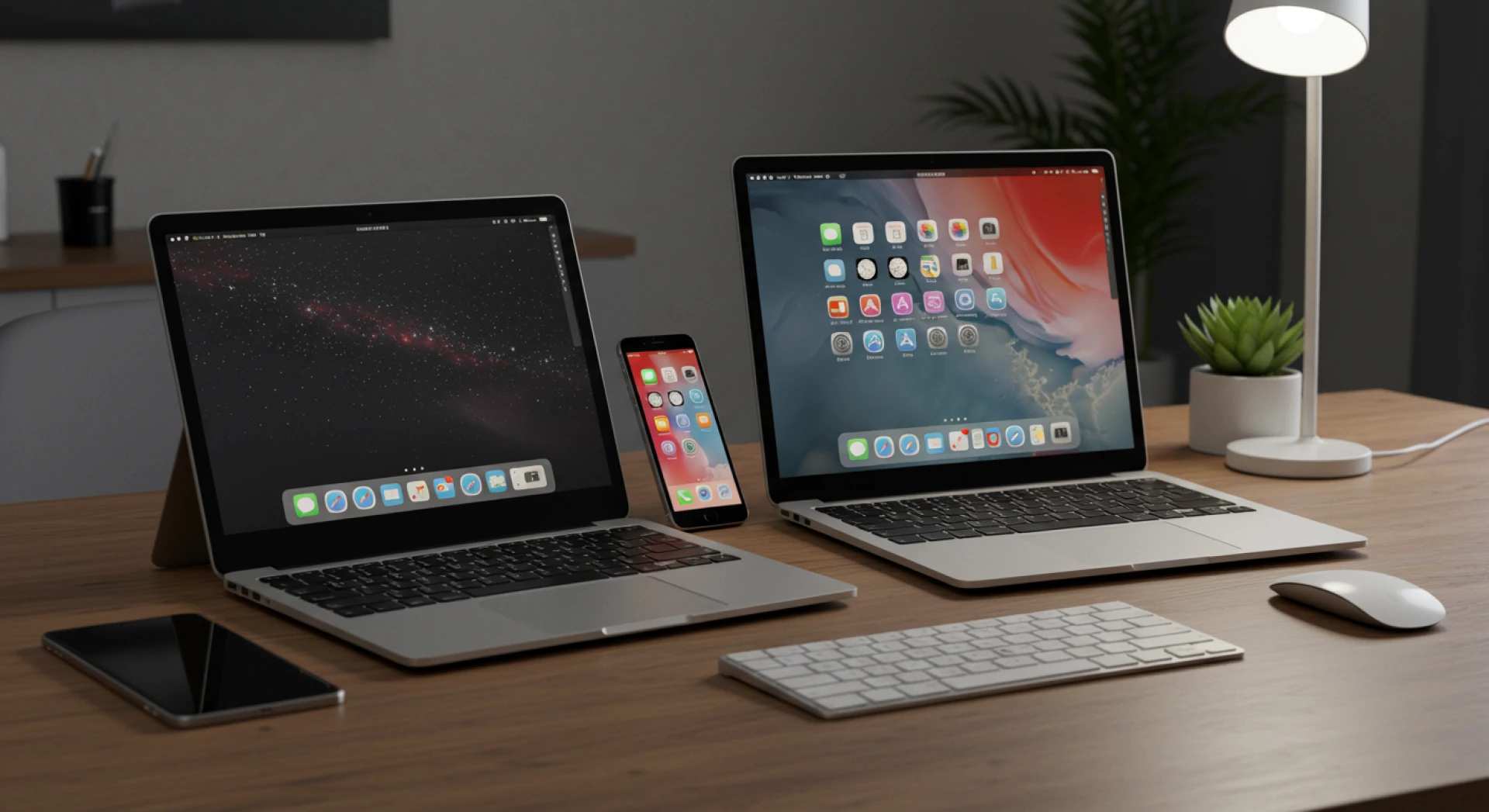

Introduction to Apple Device Management
What is Apple Device Management?
Apple Device Management refers to the tools and strategies used to remotely control, configure, and secure Apple devices—think iPhones 📱, iPads, and Macs 💻. It’s like the ultimate remote control for businesses and IT departments, allowing them to manage fleets of Apple gadgets without touching a single one physically.
Why Apple Device Management is Important in 2025
With hybrid work becoming the norm 🏠🏢 and security threats increasing 🛡️, managing Apple devices centrally ensures consistent security policies, smooth updates, and zero-touch deployments. It’s not just a convenience—it’s a necessity.
Getting Started with Apple Business Manager
What is Apple Business Manager?
Apple Business Manager (ABM) is Apple’s portal that allows businesses to enroll, configure, and distribute Apple devices at scale. It’s the backbone 🧱 of any serious apple device management strategy.
How to Add Devices to Apple Business Manager
To add devices to Apple Business Manager, you can either:
- Purchase directly from Apple or authorized resellers 🛍️, and they’ll automatically enroll the devices.
- Or manually add them using Apple Configurator 2 🔧 (for Macs and iPhones).
Manual vs Automated Enrollment
- Automated Enrollment: Devices show up in ABM immediately after purchase—no cables, no setup ⚡.
- Manual Enrollment: Good for older or BYOD (bring-your-own-device) setups 🧳.
Benefits of Adding Devices to Apple Business Manager
- Zero-touch deployment 🧼
- Streamlined configuration 🔄
- Better security 🔐
- Seamless integration with MDM tools like VantageMDM 🌐
Choosing the Best MDM Solutions for iOS
What are MDM Solutions?
MDM (Mobile Device Management) solutions are platforms that let IT teams control devices remotely 🌍. For Apple devices, they offer robust support, ranging from Wi-Fi setup to app distribution 📦 and remote wipes 🧽.
Best MDM for Apple Devices in 2025
There are many options out there, but if you're looking for performance ⚙️, affordability 💸, and ease of use 😊, VantageMDM is one of the best MDM for Apple platforms. It supports all major Apple operating systems and integrates flawlessly with ABM.
VantageMDM: A Trusted Option
- Supports iOS, macOS, and iPadOS 🍏
- Real-time location tracking 📍
- App management and kiosk mode 🖥️
- Easy deployment through Apple Business Manager 🚀
Compatibility with the Apple Mobile Platform
The best MDM tools are designed specifically for the Apple mobile platform 📱, offering deep integration with native Apple APIs and seamless performance.
Configuring and Deploying Devices
Using a Device Manager for Mac
A device manager for Mac helps IT admins configure new Macs 🧑💻, deploy apps 📲, and enforce company policies 📜. Whether it's pushing updates or locking down system settings, the right MDM tool is key 🔑.
Mobile Device Management Profile Explained
A mobile device management profile is what ties the device to your MDM platform 🔗. It’s like a bridge 🌉 that allows your admin team to:
- Control settings ⚙️
- Enforce passcodes 🔑
- Push Wi-Fi configurations 📶
- Install or restrict apps 🚫📥
What Does “profiles/mdm wants to make changes” Mean?
This message usually pops up when the MDM profile is trying to apply a system-level setting 🛠️. It’s normal and necessary for enforcing policies.
Setup Automation for Efficiency
With Apple Configurator and MDM tools like VantageMDM, you can automate initial setup 🤖, skip manual screens 🖱️, and enroll devices faster than brewing your morning coffee ☕.
Security and Compliance Management
Managing Access and Permissions
One key feature of Apple device management is controlling user access 🔐:
- Restrict admin rights 🚫👨💻
- Enforce 2FA 🔒
- Setup VPN 🌐 and secure email ✉️
- It’s all about keeping company data safe, especially on BYOD or remote setups.
Detecting Remote Access on iPhone
Worried someone might be snooping? 🕵️♂️ Signs include:
- Unexpected pop-ups ⚠️
- Device acting strangely 🤖
- Battery draining fast 🔋
- Use your MDM dashboard (like VantageMDM) to monitor access logs 📊 and block suspicious activity 🚫.
Compliance with Industry Standards
If your business deals with sensitive data (think healthcare 🏥, finance 💰), device compliance isn’t optional. Apple MDM tools help meet standards like HIPAA ✅, GDPR 📜, and ISO 27001 📘.
Troubleshooting and Maintenance
Common Issues in Mac Device Management
- Devices not showing in ABM ❌
- MDM profiles failing to install 🚫
- Apps not pushing correctly 📦
- These are typically caused by expired tokens 🕒 or network misconfigurations 🌐. A solid MDM solution will guide you through resolutions 🧭.
iPhone Device Management Remove Process
If you’re looking to remove mobile device management iPhone, go to:
Settings ⚙️ → General 🧭 → VPN & Device Management 🌐 → [MDM Profile] 📄 → Remove Management ❎
Note: You may need admin credentials 🧑💼.
Remove Mobile Device Management iPhone Step-by-Step
- Open Settings ⚙️
- Tap General 🧭
- Scroll to Device Management 📲
- Select MDM Profile 📋
- Tap Remove Management ❌
Important: Removing MDM wipes all corporate controls and settings 🧹.
Remote Device Management Services
How Remote Management Works
Using remote device management services, IT admins can:
- Push updates remotely 📤
- Lock or wipe lost devices 🔐🧼
- Track device locations 📍
- Schedule maintenance 🗓️
- No matter where your team is 🌍, you're always in control 🕹️.
Benefits for Large Teams and Enterprises
- Reduce IT overhead 📉
- Increase productivity 📈
- Strengthen data security 🛡️
- With tools like VantageMDM, scaling up doesn’t mean giving up control 🎯.
Final Thoughts on Apple Device Management
Mastering apple device management is crucial in today’s digital-first 🌐 work environment. Whether you're an IT pro at a large enterprise 🏢 or a solo business owner 👨💼, the right tools and strategies can simplify your workflow 🔄 and secure your data 🔐. Tools like VantageMDM bring scalability, automation, and peace of mind 🧘 into a single, easy-to-use dashboard.
FAQs
How to remove a device from Apple Business Manager?
You can’t remove devices directly from Apple Business Manager once they’re enrolled. However, you can release them by going to Settings ⚙️ > Device Assignments 📋 > Release Devices 🔓. Note that this action is permanent.
How to add devices to Apple Business Manager?
If buying new, use an authorized reseller 🛒 who supports ABM. For existing devices, use Apple Configurator 2 🔧 to manually enroll Macs and iOS devices into your ABM account.
How to tell if someone is accessing your iPhone remotely?
Look for odd behavior:
- Battery draining fast 🔋
- Unknown apps installed 📥
- Device heating up 🔥
- You can also check under Settings ⚙️ > Privacy & Security 🔐 > App Permissions 📲 and see if remote management is enabled.
What is Apple mobile device management?
It’s a system that allows businesses to remotely configure, manage, and secure Apple devices 📱💻 like iPhones, iPads, and Macs. It works using MDM profiles pushed via platforms like VantageMDM.
How much does Apple device management cost?
Costs vary based on the MDM provider. While Apple Business Manager is free 🆓, third-party MDM tools like VantageMDM may charge based on the number of devices, features, and support level. Expect to pay anywhere from $1–$6 per device monthly 💵.

























Sign in to leave a comment.