
In an increasingly digital world, virtual assistant apps have become indispensable tools for enhancing productivity, managing daily tasks, and providing instant information. The evolution of virtual assistant app development has led to the creation of various types of these applications, each catering to specific needs and preferences. This article explores the different types of virtual assistant apps, their unique features, and the benefits they offer to users.
Understanding Virtual Assistant Apps
A virtual assistant app is a software application that uses artificial intelligence (AI) and natural language processing (NLP) to perform tasks or services for an individual based on commands or questions. These apps are designed to simulate a conversation with a human, making interactions seamless and efficient. The rise of virtual assistant app development has been driven by advancements in AI and machine learning, enabling these apps to become more intuitive and capable over time.
Types of Virtual Assistant Apps
1. Personal Virtual Assistants
Personal virtual assistants are designed to help individuals manage their daily lives. These apps can perform a wide range of tasks, such as setting reminders, sending messages, making phone calls, and providing weather updates. Popular examples include:
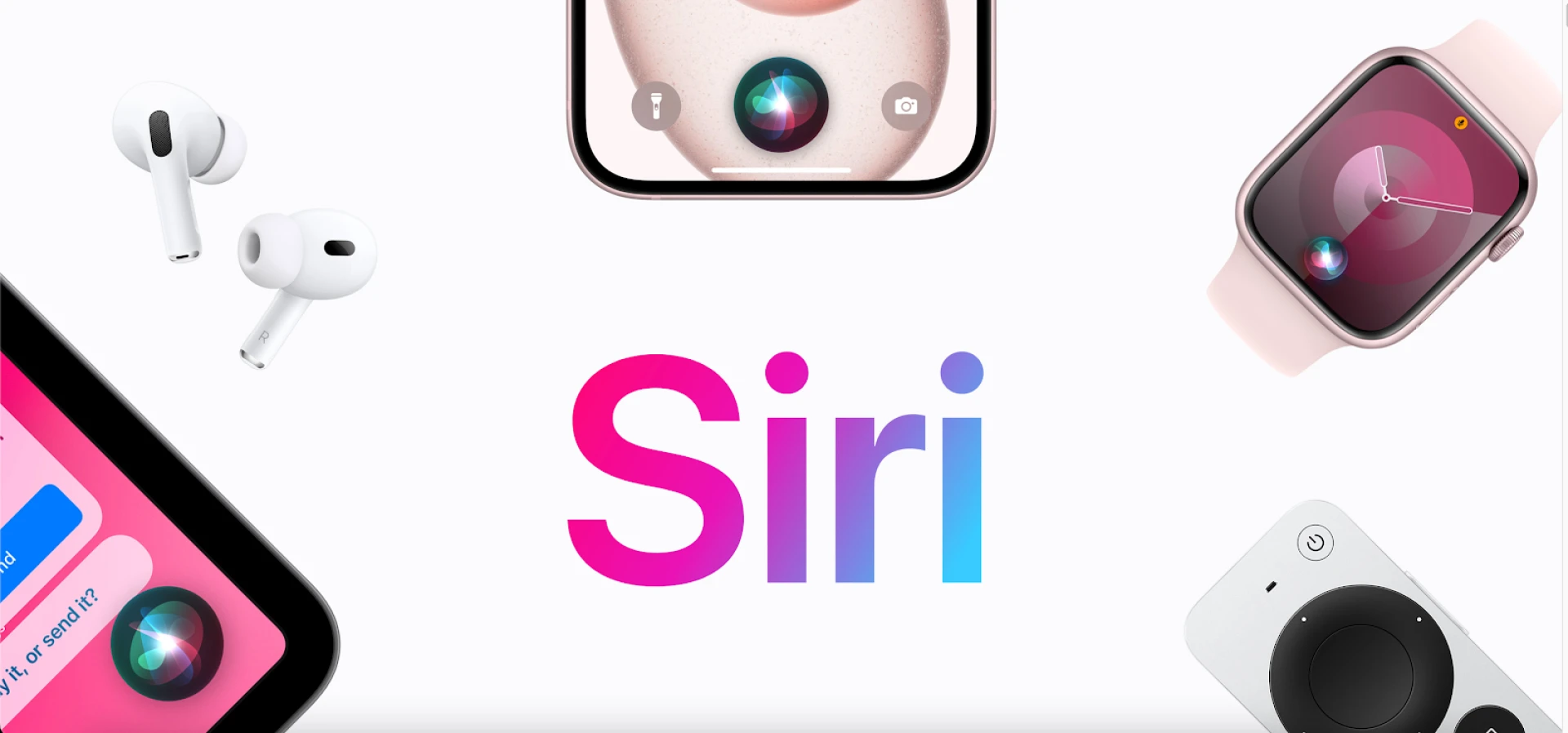
- Apple’s Siri: Siri is an integrated assistant on Apple devices that helps users with tasks like setting alarms, searching the web, and sending texts using voice commands.
- Google Assistant: Available on Android devices, Google Assistant can control smart home devices, check calendar events, and answer questions using Google’s search engine.
2. Business Virtual Assistants
Business virtual assistants are tailored for professional environments, helping users manage work-related tasks. These apps can schedule meetings, send emails, and provide updates on project progress. Key examples include:
- Microsoft Cortana: Although now integrated into Microsoft 365, Cortana helps with organizing schedules, setting reminders, and integrating with other Microsoft services to enhance productivity.
- Amazon Alexa for Business: Alexa assists with various office tasks, from managing conference room bookings to controlling office equipment.
3. Healthcare Virtual Assistants
Healthcare virtual assistants are specifically designed to assist with medical and health-related tasks. They can schedule appointments, remind patients to take their medication, and provide health information. Notable examples include:
- HealthTap: This app allows users to consult with doctors, get medical advice, and schedule virtual appointments.
- Babylon Health: An AI-driven app that offers medical consultations, symptom checks, and health monitoring.
4. E-commerce Virtual Assistants
E-commerce virtual assistants help users with online shopping by providing product recommendations, tracking orders, and managing returns. Examples include:
- Shopify’s Kit: Kit helps Shopify merchants by managing social media marketing, sending thank-you emails, and creating Facebook ads.
- eBay ShopBot: An AI-powered shopping assistant that helps users find products, compare prices, and make purchases directly through messaging platforms.
5. Smart Home Virtual Assistants
Smart home virtual assistants integrate with smart home devices to control lighting, temperature, security systems, and more. Prominent examples include:
- Amazon Alexa: Alexa can control various smart home devices, play music, set alarms, and provide weather updates.
- Google Nest Hub: A smart display that integrates with Google Assistant to control smart home devices, display photos, and stream videos.
6. Educational Virtual Assistants
Educational virtual assistants are designed to assist students and educators with learning and teaching tasks. They can answer questions, provide explanations, and help with homework. Examples include:
- Socratic by Google: This app helps students with homework by providing step-by-step solutions and explanations for various subjects.
- IBM Watson Tutor: Uses AI to personalize learning experiences by providing tailored educational content and feedback.
7. Travel Virtual Assistants
Travel virtual assistants help users plan trips, book flights, find hotels, and provide travel recommendations. Examples include:
- Hopper: An app that predicts future flight and hotel prices with 95% recommendation accuracy and helps users book the best deals.
- Kayak: A travel assistant that helps users book flights, hotels, and rental cars while providing itinerary management.
Key Features of Virtual Assistant Apps
1. Natural Language Processing (NLP)
NLP enables virtual assistants to understand and interpret human language, allowing users to interact with them using natural speech or text. This makes the user experience more intuitive and efficient.
2. Voice Recognition
Voice recognition technology allows virtual assistants to understand and respond to voice commands. This hands-free interaction is particularly useful for tasks that require multitasking or for users with disabilities.
3. Machine Learning
Machine learning enables virtual assistant apps to learn from user interactions and improve their responses over time. This continuous learning process allows the app to provide more accurate and personalized assistance.
4. Integration with Other Apps and Services
Virtual assistant apps can integrate with various other applications and services, such as calendars, email, social media, and smart home devices. This integration expands their functionality and makes them more versatile.
5. Context Awareness
Context awareness allows virtual assistant apps to understand the context of a user’s request, making interactions more meaningful and relevant. For example, if a user asks for “the nearest coffee shop,” the app can use location data to provide accurate recommendations.
Benefits of Virtual Assistant Apps
1. Increased Productivity
Virtual assistant apps help users manage their time and tasks more effectively, leading to increased productivity. By automating routine tasks, users can focus on more important activities.
2. Convenience
These apps provide a convenient way to access information and perform tasks without the need to manually search or navigate through multiple applications.
3. Personalization
Virtual assistant apps can offer personalized experiences by learning user preferences and habits. This makes interactions more relevant and tailored to individual needs.
4. Accessibility
Virtual assistant apps can enhance accessibility for users with disabilities by providing voice-activated controls and simplifying complex tasks.
5. Cost Savings
For businesses, virtual assistant apps can reduce operational costs by automating customer service and administrative tasks.
The Future of Virtual Assistant App Development
The future of virtual assistant app development looks promising, with ongoing advancements in AI, machine learning, and NLP. As these technologies continue to evolve, virtual assistants will become even more capable, providing more sophisticated and personalized assistance. Developers will focus on enhancing the contextual understanding and integration capabilities of these apps, making them indispensable tools in both personal and professional settings.
In conclusion, virtual assistant apps are transforming the way we interact with technology, offering a wide range of functionalities tailored to various needs. From personal management to business productivity, healthcare to smart homes, these apps are paving the way for a more efficient and connected future. As virtual assistant app development continues to advance, we can expect even greater innovations and improvements in the years to come.











Sign in to leave a comment.