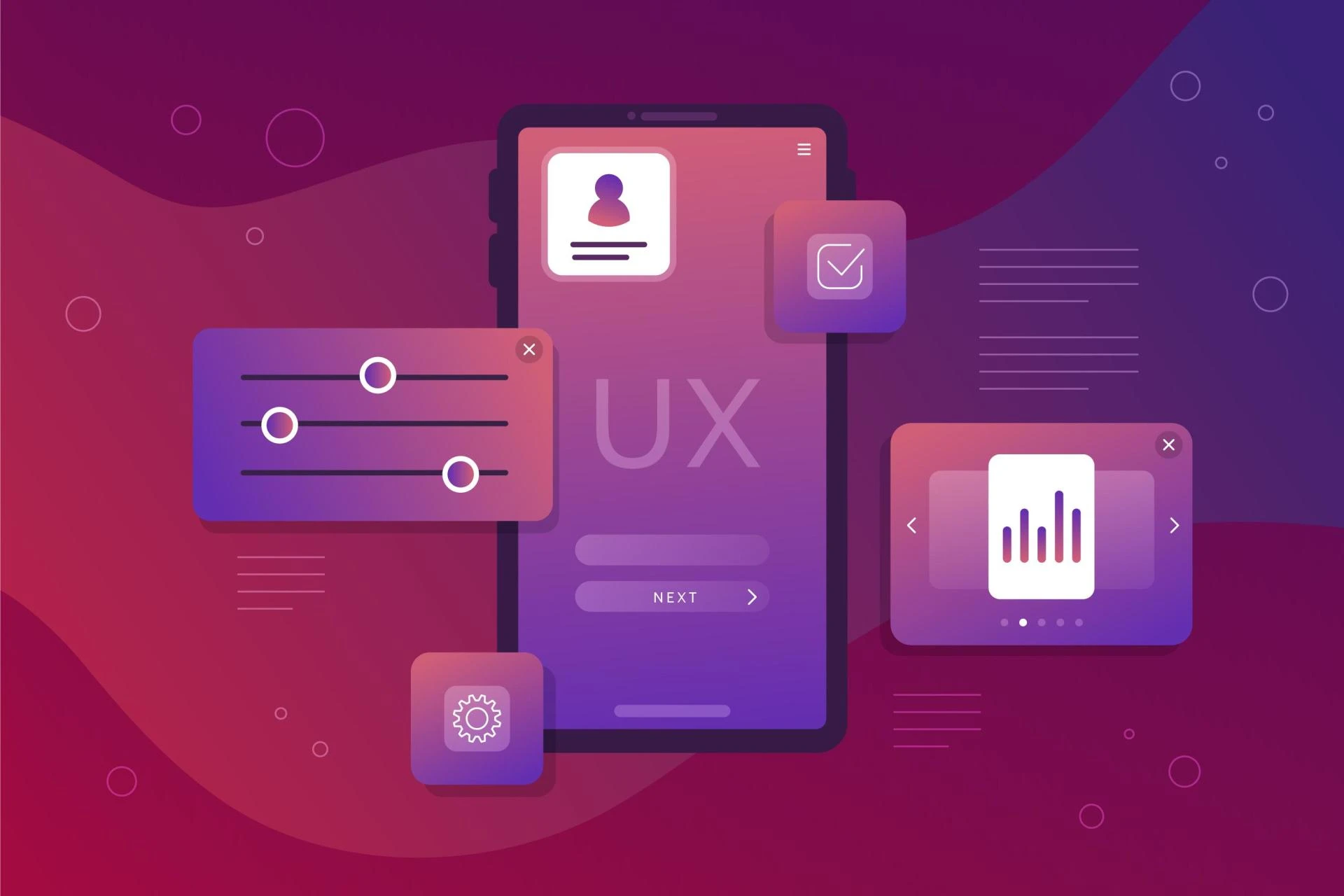
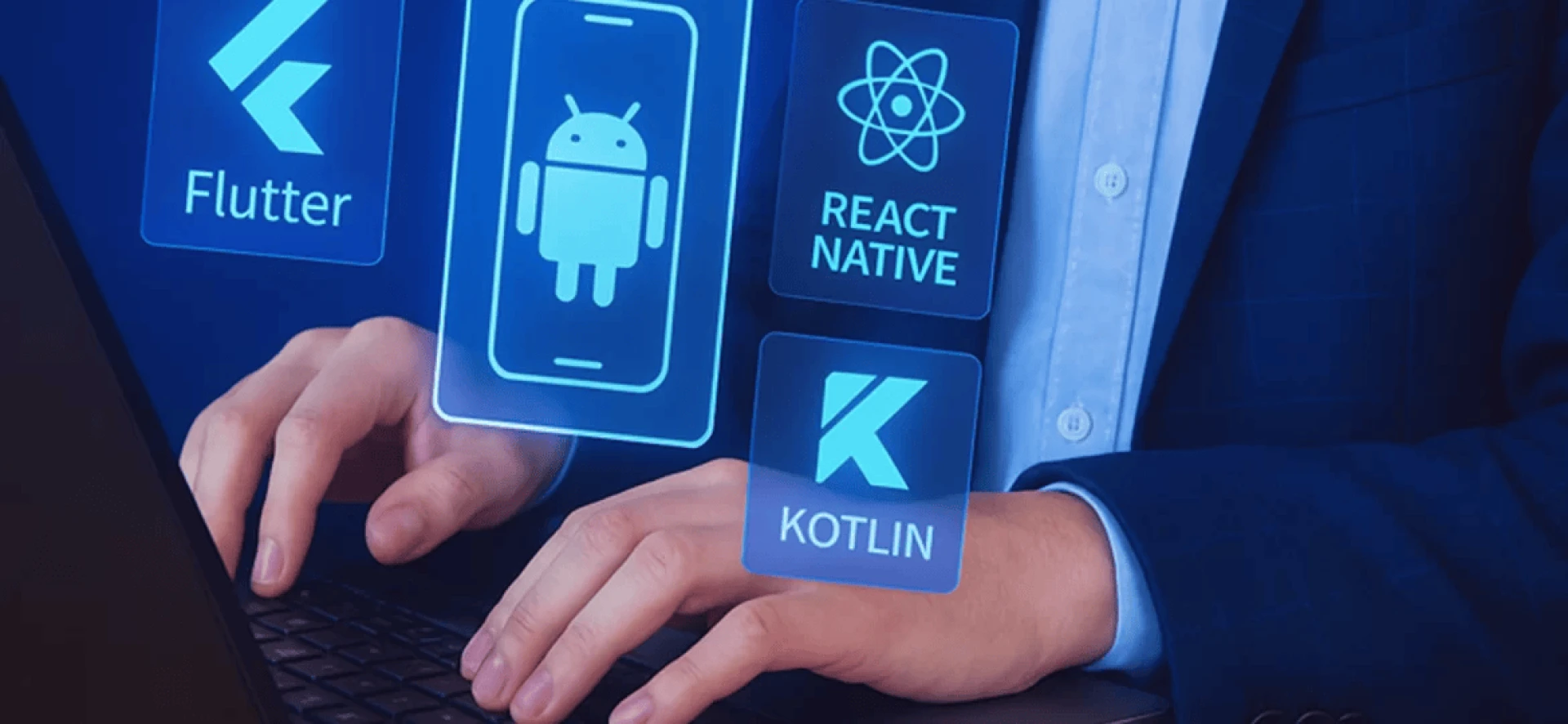
Creating a mobile app that works and wows users is the ultimate goal for any developer. With Flutter developers continually striving to push the boundaries of cross-platform development, UI/UX design plays a significant role in the success of an app. A well-designed interface can improve user engagement, boost retention, and lead to better conversions.
This article explores practical UI/UX tips that every UI/UX designer working with Flutter should know. These insights will help you create apps that users love, irrespective of whether you are a seasoned professional or just starting.
Prioritise Performance Without Compromising Design
Building a smooth mobile app is just as important as how it looks. Flutter developers have the unique advantage of working with a framework that allows smooth animations and performance optimisation. But what is the trick? It is about finding the balance between performance and aesthetic appeal.
Here is the deal:- Users expect apps to respond quickly. It is a dealbreaker if your app lags or loads too long. While designing, consider this:-
- Use Flutter’s built-in widgets effectively. UI/UX designers should avoid overloading the interface with unnecessary elements that could slow down the app. Choose lightweight widgets to maintain the app’s speed.
- Lazy loading and caching can significantly improve performance by reducing load times.
Remember:- a smooth, fast app experience can be as powerful as a beautiful one. So, keep an eye on performance while ensuring your app looks great.
Make the User Journey Seamless
A seamless user journey means an intuitive path from the first screen to the last. Every Flutter developer knows the importance of a user-friendly interface, but do you know how to structure it so users don’t get lost or frustrated?
Start by mapping out the flow of your app—think of it like creating a roadmap for your users. The smoother their journey, the higher the chances they will stick around.
- UI/UX designers should focus on clear, easy-to-understand navigation. Simplicity is key, whether it’s a bottom navigation bar or a swipeable tab.
- Avoid adding unnecessary steps in the user journey. For instance, streamline sign-up processes by using auto-fill options, saving users time.
And remember:- a happy user is a returning user. Ensuring that users can move through your app without confusion is crucial for app retention. Now that we have set the stage for seamless design, let's talk about something vital i.e. responsiveness.
Design for Different Screen Sizes and Orientations
One of the best features of Flutter is its ability to design for multiple platforms. However, as a Flutter developer, you must ensure your app’s UI works on all screen sizes and orientations. Users will be on phones, tablets, and even foldable devices.
- UI/UX designers should use Flutter’s responsive design features to ensure the app layout adapts to various screen sizes without distorting content.
- Use media queries to change layout dimensions based on device specifications.
Responsive design is not just about fitting the screen. It is about making sure that the app feels right on any device—comfortable to use, whether it is in portrait or landscape mode.
Light and Dark Mode Are Essential
With mobile apps constantly evolving, supporting light and dark modes is no longer optional. Many users prefer switching between modes based on their environment or personal preference. As Flutter developers, we can easily integrate both.
- Implement Flutter’s theming system to toggle between light and dark mode smoothly. UI/UX designers can ensure that the interface looks good in both modes. For example, be mindful of text contrast and background colours.
Incorporating these modes increases accessibility and overall user satisfaction. Plus, users will appreciate the fact that they have more control over how the app looks.
Material Design: Keep It Clean and Consistent
Material Design is not just a trend—it is a framework that helps UI/UX designers and Flutter developers create modern, polished, and cohesive apps. It offers principles that ensure your app follows a consistent design language. It is a toolkit that helps Flutter developers create seamless experiences without overcomplicating things.
- For a consistent appearance and feel, use Material's built-in elements, like as buttons, text fields, and cards. These elements are intended to improve the usability and accessibility of your software.
- Make sure your designs adhere to comparable patterns for interaction and navigation because consistency is essential.
The more intuitive your design, the more users will stick around and explore.
Focus on Microinteractions and Animations
Microinteractions are those little moments in an app that bring it to life. From a button press to a page transition, animations and microinteractions have a way of engaging users in a meaningful way.
As Flutter developers, you can leverage Flutter’s animation libraries to create smooth, delightful interactions. UI/UX designers should include animations that feel natural. Whether it is a subtle fade-in effect or a swipe animation, the goal is to make the app responsive and interactive.
Here is the interesting part:- A study by UX Design shows that 71% of users prefer animated elements in apps because they guide attention and enhance the user experience. In India’s booming digital market, adding animations can improve user retention and satisfaction and make your app more engaging.
Accessibility Is Key: Design for All Users
Accessibility is not only a nice-to-have, but a must for inclusive app design. When Flutter developers design apps, they should think about the wide range of users who may rely on accessibility features, whether for visual, auditory, or motor challenges.
- Consider implementing screen reader support, extensive text options, and colour contrast adjustments for the visually impaired.
- UI/UX designers should also focus on making the app usable with minimal effort, reducing unnecessary taps or gestures that could frustrate users with disabilities.
An app designed with accessibility in mind always attracts a larger audience and ensures that no one is left behind.
Iterate, Test, and Improve
Great designs are rarely perfect on the first try. It is all about testing, feedback, and iteration. After your app is live, it is time to collect data and determine what functions well and what requires improvement.
Testing is crucial for Flutter developers to refine their designs.
- To learn how people engage with your app, test it with actual users. Your design can be improved with the aid of tools like user feedback or A/B testing.
- Listen to your users—sometimes their feedback is the key to unlocking the next level of user experience.
Continuously testing and iterating on your design will ensure that your app remains user-centric and polished.
Bringing Your Flutter App Design to Life
At OTFCoder Private Limited, we understand how critical UI/UX design is for creating successful mobile apps.
The objective is always to create an app that people adore, whether you are a UI/UX designer focused on creating smooth, captivating experiences or a Flutter developer trying to improve your app's performance.
Ready to create something amazing with Flutter? Contact us today and let us together bring your ideas to life!




















Sign in to leave a comment.