

Selenium is a powerful browser automation tool widely used for testing web applications. Despite its extensive capabilities, many beginners find it overwhelming due to the intricacies of modern web technologies and the steep learning curve. If you want to advance your career at the Selenium Course in Pune, you need to take a systematic approach and join up for a course that best suits your interests and will greatly expand your learning path. This roadmap breaks down Selenium’s complexities and offers practical steps to guide you on your journey to mastery.

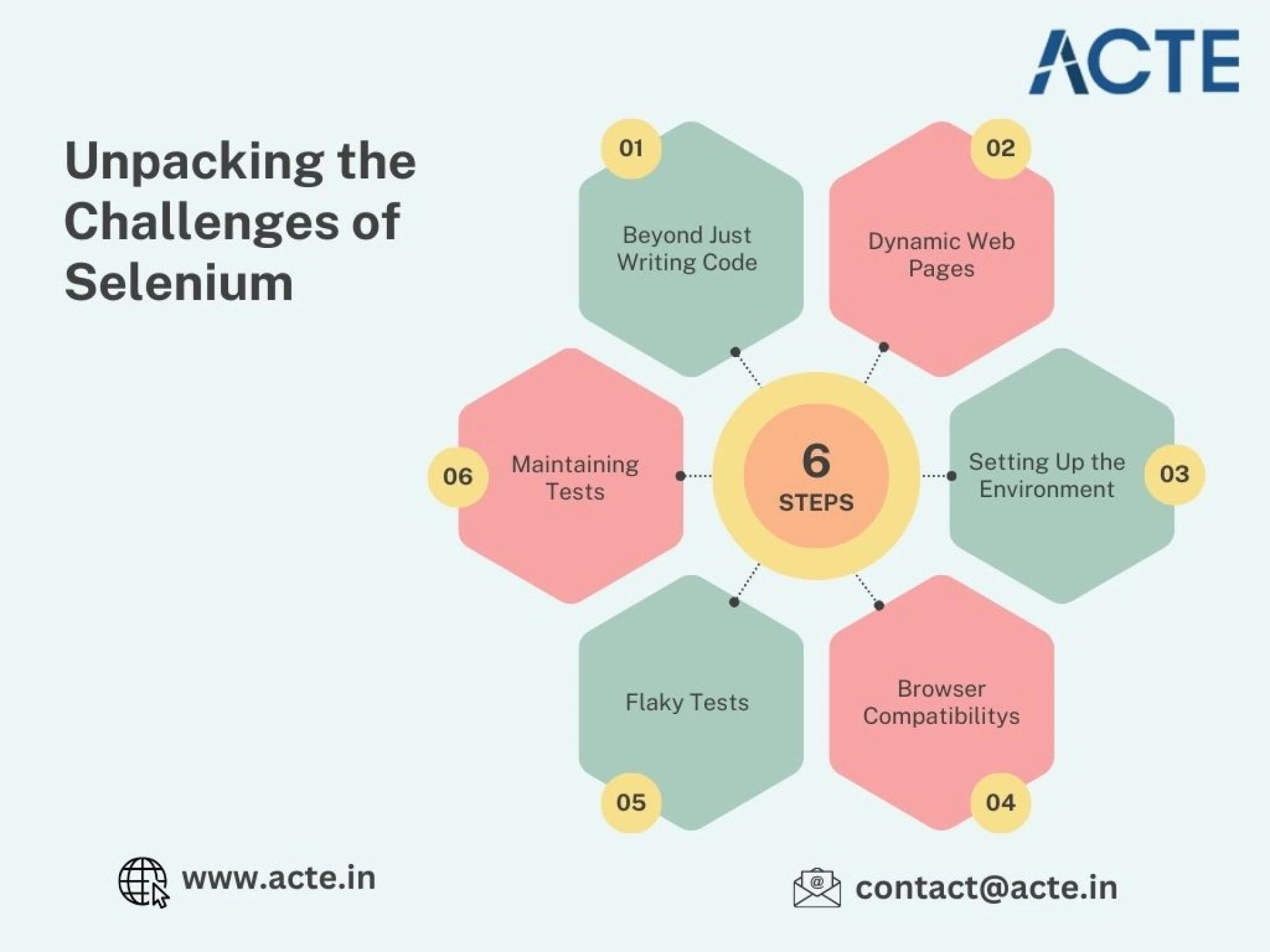
1. Building a Strong Foundation Beyond Coding
Using Selenium effectively requires more than just knowing programming languages like Python, Java, or JavaScript. For those looking to excel in Selenium, Selenium Online Course is highly suggested. Look for classes that align with your preferred programming language and learning approach. To navigate its complexities, you should understand:
HTML and CSS: These are vital for identifying and interacting with web elements such as buttons and input fields.
JavaScript: Essential for managing dynamic content and client-side interactions in web applications.
XPath and CSS Selectors: These are indispensable tools for pinpointing elements within intricate or frequently changing web structures.
2. Tackling Dynamic Web Pages
Dynamic websites that load content asynchronously and feature ever-changing layouts can pose significant automation challenges. Common issues include:
ElementNotFoundException: Occurs when Selenium cannot locate an element.
StaleElementReferenceException: Happens when an element becomes invalid before interaction.
To resolve these, you can employ strategies like explicit waits and retries, though they may require additional effort to implement effectively.
3. Simplifying the Initial Setup
The setup process for Selenium can be daunting for beginners. Key steps include:
- Installing the Selenium library for your chosen programming language.
- Downloading and configuring the appropriate WebDriver for your browser (e.g., ChromeDriver for Chrome).
- Ensuring compatibility between WebDriver and browser versions to avoid errors.
4. Managing Browser-Specific Behaviors
Selenium supports multiple browsers, including Chrome, Firefox, Edge, and Safari. However, each browser may behave differently, leading to inconsistent test results. Debugging these discrepancies is often time-consuming but critical for reliable automation.
5. Stabilizing Flaky Tests
Flaky tests, which pass or fail inconsistently, are a common frustration for Selenium users. They often stem from:
- Timing issues, such as trying to interact with elements before they are fully loaded.
- Dependencies on external systems or unstable environments.
- Minor updates in the web application’s structure.
Minimizing flakiness requires thorough debugging and iterative improvements to your scripts.
6. Maintaining Tests Amid Continuous Changes
Web applications evolve rapidly with new features and layout updates. These changes can render Selenium scripts obsolete, necessitating frequent updates. Staying proactive with test maintenance is essential, particularly in agile development environments.
Practical Tips for Simplifying Selenium
Although Selenium has its complexities, these tips can help beginners navigate it more effectively:
- Learn the Fundamentals: Understanding HTML, CSS, and JavaScript simplifies interaction with web elements.
- Use Explicit Waits: This ensures your scripts interact with elements only when they are ready.
- Start with Simple Tasks: Begin with basic test cases to build confidence before tackling advanced scenarios.
- Leverage Testing Frameworks: Tools like TestNG, JUnit, or PyTest help organize and streamline your tests.
- Practice and Adapt: Regular practice and a willingness to learn will help you overcome challenges and master Selenium.
Conclusion
Selenium’s complexity can be daunting for beginners, but with the right guidance and strategies, it becomes manageable. By focusing on foundational knowledge, adopting best practices, and embracing continuous learning, you can transform Selenium from a challenging tool into a valuable asset for browser automation. Use this roadmap as a guide, and you’ll soon navigate Selenium’s intricacies with confidence.





Sign in to leave a comment.