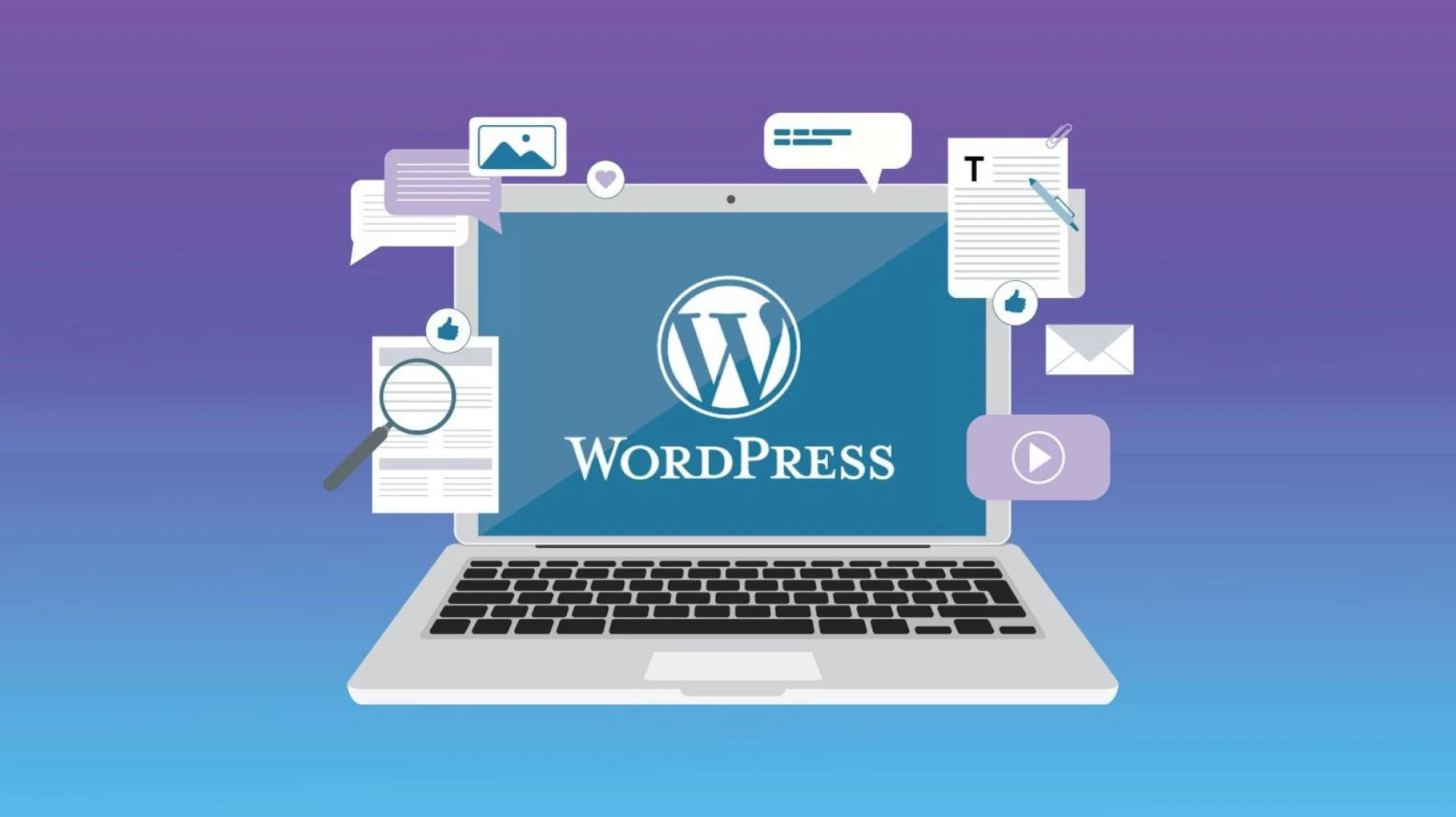

The digital landscape of today makes having a website more than just an option—it's a necessity. A website is your doorway to expanding your audience, building a reputation, and achieving your objectives whether you run a business, blog, or are an entrepreneur. WordPress stands as the preferred platform for web designers across the globe. Collaborating with a proficient WordPress development Company is a smart decision if you aim to establish a distinctive online presence for your business, ensuring its prominence in the digital realm.
Why Should You Use WordPress in 2023?
WordPress keeps becoming better, offering ever-more user-friendly features and functionality as 2023 draws closer. The following are some justifications for choosing WordPress for your website this year:
Simple to Use: Both novice and experienced users may easily construct and maintain websites using WordPress's user-friendly interface.
Versatility: With tens of thousands of themes and plugins at your disposal, you may perfectly customize your website to meet your needs and goals.
Designed toward search engines: WordPress already has SEO capabilities built in, but by using the right plugins and optimization techniques, you may further improve your website's search engine visibility.
Community Support: The WordPress community is readily available to offer support and direction should you run into any issues while building your website.
Let's get your WordPress website developed in 2023, step by step.
Planning Your Website
Setting Objectives
It's crucial to outline your goals before starting the website construction process. Are you starting a blog, an online store, or a portfolio to display your artistic endeavors? You will be better able to make educated decisions throughout the process if you have defined objectives.
Choose a Domain Name
Your domain name is the internet address for your website. It should be distinctive, related to your content, and simple to remember and spell. For better SEO, consider employing keywords linked to your niche.
Choosing a Hosting Provider
WordPress websites necessitate hosting, and selecting the best provider is critical. Consideration should be given to speed, dependability, customer service, and affordability. Look for hosting providers that give one-click WordPress installations as an added bonus.
Making a Budget
A website budget is essential to establish in order to prevent overspending. Consider hosting charges, domain registration, premium themes or plugins (if necessary), and any other expenses linked to the goals of your website.
Setting up WordPress
It's time to install WordPress now that you've planned your website. Most hosting companies feature one-click installations, making it simple to get started. WordPress provides thorough installation tutorials if you want a manual installation for greater control.
Selecting a Theme
The theme of your website serves as its aesthetic base. Both free and premium WordPress themes are widely available. Consider your website's purpose and preferred aesthetics while selecting a theme. Customizability is essential, so choose a theme that allows you to make changes quickly.
Plugins That Are Required
Plugins are required to improve the operation of your website. Here are some essential plugins:
SEO Plugins
Yoast SEO: This plugin aids in the optimization of your website for search engines by offering useful SEO information and recommendations.
Plugins for Security
Wordfence Security: Use features like firewall protection, virus scanning, and login security to secure your website from dangers.
Contact Forms
Contact Form 7: Design contact forms that are easy to use and encourage visitor involvement.
Social Media Integration
Social Warfare: Use customisable sharing buttons and social proof elements to increase social media sharing.
Creating Your First Pages
Now that your website's foundation has been established, it's time to develop the following pages:
Homepage
The front door of your website is your homepage. Create a welcoming and informative environment by exposing visitors to your information or products.
About Us
On the About Us page, tell your narrative or introduce your company. Share your mission and principles to build trust and confidence.
Contact Page
Allow visitors to quickly contact you by developing a user-friendly contact page with a contact form and important contact information.
Services/Products Page
Create specialized pages to exhibit your products or services if you provide them. Give extensive descriptions as well as high-quality photographs.
Designing Your Website
To engage visitors, a visually appealing website is required. Personalize your theme by:
Customizing Your Theme
The abundance of themes offered by WordPress is one of its advantages. Customization, however, is necessary to make your website distinctive. Here's how to personalize your theme:
Tweak Colors, Fonts, and Layouts
Colors: Select a color scheme that complements your brand or personal style. Colors that convey the sentiments and feelings you want your visitors to associate with your website should be considered. For instance, tranquil blues for a health website or brilliant reds for a strong and energetic brand.
Fonts: Typography is important in the aesthetics of your website. Choose typefaces that are easy to read and suit the rest of your design. Mixing fonts can provide aesthetic interest, but keep readability in mind.
Layouts: Customize the layout of your website to properly showcase your content. You may want a clean and basic layout or a more elaborate one, depending on your objectives. Ensure that the layout improves the user experience and leads users logically through your information.
Adding Images and Videos
Visual content is a great tool for engaging your audience and effectively communicating your message. Consider the following guidelines when combining photos and videos into your website:
Use High-Quality Images
Invest in high-quality, relevant photographs for your content. Images that are blurry or pixelated might detract from the overall professionalism of your site.
Optimize photos for online use to guarantee quick loading. To preserve a smooth user experience, compress photos without sacrificing quality.
Create Engaging Videos
Create films to support your content, if applicable. Tutorials, product demonstrations, and vlogs can all be delivered via video.
Make certain that your videos are well-lit, well-edited, and have excellent audio. Poorly made videos can undermine the credibility of your website.
Typography and Color Choices
Your website's typography and color scheme can significantly affect how it looks and feels. Think about the following suggestions:
Typography
Choose fonts that complement the personality of your brand. Elegant serif fonts, for example, might express professionalism, but sans-serif fonts frequently convey modernity and simplicity.
Maintain consistency in font selection throughout your website for a unified appearance.
To improve readability, pay attention to font size and spacing, especially on mobile devices.
Color Choices
To retain visual harmony, stick to a limited color pallet. A primary color and two secondary colors can work well together.
Check that the text and backdrop colors have enough contrast for comfortable reading. This is critical for user experience and accessibility.
Color should be used wisely to draw attention to crucial features like call-to-action buttons or headlines.
Optimizing for SEO
Focus on SEO to guarantee that your website is seen online:
Keyword Research
Identify important keywords linked to your niche and naturally include them into your article.
On-Page Optimization
Use appropriate headings, meta descriptions, and picture alt tags to optimize each page and post.
Speed and Performance
A website that loads quickly enhances both user experience and SEO rankings. To increase speed, optimize pictures and use cache plugins.
Mobile Responsiveness
As Google considers mobile-friendliness in rankings, be sure your website looks and operates effectively on mobile devices.
Adding Content
It's now time to start developing material that will appeal to your target audience:
Blogging Strategies
To keep your audience engaged, create a content calendar and publish regular blog updates.
Creating Engaging Content
Create content that is informative, entertaining, and shareable, and that addresses the needs and interests of your target audience.
Categories and Tags
To optimize navigation and SEO, organize your material using categories and tags.
User Experience and Navigation
A user-friendly website is essential for keeping visitors:
Menu Structure
Make a clear and well-organized menu structure to assist visitors in finding what they're looking for.
Internal and External Links
For added value, link pertinent information on your website and include reputable external links.
Security Measures
Secure your website and user data:
Regular Backups
Set up regular backups to protect your content and data.
Strong Passwords
For your WordPress login and hosting accounts, use strong and unique passwords.
Security Plugins
Install security plugins to keep malware and cyber threats at bay.
Testing Your Website
Test your website extensively before launching it:
Cross-Browser Compatibility
Verify that your website functions and displays correctly across a range of web browsers.
Mobile-Friendliness
Verify sure your website is responsive and mobile-friendly.
Speed Tests
Run speed tests to discover and resolve any issues with performance.
Launch Your Website
It's time to launch your website when you've done all of the necessary processes and properly tested it. Check everything, change your site's metadata, and publish your website to the world.
Post-Launch Optimization
Your website's journey does not end with its launch:
Collecting User Feedback
Gather visitor feedback and make changes based on their suggestions.
Analyzing Website Metrics
Track website performance and user behavior with tools like Google Analytics.
Continuous Improvement
To remain competitive, keep your website updated with new material and technological advancements.
Conclusion
Congratulations! You've mastered the art of creating a WordPress website in 2023. Now is the time to launch your online presence, whether it be for personal blogging, commercial pursuits, or creative endeavors. Remember that building and maintaining a website is an ongoing process, so continue to participate and improve your online presence. If you're in Melbourne, don't hesitate to reach out to a professional WordPress development Melbourne team for any further assistance or enhancements to your website.
FAQ
Q-1. How much will it cost to create a WordPress website in 2023?
The cost of developing a WordPress website varies greatly based on your hosting, theme, and plugin selections. More complex websites could cost more to design, but simple websites can be made for as little as $100 a year.
Q-2.Does knowing how to code be required in order to create a WordPress website?
No, coding knowledge is not necessary to create a WordPress website. With its vast selection of themes and plugins, WordPress offers a user-friendly interface that makes it simple to design your website without any technical knowledge. Contrarily, advanced customization may benefit from coding skills.
Q-3.How can I make my WordPress website faster?
Optimize pictures, utilize a caching plugin, select a reputable hosting provider, and limit the use of resource-intensive plugins to increase website speed. Update your WordPress version on a regular basis to optimize performance.
Q-4.Can I alter my WordPress theme after my website has been launched?
Yes, you can modify your WordPress theme after your website has been launched. However, it is critical to thoroughly test the new theme and make any necessary tweaks to ensure that your site's design and functioning remain intact.
Q-5.How do I locate a WordPress developer in Melbourne?
A WordPress developer in Melbourne can be found by checking online job boards, freelance websites, or local directories. You can also seek suggestions from other Melbourne-area website owners or businesses.






Sign in to leave a comment.