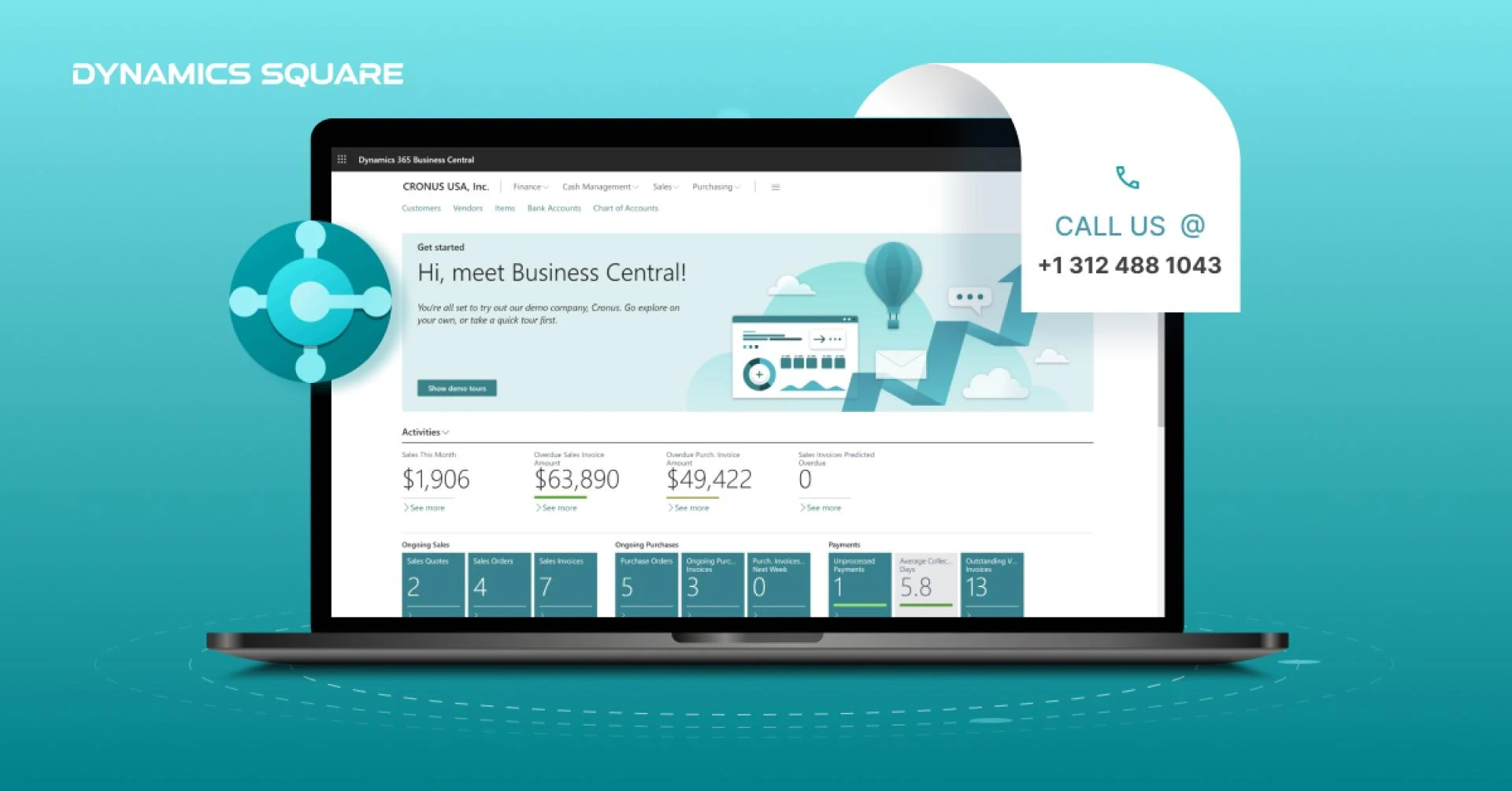

In today's rapidly evolving business landscape, it is essential for companies to adopt advanced and integrated systems that can streamline their operations and boost productivity.
Microsoft Dynamics NAV has long been a popular choice for businesses seeking robust enterprise resource planning (ERP) solutions. However, with the introduction of Microsoft Dynamics 365 Business Central, companies now have an opportunity to upgrade their existing Dynamics NAV infrastructure to a more powerful and versatile platform.
In this blog post, we will explore the benefits and process of upgrading from Dynamics NAV to Business Central.
Understanding Dynamics 365 Business Central
Before diving into the upgrade process, it is crucial to understand the capabilities and advantages of Microsoft Dynamics Business Central. Built on the foundation of Dynamics NAV, Business Central offers enhanced functionality and a host of new features.
It combines ERP and customer relationship management (CRM) capabilities into a unified cloud-based solution, providing businesses with a comprehensive platform to manage their financials, supply chain, sales, and customer interactions.
The Advantages of Upgrading
Upgrading from Dynamics NAV to Business Central brings several advantages that can help businesses thrive in a competitive environment:
Improved Accessibility: Business Central operates on the cloud, enabling authorized users to access the system from anywhere, at any time, using various devices. This flexibility enhances collaboration and empowers remote or distributed teams.Advanced Analytics and Reporting: Business Central leverages Microsoft Power BI to provide real-time insights and interactive dashboards. With access to accurate and up-to-date data, businesses can make informed decisions, identify trends, and seize opportunities quickly.Enhanced Integration: Business Central seamlessly integrates with other Microsoft applications, such as Microsoft 365, Power Apps, and Power Automate, enabling businesses to leverage a unified ecosystem and maximize efficiency across different departments.Scalability and Agility: Business Central supports business growth by offering flexible licensing and deployment options. As companies expand their operations or add new functionalities, Business Central can easily adapt to changing needs and requirements.Planning the Upgrade
When planning the upgrade from Dynamics NAV to Business Central, it is crucial to follow a well-defined process to ensure a smooth transition. Here are the key steps to consider:
Assess Current Infrastructure: Evaluate your existing Dynamics NAV deployment, including customizations, third-party integrations, and data structures. Identify areas that require modification or optimization to align with Business Central.Data Migration and Cleansing: Plan and execute a comprehensive data migration strategy, ensuring that all relevant data is transferred accurately to Business Central. Take this opportunity to cleanse and consolidate data to maintain data integrity.Customizations and Extensions: Review your current customizations and assess their compatibility with Business Central. Determine which customizations can be migrated or redesigned within the new framework. Leverage the extensive library of extensions available in AppSource to enhance functionality.Training and User Adoption: Invest in comprehensive training programs to familiarize your team with the new features and functionalities of Business Central. Encourage user adoption by highlighting the benefits and demonstrating how the upgrade will improve their daily tasks.Working with an Experienced Partner
To ensure a successful upgrade, consider partnering with an experienced Microsoft Dynamics Implementation Partner. These experts can guide you through the entire process, from assessing your infrastructure to providing ongoing support post-upgrade.
Their expertise will help minimize disruptions, mitigate risks, and maximize the benefits of transitioning to Business Central.
Conclusion
Upgrading from Dynamics NAV to Business Central is a strategic move that empowers businesses to leverage advanced capabilities, streamline processes, and drive growth.
With its cloud-based architecture, robust integration options, and enhanced analytics, Business Central offers a comprehensive solution to meet the evolving needs of modern enterprises.
By carefully planning the upgrade process and leveraging the expertise of Microsoft Dynamics implementation partners, businesses can seamlessly transition to Business Central and unlock new levels of productivity and success.






Sign in to leave a comment.