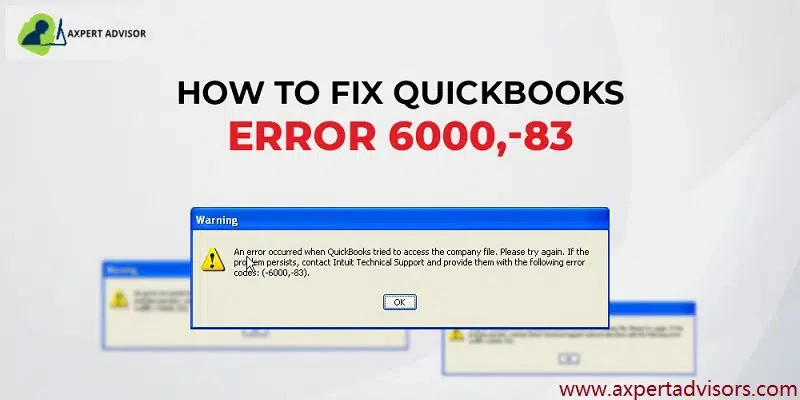

Error 6000 83 is one of the errors in the 6000 series of error codes. It can be described as a Company file issue generally evoking when the company file faces corruption or some other issue. It is seen when opening or restoring the company files. Also, you may get some other messages, such as “Windows firewall is blocking QuickBooks” or “network diagnostics: failed. Resolve and retry” when trying to remove this error.
Insight into QuickBooks Error Code 6000 83
QuickBooks error code 6000 83 appears as an error notification. Usually, the message reads like this - “An error occurred when QuickBooks tried to access the company file,” “Unable to access company file error: - 6000, -83”, or “We’re sorry, but QuickBooks can't open your company file.” Along with this, users may face other company file errors as well that belong to the 6000 series.
What are the Solutions for QuickBooks Company File Error 6000 83?
In this section, we have listed some solutions to fix QuickBooks Company file error 6000-83.
Solution 1: If an Error Happens When Creating a Data File Backup
Go to the server computer.Run QuickBooks.Select File < Quit QuickBooks Desktop.Double-click “This PC”, then “C drive.”Right-click and click on “new folder”. Rename the folder as “QB test.”Next, create a backup for your company data file.Select QB test to choose a location for backup.Restore the backup of the company file.Run the backup as the primary company file.Rename the older company file.
Solution 2: Check permissions to access the QB Company file.
Go to the setup folder.Check file permission and allow sharing of QB files.To place permissions to share company files, select “Set Windows.”










Sign in to leave a comment.