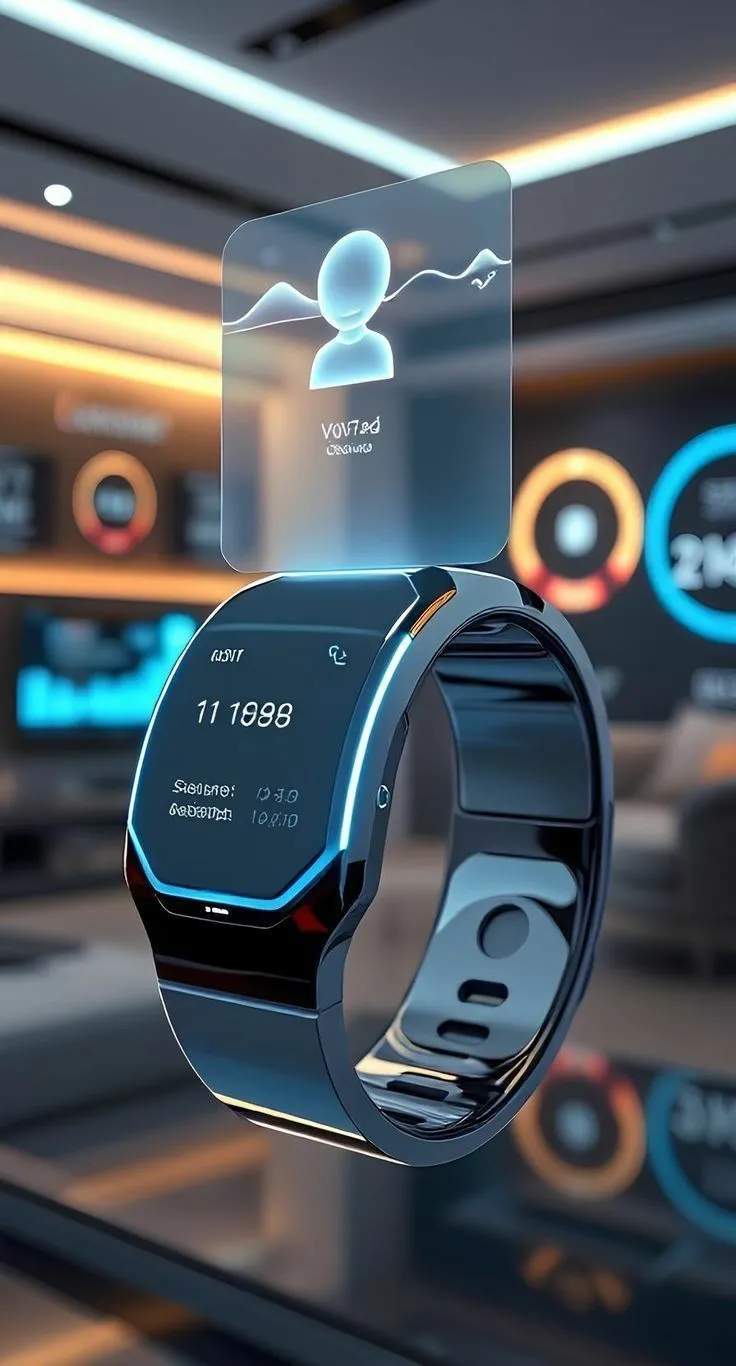

Google has officially put Wear OS 6 in the spotlight and if you make apps for Android or wearable devices, now is the time to pay attention. This isn’t just a small update. Wear OS 6 makes big changes to how apps look, work, and act on smartwatches. This will change how developers build for the platform in the future.
Here’s a simple breakdown of everything you need to know, whether you're a professional app developer or just curious about how this affects the apps on your wrist.
What is Wear OS 6, Why is it Important?
Wear OS is the operating system that Google made just for smartwatches. It powers devices from companies like Samsung (Galaxy watch), Google (Pixel watch), and others. Every new version comes with improvements to performance, battery life, app features and design.
Wear OS 6 is important because it is built on Android 16, which is a big update to the system. This alignment means that developers who already work in the android ecosystem will find it easier to switch between making apps for phones and watches. This is great news for teams that want to make connected experiences across devices.
Biggest Changes in Wear OS 6
1. Material 3 Expressive Design
The use of material 3 expressive, Google’s new design language is one of the most obvious changes. Wear OS 6 apps should follow this design system, which means that shapes will be rounder, motion will be more dynamic and small screens will have better visual hierarchy.
This means that watch apps will look and feel better for users. For developers, this means changing UI parts to fit the new design rules. Wear OS 6 devices may make your app look old if it was made a few years ago and hasn’t been updated since.
2. Updates to the Health Services API
Google has kept making the health services layer better. This is how apps get sensor data like heart rate, SpO2, steps, sleep and workout metrics. Wear OS 6 gives you more control over your data and makes background processing more battery-friendly.
This is very important for apps that help you get fit and stay healthy. If you’re working with a Wearable App Development Company to make a health monitoring app, these API improvements will let you track things more accurately and quickly without using up the watch battery.
3. Better Tiles and Complications
Tiles are the panels that users can swipe on Wear OS without having to open a full app. Complications are the little data widgets that you can see on watch faces. Wear OS 6 has given both of them updates that give developers more freedom in how they lay things out and make things look better.
If your app shows data on the watch face through tiles, like weather, fitness stats or calendar events, you should think about how those parts are put together again.
4. Better Performance on Devices with Little Memory
Not all smartwatches have high-end hardware. Wear OS 6 has improvements that make apps run better on watches with less memory. This is good for reach because your app will work well on a wider range of devices, not just the high-end ones.
5. Syncing the Companion App and Linking
The link between watch apps and their phone partners has gotten better. Data syncing is faster and more reliable, which is very important for apps that need to stay in sync between devices, such as messaging apps, notification mirrors and remote controls.
What Developers Need to Do Right Now
If you’re actively building for Android or wearables, here’s a useful list to help you get ahead:
Make sure your target SDK is up to date. Android 16 is the base for Wear OS 6. By targeting the latest SDK, you can be sure that your app is ready to be shared and won’t get any compatibility warnings.
Check your UI parts. Check the screens of your watch app to see which parts need to be updated or replaced for Material 3 Expressive. Jetpack compose for Wear OS from Google makes this process a lot easier than it used to be.
Check the integrations for Health Services. If your app reads sensor data, test it with the new health services API to see if anything has changed in how it works, especially when it comes to collecting data in the background.
Look over Tiles and Complications. Check how they look on updated watch faces and make sure the layouts still work with the new rendering engine.
Look at how the battery affects things. Wear OS 6 has smarter background processing, which means that apps that abuse background tasks may be slowed down in different ways. Check how much battery your app uses and make changes as needed.
What This Means for Cross-Platform and Multi-Device Projects
More and more development teams are making apps that need to work on both Android phones and wearables, and sometimes iOS as well. Because Wear OS 6 and Android 16 are more similar, this is a little easier on the Android side.
But if your project includes android watches, android phones and maybe even iOS devices, it will take a lot more coordination. Instead of treating each platform as a separate project, teams often hire a Mobile App Development Company that knows how to work with all of these layers at once.
Cross Platform Mobile App Development methods that use frameworks like Flutter or React Native are becoming more and more able to handle projects that need to run on both Android and iOS with shared logic. However, support for Wear OS in cross-platform tools is still growing and needs to be carefully considered for each project.
Who Should be Most Worried About These Changes?
Wear OS 6 should be on your radar if you fit into any of these groups:
- Health and fitness app developers: The health services API updates change the way you gather and process sensor data.
- Developers of productivity apps: Tiles, notifications and complication updates change how your app shows quick information.
- Teams that keep older Wear OS apps up to date: Apps that haven’t been updated since Wear OS 3 or 4 may have a bigger gap to close now.
- Businesses that want to make new wearable products should build on Wear OS 6 instead of an older version.
If you’re a business thinking about making a smartwatch app for the first time, the best way to get around the technical details without getting lost in them is to work with an Android App Development Service that specializes in Wear OS.
Final Thoughts
Wear OS 6 is a real improvement for the platform. It makes the design more consistent, makes it easier to get health data, makes things run more smoothly, and makes it work better with the rest of the android ecosystem. For developers, it’s an update that rewards those who keep their apps up to date and challenges those who haven’t used them in a while.
Most android teams are no longer just working on smartwatches as a side project. It’s becoming a big part of how apps keep users interested throughout the day. In 2026 and beyond, keeping up with changes to platforms like Wear OS 6 is just part of making good software.

























Sign in to leave a comment.