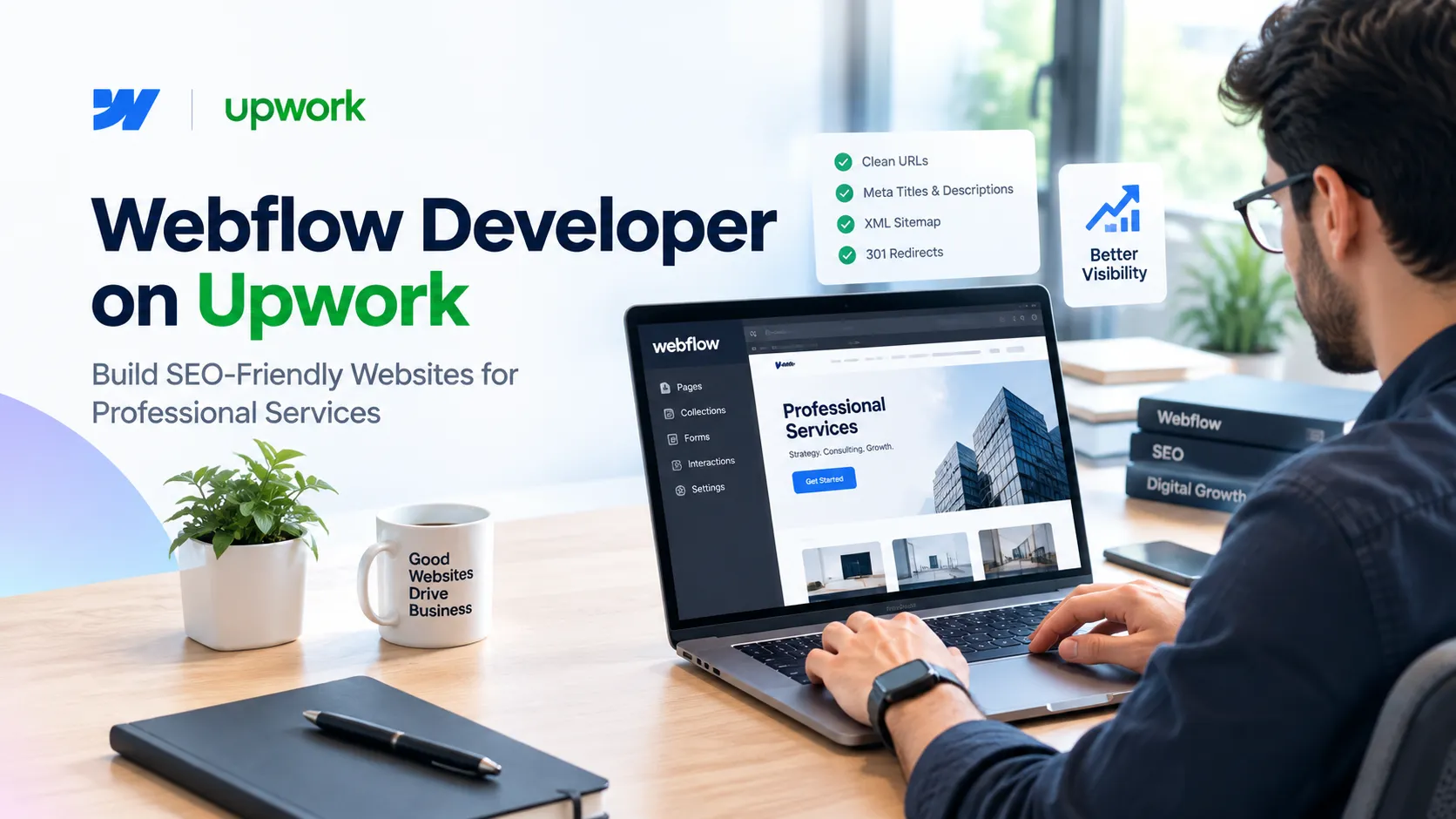

Professional-service firms - law practices, consultancies, financial advisors, agencies - tend to hire a web developer once every few years, evaluating unfamiliar skills under time pressure. Hiring a Webflow developer on Upwork is a common route because Webflow gives a business a visual, CMS-backed site without locking it into a fully custom codebase. But the platform itself doesn't guarantee search visibility. That comes down to how the site is structured, and the developer's decisions matter more than the tool.
This article covers what actually affects SEO outcomes on a Webflow build, so you can evaluate a proposal with more than a gut feeling.
What to Look for in a Webflow Developer on Upwork
A good Webflow developer on Upwork should be able to explain, in plain terms, how they'll structure your site's URLs, navigation, and content types before they start designing anything. If a candidate jumps straight to visual mockups without discussing site architecture, that's worth a follow-up question, not necessarily a disqualifier.
Ask how they've organized CMS Collections on past projects, how they handle metadata at scale, and what their process looks like for redirects when pages change. Their answers will tell you more than portfolio screenshots will.
How Webflow Handles Technical SEO Out of the Box
Webflow ships with reasonable defaults: clean HTML output, editable meta titles and descriptions per page, automatic XML sitemaps, and built-in 301 redirect management - the basics most small business sites need.
What it doesn't do automatically is enforce good decisions. Canonical URLs default to the page's own URL, but if you publish similar content across multiple service pages describing variations of the same offering, someone still has to decide which version is authoritative. Structured data for organization info, services, or FAQs isn't added automatically either; it has to be built in through custom code embeds or a CMS-driven approach.
Why CMS Structure Matters as Your Site Grows
A five-page brochure site rarely runs into CMS problems. A professional-services site that grows to include a blog, case studies, team bios, and service pages usually does, if the CMS wasn't planned for that growth from the start.
This is where a Webflow CMS Developer, rather than someone who's only built static pages, makes the difference. Collections need fields that match how content will actually be filtered and displayed later: by practice area, industry, or content type. Retrofitting that structure after fifty blog posts exist is slow and error-prone, involving bulk edits and often broken internal links.
Core Web Vitals and Webflow's Performance Ceiling
Webflow sites can score well on Core Web Vitals, Google's metrics for loading speed, interactivity, and visual stability, but not automatically. Image optimization - correct file formats, lazy loading, and appropriately sized assets - has the biggest single impact on load time for most content-heavy sites. Heavy custom interactions, embedded video, or stacked third-party scripts (chat widgets, analytics tags) tend to be where scores slip.
A developer who understands this makes trade-offs visible during the build - showing you the load-time cost of a particular animation before it goes live, rather than after a client complains the site feels slow.
On-Page SEO Decisions That Happen During Development
On-page SEO isn't a phase that happens after the site is built - the decisions get made during development, or they get made poorly afterward. Heading hierarchy (one H1 per page, logical H2/H3 structure) affects how users scan a page and how search engines and AI systems parse it. Internal linking between service pages and supporting content needs a plan, not an afterthought added the week before launch.
Mobile usability belongs here too. Webflow's responsive tools make mobile layouts straightforward to build, but "responsive" and "usable on a phone" aren't the same thing - tap targets, font sizing, and form fields need separate attention on smaller screens.
Evaluating a Webflow SEO Expert vs. a General Developer
Not every capable Webflow developer works with SEO in mind - some focus purely on design and build execution, which is a fair division of labor. The distinction matters if organic search is meant to be a real lead channel rather than a secondary bonus.
A Webflow SEO Expert will ask about your target keywords and existing rankings before designing the sitemap, not after. They'll have an opinion on whether a blog belongs on a subdirectory or subdomain, and they'll know why that choice affects how authority is distributed across your domain.
A Practical Checklist Before You Hire
Before committing to a Webflow project for a professional-services site, it's worth confirming the developer can speak to:
- How they'll structure CMS Collections for content that will grow over time
- Their approach to metadata, canonical URLs, and redirects during a migration or rebuild
- How they optimize images and manage third-party scripts for Core Web Vitals
- Whether they'll implement structured data for services, FAQs, or organization info
- How mobile usability is tested, not just assumed from a responsive preview
There's no guarantee that any Webflow build, however well-structured, will land a business in Google's top results or inside an AI-generated answer. Search visibility depends on competition, content quality over time, and factors outside a single website project. What a well-built Webflow site does is remove the technical obstacles that would otherwise work against you - a reasonable, honest goal for a development project.
























Sign in to leave a comment.