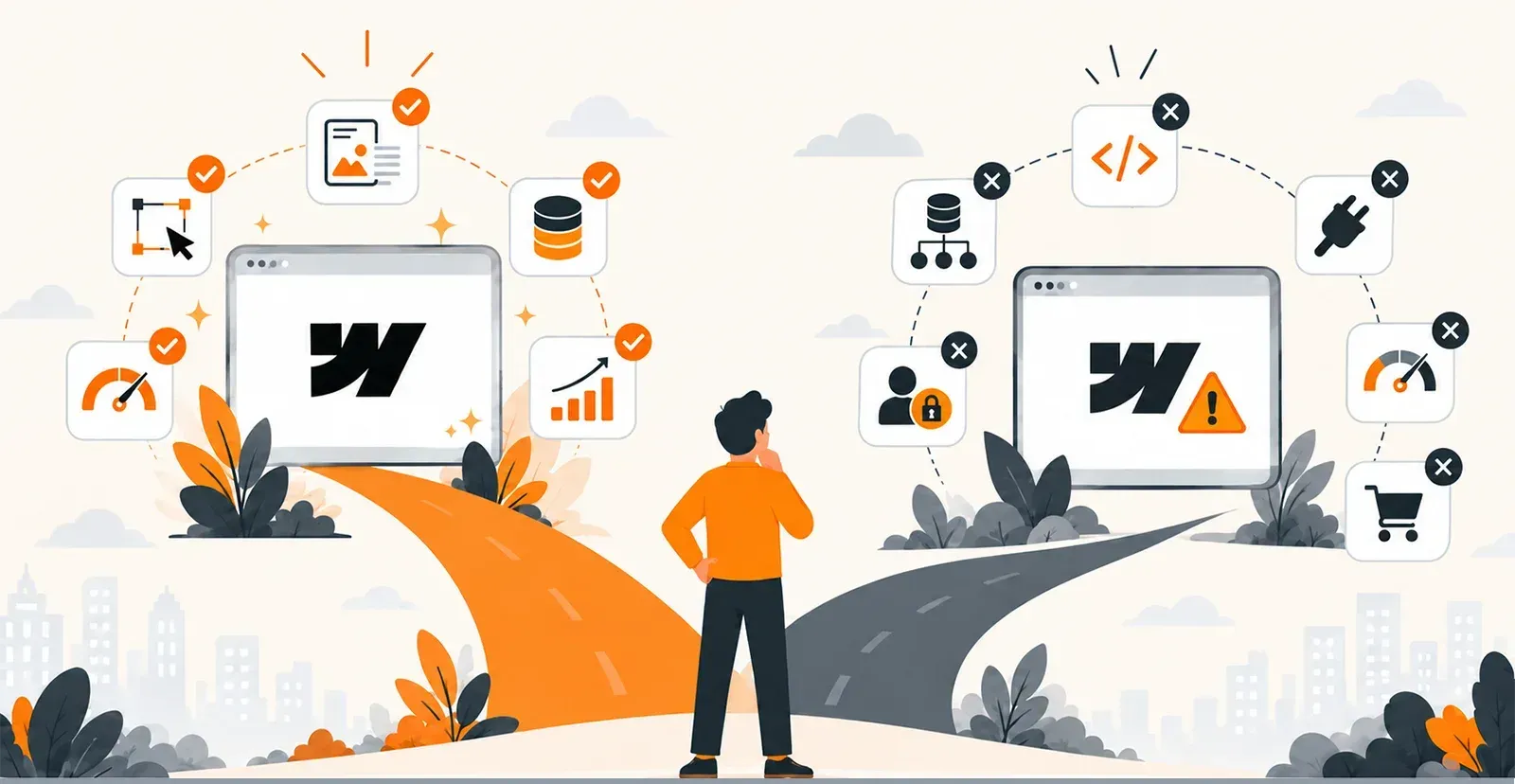

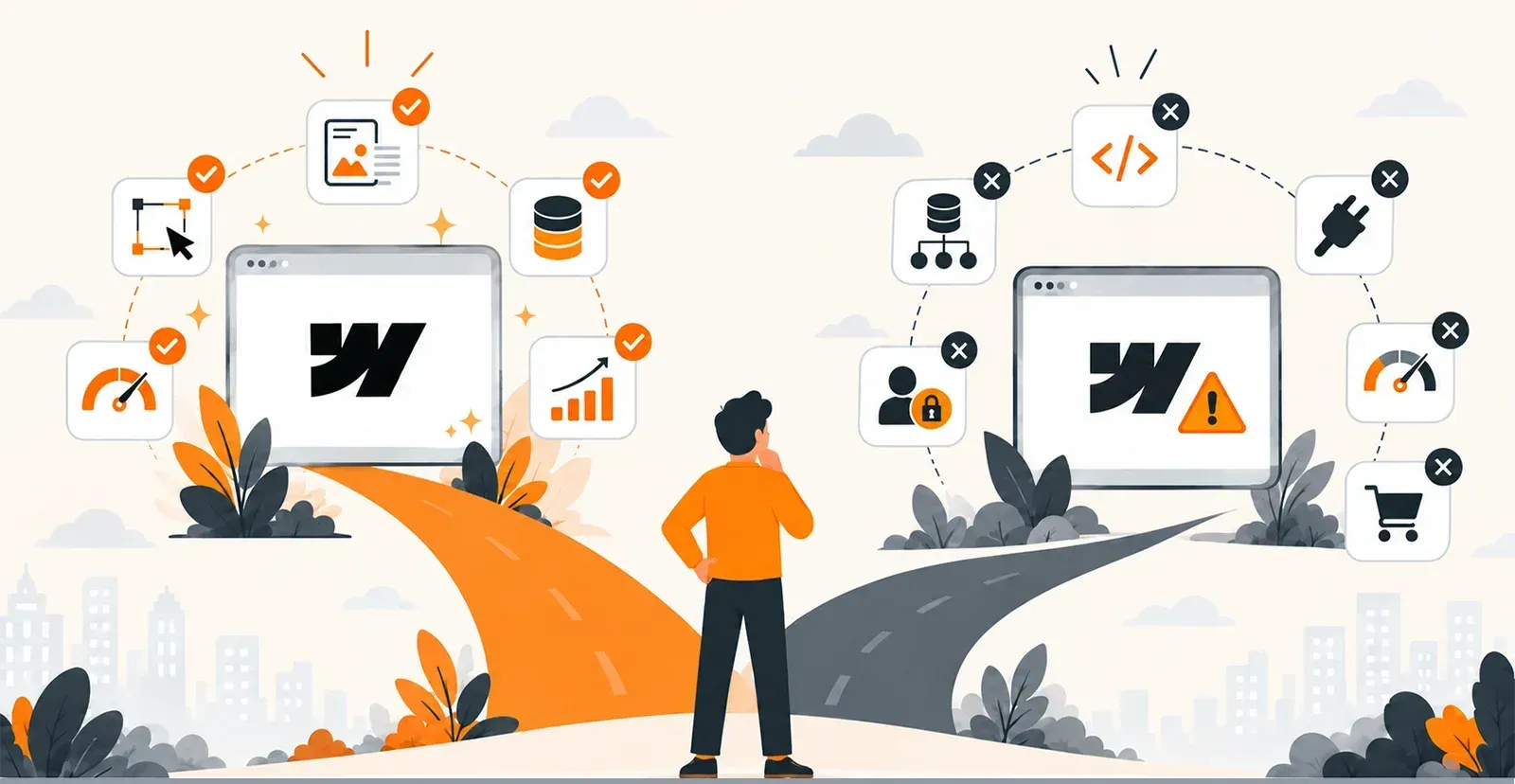
Webflow has become one of the most popular platforms for businesses that want to build professional websites quickly without depending heavily on developers. Its visual design tools, CMS, managed hosting, SEO features, and responsive capabilities make it a practical solution for SaaS companies, agencies, B2B businesses, startups, and service-based companies.
However, as a business grows, its website may need to do much more than display content and generate leads. Custom workflows, advanced integrations, user accounts, real-time data, complex business logic, and application-level performance can eventually push Webflow beyond its intended scope.
This is where the Webflow vs custom development decision becomes important.
The right choice depends on what your business needs today and what you expect it to need over the next three to five years. This guide explains what Webflow does well, where it has limitations, the signs that your business may have outgrown it, and what moving to custom development can look like.
What Does Webflow Do Well?
Before deciding to move away from Webflow, it is important to understand why businesses choose it in the first place.
Webflow is not a weak platform. In fact, it is highly effective when used for the type of websites it was designed to support.
1. Fast Marketing Website Development
Webflow allows teams to visually design and build responsive websites without writing large amounts of code. Businesses can create landing pages, corporate websites, product pages, service pages, and other marketing experiences relatively quickly.
For companies that prioritize speed-to-market and design flexibility, Webflow can significantly simplify the development process.
2. Flexible Content Management
Webflow CMS makes it possible to manage blogs, case studies, resources, team pages, portfolios, and other structured content through Collections and dynamic templates.
Marketing teams can create and update content without relying on developers for every change. This can make content publishing faster and reduce development overhead.
3. Built-In SEO and Performance Features
Webflow provides several SEO capabilities, including:
- Custom meta titles and descriptions
- Custom URLs
- 301 redirects
- XML sitemaps
- Open Graph settings
- Schema markup support
- Image optimization
- Managed hosting
Combined with its managed infrastructure and clean front-end output, Webflow can provide a strong foundation for content-driven and marketing-focused websites.
4. Low Maintenance Requirements
One of Webflow's biggest advantages is that much of the technical infrastructure is managed for you.
Hosting, SSL, security, backups, and platform updates are handled as part of the managed environment. Businesses do not have to maintain servers or regularly manage plugins and security patches.
For a website whose primary purpose is marketing, content publishing, and lead generation, this can be a major advantage.
Where Does Webflow Start to Show Its Limitations?
The Webflow vs custom development comparison becomes more relevant when your website evolves into a complex digital product or business application.
Webflow is primarily a website platform rather than a full application development environment. This creates limitations when businesses require advanced backend functionality or infrastructure-level control.
1. Limited Custom Backend Logic
Webflow does not provide the same environment for server-side application logic as a custom technology stack.
Businesses that need proprietary calculations, complex approval workflows, custom business rules, real-time processing, or advanced data operations may need external services and APIs.
Although tools such as Zapier, Make, and custom APIs can extend Webflow, these integrations can create additional dependencies.
2. Complex CMS Structures Can Become Difficult
Webflow CMS works well for conventional content structures. However, businesses with highly interconnected data models may eventually encounter architectural constraints.
For example, a company managing products, services, locations, providers, categories, taxonomies, and other interconnected entities may need functionality that goes beyond a conventional website CMS.
At that point, workarounds can become increasingly difficult to maintain.
3. User Accounts and Personalized Experiences
Webflow does not natively provide a complete application-style authentication system for sophisticated user experiences.
If your business needs:
- Customer portals
- User dashboards
- Role-based permissions
- Personalized experiences
- Account management
- Secure member areas
- Gated application functionality
you may need third-party services or custom development.
As these requirements become more advanced, integrating multiple external systems can become more complicated than building the functionality directly into a custom application.
4. Application-Level Scalability
Webflow can handle high-traffic marketing websites effectively, but application-level scalability is a different challenge.
A business application may require control over:
- Database architecture
- Server configuration
- Caching
- API performance
- Infrastructure scaling
- Real-time processing
- Application monitoring
A custom technology stack provides significantly more control over these areas.
5. Advanced Integrations
Simple integrations such as CRM forms, analytics platforms, and email marketing tools can work well with Webflow.
However, businesses may eventually need direct, two-way integrations with:
- ERP systems
- Custom CRMs
- Inventory platforms
- Internal databases
- Payment systems
- Industry-specific software
When data needs to move between multiple systems in real time, custom backend development may provide a more reliable architecture than continually adding middleware.
6. Complex E-Commerce Requirements
Webflow can support standard e-commerce requirements, but businesses with sophisticated commerce operations may need additional functionality.
Custom development can be considered when a business requires complex pricing rules, advanced subscription models, customized checkout experiences, extensive inventory synchronization, or specialized fulfillment workflows.
6 Signs Your Business Has Outgrown Webflow
Not every business needs custom development. The key is identifying when the platform is creating more limitations than value.
Here are six common signs.
1. You Depend on Too Many Third-Party Tools
If your website requires multiple services for authentication, search, automation, data storage, forms, personalization, and other basic functionality, your technology stack may be becoming unnecessarily complicated.
Every additional service can introduce another subscription, integration, dependency, and potential failure point.
2. Your CMS Requires Constant Workarounds
If your team is creating duplicate Collections, relying heavily on static pages, or restructuring content simply to work around CMS limitations, the underlying architecture may no longer match your requirements.
A CMS should simplify publishing—not become an obstacle to it.
3. You Need Personalized User Experiences
Customer dashboards, account areas, role-based access, personalized content, and secure workflows are strong indicators that your website is becoming an application.
When these experiences become central to the business, a custom development approach may provide greater flexibility.
4. You Need More Control Over Performance
If you've already optimized images, reduced scripts, simplified interactions, and made other front-end improvements but still cannot achieve your performance requirements, infrastructure control may become important.
Custom development allows businesses to make decisions around hosting, caching, databases, APIs, and server-side performance.
5. Your Website Needs Deep System Integrations
If your website must continuously exchange information with an ERP, CRM, inventory system, internal platform, or proprietary software, simple integrations may no longer be sufficient.
A custom backend can provide greater control over authentication, data synchronization, error handling, and business logic.
6. Your Website Has Become Part of Daily Operations
This is one of the clearest signals.
If the website now handles bookings, transactions, customer workflows, internal processes, dashboards, or operational data, it is no longer simply a marketing asset.
It has become part of the company's core business infrastructure.
Webflow vs Custom Development: What's the Difference?
The decision becomes easier when you look at the role each approach is designed to play.
| Factor | Webflow | Custom Development |
| Marketing websites | Strong fit | Strong fit |
| Content publishing | Strong fit | Strong fit |
| Visual design | Strong | Depends on development approach |
| SEO management | Built-in features | Fully customizable |
| Custom backend logic | Limited | Extensive |
| User authentication | Requires additional solutions | Fully customizable |
| Complex integrations | Possible with external tools | Directly customizable |
| Infrastructure control | Limited | High |
| Application functionality | Limited | Extensive |
| Initial development cost | Generally lower | Generally higher |
| Long-term customization | Platform-dependent | Highly flexible |
The important point is that neither option is universally right for every business.
Webflow is often a practical solution for companies that need a high-performing marketing website with efficient content management.
Custom development becomes more relevant when the website needs to function as a sophisticated application or business system.
What Does Moving From Webflow to Custom Development Look Like?
Moving beyond Webflow does not necessarily mean throwing away everything you've already built.
A well-planned migration can preserve your existing design system, content, SEO structure, and marketing workflows while replacing the areas that require greater technical flexibility.
A Typical Custom Technology Stack
Depending on the project, a custom implementation may use:
- Next.js or Nuxt.js for the frontend
- Strapi, Sanity, Directus, or Contentful for content management
- Django, Laravel, or Node.js for backend functionality
- AWS, Vercel, Hetzner, or dedicated infrastructure for hosting
The exact technology stack should depend on business requirements rather than technology trends.
What Changes?
The front end can be rebuilt using a framework that supports advanced functionality.
The backend can be designed around your specific workflows, databases, integrations, and business rules.
Hosting can also be configured according to performance, security, compliance, and scalability requirements.
What Stays the Same?
A migration does not have to disrupt the marketing side of the business.
Your existing design system, content strategy, URLs, and SEO structure can be carried into the new platform.
Proper URL mapping and 301 redirects can also help preserve existing SEO equity during migration.
Consider a Phased Migration
Businesses do not always need to migrate everything at once.
A phased approach can involve moving application-level functionality to a custom environment while keeping marketing pages on Webflow during the transition.
This approach can reduce migration risk and allow teams to test each stage before moving additional functionality.
Webflow vs Custom Development: Cost Considerations
The initial development cost is only one part of the equation.
A meaningful Webflow vs custom development cost comparison should also consider maintenance, third-party subscriptions, integrations, performance improvements, workarounds, and future migration costs.
| Cost Factor | Webflow | Custom Development |
| Initial Build | ₹50,000–₹2,00,000 (~$600–$2,400) | ₹3,00,000–₹10,00,000+ (~$3,600–$12,000+) |
| Annual Maintenance | ₹10,000–₹50,000 (~$120–$600) | ₹50,000–₹2,00,000 (~$600–$2,400) |
| Hosting | Included / platform-based | ₹20,000–₹2,00,000+ per year |
| Third-Party Tools | ₹5,000–₹30,000+ per year | Potentially lower depending on architecture |
| Migration | — | ₹1,50,000–₹5,00,000+ (~$1,800–$6,000+) |
These figures are approximate and can vary significantly depending on project complexity, functionality, integrations, traffic, and technology choices.
Custom development generally requires a higher upfront investment. However, the relevant question is not simply which option has the lower initial price.
Instead, businesses should consider the total cost of maintaining and expanding the platform over several years.
For a business that remains within Webflow's capabilities, Webflow can continue to be a practical solution.
For a business accumulating third-party tools and workarounds to achieve application-level functionality, a custom architecture may provide a more sustainable foundation.
Should You Choose Webflow or Custom Development?
The answer depends on what your website needs to accomplish.
Webflow may be suitable if your business primarily needs:
- A professional marketing website
- Landing pages
- Blog and content publishing
- SEO-friendly pages
- Lead generation
- Case studies and resources
- A low-maintenance website platform
Custom development may be worth considering if your business needs:
- Custom backend logic
- User authentication
- Customer dashboards
- Complex workflows
- Advanced database relationships
- Deep third-party integrations
- Real-time data
- Complex e-commerce functionality
- Infrastructure-level performance control
The decision should be based on your actual business requirements rather than simply choosing the technology with more features.
Conclusion
Webflow is a powerful website platform, particularly for businesses focused on marketing, content, SEO, and lead generation. Its visual development environment and managed infrastructure make it possible to launch and maintain sophisticated websites without managing a complex technical stack.
But businesses can grow beyond those requirements.
When your website starts requiring custom backend logic, authenticated experiences, advanced integrations, complex data structures, or greater infrastructure control, the limitations of a managed website platform can become increasingly noticeable.
The Webflow vs custom development decision ultimately comes down to your business requirements, technical roadmap, budget, and expected growth.
If Webflow continues to support your needs, there may be no reason to move.
If your business is already relying on workarounds and multiple third-party systems, planning a transition to custom development can give you a more flexible foundation for future growth.
Need Help Moving Beyond Webflow?
Quixta works with businesses on both Webflow and custom technology stacks, including Next.js, Django, and headless CMS platforms.
If you're evaluating whether your business has outgrown Webflow, the first step is to assess your current architecture, integrations, content structure, performance requirements, and future product roadmap.
A clear technical assessment can help determine whether you should continue with Webflow, extend it with selected custom solutions, or plan a phased transition to custom development.




















Sign in to leave a comment.