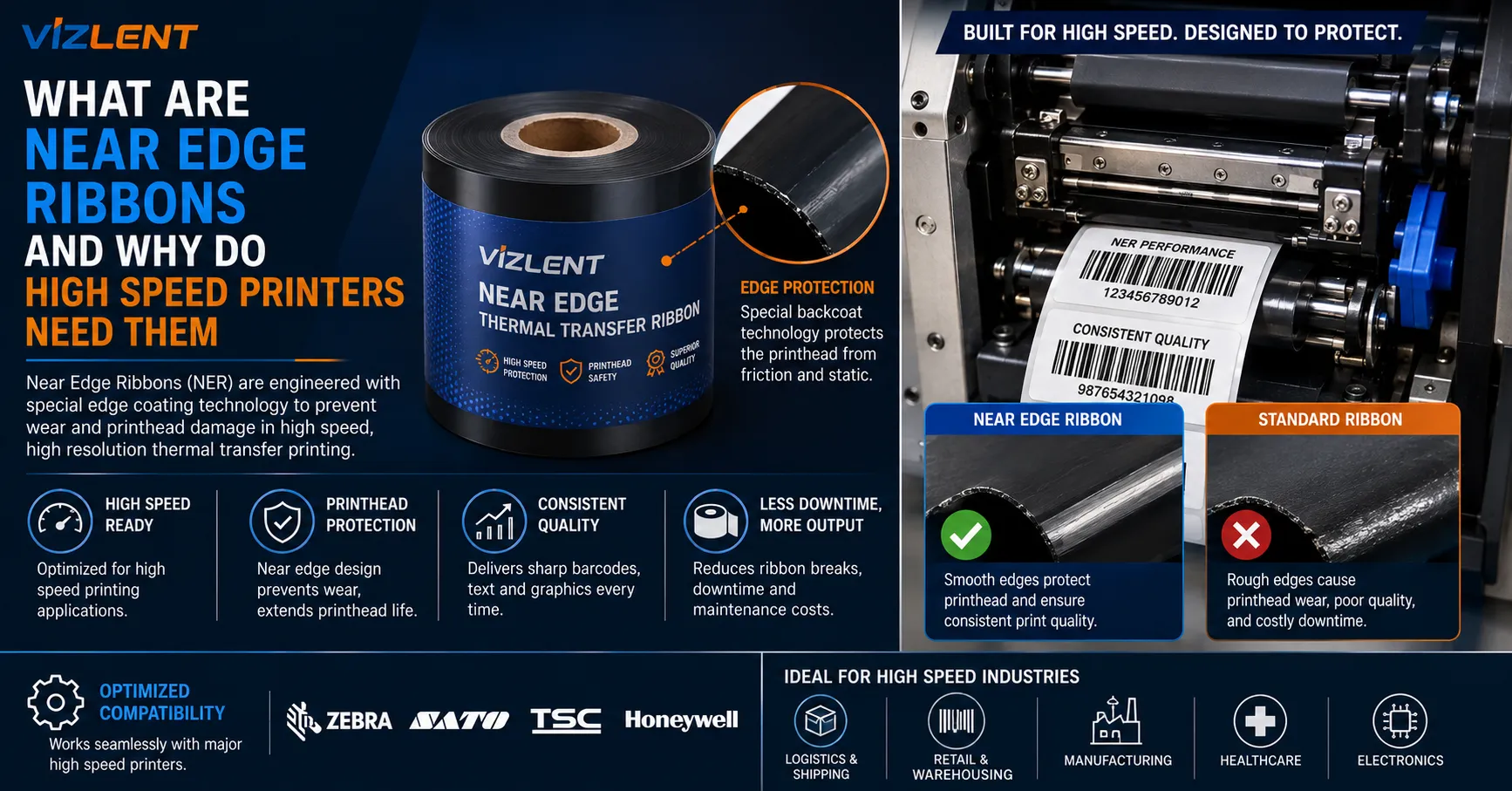

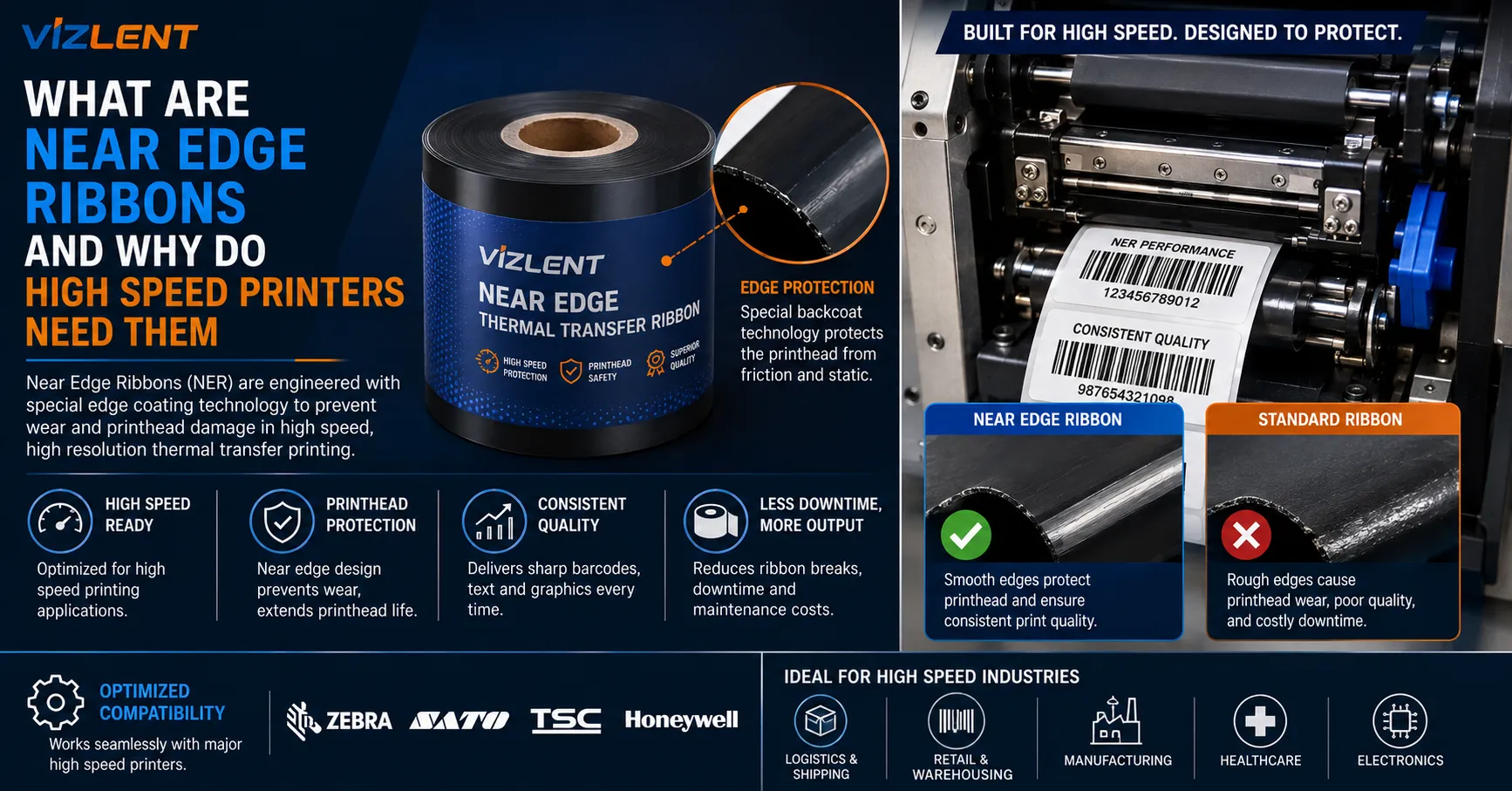
Near edge ribbons are thermal transfer ribbons built with a fast-release ink layer for printheads whose heating elements sit at the edge of the head rather than the center, and high speed printers need them because the ribbon separates from the substrate almost immediately after heating. The ink has milliseconds to transfer, so it must leave the carrier film while still molten instead of cooling in contact with the material. That single mechanical difference is why near edge and flat head ribbons cannot be swapped, and why resin thermal transfer ribbons dominate the category.
What Near Edge Printing Actually Is
Near edge printing, also called corner edge or floating head printing, puts the heating elements at the very edge of the ceramic printhead. The head presses the ribbon at an angle, commonly around 45 degrees, so the substrate meets the ribbon only as it passes beneath the heated elements. That geometry shortens the distance between where the image forms and where ribbon and material separate, which is what resin thermal transfer ribbons are formulated around.
A flat head printer works the opposite way. Its elements sit mid-head on a horizontal mount, and the ribbon stays in contact through a longer nip, giving melted ink time to settle before separation. Because the raw material label stock and the ribbon work as one print system, changing head geometry changes what the ink layer must do, which is why the types of thermal transfer ribbons available split along printer lines rather than by durability alone.
- Flat head: elements centered, ribbon held through a longer nip, ink cools in contact
- Near edge: elements at the head edge, angled contact, ribbon peels away instantly
- Floating head design adapts to media thickness without mechanical adjustment
- The shortened peel distance is the reason the ink chemistry has to change
Why the Geometry Restricts Which Ribbons You Can Buy
The release layer is the defining feature of a near edge ribbon and the reason substitution fails. It is engineered so pigment transfers to the substrate the instant it melts, without needing to re-solidify while still touching the material. A flat head ribbon lacks that layer, so on an angled head it releases too slowly and produces broken characters, voided barcode bars, and ink left behind on the carrier.
This chemistry requirement narrows the field considerably. Available near edge formulations are generally limited to wax resin thermal transfer ribbons plus resin black and color grades, because pure wax cannot be made to release cleanly at these speeds. Anyone expecting the full range of flat head options will find that resin thermal transfer ribbons and blends make up almost the entire near edge catalog.
- Release layer: allows instant ink transfer without a re-solidification phase
- Available grades: blended wax and resin, resin black, and color formulations
- Pure wax is effectively unavailable, since it cannot release cleanly at speed
- Release layer construction varies by target speed, so TTO ribbons differ again from other near edge stock
Troubleshooting broken characters on a coder? Confirm the ribbon is specified for near edge before adjusting darkness or speed. A flat head ribbon on an angled head cannot be corrected through settings.
Speed, Resolution, and the Trade You Are Making
The performance gap justifies the whole technology. Flat head printers typically run 2 to 14 inches per second, while near edge machines commonly exceed 26 and reach 40 inches per second, roughly 1,000 millimeters per second, on high speed flexible packaging equipment. Near edge tabletop units sit lower but still start near 14 inches per second.
Speed is bought with resolution, and the trade deserves stating plainly. Near edge printheads generally run 200 to 300 dpi, while flat head equipment reaches higher resolutions for fine text and dense two-dimensional codes. At 300 dpi, or 12 dots per millimeter, that ceiling rarely constrains date and lot coding, though it matters when a small high-density barcode must verify reliably.
Thermal Transfer Overprinting on Flexible Packaging
The largest near edge application is thermal transfer overprinting, or TTO. These printers sit inline on form-fill-seal and flow-wrap machinery, coding date, lot, and expiry directly onto film before or during filling. Bagged snacks, wrapped confectionery, sleeve wrappers, frozen vegetables, meat packs, and pharmaceutical packaging all carry codes applied this way.
Substrate and line context drive the specification more than print quality does here. TTO commonly prints onto polypropylene, polyethylene, and polyolefin films, none of which are porous, so resin thermal transfer ribbons carry the durability while blended grades ease transfer across uneven surfaces. High speed beer and beverage lines running 600 to 1,200 containers per minute illustrate the pace these systems have to match without becoming the bottleneck.
- Typical films: polypropylene, polyethylene, and polyolefin flexible packaging
- Typical content: manufacturing date, expiry date, lot and batch codes
- Sectors: food, beverage, medical, and pharmaceutical packaging lines
- TTO systems commonly reach printing readiness within about a minute of power-up
Which Grades Are Actually Available
The near edge catalog is narrower than the flat head one but covers more than black on light film. Blended grades handle most coding work, while a full resin thermal transfer ribbon is specified where the code must survive freezing, moisture, oils, or abrasion through distribution. Solvent-resistant resin thermal transfer ribbons exist for packaging meeting aggressive contents or cleaning regimes.
Reversed printing is the other common requirement and it needs a specific product. A white resin thermal transfer ribbon prints legible code onto dark, printed, or metallized film where black would vanish into the artwork, and silver grades serve a similar purpose on certain substrates. Durable security label constructions rely on the same resin chemistry for exactly this reason, since the marking has to outlast handling rather than merely survive printing.
Sourcing Details That Cause Line Stoppages
Mechanical specification errors halt lines more often than chemistry problems do. Ink side is specified in or out, and the wrong orientation feeds normally while transferring nothing. Carrier film thickness matters more here than on desktop equipment, since thinner PET bases allow longer rolls of resin thermal transfer ribbons, meaning fewer changeovers on a continuously running line.
Searching thermal transfer ribbon near me will usually surface distributors rather than anyone able to match a formulation to a specific coder and line speed. A more productive request is to name the printer model, the film, and the running speed, then ask for a trial roll, because a resin transfer ribbon tuned for one speed band can underperform outside it. Ribbon save functionality is worth confirming too, since stopping ribbon advance during non-printing intervals meaningfully reduces consumption on intermittent codes.
- Specify ink side in or out against the printer's threading path
- Match the ribbon to the printer model and family, not merely to near edge as a category
- State line speed, since release layer construction is tuned to a speed band
- Thinner carrier film gives longer rolls and fewer changeovers on continuous lines
Limits and Mistakes That Recur
The most expensive error is assuming near edge is simply the better technology. It is faster and handles thicker, more varied substrates, but gives up resolution and offers a narrower consumable range at higher cost per roll. An operation printing moderate volumes of paper labels gains nothing and loses print quality in the exchange.
The second mistake is treating near edge as one uniform category. TTO ribbons carry a release layer construction distinct from other near edge stock, and OEM printer families often expect formulations tuned to their head and transport. Resin thermal transfer ribbons that print cleanly at 10 inches per second can break down at 30, so testing on the actual machine at production speed is the only reliable qualification.
Frequently Asked Questions
Can a flat head ribbon be used in a near edge printer?
No, and the failure is immediate rather than gradual. Flat head ribbons lack the release layer letting ink transfer while molten, so on an angled head it releases too slowly and leaves broken characters and voided barcode elements. Adjusting darkness or slowing the printer does not compensate, and running hotter shortens printhead life.
Why is pure wax unavailable for near edge printing?
Wax binders need a period of contact after melting to anchor to the substrate. Near edge geometry removes it, since the ribbon separates almost instantly after the elements fire. Available grades are therefore limited to blended wax and resin thermal transfer ribbons in black and color.
How much faster is near edge in practice?
Flat head printers generally run between 2 and 14 inches per second, while near edge machines commonly exceed 26 inches per second. High speed flexible packaging systems reach around 40 inches per second, roughly 1,000 millimeters per second. Near edge tabletop models sit lower, typically starting around 14 inches per second.
Does near edge print at lower resolution?
Generally yes, with most near edge heads running between 200 and 300 dpi. At 300 dpi, equivalent to 12 dots per millimeter, date and lot codes reproduce cleanly and consistently. The limitation becomes relevant for small high-density two-dimensional codes or very fine text, where flat head equipment holds an advantage.
What is the difference between near edge and TTO?
TTO is an application of near edge technology rather than a separate one. Thermal transfer overprinters are inline systems using near edge printheads to code flexible packaging during production. They need ribbons formulated for TTO speeds specifically, so near edge compatibility alone is not enough when ordering.
How do I print a code onto dark or metallized film?
Use a white ribbon in a resin formulation matched to the film, with silver available for some substrates. These print legible code where black ink would disappear into printed artwork or a metallized surface. Expect narrower availability and higher cost per roll than standard black.
Does ribbon save actually reduce consumption?
It does on intermittent printing, which describes most coding work. The feature stops ribbon advance during intervals when nothing is being printed, so unused ink is not pulled past the head and discarded. The saving scales with how much of the ribbon path would otherwise pass unprinted between codes.
How should a near edge ribbon be qualified?
Test on the actual printer, with the actual film, at production line speed rather than a reduced trial speed. Run a full shift if possible, since release performance and printhead behavior shift as the head heats. Verify barcodes after handling and any thermal exposure the pack will see, not immediately off the line.
Before committing to a ribbon order, send the printer model, the film specification, and the running line speed, then ask for a trial roll rather than a datasheet. Resin thermal transfer ribbons for near edge equipment are tuned to speed bands, and the mismatch usually appears as intermittent code failures at production pace rather than during a slow test print.























Sign in to leave a comment.