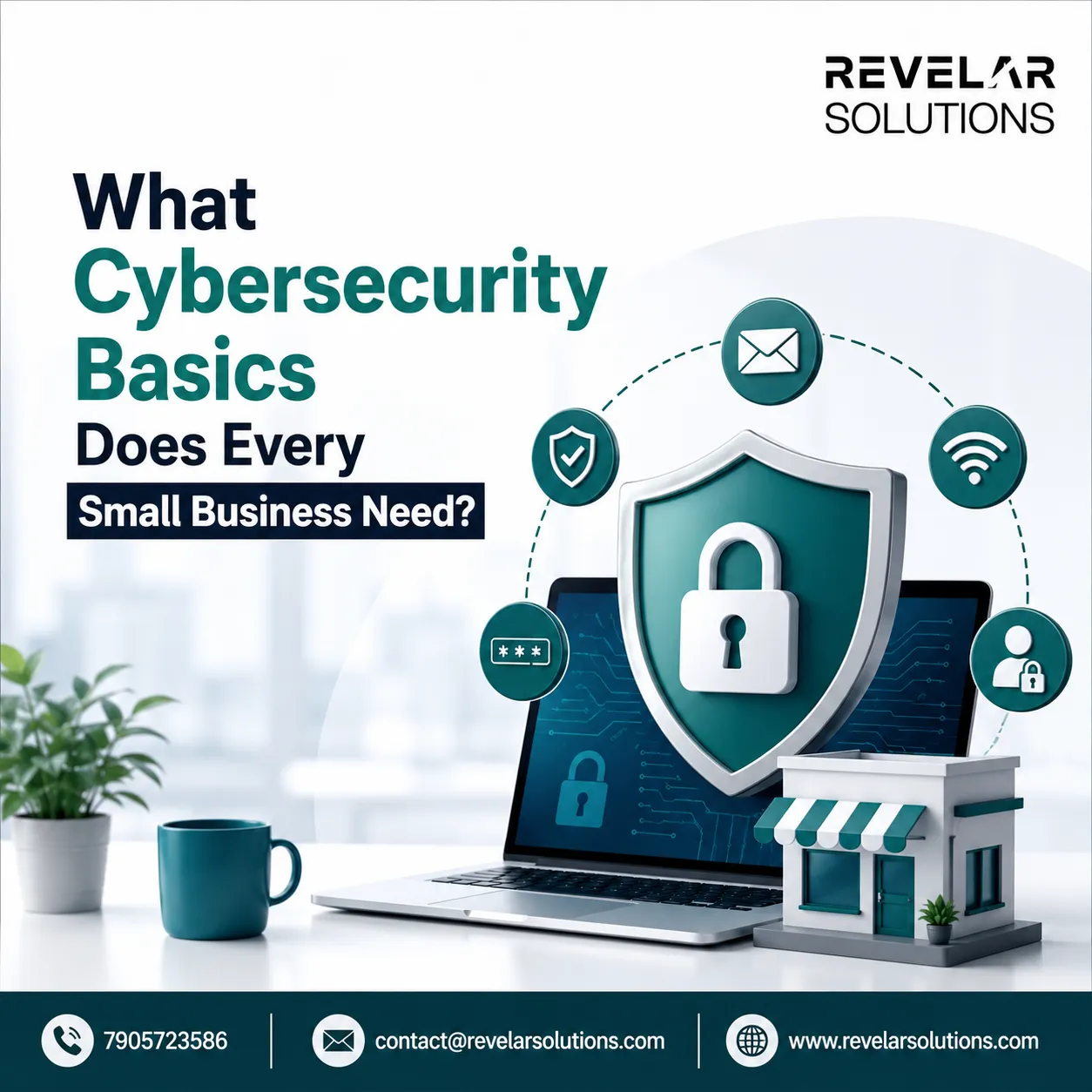

Every small business needs five cybersecurity basics: strong password and multi-factor authentication practices, regularly updated software, a working backup system, trained employees, and a plan for what to do when something goes wrong. None of these require an enterprise-sized budget. Together, they close the gaps that most real-world attacks actually exploit, since even a modest layer of cyber security dramatically lowers the odds that a common attack succeeds.
Small businesses often assume attackers only go after large companies with valuable data. In practice, most attacks are automated and opportunistic scanning for exposed systems, weak passwords, or unpatched software rather than targeting a specific company by name. A business with basic protections in place is simply a harder, less appealing target than one without them.
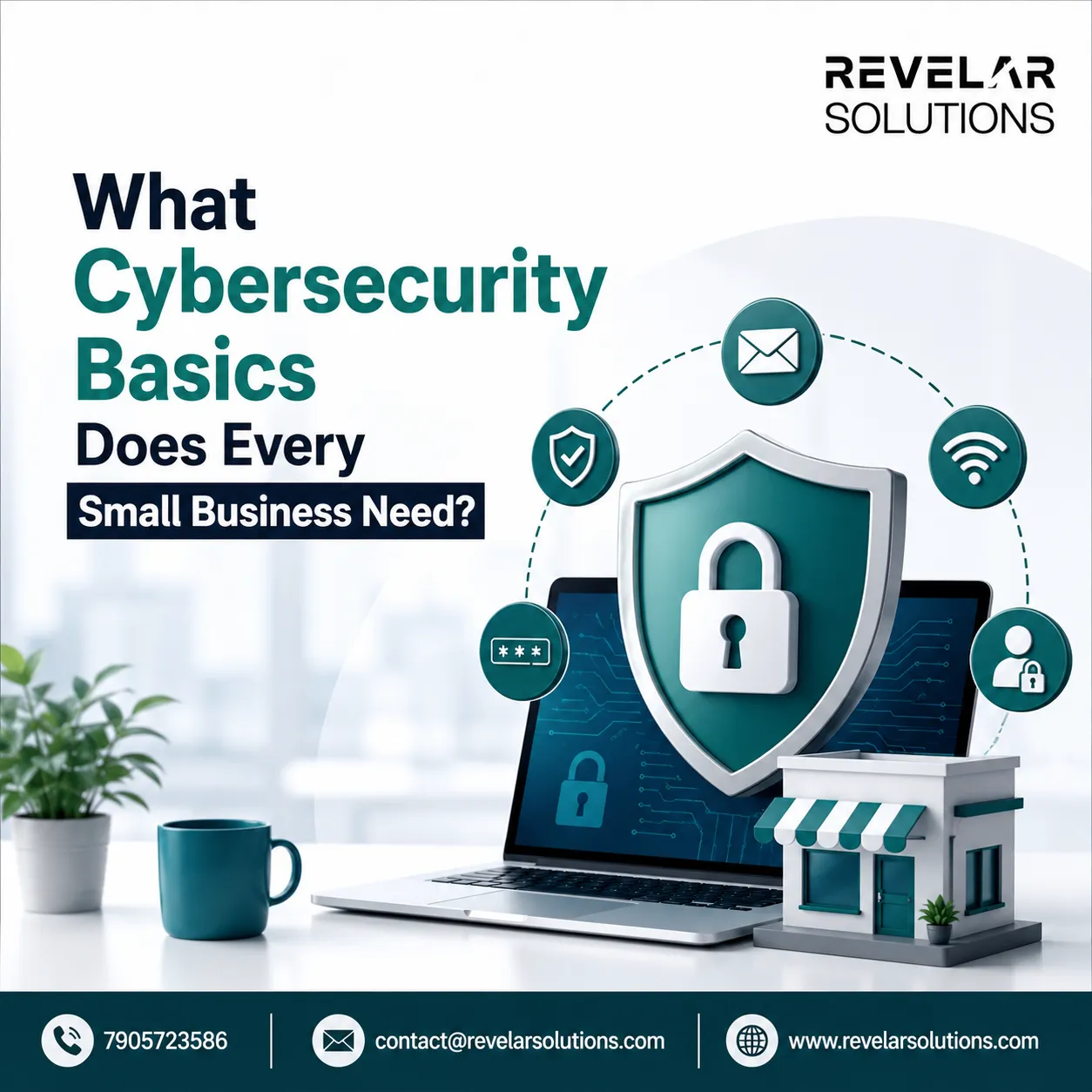
What Is the Most Common Cyber Threat Small Businesses Face?
The most common cyber threat facing small businesses is phishing fraudulent emails or messages designed to trick an employee into handing over credentials, clicking a malicious link, or approving a fraudulent payment. It doesn't require breaking through a firewall or exploiting a technical flaw; it only requires one person, on one busy day, to click before thinking.
Ransomware is a close second, and it frequently starts with a successful phishing attempt. An attacker gains a foothold through a compromised account or infected attachment, then spreads through connected systems, encrypting files and demanding payment to restore access. For a small business without redundant systems, this can mean days or weeks of lost operations.
Why Do Strong Passwords and Multi-Factor Authentication Matter So Much?
Passwords and multi-factor authentication (MFA) matter because they are usually the first and sometimes the only barrier between an attacker and a business account. Weak, reused, or easily guessed passwords remain one of the simplest ways accounts get compromised, precisely because they require no advanced technique to exploit.
MFA adds a second verification step, such as a code sent to a phone or generated by an authentication app, so that a stolen password alone isn't enough to get in. Enabling MFA on email, banking, and cloud storage accounts is one of the highest-impact, lowest-cost steps a small business can take. Many services offer it for free; the barrier is usually just turning it on.
How Does Outdated Software Increase Risk?
Outdated software increases risk because unpatched systems contain known vulnerabilities that attackers actively look for and exploit. Software vendors regularly release security patches to close these gaps, but a patch only protects a business once it's actually installed.
Operating systems, browsers, plugins, and any software connected to the internet should be set to update automatically wherever possible. This applies to point-of-sale systems, accounting software, and any AI or productivity tools a business has adopted, not just office computers. Falling behind on updates is one of the most preventable ways a business ends up exposed to cyber security threats that vendors have already published fixes for.
What Should a Basic Backup Strategy Look Like?
A basic backup strategy should follow the 3-2-1 rule: at least three copies of important data, stored on two different types of media, with one copy kept offsite or offline. This ensures that if one copy is lost, corrupted, or encrypted by ransomware, another copy remains untouched and recoverable.
Backups should also be tested periodically, not just created and forgotten. A backup that hasn't been verified in months may fail exactly when it's needed most during an active incident, under time pressure, when there's no room for surprises.
How Does Employee Training Reduce Risk?
Employee training reduces risk because most successful attacks target people, not just technology. A team that recognizes a suspicious email, an unexpected password reset request, or an urgent wire transfer request that doesn't match normal patterns can stop an attack before it starts.
This doesn't need to be elaborate or expensive. Short, regular reminders about common tactics fake invoices, urgent executive impersonation, unexpected attachments — go further than a single annual training session employees forget within a week. Even the best cyber security companies emphasize that technical controls only work alongside a workforce that knows what to watch for; tools alone can't compensate for a team that hasn't been shown what an attack looks like.
Does a Small Business Need a Formal Incident Response Plan?
Yes a basic incident response plan is worth having even for a very small team. At minimum, it should answer three questions: who gets notified first, which systems get disconnected or shut down, and who is authorized to make decisions during an active incident.
Without this written down in advance, the first hour of a real incident is often lost to confusion rather than response. A one-page plan, reviewed once or twice a year, is enough to avoid that delay.
When Does It Make Sense to Bring in Outside Help?
It makes sense to bring in outside help once a business's needs go beyond what an internal team can reasonably monitor day to day which for many small businesses is sooner than expected. Dedicated cyber security services can provide ongoing monitoring, faster detection of unusual activity, and expertise that's difficult to maintain in-house without a full-time security hire.
This is particularly true for businesses handling sensitive customer data, processing payments, or increasingly relying on connected AI tools and cloud systems, where the number of things that can go wrong grows alongside the number of tools in use. Identifying which providers actually fit a business's size and risk profile rather than defaulting to the largest name matters more than chasing a list of the best companies for cyber security in the abstract.
Getting Started
None of these basics require solving everything at once. A sensible starting point is enabling MFA this week, confirming backups actually work this month, and scheduling a short team conversation about phishing before the quarter is out. If it would help to have a professional look at where your specific setup stands, we're glad to walk through a straightforward assessment and point out the highest-impact next steps for your business.
Frequently Asked Questions
Do small businesses actually get targeted by hackers, or is that just larger companies?
Small businesses are frequently targeted, often precisely because attackers assume defenses will be weaker. Many attacks are automated and untargeted, scanning broadly for any exposed system rather than picking specific companies.
How much should a small business expect to spend on cybersecurity basics?
Many of the highest-impact basics MFA, software updates, backup discipline, employee awareness cost little to nothing beyond time and consistency. Costs typically rise only when a business adds ongoing monitoring or outside security services.
What's the single most important step to take first?
Enabling multi-factor authentication on email and financial accounts is usually the highest-impact, lowest-effort first step, since compromised accounts are one of the most common entry points for further damage.
Does a small business need to hire a dedicated cybersecurity company right away?
Not necessarily. Many businesses can handle the basics internally at first and bring in outside expertise as data sensitivity, customer volume, or system complexity grows.
























Sign in to leave a comment.