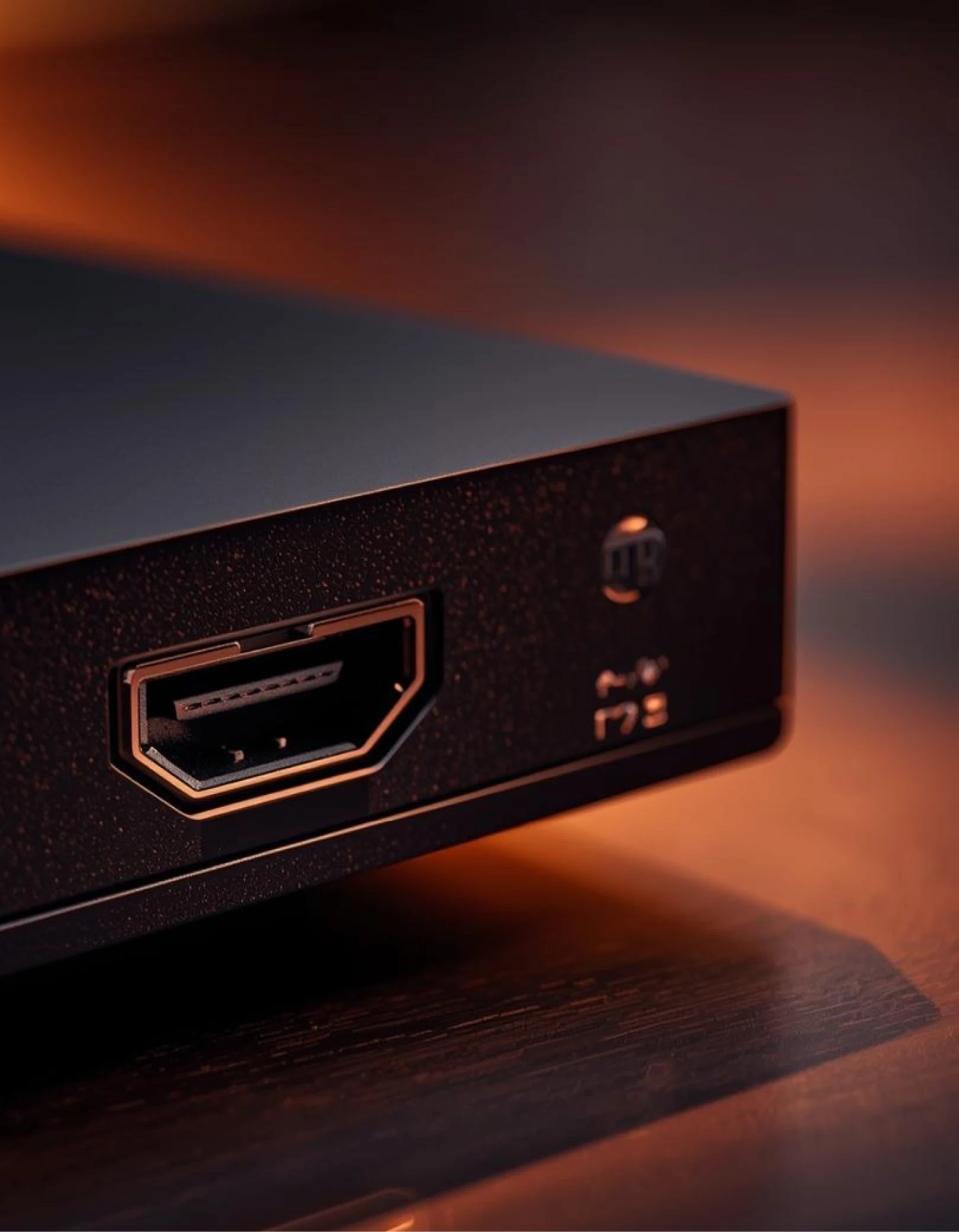
Most people don't think about their HDMI port… until the screen goes black.
One day it's working fine.
The next day, “No Signal.”
Then you start unplugging, plugging back in, switching cables, and restarting the device, and still nothing.
After years of hands-on working with consoles, TVs, and laptops, we can tell you something simple: HDMI ports don't usually “just stop.” They get damaged.
And by the time someone searches for HDMI port repair, the damage has been building up for a while.
Let's talk about what really causes it.
1. Forcing It In When You Can't See
Imagine this: you're behind the TV, it's dark, and you can't see the port.
So, you try once, then flip the cable. Try again and push harder.
That pressure bends the tiny gold pins inside the port. They're small and delicate. They're not made to fight back.
Do that a few times over months or years, and you slowly create a Broken HDMI situation without even realizing it.
2. Someone Trips on the Cable
This happens a lot.
The HDMI cable is plugged in. Someone walks by and catches it with their foot. The cable doesn't break, but all that force goes straight into the port.
Inside your device, the HDMI port is soldered to the motherboard. A hard tug can crack those solder points. Once that happens, the port becomes loose.
You'll notice it works… but only if you hold the cable a certain way.
That's not a cable issue. That's internal damage.
3. Moving the Device Without Unplugging It
Console on a shelf. You slide it over to clean.
A laptop connected to a monitor. You shift it without unplugging.
Every time you move a device while the HDMI cable is still in, you're putting stress on the connection.
It might survive it once, but it won't survive it forever.
4. Cheap Cables That Don’t Fit Right
Not all HDMI cables are equal.
Some are slightly off in size. Some have rough edges on the connector. Some are just poorly made.
When you push those into your device, they scrape or strain the port. Over time, that wears down the inside.
A good cable isn't just about a better picture. It's about protecting the port.
5. Plugging and Unplugging Every Day
If you constantly switch between a monitor and a TV, or between multiple devices, that port is working overtime.
HDMI ports aren't built for endless daily swapping.
Metal-on-metal contact, again and again, slowly loosens the housing. Eventually, the connection becomes unstable.
That's when the screen flickers.
Or the signal drops randomly.
6. Dust Inside the Port
It sounds small, but dust matters.
Entertainment setups collect dust fast. Tiny particles get inside the HDMI port. When the cable doesn't slide in smoothly, people push harder.
More pressure. More stress. More damage.
A simple inspection once in a while can prevent a bigger issue.
7. Drops and Physical Impact
Drop a laptop or console once, and the HDMI port can shift slightly.
Even if it looks normal from the outside, inside, it might not line up properly anymore.
You plug the cable in, but the pins don't fully connect. That leads to no signal or a screen that cuts in and out.
Physical shock is one of the fastest ways to damage an HDMI port.
How do you know it's damaged?
Here are the common signs:
- “No Signal” even after switching cables
- Flickering or cutting picture
- The port feels loose
- Works only when the cable is pushed up or down
If you have to “hold it just right” to get a picture, the port is already compromised.
Can it be fixed?
In many cases, yes.
But it's not something to poke at with a screwdriver.
HDMI ports are soldered directly onto the motherboard. Fixing them requires precision tools and experience. Done wrong, you can damage the board itself.
The good news? Most HDMI damage is physical and repairable. It's not a mystery issue. It's mechanical stress.
The Simple Way to Avoid All This
- Plug the cable in straight
- Don't force it
- Unplug before moving the device
- Use good-quality cables
- Keep the area clean
HDMI ports don't fail randomly. The cause is usually pressure, force, and neglect.
Treat the port gently, and it'll last for years.
Ignore it, and eventually, you'll be staring at a black screen, wondering what happened.
If you are from Warren, check out this: Where is the Best Place for HDMI Port Repair in Warren?
👉 iMobile Repair Center, Detroit 🌐 www.imobilerbb.com
📞 Call or text: +1 (313) 900-1032
Sign in to leave a comment.