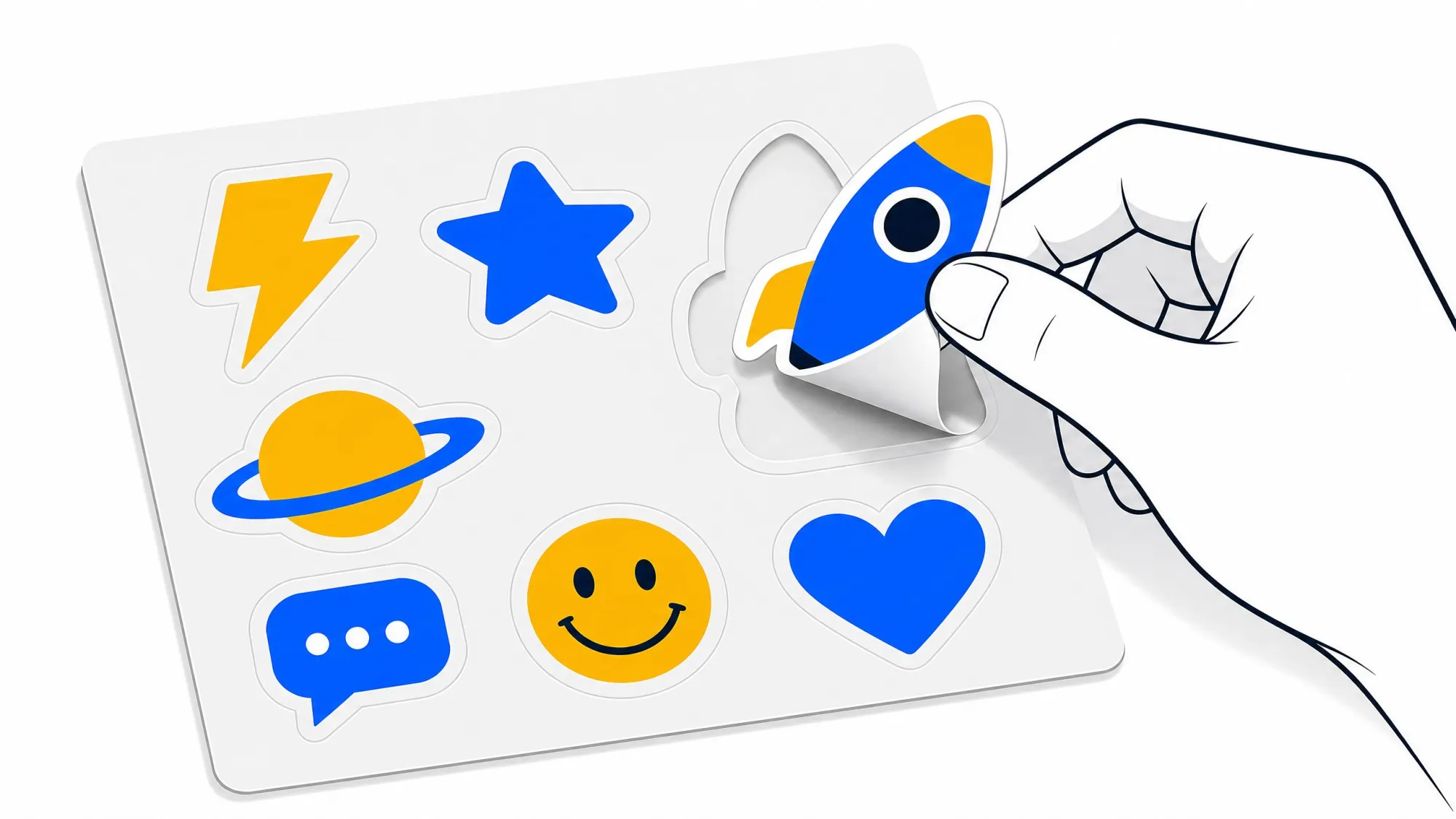


If you have ever spent ten frustrating minutes trying to peel a custom-shaped sticker, only to end up bending the corner, tearing the backing paper, or ruining the design entirely, you already know the hidden pain of choosing the wrong sticker cut.
For brands, artists, and creators, a bad peeling experience directly translates to a poor first impression. That is exactly why understanding the mechanics behind Kiss Cut Stickers is crucial before you send your designs to print.
But what exactly does "kiss cut" mean, how does it differ from other methods, and how do you ensure you get the absolute best quality for your project? Let’s skip the surface-level definitions and dive straight into the mechanics, the industry-insider secrets, and the practical math of sticker selection.
The Anatomy of a Kiss Cut: What It Actually Is
In the printing world, a kiss cut is a precision-engineered depth cut.
When manufacturing custom stickers, the material consists of two main layers:
- The Vinyl/Paper Layer: The top face material where your artwork is printed and adhesive is applied.
- The Liner (Backing Paper): The protective silicone-coated paper that keeps the adhesive fresh.
The term "kiss cut" comes from the action of the cutting blade: it gently "kisses" and slices through the printed top vinyl layer, but leaves the backing paper completely intact and uncut.
This leaves you with a sticker that can be easily peeled off a larger, square or rectangular backing sheet. The extra border around your design provides structural stability and an intuitive starting point for peeling.
Kiss Cut vs. Die Cut: The Ultimate Showdown
The most common point of confusion for buyers is choosing between a kiss cut and a traditional die cut. While both can look identical once peeled and applied to a laptop or water bottle, they behave very differently in their raw form.
Here is a direct comparison of the two to help you make the right choice for your specific project:
| Feature | Kiss Cut Stickers | Die Cut Stickers |
|---|---|---|
| Cut Depth | Cuts through the vinyl layer only. The backing paper remains solid and intact. | Cuts through both the vinyl layer AND the backing paper entirely. |
| Delivered Shape | Delivered on a larger, standard square or rectangular backing sheet. | Delivered in the exact custom shape of your artwork. |
| Peeling Experience | Easiest. The backing sheet acts as a handle, preventing bent edges. | Slightly harder. You have to find the seam at the very edge of the custom shape. |
| Extra Design Space | Excellent. The leftover border on the backing paper can be printed with social handles, URLs, or branding. | None. Only the sticker itself contains your design. |
| Best Used For | Sticker sheets, complex or intricate shapes, high-volume giveaways, and retail packaging. | Individual handouts, aesthetic promotional swag, and simple, bold shapes. |
| Durability During Transit | High. The larger backing sheet protects delicate edges of the sticker from bending. | Medium. Pointy custom corners can easily bend or curl in boxes or pockets. |
Insider E-E-A-T Secrets: What Print Shops Don't Tell You
Anyone can set up a basic cutting plotter, but achieving a flawless kiss cut requires deep technical expertise. When ordering or designing your next batch of Kiss Cut Stickers, keep these three industry-insider secrets in mind:
1. The "Border-to-Bleed" Safe Zone Formula
When printing kiss cuts, the blade needs a slight margin of error (called the "drift"). If your design has zero border, any micro-shifting in the cutting machine will leave an unsightly white line on one side of your sticker.
- The Insider Tip: Always design with a minimum of 1.5mm (approx. 0.06 inches) of safety border (either solid white, solid black, or a full background bleed) around your cutting path. This guarantees that even with physical machine drift, your sticker remains centered and flawless.
2. Guarding Against "Liner Penetration"
If the printing press does not calibrate its blade pressure correctly, the blade will score too deeply into the silicone backing paper. While it won't cut all the way through, this score line allows the vinyl's strong adhesive to seep into the paper fibers.
- The Insider Tip: If you receive a batch of stickers where the backing paper tears off in thin paper layers and sticks to the back of the vinyl, the manufacturer used too much pressure or a worn-out blade. A premium supplier like OkayStickers carefully calibrates pressure to ensure the vinyl releases cleanly off the silicone-coated backing every single time.
3. Maximize the Value of Your "Negative Space"
With kiss cut designs, you are paying for the total area of the backing sheet. If you leave that extra border blank, you are leaving valuable marketing real estate on the table.
- The Insider Tip: Use the surrounding backing paper to print your Instagram handle, a QR code linking to your website, or a discount code. This turns a simple sticker into a fully functional, multi-channel marketing asset.
When Should You Choose Kiss Cut Stickers?
To maximize your return on investment, align your sticker choice with your actual distribution method:
- If you are selling at conventions or art markets: Kiss cuts are highly recommended. Because the backing sheet protects the delicate corners of your designs, your inventory won't get scuffed up or damaged when customers browse through bins.
- If you are creating complex designs with multiple elements: Choose kiss cuts. This allows you to group several smaller shapes on a single backing sheet (creating a "sticker sheet"), which adds massive perceived value for your customers.
- If you are packing e-commerce orders: Kiss cuts speed up fulfillment. Your packing team can peel them off the backing quickly and apply them to boxes without struggling with tiny seams.
Final Thoughts
The difference between a great sticker and a frustrating one lies in the details of the cut. By understanding how Kiss Cut Stickers work and leveraging professional design standards like safety borders and utilizing negative space, you can elevate your brand's physical touchpoints effortlessly.





















Sign in to leave a comment.