What Is an SMTP 550 Error? Causes & Fixes

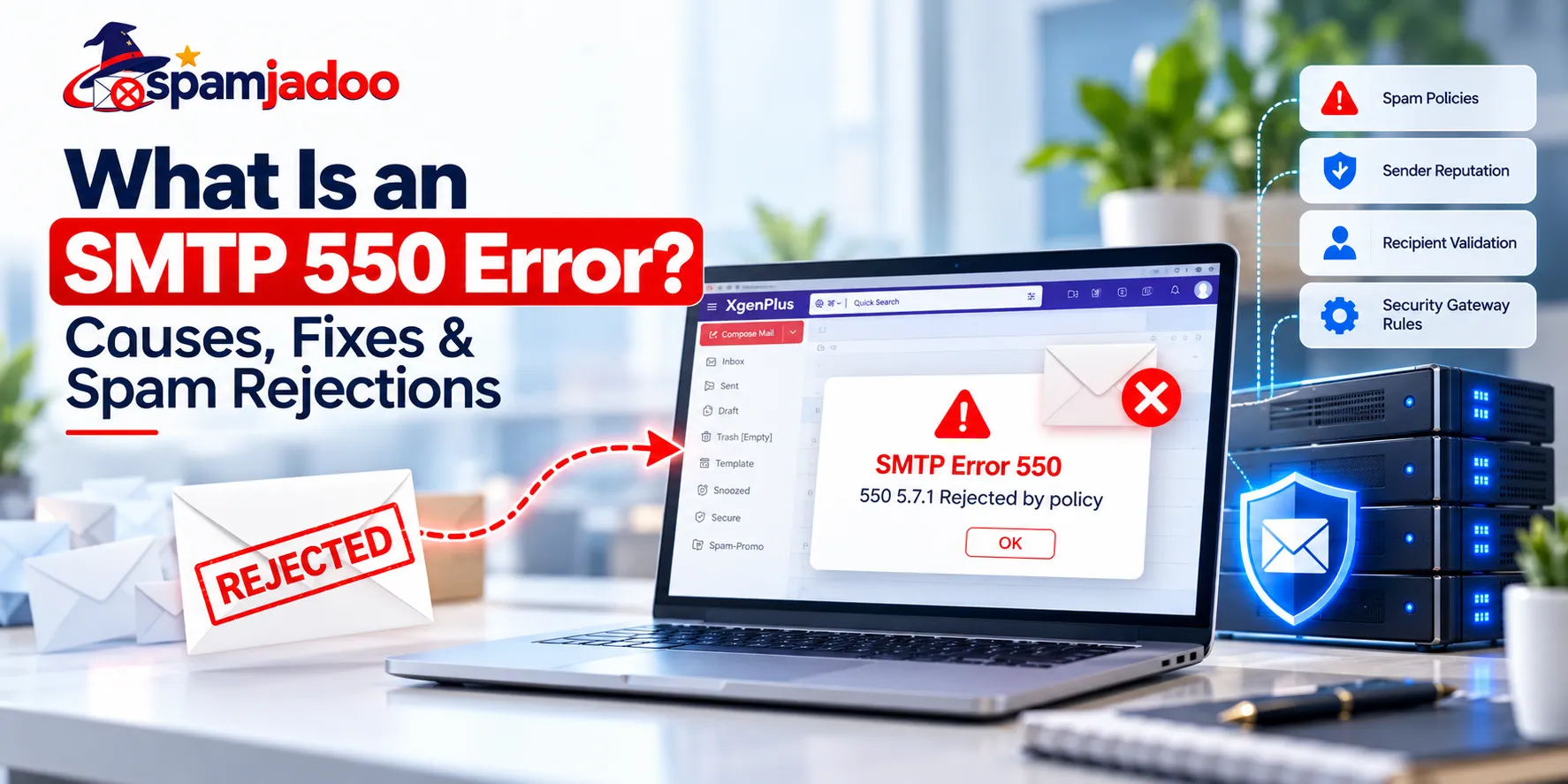
An email that fails to reach its recipient can delay invoices, interrupt business communication, and disrupt automated notifications. An SMTP 550 error is a permanent negative response indicating that an email-related request or action was rejected. It may occur because a recipient does not exist, a mail server refuses the sender, or a security policy blocks the message. The exact cause depends on the accompanying error text and enhanced status code.
For IT administrators and business owners, understanding SMTP 550 errors is essential for troubleshooting email delivery, configuring an email security gateway, and distinguishing legitimate server problems from spam-related rejections.
What Does SMTP 550 Mean?
SMTP 550 generally means the receiving mail server has permanently rejected a requested action. Unlike a temporary SMTP error, which may resolve after a retry, a 550 response typically requires the sender or administrator to investigate the reason before attempting delivery again.
SMTP stands for Simple Mail Transfer Protocol, the standard protocol used to transfer email between mail servers. SMTP response codes help servers communicate whether an action succeeded, failed temporarily, or was rejected.
A 550 response can appear in situations such as:
- The recipient email address does not exist.
- The receiving server refuses the sender or message.
- An anti-spam policy rejects the email.
- The sender's IP address has a poor reputation or appears on a DNS-based blocklist.
- The message violates a configured security or access policy.
The number alone does not identify the precise cause. Administrators should examine the complete server response, associated enhanced status code, mail logs, and message-routing details.
SMTP 550 vs. other SMTP response codes
| SMTP code | General meaning | Typical action |
| 250 | Requested action succeeded | Continue delivery |
| 354 | Server is ready to receive message data | Transmit message content |
| 421 | Service unavailable or closing connection | Retry later if appropriate |
| 450 | Mailbox or requested action temporarily unavailable | Retry after a delay |
| 451 | Temporary processing failure | Investigate and retry |
| 550 | Requested action rejected, commonly permanently | Investigate the reason |
| 554 | Transaction rejected or failed | Review the server response |
These are general SMTP meanings. The precise interpretation depends on the command, server implementation, and accompanying text.
Key takeaway: A 550 error is a rejection, not a diagnosis. The text accompanying the code is usually the best starting point for troubleshooting.
What Causes an SMTP 550 Error?
An SMTP 550 error can result from an invalid recipient, sender restrictions, anti-spam filtering, authentication or policy failures, or a receiving server's security configuration. The cause varies by provider and configuration, so the correct fix depends on which part of the email transaction was rejected.
1. Invalid or nonexistent recipient
A recipient-related 550 error can occur when the address is misspelled, the mailbox has been removed, or the receiving system does not recognize the recipient. Some servers reject invalid recipients during the RCPT TO stage, before message content is transmitted.
How to fix it:
- Verify the complete recipient address, including the domain.
- Confirm that the mailbox or alias exists.
- Ask the recipient's administrator to check mailbox provisioning and mail-routing settings.
2. Spam filtering or sender reputation
A receiving server may return a 550 response when its security policies identify a message or sender as unwanted. Possible signals include poor IP or domain reputation, suspicious sending patterns, DNSBL listings, or content and authentication problems. Google documents several distinct 550 5.7.1 rejection scenarios, including low sender reputation and policy violations.
How to fix it:
- Check the full bounce message for the rejection reason.
- Review sending IP and domain reputation.
- Check relevant DNS blocklists and investigate any listing.
- Correct sending practices and request a review or delisting when appropriate.
Do not assume a blocklist is the cause unless the response or diagnostic logs support that conclusion.
3. SPF, DKIM, or DMARC failures
Email authentication problems can cause a receiving system to reject a message under its security policy. SPF checks whether the sending IP is authorized for the relevant envelope-sender domain; DKIM validates a message signature; DMARC evaluates alignment with the visible From domain and applies the domain owner's published policy.
How to fix it:
- Verify that the SPF record authorizes all legitimate sending services.
- Confirm that DKIM signing is enabled and signatures validate.
- Check DMARC alignment and policy.
- Review the receiver's authentication results before changing DNS records.
Authentication failures do not always produce a 550 response; the outcome depends on the receiving provider's policies and the specific error.
4. Mail-server permissions or relay configuration
A 550 response may indicate that the sender is not authorized to send to a recipient, use a relay, or deliver through a configured mail server. In Microsoft 365, for example, 550 5.7.1 can indicate a security restriction or a mail-flow rule blocking delivery.
How to fix it:
- Verify SMTP relay credentials and connector settings.
- Check distribution-list permissions and recipient restrictions.
- Confirm the destination domain and MX records.
- Review transport rules and hybrid mail-flow configuration.
How to Fix an SMTP 550 Error: Step-by-Step
The most reliable way to fix an SMTP 550 error is to identify the full error code and response text first, then investigate the matching cause. Correct the recipient, sender configuration, authentication, permissions, or security policy as indicated. Repeatedly resending the same rejected message without addressing the cause usually will not solve a permanent failure.
- Read the complete bounce message. Record the SMTP code, enhanced status code, rejecting server, and diagnostic text.
- Check the recipient. Verify spelling, domain, mailbox existence, and permissions.
- Inspect sending-domain authentication. Validate SPF, DKIM, and DMARC using trustworthy diagnostic tools.
- Review server reputation. Check the sending IP, DNS configuration, and any relevant blocklist result.
- Inspect mail logs and routing. Confirm the message reached the intended server and review connectors, relay rules, and MX records.
- Contact the receiving administrator if necessary. The recipient's organization may need to change a policy or correct its configuration.
- Retest after the fix. Send a controlled test message and confirm successful delivery.
Avoid weakening security policies just to make one message pass. Fix the underlying problem while preserving protections against spoofing, spam, and malware.
What Does SMTP 550 5.7.1 Mean?
SMTP 550 5.7.1 commonly indicates that a message was rejected because of a security or administrative policy. Possible reasons include unauthorized sending, a blocked sender, a mail-flow restriction, or a reputation-related decision. The enhanced code narrows the category, but the full diagnostic text is needed to identify the actual cause.
For example, an administrator might receive a bounce stating that the recipient's organization prohibits the message. The appropriate response is to review sender permissions, recipient restrictions, and the receiver's mail-flow rules not automatically to change SPF or assume the IP is blocklisted.
Microsoft's troubleshooting guidance for Exchange Online explains several possible causes and remediation steps for this error.
Key takeaway: Treat 5.7.1 as a clue about security or policy, then use the server's diagnostics to determine which policy applies.
How Does an Email Security Gateway Use SMTP 550 Rejections?
An email security gateway can return an SMTP 550 response when an incoming message violates a configured rejection policy. In SMTP-level filtering, this may happen during the SMTP conversation, before the sending server transmits the message body. The goal is to stop qualifying unwanted traffic early without blocking legitimate business communication.
SpamJadoo documents a gateway approach that evaluates connection and envelope information, applies configured rules, and rejects qualifying messages before DATA.
For businesses considering an anti-spam gateway, evaluate:
- Which checks occur before message data is accepted.
- Whether rejection logs explain the policy decision.
- How false positives can be investigated and corrected.
- How the gateway integrates with Microsoft 365, Google Workspace, Exchange, Postfix, or other supported platforms.
- Whether mail servers can be accessed through unintended routes that bypass the gateway.
Important: A 550 rejection is not inherently evidence of a spam attack. It can represent a legitimate recipient, permission, routing, or security-policy problem. Administrators should preserve diagnostic information and apply corrective action based on evidence.
Frequently Asked Questions
1. Is an SMTP 550 error permanent?
A 550 response is a permanent negative SMTP response for the requested action. The sender generally should not retry the same transaction unchanged. The underlying problem may still be fixable for example, by correcting an address, repairing authentication, or resolving a policy restriction.
2. Does SMTP 550 always mean an email is spam?
No. SMTP 550 can indicate an invalid or unavailable recipient, unauthorized sending, a relay restriction, or a security policy rejection. Read the complete server response and enhanced status code before deciding whether the problem is spam-related.
3. How do I fix SMTP 550 5.7.1?
Read the bounce diagnostics, then check sender permissions, recipient restrictions, mail-flow rules, authentication results, and sender reputation as relevant. The code commonly points to a security or policy restriction, but the receiving server's detailed response determines the appropriate fix.
4. Can SPF, DKIM, and DMARC cause a 550 error?
Yes. A receiver may reject a message if authentication fails and its policies require rejection. However, authentication failures do not always result in a 550 response. Check the receiver's diagnostic text and authentication results before changing DNS records.
5. Should I keep resending an email after a 550 error?
Usually not without addressing the cause. Because 550 is a permanent negative response, repeatedly sending the same message to the same server is unlikely to help. Correct the problem or contact the receiving administrator, then test delivery again.
6. Can an email security gateway prevent SMTP 550 errors?
A gateway cannot prevent every 550 error because the rejection may come from a recipient's mail server, an invalid address, or a policy outside your control. It can, however, help administrators identify and enforce their own mail-security policies and provide useful diagnostic information.
Key Takeaways
- SMTP 550 means a requested email-related action was rejected permanently.
- The cause may be an invalid recipient, sender restriction, authentication failure, reputation issue, or security policy.
- 550 5.7.1 often points to a security or administrative policy, but does not identify one universal cause.
- Check the complete bounce message, server logs, SPF, DKIM, DMARC, and mail routing as appropriate.
- An email security gateway can reject qualifying unwanted messages early, but it must be configured to minimize false positives.
Conclusion: Resolve Email Rejections Without Compromising Security
SMTP 550 errors can disrupt business communication, but the correct diagnosis usually begins with the complete error message not the three-digit code alone. By checking recipient details, authentication, sender reputation, permissions, and mail-server policies systematically, administrators can resolve delivery problems while maintaining strong email security.
If your organization needs greater control over unwanted inbound email, explore SpamJadoo, an email security gateway that documents SMTP-level rejection of messages that fail configured policies.
Explore SpamJadoo: https://www.spamjadoo.com/



Sign in to leave a comment.