
Power BI is a powerful data visualization tool that many businesses use to gain insights from their company data. Not only that, but many small businesses are using power bi to help them grow.
In terms of applications, power bi can be used for a variety of things. You can analyze financial statements, turn sales data into infographics, create marketing strategies based on geographic data, and even manage team performance by analyzing historical data.
And its applications are not limited to them; the list is so long that it may be impossible to cover all of them in this answer. I hope the power bi online course finds it useful.
Power BI is a set of software platforms, apps, and connections that work together to transform large amounts of data into logical, visually appealing, and interactive insights.
Your data could be in the form of an Excel spreadsheet or a hybrid cloud-based/on-premises data warehouse.
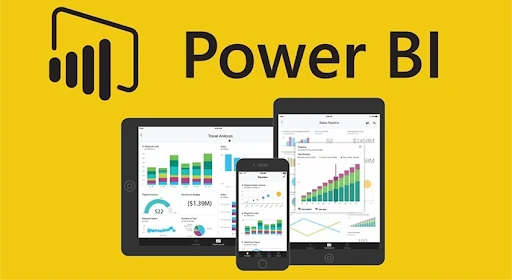
Microsoft Power BI is a business analytics service that lets you visualize and share data. It converts data from various sources into interactive dashboards and Business Intelligence reports.
As you can see above, we have some sales data in an excel sheet. Power BI assists you in creating a variety of charts and graphs to visualize the data.
Now that you know what Power BI is, let's look at why you need it.
Features of Power BI
Power BI DesktopStream AnalyticsMultiple Data SourcesCustom VisualizationPower BI's Additional AdvantagesPower BI does not require any technical knowledge, and its implementation requires little assistance from a professional.
It is simple to integrate with other Microsoft business products like Office 365 (Excel), Azure, and SQL Server. Because of its open architecture, it is simple to integrate into your existing workflows and business processes. It enables you to program automatic data refresh.
You can distribute your visual reports to the rest of the world via social media and email, where anyone with the appropriate permissions can view them.
Power BI, in addition to connecting with tools such as Spark, Hadoop, and others, allows users to consolidate all of their data into a single dashboard.
0
0








Sign in to leave a comment.