

Today, every business is dealing and coping with a data-driven world. Therefore, businesses have strong reliance on actionable insights to make informed decisions and drive growth. Moreover, organizations have a stronger need for agility, data transparency, and real-time decision making to drive better results in 2025. Here, tools like Power BI play a significant role.
However, the most essential question is ‘What is Power BI’. Power BI or Microsoft’s Premier Business Intelligence platform helps users with following aspects:
- Connect with multiple data sources
- Transform raw data into interactive visualizations
- Share insights across the business
Now, we have approached 2025, and therefore, Power BI will surely remain at the forefront of BI tools. This tool offers several powerful capabilities for data modeling, exploration, and collaboration.
So, in this Power BI guide 2025, we’ll explore the following aspects related to Microsoft’s BI Solution:
- What is Power BI?
- Core Component and Features
- Practical tips regarding how to use Power BI for Business
What is Power BI?
Power BI refers to a suite of Services, Apps or connectors that function altogether to turn disparate data sources to cohesive, visually immersive, or interactive insights. Some of its core services are as follows:
- Power BI Desktop: A Windows-based application helping business with author reports, connect to data, and create data models.
- Power BI Service: A SaaS platform suitable for sharing, collaborating, and consuming BI reports and dashboards online.
- Power BI Mobile: Mobile applications (iOS and Android) make this tool to enable on-the-go access to dashboards.
- Power BI Report Server: Regarded as an on-premises server for hosting Power BI reports, this server benefits businesses requiring data to remain within internal networks.
Power BI can seamlessly integrate with Excel, Azure, and other wide range of third-party data sources. Having a drag-and-drop interface and robust data modeling engine, this tool is easy to access for developers with different skill levels.
What are the Key Features of Power BI in 2025?
Now, it is the time to know and understand the key features of Power BI in 2025 in detail:
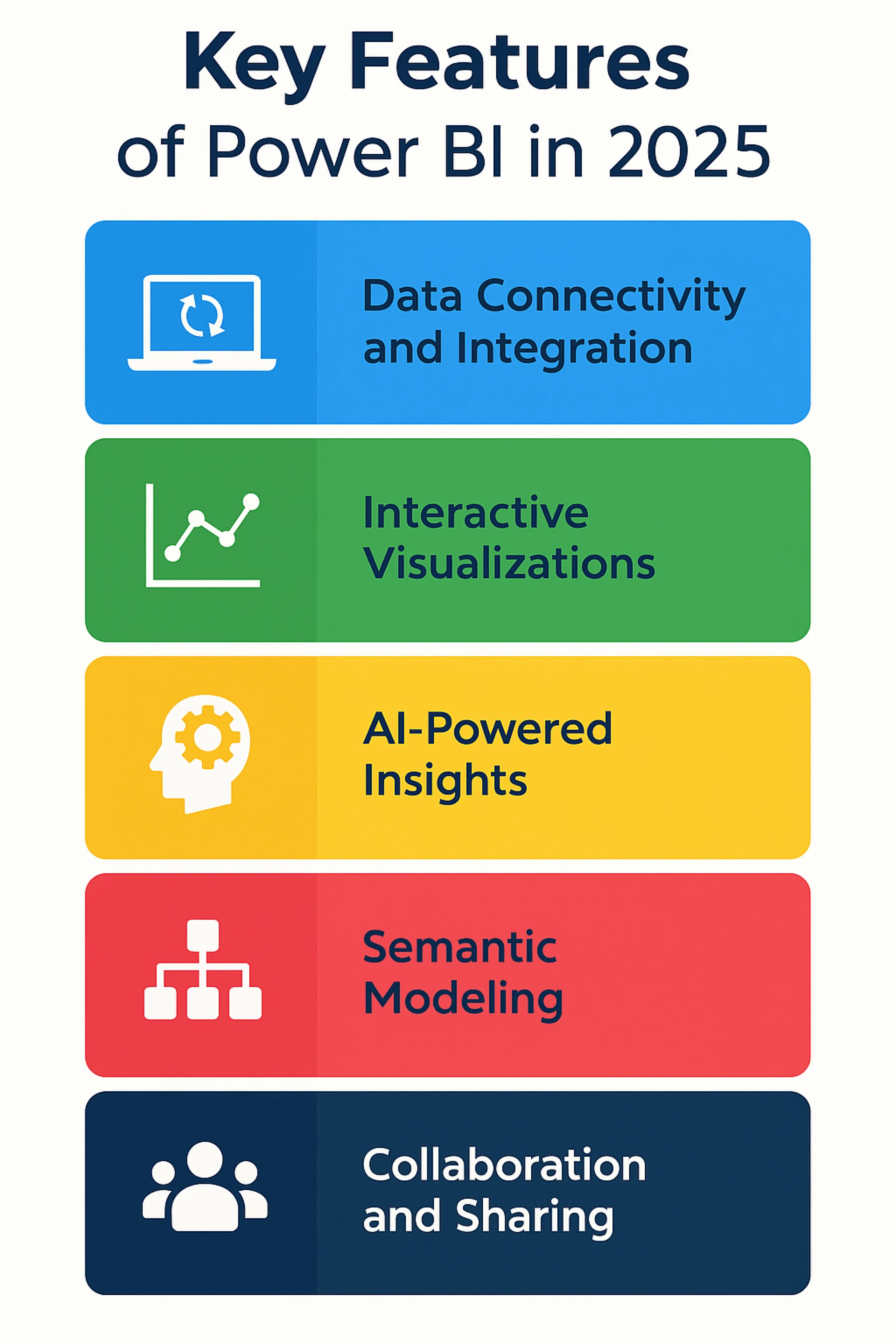
1. Data Connectivity and Integration:
Power BI helps to get connected with more than 120 data sources (on-premises or in the cloud) like SQL server, Oracle, Excel, Salesforce, and web APIs. Therefore, the Microsoft Power BI basics highlight cleaning and transforming data using Power Query, before it gets loaded to reports.
2. Interactive Visualizations:
With several built-in charts, maps, and custom visuals from Power BI marketplace, businesses can create compelling visuals based on their needs. These visuals get updated in real-time with underlying data changes. This further makes the dashboards dynamic and current.
3. AI-Powered Insights:
By 2025, Power BI has AI capabilities that are maturing with evolution. Several features like anomaly detection, natural language Q&A, and automated insights can help businesses to uncover patterns without complex codes.
4. Semantic Modeling:
The Power BI data model ensures business defines relationships, calculated columns, measures, and hierarchies utilizing DAX (Data Analysis Expressions). This layer further ensures consistency with accuracy across reports and dashboards.
5. Collaboration and Sharing:
Utilizing Power BI service, businesses can enjoy several benefits or functions:
- Publishing reports to Secure workspaces
- Share dashboards with colleagues
- Embed reports into Microsoft Teams or SharePoint
Moreover, row-level security and compliance settings can ensure data governance.
How to Use Power BI for Business?
After knowing the core features and components of Power BI, here we will define the process for its effective implementation. Let's walk through its steps in detail:
- Define Your Goals: Businesses must initiate with identifying what all question they must answer, like sales, trends, customer behavior, operational efficiency or more.
- Connect to Data Sources: Utilizing Power BI Desktop, businesses can easily connect or import data from relevant sources.
- Clean and Transform Data: By leveraging the power or potential of Power Query’s intuitive interface, businesses can shape their data. With this, they may simply remove duplicates, handle missing values, or merge tables.
- Create Data Models: Business may now go for defining relationships and create measures using DAX to calculate KPIs, like total revenue, profit margins, or growth rates.
- Design Reports and Dashboards: Power BI facilitates its users by dragging visual elements onto the canvas, applying filters, and configuring slicers for interactivity.
- Share Insights: Move ahead with publishing to the Power BI Services along with setting up refresh schedules and utilize row-level security to control access.
- Iterate and Improve: Now, go for gathering user feedback, redefining visuals, and incorporating new data sources with businesses getting evolved.
What are the Tips to Attain Success with Power BI in 2025?
Power BI provides several benefits to any business. However, there are some tips that business must consider attaining success with Power BI in 2025. So, let’s understand these tips in detail:
- Leverage Dataflows: Utilizing Power BI, businesses can simply centralize or reuse data transformations across multiple reports.
- Adopt a Data Governance Framework: Businesses must define their data ownership, refresh schedules, and access controls to maintain data quality with security.
- Explore Power BI Embedded: With power BI embedded interactive reports to custom applications, businesses can offer seamless user experiences.
- Stay Current with Updates: Microsoft will be releasing monthly Power BI updates. Therefore, businesses must remain informed with new features to enhance the solutions.
- Invest in Training: Moreover, equipping and training teams on DAX, data modeling, and the best practices, business can drive adoption with self-service analytics.
Conclusion:
Undoubtedly! Power BI is a powerful tool offering businesses with several benefits, as follows:
- Actionable insights
- Better decision-making capabilities
- Improved collaboration.
Moreover, by leveraging the power of its advanced features, like interactive visualization or real-time integrations, businesses can unlock endless opportunities and complete potential of the data.
As we are in mid of 2025, leveraging Power BI requires several aspects to function ideally- proper planning, continuous training, and keeping up with new updates. Eventually, for businesses looking to gain a competitive edge, Power BI offers an invaluable resource for transforming data into business-critical insights.
Moreover, for Power BI for beginners India or how to use Power BI for business effectively, understanding these Microsoft Power BI basics and continuously enhancing your team's beginner’s guide to Power BI dashboards will significantly benefit your business in 2025 and beyond.
Sign in to leave a comment.