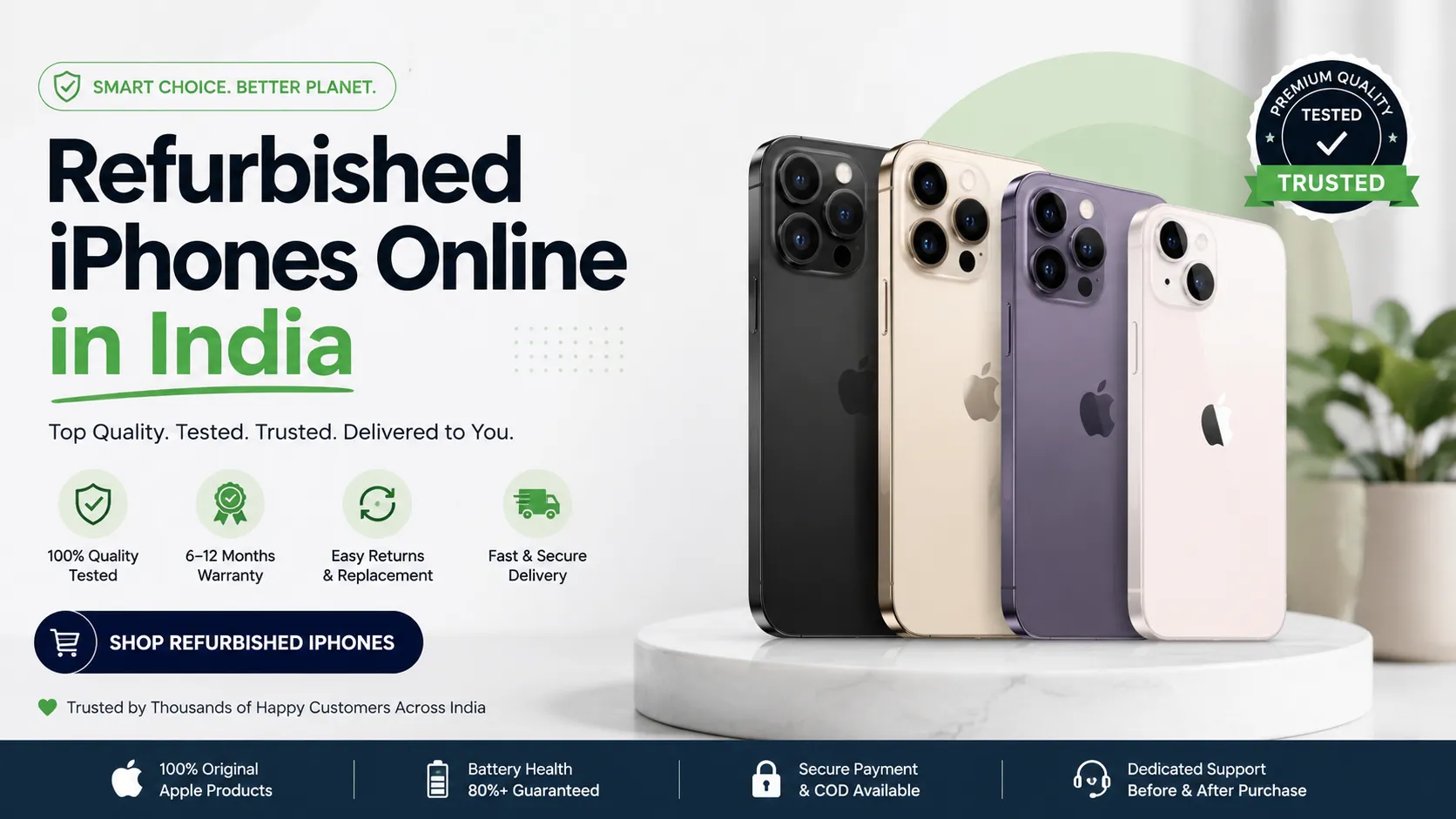
Buying a refurbished iPhone can be a smart way to get premium Apple technology at a lower price. However, a refurbished phone is not simply a used phone in a different box. Its condition, replacement parts, battery health, testing process, warranty, and return policy can vary significantly from one seller to another. Before making a purchase, it is important to check a few key details so you get a reliable device for your money.
Apple itself recommends checking the seller’s certification process, return policy, physical condition, battery health, parts and service history, and Activation Lock status before buying a pre-owned iPhone.
Check the Seller’s Reputation
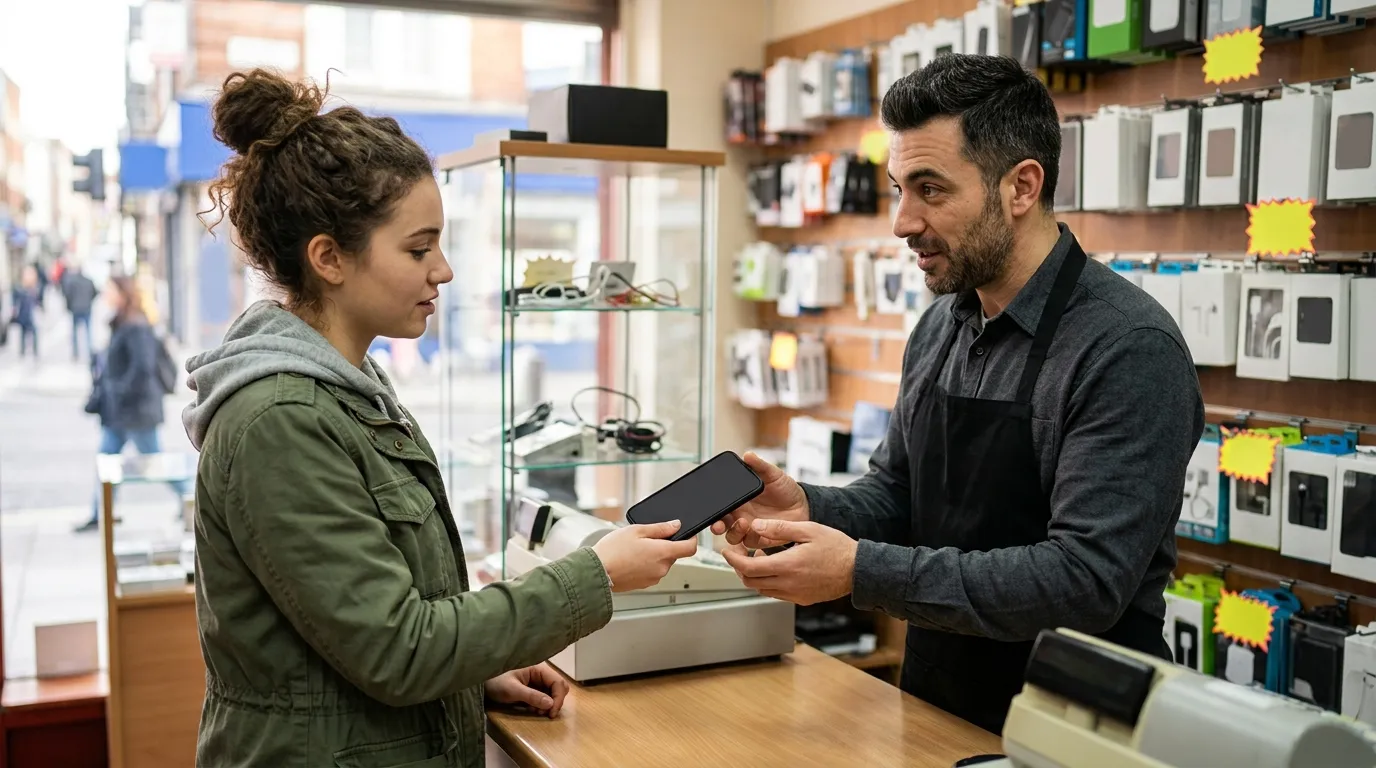
The first step is to choose a seller that clearly explains how its refurbished phones are inspected and supported after purchase. Avoid sellers who provide limited information about the phone’s condition or do not clearly state their warranty and return terms.
A reliable seller should explain what testing is performed, whether components may have been replaced, what cosmetic condition you should expect, and what happens if the device develops a problem.
For buyers looking for refurbished iphones online in india, Easy Phones offers refurbished Apple devices through its online store as well as physical locations. The company states that its devices undergo 200+ quality checks and are backed by a six-month warranty and a seven-day return policy.
Inspect the Physical Condition
A refurbished iPhone may show some signs of previous use, depending on its grading or condition category. Carefully check the display, frame, back panel, camera lenses, buttons, charging port, and speakers.
Look for deep scratches, dents, cracks, bent frames, loose buttons, or damage around the charging connector. Small cosmetic marks may not affect performance, but major physical damage can indicate a more serious problem.
If you are buying online, read the product description carefully and compare the promised condition with the actual device when it arrives. Apple recommends inspecting the phone after delivery and returning it if its condition is significantly different from what was expected.
Check Battery Health
Battery health is one of the most important things to examine before buying a refurbished iPhone. Open Settings, go to Battery, and check Battery Health or Battery Health & Charging, depending on the iOS version.
Pay attention to maximum capacity and any important battery messages. Apple notes that battery capacity naturally declines with use, so a refurbished device should be evaluated according to its age, condition, price, and the seller’s battery policy.
Also check whether the seller offers a battery guarantee and understand what that guarantee actually covers. For example, Easy Phones states that it provides a battery guarantee, while its warranty policy explains that normal battery deterioration after the initial verification period is excluded from warranty coverage.
Check Parts and Service History
An iPhone may have had one or more components replaced before being resold. This does not automatically make the device unreliable, but you should know what has been changed.
On supported iPhones, go to Settings > General > About and look for Parts and Service History. Apple explains that this section can identify replaced components and may indicate whether a recognised genuine Apple part was used or whether a component is marked as “Unknown.”
Ask the seller about replacement components if the product listing does not provide enough information. Transparency is important because display, battery, camera, and other components can affect the phone’s future performance and serviceability.
Make Sure Activation Lock Is Disabled
Never buy a refurbished or pre-owned iPhone that is still linked to another person’s Apple Account. Activation Lock is designed to prevent unauthorised use of a lost or stolen device.
When setting up the iPhone, you should not be asked for the previous owner’s Apple Account details. Apple specifically advises buyers not to take ownership of a device that displays “iPhone Locked to Owner.”
This check is especially important when buying from an individual seller, marketplace, or unfamiliar online store.
Test the Important Features
Before keeping the phone, test the features you are likely to use every day. Check Face ID or Touch ID, cameras, microphone, speakers, charging, Wi-Fi, Bluetooth, mobile network connectivity, buttons, touchscreen responsiveness, and vibration.
Make a test call and connect the phone to Wi-Fi. Also check whether the device is carrier unlocked by going to Settings > General > About and looking for the Network Provider Lock information. Apple recommends these checks when inspecting a pre-owned iPhone.
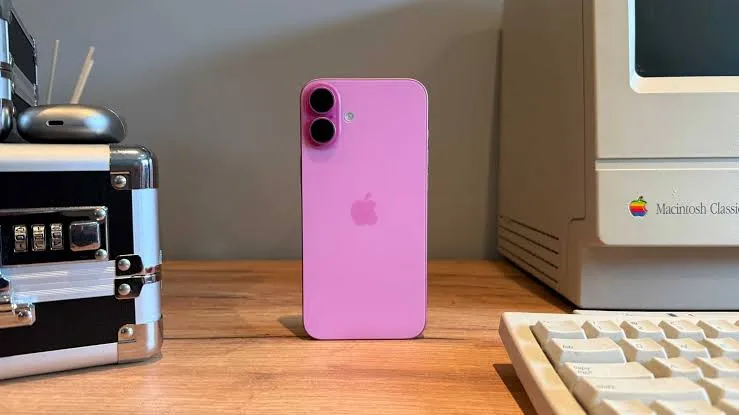
If you are considering newer models, compare specifications and pricing carefully. For example, buyers interested in the iPhone 16 can review refurbished apple iphones 16, while those who prefer a larger display can consider refurbished apple iphones 16 plus. Easy Phones lists its iPhone 16 as passing through a 200+ point quality check and includes a six-month warranty.
Read the Warranty and Return Policy
A good warranty can make a major difference when buying refurbished technology. Before paying, check the warranty duration, what defects are covered, what is excluded, and how claims are handled.
Also understand the return window. Easy Phones currently states that its refurbished devices carry a six-month warranty and offers a seven-day return or replacement window, subject to its stated conditions. Its policy also requires customers to report certain physical-condition and battery-related concerns promptly after delivery.
Compare Price With Overall Value
The cheapest refurbished iPhone is not always the best deal. A lower price may come with weaker battery health, more cosmetic wear, limited warranty coverage, or uncertain replacement parts.
Instead of comparing only the purchase price, consider battery condition, storage capacity, physical grade, testing process, warranty, return policy, accessories, and seller reputation. This gives you a clearer idea of the phone’s real value.
For buyers in Udaipur, Easy Phones can be a practical option to consider because it combines refurbished devices with stated quality checks, warranty support, and return provisions.
Final Checklist Before Buying
Before purchasing a refurbished iPhone, verify the seller, physical condition, battery health, parts and service history, Activation Lock status, network compatibility, key features, warranty, and return policy. Most importantly, make sure the product description matches the device you receive.
A refurbished iPhone can offer excellent value when it has been properly inspected and sold with transparent support. Taking a few minutes to check these details can help you avoid unexpected repair costs and choose a device that delivers dependable performance for years to come.
























Sign in to leave a comment.