
Ever been there? You’re ready to tackle that mountain of dirty dishes, but your GE dishwasher decides to throw a blinking light party instead of starting. It’s frustrating, right? I’ve been in your shoes, staring at those blinking lights with confusion. As an appliance repair expert, I’ve fixed my dishwasher, helped my neighbor with theirs, and resolved countless issues for my clients.
In this article, we’ll dive into why your GE dishwasher is blinking and not starting. We’ll explore the common causes and simple solutions to get your dishwasher back in action. So, grab your toolbelt (or maybe just a cup of coffee) and let’s get those dishes cleaned!
Door Not Fully Closed
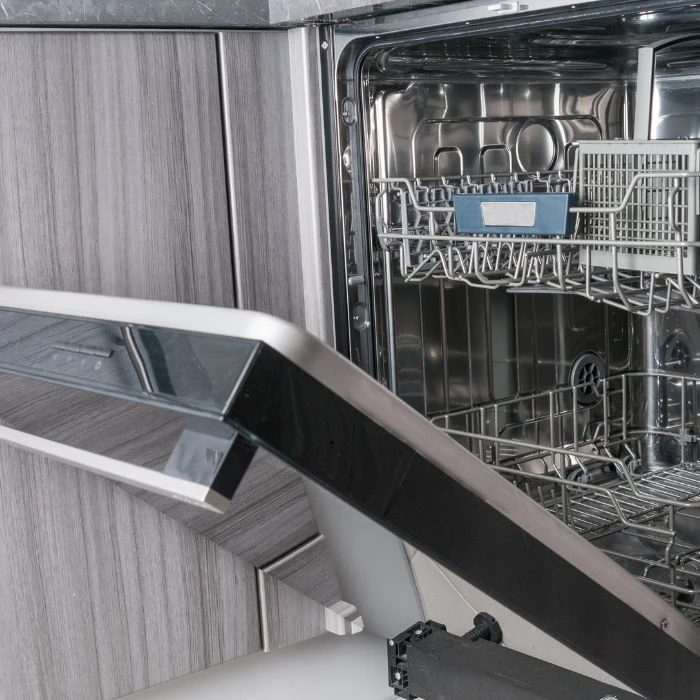
Sometimes, the simplest solutions are the best. If your GE dishwasher is blinking and not starting, it might just be because the door isn’t fully closed.
Common Reasons
- Something is blocking the door.
- The latch isn’t engaging properly.
- The door seal is dirty or damaged.
Solution
- Check for obstructions like utensils or dishes.
- Make sure the latch clicks when you close the door.
- Clean or replace the door seal if needed.
One time, I spent an hour troubleshooting my dishwasher only to find a rogue fork jammed in the door. I laughed, relieved that it was an easy fix. It reminded me of when I helped my neighbor with her dishwasher. She was so worried, but it turned out her toddler had stuffed a toy in the door. We had a good chuckle and fixed it in no time.
So, before you panic, make sure your dishwasher door is properly closed. It might save you a lot of time and frustration!
Control Lock Activated
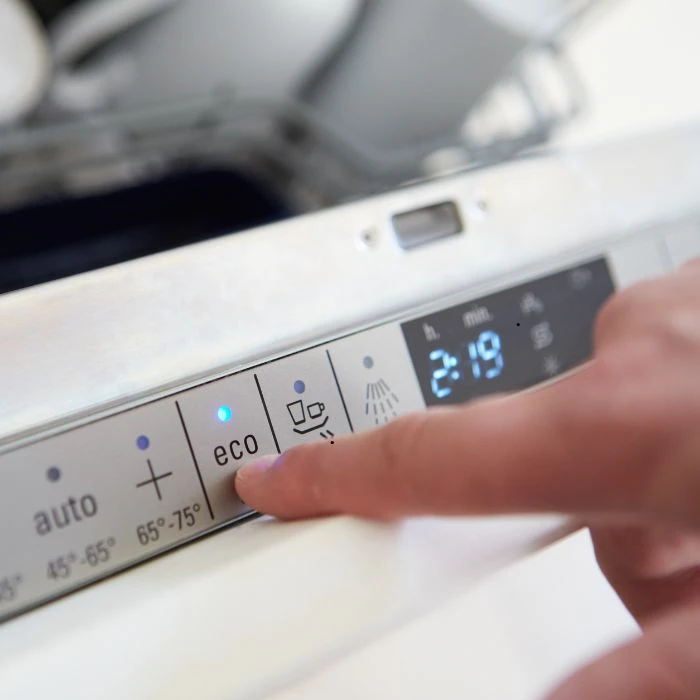
If your GE dishwasher is not starting, it might be because the control lock is activated. This feature can prevent the dishwasher from starting.
Common Reasons
- The control lock button was accidentally pressed.
- The lock was turned on to prevent kids from playing with the controls.
Solution
- Look for a control lock button or icon on your dishwasher.
- Press and hold the button for a few seconds to deactivate the lock.
- Check your user manual for specific instructions.
I remember the time my neighbor called me in a panic. Her GE dishwasher was not starting, and she was convinced it was broken. After a quick look, I noticed the control lock light was on. We had a good laugh when we realized her curious cat must have pressed the button. A simple hold of the control lock button, and her dishwasher was back in action.
So, if your GE dishwasher is not starting, check the control lock first. It might save you a lot of stress and a service call!
Power Issues
If your GE dishwasher is blinking and not starting, it might be a power issue. Without power, even the best dishwasher can\'t run.
Common Reasons
- The dishwasher isn’t plugged in properly.
- A tripped circuit breaker.
- A blown fuse.
Solution
- Ensure the dishwasher is securely plugged into the outlet.
- Check your home’s circuit breaker panel for any tripped breakers and reset them.
- Replace any blown fuses in your electrical panel.
I recall a time when a friend was in a panic because his dishwasher suddenly stopped working. He was sure it was broken and needed expensive repairs. When I came over, the first thing I checked was the power connection. Sure enough, the plug was loose. A simple push to secure the plug, and voila! The dishwasher came back to life. We both had a good laugh, relieved it was such an easy fix.
So, before you stress out, make sure to check the power. Sometimes, the simplest solutions are the most effective.
Cycle Interrupted
If your GE dishwasher is blinking and not starting, it might be due to an interrupted cycle. Dishwashers can be sensitive to disruptions.
Common Reasons
- Opening the door mid-cycle.
- Power outage during a cycle.
- Pressing the cancel button accidentally.
Solution
- Close the door securely and press the start button again.
- Reset the dishwasher by turning it off and on.
- If there was a power outage, ensure the power is back on and reset the dishwasher.
I remember helping a friend who was frustrated because her dishwasher kept blinking and wouldn\'t start. She couldn\'t figure out why. After some questioning, I found out she had opened the door mid-cycle to add a forgotten dish. This simple interruption caused the issue. We closed the door, pressed the start button, and it resumed without a hitch. We laughed about how something so small could cause such a headache.
So, if your dishwasher is acting up, think back to any interruptions. A simple reset might be all you need to get it running smoothly again.
Water Supply Problem
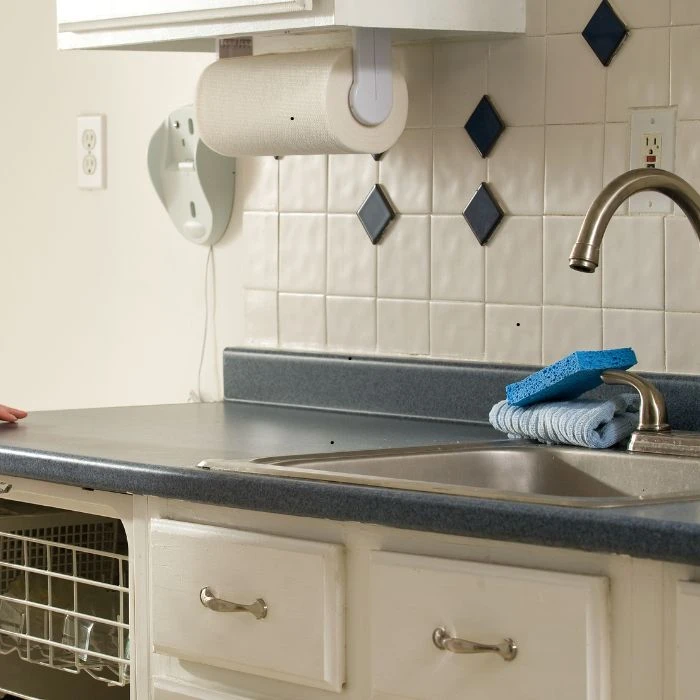
If your GE dishwasher is blinking and not starting, it could be a water supply issue. Without water, your dishwasher can\'t do its job.
Common Reasons
- The water valve is turned off.
- The water supply hose is kinked.
- The inlet filter is clogged.
Solution
- Ensure the water valve under your sink is fully open.
- Check the hose for any kinks or bends that might restrict water flow.
- Clean the inlet filter to remove any debris.
I once helped a client who was frustrated because her GE dishwasher was not filling with water. She was ready to call a repair service. After checking the basics, I found the water valve under the sink had been turned off, probably during some recent plumbing work. We turned the valve back on, and the dishwasher started filling up and running perfectly. We shared a laugh about how such a small oversight could cause such big worries.
So, if your dishwasher isn\'t working, make sure the water supply is in order. Sometimes, the simplest solutions make the biggest difference.
Error Codes
Blinking lights can indicate specific error codes. Refer to your user manual to understand what the blinking pattern means.
Common Reasons
- Error codes signal issues like a blocked pump, water inlet problems, or a heating element failure.
Solution
- Consult your user manual to decode the blinking pattern.
- Follow the troubleshooting steps provided.
- If needed, contact a professional for help.
I remember the first time my dishwasher started blinking. Panic set in until I grabbed the user manual. The blinking pattern indicated a water inlet issue. Following the manual’s steps, I discovered a kink in the hose. Once fixed, the dishwasher worked perfectly. It was a learning moment that saved me from a service call.
Faulty Component
A faulty component, such as a door latch, float switch, or control board, can cause the blinking issue. These might require professional repair.
Common Reasons
- Broken door latch.
- Malfunctioning float switch.
- Defective control board.
Solution
- Inspect and test the door latch.
- Check the float switch for proper operation.
- If the control board seems faulty, consult a professional.
My neighbor once faced a blinking dishwasher and was ready to give up. After a quick inspection, we found the door latch wasn’t engaging properly. We ordered a replacement part, and after a bit of DIY, the dishwasher was back to normal. She was thrilled and grateful for the help.
Drainage Issue
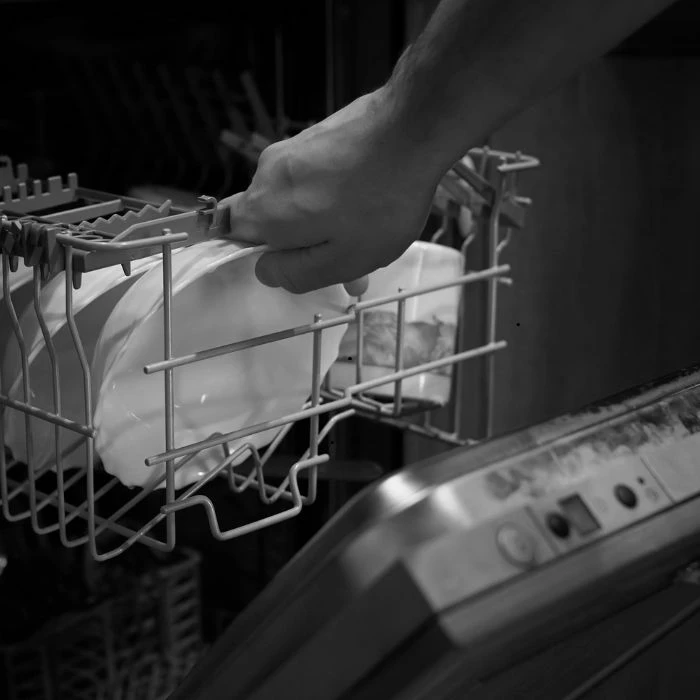
If the dishwasher isn’t draining properly, it can cause the start light to blink. Check for clogs in the drain hose or garbage disposal connection.
Common Reasons
- Clogged drain hose.
- Blocked garbage disposal connection.
- Faulty drain pump.
Solution
- Inspect the drain hose for blockages.
- Clear any obstructions in the garbage disposal connection.
- If necessary, replace the drain pump.
A client once called me in a panic because her dishwasher’s start light was blinking, and it wasn’t draining. After checking the drain hose, we found a piece of food debris causing the blockage. Once cleared, the dishwasher drained perfectly, and the blinking stopped. She was relieved and appreciated the quick fix.
Remember, when dealing with a blinking dishwasher, stay calm and start with simple checks. Often, the solution is easier than you think!
If your GE dishwasher is blinking and not starting, just comment below for more help! I’m here to assist you with any questions or issues you might have.











Sign in to leave a comment.