

The true power of Microsoft productivity tools exists within the modern Microsoft 365 workplace, which is an integrated ecosystem of products encompassing everything from communication, collaboration, and data storage to artificial intelligence, project management, and much more. This article explores the various benefits of this platform and how it helps organizations to experience the productivity, greater innovation, and digital transformation they need.
Exploring the Reasons to Have a Microsoft Office 365 Workplace
Real-Time Collaboration
Microsoft 365 Workplace facilitates real-time collaboration, enabling teams to work simultaneously on documents, presentations, and spreadsheets. It enhances efficiency and eliminates version control issues. The cloud collaboration allows employees to stay connected and work on projects from anywhere at any time, fostering a flexible and dynamic remote work environment.
Scalability
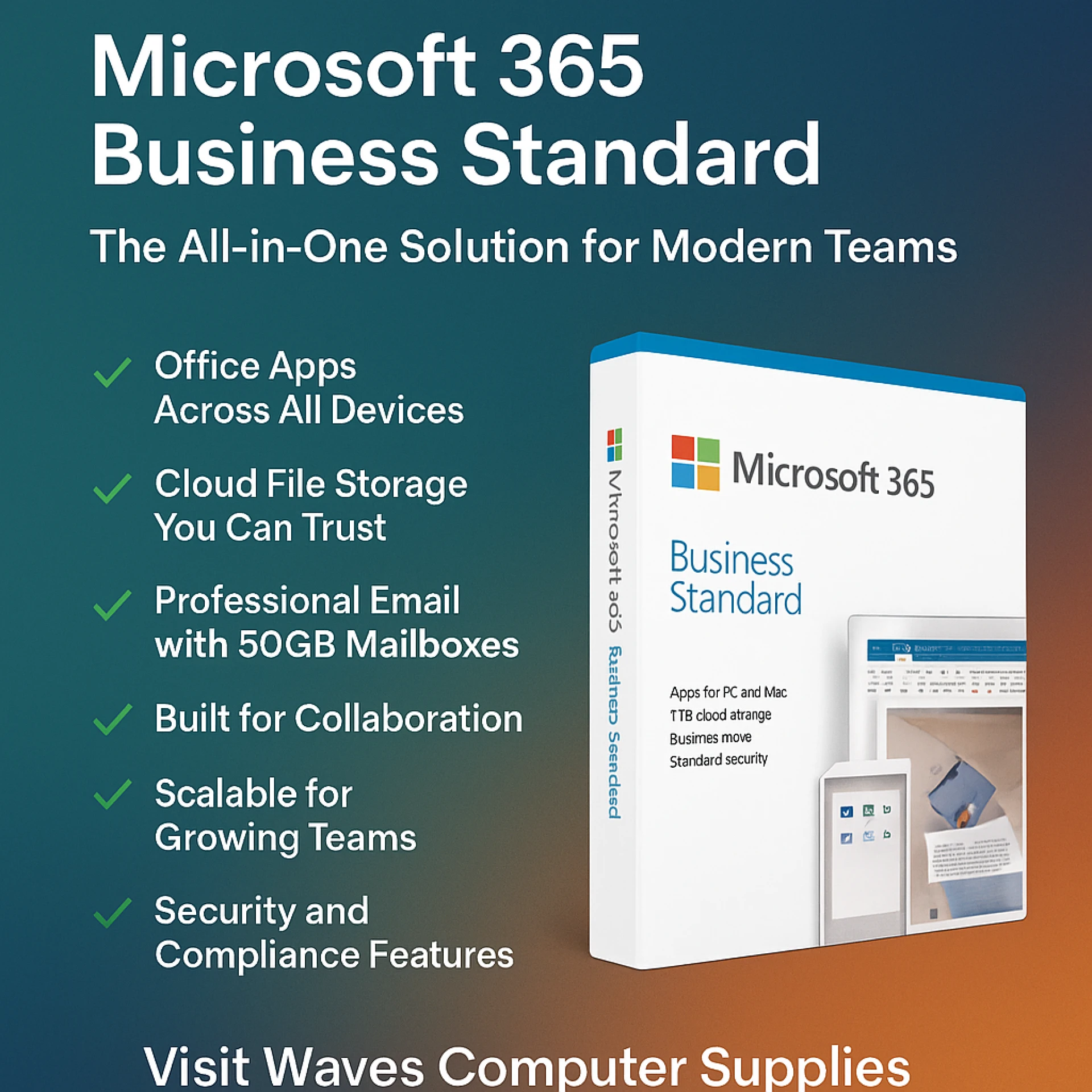
Microsoft Office 365 is highly scalable, making it suitable for all sizes of businesses. Whether you are a startup or an enterprise, this platform can grow depending on your organization’s needs. Allowing organizations to expand their collaboration as they scale, the adaptability of this platform supports digital workplace transformation initiatives.
Enhanced Security Features
Microsoft 365 workplace offers advanced security features, such as data encryption, data loss prevention, multi-factor authentication, and threat detection. These features help protect sensitive information from cyber threats and unauthorized access, ensuring protected data and operations across environments.
Mobile Accessibility
This platform is known for its compatibility with mobile devices, ensuring that employees can be productive on devices other than a PC, such as mobile phones and tablets. This enables users to access, edit, and share documents, spreadsheets, and presentations effortlessly.
Compliance and Data Governance
Microsoft Office 365 workplace provides robust data governance features and adheres to industry-specific compliance standards, ensuring that organizations meet regulatory requirements. Office 365 Workplace helps organizations manage, protect, and govern sensitive data across the entire data estate, including Microsoft 365, multi-cloud, and on-premises environments. Integrated Communication Tools
With applications like Microsoft Teams, Microsoft 365 workplace offers seamless communication through chatting, video conferencing, and file sharing. This fosters better communication as well as collaboration among team members. This helps in strengthening teamwork and enhancing operational efficiency while ensuring that remote teams stay connected. Microsoft Teams serves as a central hub for features like chat, audio and video calls, screen sharing, and file sharing. By integrating this tool with other Microsoft apps like Word, Excel, and PowerPoint, Office 365 offers features like channel-based collaboration and task management to facilitate communication within the organization.
Automatic Updates
Office 365 eliminates the need for manual installation and ensures that users always have access to the latest features and security updates. Automatic updates in the cloud help organizations to stay up-to-date with the latest technologies, trends, and improvements. Automatic updates may include new features, bug fixes, and security patches. These automatic updates ensure that you always have access to the latest features and you stay ahead of the competition.
Conclusion
Whether it is real-time collaboration, scalability, enhanced security features, mobile accessibility, compliance and governance, integrated communication tools, or automatic updates, Microsoft 365 workplace ensures that organizations leverage unified communication tools effectively, leading to productivity and efficiency. Overall, Microsoft 365 offers a comprehensive suite of tailored solutions for organizations seeking optimal utilization of the full ecosystem of Microsoft.
Frequently Asked Questions
What is Microsoft 365 Business Premium?
Microsoft 365 Business Premium is a cloud-based subscription service for small and medium-sized businesses that consists of productivity tools, advanced security features, and device management features. It offers various benefits, like enhanced collaboration through unified communication and shared document editing, and flexibility for remote workers to access documents from anywhere at any time. Overall, it provides scalable cloud-based services and offers cost-effective subscription-based plans.
Is it necessary to buy Office 365?
Buying Office 365 ensures access to essential business tools, advanced security features, and full cloud collaboration capabilities. Not only this, but it also helps organizations to get remote work solutions, enabling workers to work at any time and from anywhere.
Can I combine Microsoft 365 Business Premium with other Microsoft subscription offerings?
Yes, you can combine Microsoft 365 Business Premium with other plans and add-ons, including Azure, Dynamics 365, Office 365, and Enterprise Mobility + Security.






















Sign in to leave a comment.