
Have you ever noticed your phone speaker sounding quiet or distorted after getting caught in the rain or accidentally dropping your device near water? It can be frustrating when music loses its clarity or phone calls become difficult to hear, especially if the phone appears to be working normally otherwise.
The good news is that a muffled speaker doesn't always mean permanent damage. In many situations, trapped moisture inside the speaker grille is the real culprit, and understanding what to do—and what to avoid—can help restore your phone's sound quality.
Why Water Affects Phone Speakers
Modern smartphones are built with increasingly durable designs, and many models offer some level of water resistance. However, water resistance doesn't mean waterproof. Even a small amount of moisture trapped around the speaker can temporarily interfere with sound performance.
When water sits inside the speaker mesh, it restricts the movement of the speaker diaphragm. As a result, you may notice:
- Lower speaker volume
- Distorted or crackling audio
- Muffled voices during calls
- Reduced bass and overall sound quality
These symptoms are often temporary, but acting correctly can make a significant difference.
Common Situations That Cause Speaker Moisture
Water can reach your phone speaker in more ways than you might expect. Some of the most common situations include:
Accidental Splashes
A spilled drink, kitchen sink splash, or sudden rainstorm can leave moisture inside the speaker openings.
Bathroom Steam
Many people use their phones while showering. Even without direct contact with water, steam can create condensation inside speaker grills.
Swimming Pools and Beaches
Although some smartphones are designed to survive brief water exposure, chlorine, saltwater, and sand create additional risks that may affect speaker performance.
Cleaning Your Phone
Using excessive liquid cleaners or spraying disinfectants directly onto the phone can push moisture into sensitive openings.
What You Should Do First
If your speaker starts sounding muffled after water exposure, avoid rushing into complicated fixes.
Start with these simple steps:
Turn Off the Device if Necessary
If your phone has been heavily exposed to water, powering it down can reduce the risk of electrical damage.
Dry the Exterior
Use a soft microfiber cloth to gently remove visible water. Avoid pressing moisture deeper into the speaker openings.
Keep the Speaker Facing Down
Gravity helps trapped droplets move outward rather than deeper into the device.
Allow Air Drying
Place the phone in a dry, well-ventilated area for several hours. Patience is often one of the best solutions.
Mistakes That Can Make Things Worse
Many popular internet tips can actually increase the risk of damage.
Using a Hair Dryer
High temperatures may damage internal components while forcing water further inside.
Inserting Cotton Swabs
Pushing objects into the speaker grille can damage the protective mesh or compact debris inside the opening.
Shaking the Phone Aggressively
Although it seems logical, vigorous shaking may spread moisture to other internal components.
Charging Immediately
If water has entered the charging port, plugging in your phone too soon could create additional problems.
How Sound Frequencies Can Help
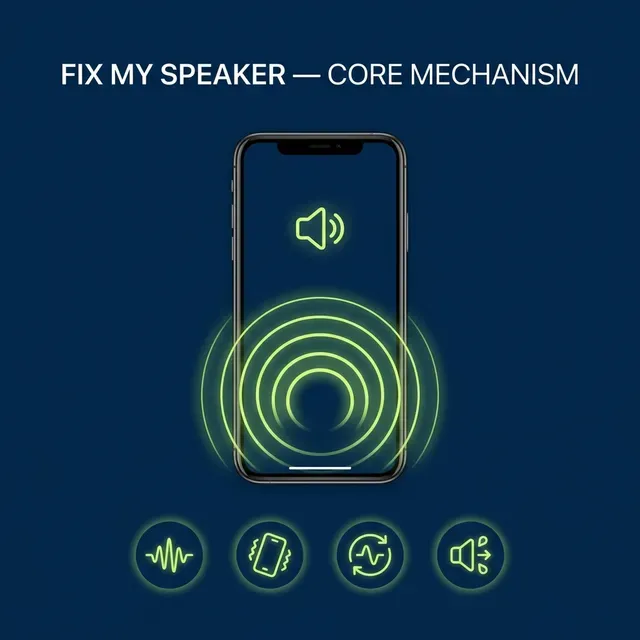
One interesting technique involves using carefully selected sound frequencies that create vibrations capable of helping push tiny water droplets away from the speaker.
Instead of physically touching the speaker, these vibrations encourage moisture to move outward naturally.
If your phone's sound quality has declined after minor water exposure, using a reliable Water Ejection Tool can be a simple and convenient way to help remove trapped moisture before considering more complicated solutions.
While this approach isn't a cure for serious water damage, it often helps with temporary moisture trapped near the speaker grille.
How to Protect Your Speaker in the Future
Preventing moisture buildup is much easier than fixing it later.
Here are a few practical habits worth adopting.
Use a Protective Case
Quality phone cases provide extra protection against accidental splashes while reducing the chance of water reaching speaker openings.
Avoid High-Humidity Environments
Long periods in steamy bathrooms or humid outdoor conditions can slowly introduce moisture into sensitive areas.
Clean Carefully
Instead of spraying liquid directly onto your phone, lightly dampen a microfiber cloth and wipe the exterior.
Dry the Device Quickly
After rain or accidental splashes, drying the phone promptly helps prevent moisture from lingering.
When Professional Repair Is Necessary
Sometimes the problem goes beyond temporary moisture.
Consider professional assistance if:
- Audio remains distorted after several days
- The speaker produces buzzing noises
- The phone overheats after water exposure
- Other components stop working
- The device repeatedly restarts
These signs may indicate internal water damage that requires inspection by a qualified technician.
Can Water Damage Become Permanent?
Unfortunately, yes.
If moisture reaches sensitive electronic components and remains there long enough, corrosion can begin forming on internal circuits. Corrosion often develops gradually, meaning a phone may seem normal initially before problems appear days or weeks later.
That's why responding quickly after water exposure is important. Removing trapped moisture early reduces the likelihood of long-term issues.
Everyday Habits That Extend Speaker Life
Good maintenance isn't only about avoiding water.
You can also improve speaker longevity by:
- Keeping the speaker grille free from dust
- Avoiding maximum volume for extended periods
- Using protective cases during outdoor activities
- Cleaning the device regularly with appropriate materials
- Avoiding exposure to sand and fine debris
Small habits often have a surprisingly large impact on long-term audio performance.
Understanding the Difference Between Moisture and Hardware Failure
Not every muffled speaker indicates water damage.
Dust accumulation, aging components, software glitches, and accidental drops can also reduce sound quality. If your speaker suddenly becomes quieter immediately after water exposure, moisture is a likely cause. However, if the issue develops gradually over months, other factors may be responsible.
Paying attention to when the problem began can help narrow down the cause and determine the most appropriate solution.
Final Thoughts
A muffled phone speaker after water exposure can certainly be annoying, but it isn't always a reason to panic. In many cases, trapped moisture simply needs time—or gentle vibration—to leave the speaker chamber. By avoiding common mistakes, allowing proper drying, and using practical methods to encourage water removal, you may restore clear audio without costly repairs.
Regular phone care also plays an important role in keeping speakers performing their best. Simple habits like careful cleaning, avoiding unnecessary moisture, and protecting your device during everyday use can significantly reduce future problems. For those looking for a convenient way to address temporary speaker moisture, Fix My Speaker has become a popular option among users seeking to restore their phone's audio quickly and safely.























Sign in to leave a comment.