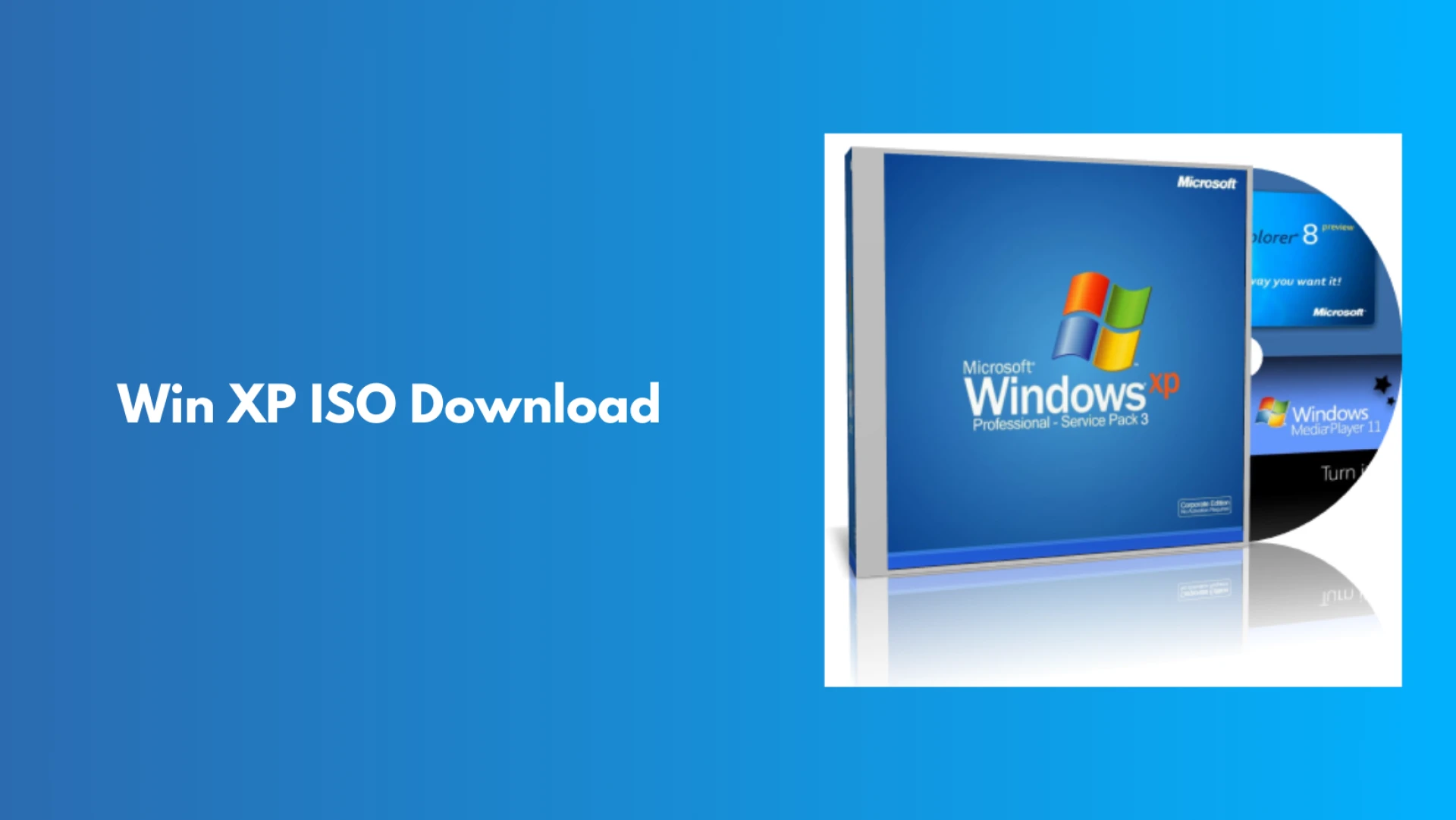

Windows XP is still one of the most iconic operating systems released by Microsoft. Even though the OS has been discontinued by Microsoft, there are numerous users who are still looking for a Windows XP bootable ISO for different things, such as legacy software support, testing environments, old hardware compatibility, and educational purposes. Well, this guide will provide you with a comprehensive understanding of the Windows XP ISO file and how you can get a bootable ISO file on your device.
Overview of a Windows XP ISO file
A Windows XP ISO file is a single disk image file that has all the installation data required for the Windows XP operating system. The ISO can also be written to a DVD or CD and used to create a bootable USB drive. This allows users to install the Windows XP OS on their devices and run it without any assistance of devices, such as VirtualBox or VMware.
Versions of Windows XP that are still in use
Windows XP was launched as a series of different editions, and each one met the particular needs of different users. The common editions that were available are as follows:
- Windows XP Home - For private and family use
- Windows XP Professional - For business with advanced networking features
- Windows XP Media Center - For entertainment and multimedia
- Windows XP Tablet PC - For early touch screen devices
- Windows XP 64-Bit - For 64-bit processor systems
Most users go for XP Professional because of its reliability and features.
Reasons for Using Windows XP Bootable ISO Today
Though it is considered obsolete in the area of modern computing, Win XP ISO can still be effectively utilized in the following situations:
- Playing older apps or games that are not working with newer Windows versions
- Keeping old hardware like industrial machines, scanners, and printers in use
- Performing software testing and research in a lab setup
- Giving students hands-on experience with vintage operating systems
However, using Windows XP for everyday surfing on the internet is a big no because of the high-security risks involved.
How can you use a Bootable ISO?
Basically, a Windows XP bootable ISO can be utilized in two primary ways:
- Physical Installation - Write the ISO on a CD/DVD or make a bootable USB drive to install XP on an older computer.
- Virtual Machine Installation - Run Windows XP inside a modern operating system by loading the ISO into virtualization software.
In regard to safety, using virtual machines is the most recommended approach.
Important Legal and Security Considerations
Microsoft has officially stopped providing support for Windows XP since 2014. This implies that:
- No security updates or patches are being offered.
- The use of XP for web surfing is equivalent to exposing the system to malware and vulnerabilities.
Additionally, you need to have a proper license key to download and use Windows XP, as the failure to do so can result in legal issues for you. We recommend using the website Datarecovee to learn about the features of Windows XP and how you can use them.
Sign in to leave a comment.